

Fence+ Pack de ressources pour Minecraft 1.21
Améliorez la texture de votre barrière avec le Resource Pack Fence+.
À propos du pack de ressources Fence+
Fence+ is a resource pack that makes your fence texture better and natural by adding tree trunk texture to the fence.
Some screenshots:
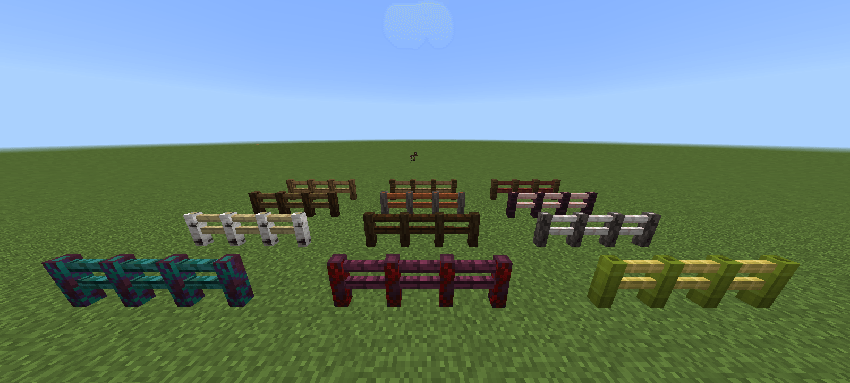
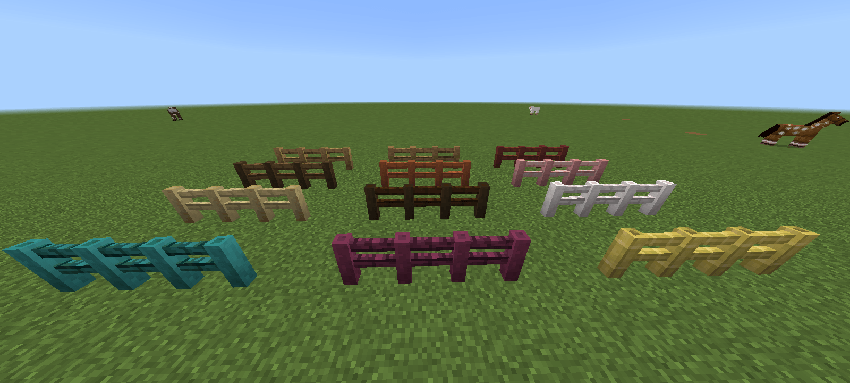
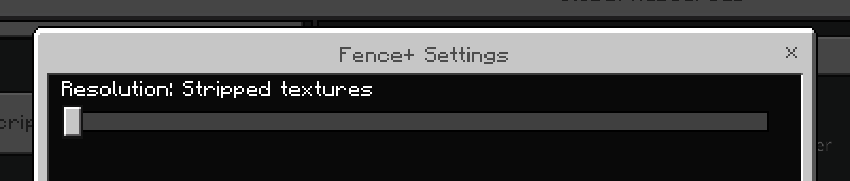
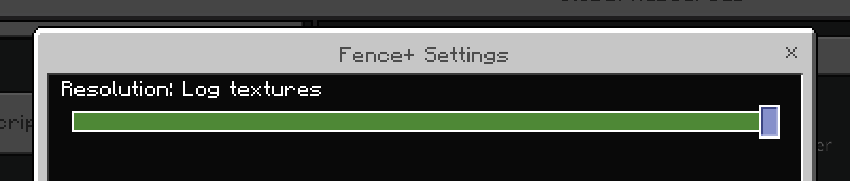
There are two variants, there are stripped log variants and regular log variants, you can change them through the resource pack settings.
Comment installer Fence+
With Millida Launcher
Install Millida Launcher
The launcher is free: download it at millida.net/launcher and sign in with any nickname.
Click “Install” on this page
The launcher opens and installs the resource pack for Minecraft 1.21 automatically.
Launch the game
A profile with it appears in the launcher: click “Play”.
Manually
Download the archive
Pick the file Fence+.mcpack (122 KB) for your game version. No need to unpack it.
Put it in the resourcepacks folder
The easiest way: “Options”, then “Resource Packs”, then “Open Pack Folder”, and drag the archive there.
Enable the pack
In the same window, move the pack to the right-hand “Selected” column and click “Done”.
Versions
Avec dépendances
| Minecraft | Loader | Fichier | Date | Actions |
|---|---|---|---|---|
| 1.21 | — | Fence+.mcpack122 Ko |
FAQ
Which Minecraft versions does Fence+ work on?
Only Minecraft 1.21: there are no files for other versions.
Where can I download Fence+ safely?
On this page: the file Fence+.mcpack (122 KB) is stored on Millida’s server, with no link shorteners. SHA-1 checksum: 1a843bb3037823c4c9ba4c917959df221cfacb0e.
Avis
Soyez le premier à noter Fence+



