

Default RTX Pack de ressources pour Minecraft 26.50
(Fait pour le fun) Pack de ressources de ray tracing pour Minecraft Bedrock Edition qui apporte des améliorations visuelles au jeu.
À propos du pack de ressources Default RTX
THIS PROJECT IS NOT SUPPORTED BY MOJANG OR NVIDIA. THIS IS A 3RD PARTY RESOURCE PACK. THE NAME OF THE PACK JUST REPRESENTS THE MAIN IDEA.
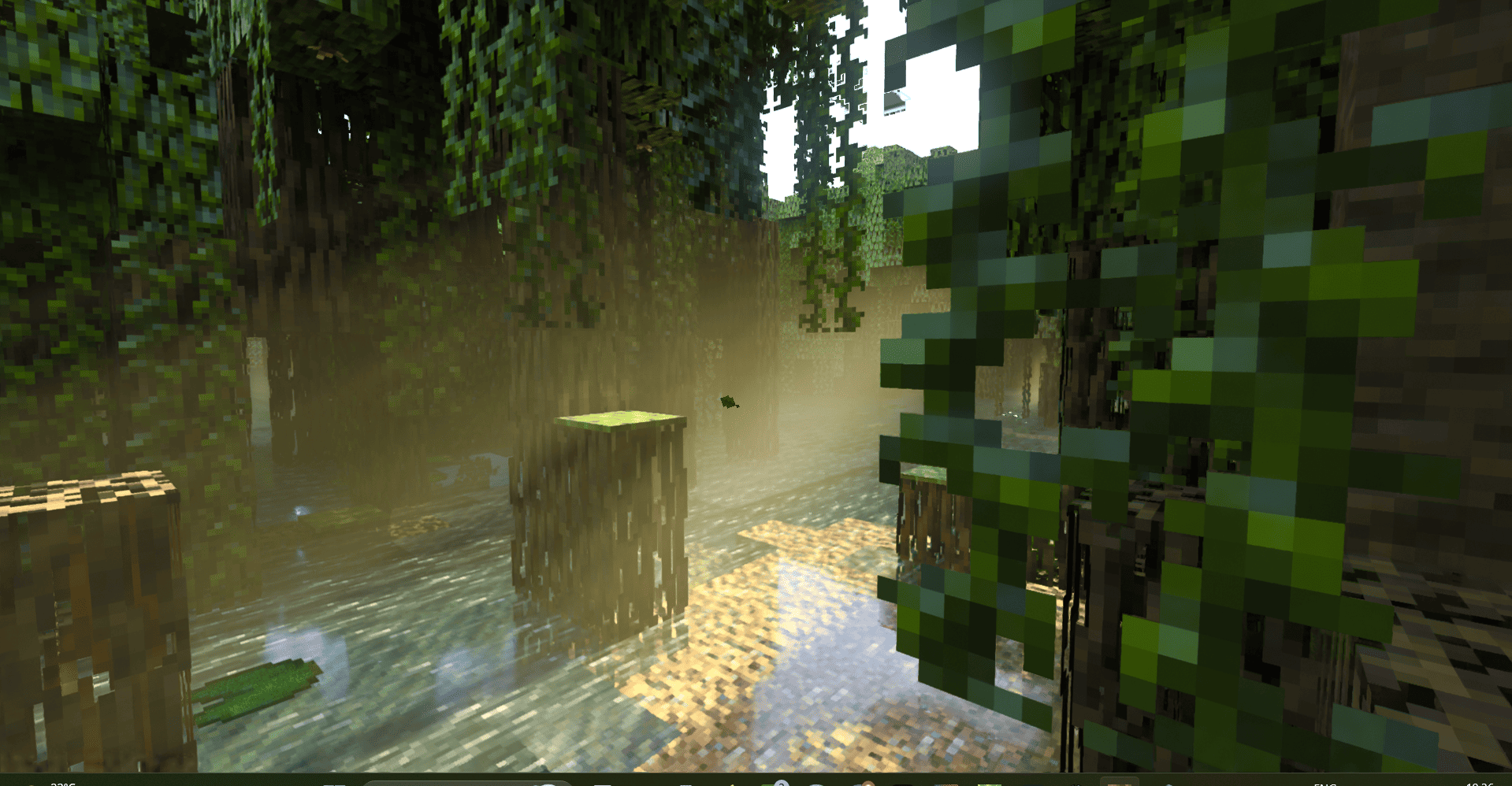
Default RTX is the ray-tracing resource pack for Minecraft bedrock edition that mixes realism, beauty and vanilla style, creating the new style and the new way of experiencing game. The resource pack allows you to use ray tracing in Minecraft worlds, multiplayer (realms, servers, friend's world). Default rtx resource pack includes PBR for blocks, volumetric fogs, entity configurations, everything that you need to have to have fun playing with ray tracing with having vanilla textures.
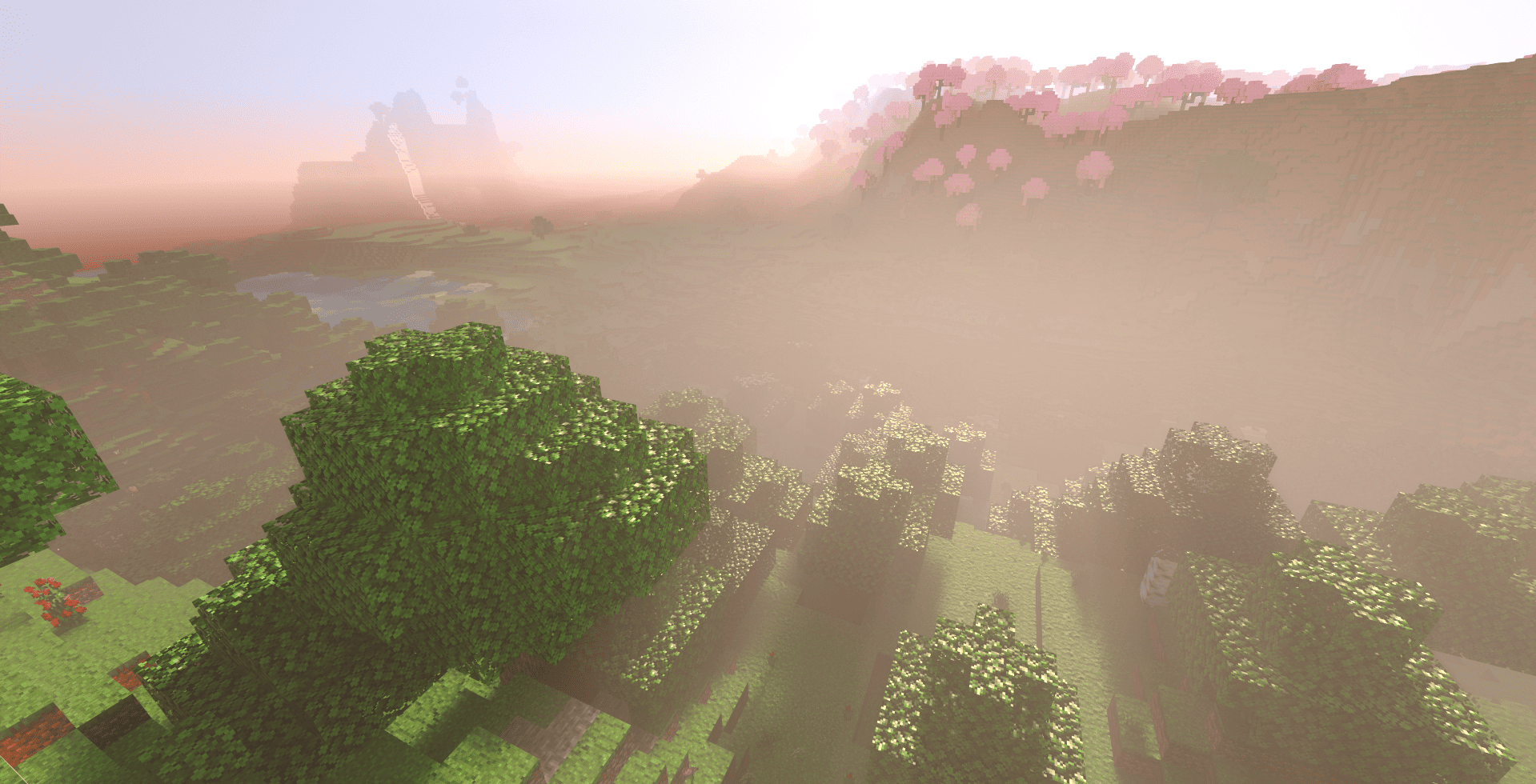
The resource pack is also focused on fixing visual bugs that are happening with Minecraft RTX. A lot of content is enhanced specifically for ray tracing, so your gameplay is going to be smooth.
This resource pack is always updated to the latest game versions and game drops. Default RTX usually keeps up with the drops that haven't been released yet. For experiencing the fresh content, you can use beta-version of the resource pack, which are unstable variants of what the next update is going look like. If you have a feedback, feel free to share your opinion in the comments - I always read them!
Please, note that this project is not related to vibrant visuals graphics mode, or to deferred pipeline in general. It only works for ray-traced graphics mode.
Comment installer Default RTX
With Millida Launcher
Install Millida Launcher
The launcher is free: download it at millida.net/launcher and sign in with any nickname.
Click “Install” on this page
The launcher opens and installs the resource pack for Minecraft 26.40–26.50 automatically.
Launch the game
A profile with it appears in the launcher: click “Play”.
Manually
Download the archive
Pick the file DefaultRTX_1_2_2.mcpack (3.9 MB) for your game version. No need to unpack it.
Put it in the resourcepacks folder
The easiest way: “Options”, then “Resource Packs”, then “Open Pack Folder”, and drag the archive there.
Enable the pack
In the same window, move the pack to the right-hand “Selected” column and click “Done”.
Versions
Avec dépendances
| Minecraft | Loader | Fichier | Date | Actions |
|---|---|---|---|---|
| 26.40 | — | Default RTX 1.2.23.9 Mo 1 |
FAQ
Which Minecraft versions does Default RTX work on?
There are files for 26.50, 26.40. The newest is 26.50.
Where can I download Default RTX safely?
On this page: the file DefaultRTX_1_2_2.mcpack (3.9 MB) is stored on Millida’s server, with no link shorteners. SHA-1 checksum: 19a065eda183e13c1aed395b0e0b9a11d0025e69.
Avis
Soyez le premier à noter Default RTX


