
Default 8x8 Pack de ressources pour Minecraft 1.21.122
Voici la version simple : ce pack change toutes les textures de Minecraft en résolution 8x8, donnant au jeu un look rétro propre avec de meilleures performances.
8x8 Resolution Pack
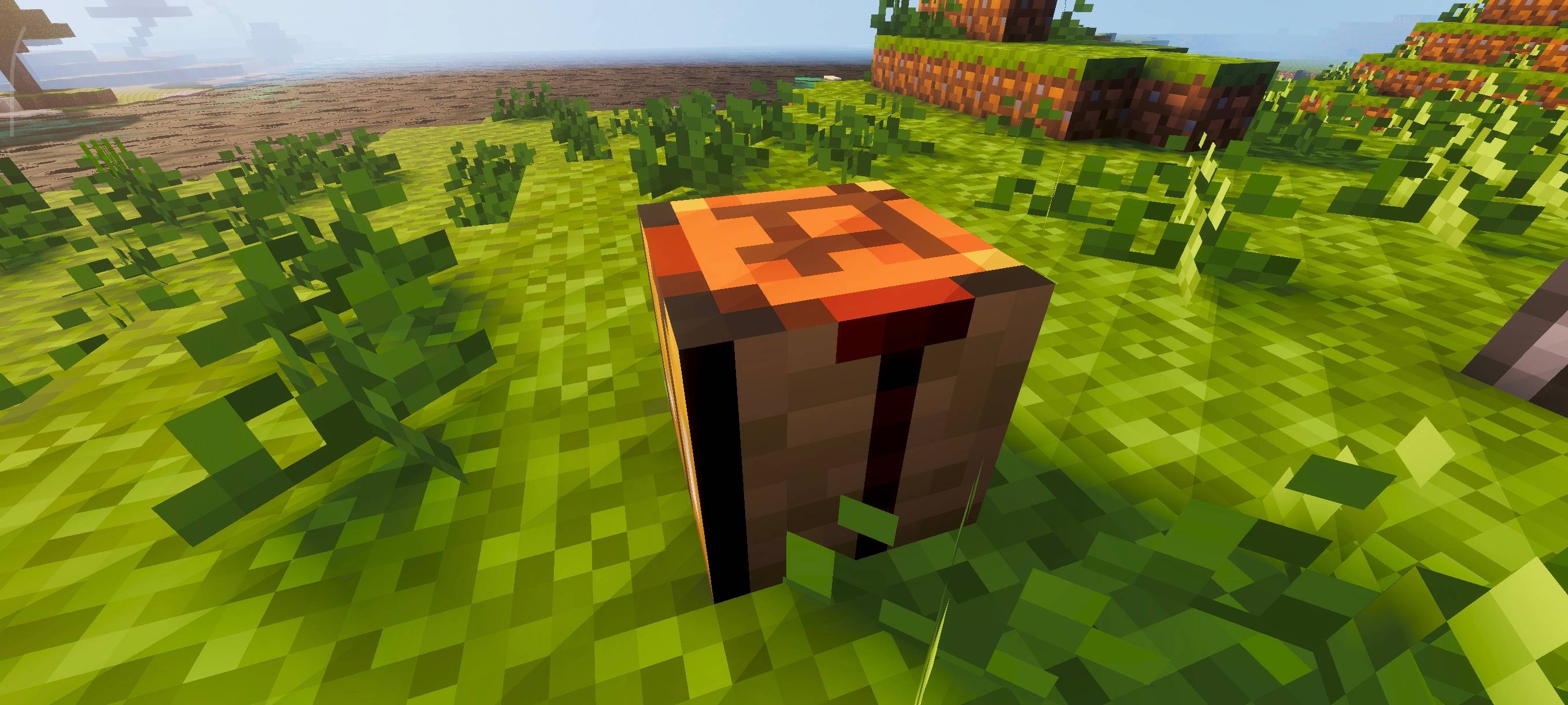
This pack changes all Minecraft textures to 8x8 resolution, giving the game a simple and retro pixel look. The textures stay clear while also improving performance.
Great for players who want better FPS or enjoy a classic pixel-art style!
Want all resolutions (16x to 1x) in one pack? Check out the Multi Resolutions Pack where you can switch between different resolutions using subpacks!
Comment installer Default 8x8
With Millida Launcher
Install Millida Launcher
The launcher is free: download it at millida.net/launcher and sign in with any nickname.
Click “Install” on this page
The launcher opens and installs the resource pack for Minecraft 1.21.122 automatically.
Launch the game
A profile with it appears in the launcher: click “Play”.
Manually
Download the archive
Pick the file 8x8_Texture_Pack.mcpack (2.4 MB) for your game version. No need to unpack it.
Put it in the resourcepacks folder
The easiest way: “Options”, then “Resource Packs”, then “Open Pack Folder”, and drag the archive there.
Enable the pack
In the same window, move the pack to the right-hand “Selected” column and click “Done”.
Versions
Avec dépendances
| Minecraft | Loader | Fichier | Date | Actions |
|---|---|---|---|---|
| 1.21.122 | — | 8x8_Texture_Pack.mcpack2.4 Mo 4 |
FAQ
Which Minecraft versions does Default 8x8 work on?
Only Minecraft 1.21.122: there are no files for other versions.
Where can I download Default 8x8 safely?
On this page: the file 8x8_Texture_Pack.mcpack (2.4 MB) is stored on Millida’s server, with no link shorteners. SHA-1 checksum: a36735d66f79b09c00bce2a6c0698b55bfa54e28.
Avis
Soyez le premier à noter Default 8x8



