
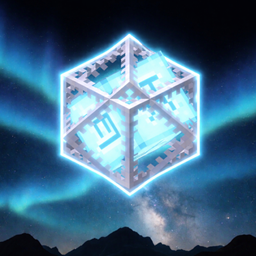
Crystal boost Pack de ressources pour Minecraft 26.10
"Maximisez vos performances avec Crystal Boost. Un resource pack MCPE léger avec No Particles, Transparent UI, Short Swords et Smooth Skies pour le boost de FPS ultime et un PvP sans lag."
À propos du pack de ressources Crystal boost
Crystal Boost is a high-performance resource pack designed specifically for Minecraft Bedrock (MCPE). Inspired by the efficiency of Java performance mods, Crystal Boost strips away the clutter and optimizes your visuals to deliver the smoothest frame rates possible on any mobile or low-end device.
⚡ Performance Features
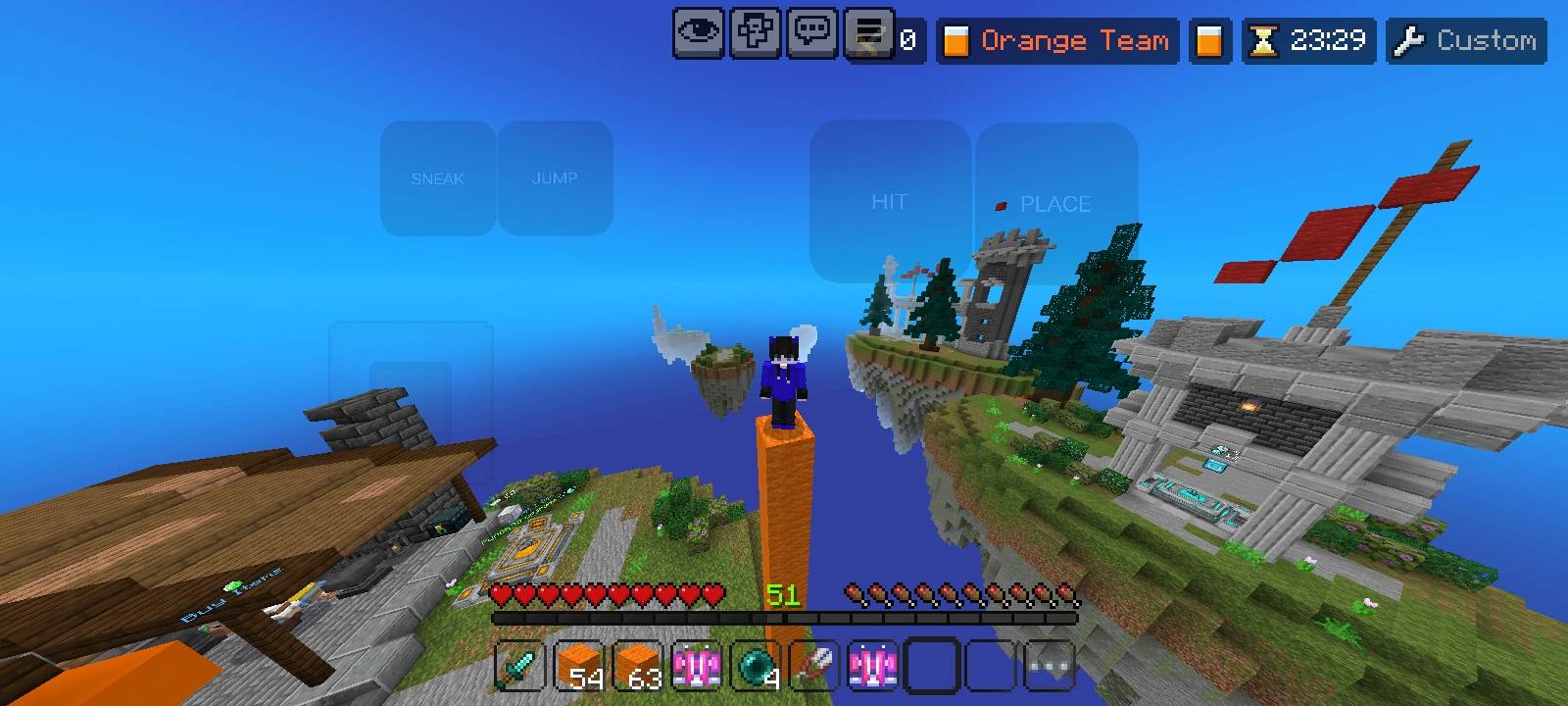
Optimized FPS: Engine-friendly textures and configurations designed to squeeze every frame out of your hardware.
Zero Particles: All distracting and lag-inducing particles (Crit, Potion, Smoke, Explosions) have been removed for maximum clarity and stability.
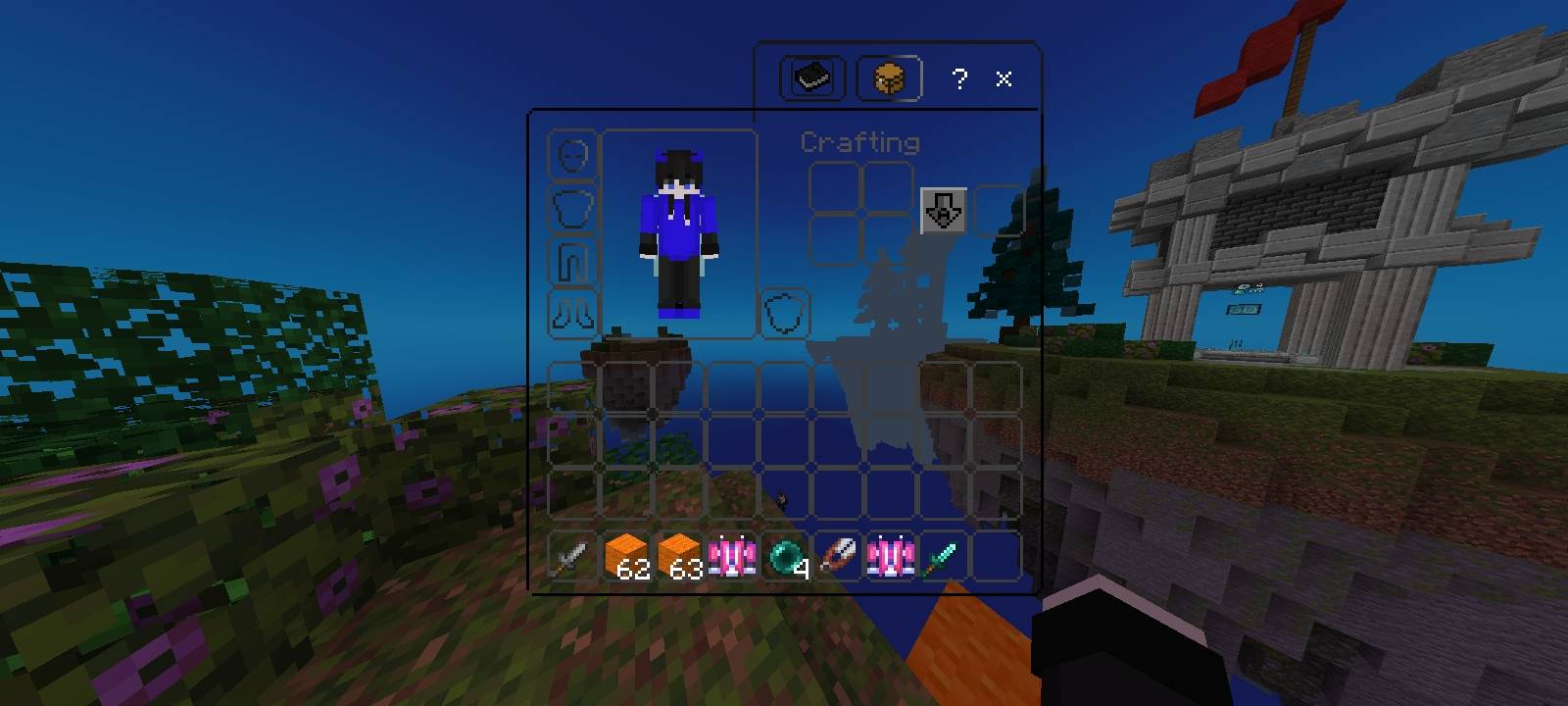
Transparent UI: A sleek, minimal, and see-through interface that allows you to keep an eye on your surroundings while managing your inventory.
Competitive Short Swords: Custom low-profile swords that increase your field of view (FOV) during intense PvP encounters.
Clean Smooth Sky: Replaces the heavy default clouds with a lightweight, beautiful smooth sky gradient to reduce GPU strain.
Low Latency: Streamlined assets to reduce input lag and provide a more responsive gaming experience.
Comment installer Crystal boost
With Millida Launcher
Install Millida Launcher
The launcher is free: download it at millida.net/launcher and sign in with any nickname.
Click “Install” on this page
The launcher opens and installs the resource pack for Minecraft 1.21.130–26.10 automatically.
Launch the game
A profile with it appears in the launcher: click “Play”.
Manually
Download the archive
Pick the file crystal boostV3.mcpack (13 MB) for your game version. No need to unpack it.
Put it in the resourcepacks folder
The easiest way: “Options”, then “Resource Packs”, then “Open Pack Folder”, and drag the archive there.
Enable the pack
In the same window, move the pack to the right-hand “Selected” column and click “Done”.
Versions
Avec dépendances
| Minecraft | Loader | Fichier | Date | Actions |
|---|---|---|---|---|
| 1.21.130 | — | crystal boostV3.mcpack13.2 Mo |
FAQ
Which Minecraft versions does Crystal boost work on?
There are files for 1.21.130–26.10, 7 versions in total. The newest is 26.10.
Where can I download Crystal boost safely?
On this page: the file crystal boostV3.mcpack (13 MB) is stored on Millida’s server, with no link shorteners. SHA-1 checksum: d61cc56c10474b9c5858932649c79d23bfbe0fb7.
Avis
Soyez le premier à noter Crystal boost



