

clayfull texture pour Minecraft 26.20
Ce pack de ressources transforme entièrement votre monde Minecraft en une œuvre lisse et argileuse (pâte à modeler) en ultra-haute résolution 512x512. Il est parfait pour les joueurs qui recherchent une esthétique propre, minimaliste et moderne
Clayful 512x - Bedrock Edition Port
Welcome to the Bedrock Edition port of the highly popular Clayful 512x resource pack!
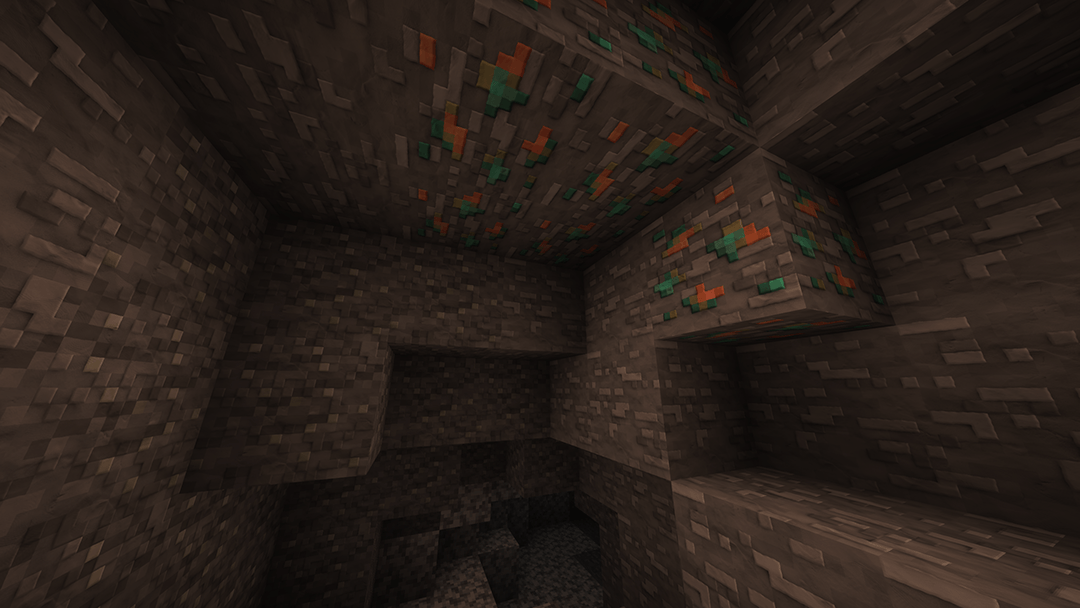
This resource pack completely transforms your Minecraft world into a smooth, clay-like (plasticine) masterpiece at an ultra-high 512x512 resolution. It is perfect for players who want a clean, minimalist, and modern aesthetic while maintaining razor-sharp textures and eye-candy visuals.
Now, Android, iOS, Windows 10/11, and Console players can finally experience the beautiful, soft aesthetic of Clayful without needing Java Edition!
✨ Features
Ultra-HD 512x Resolution: Crystal-clear, smooth textures that give your world a premium 3D animated look.
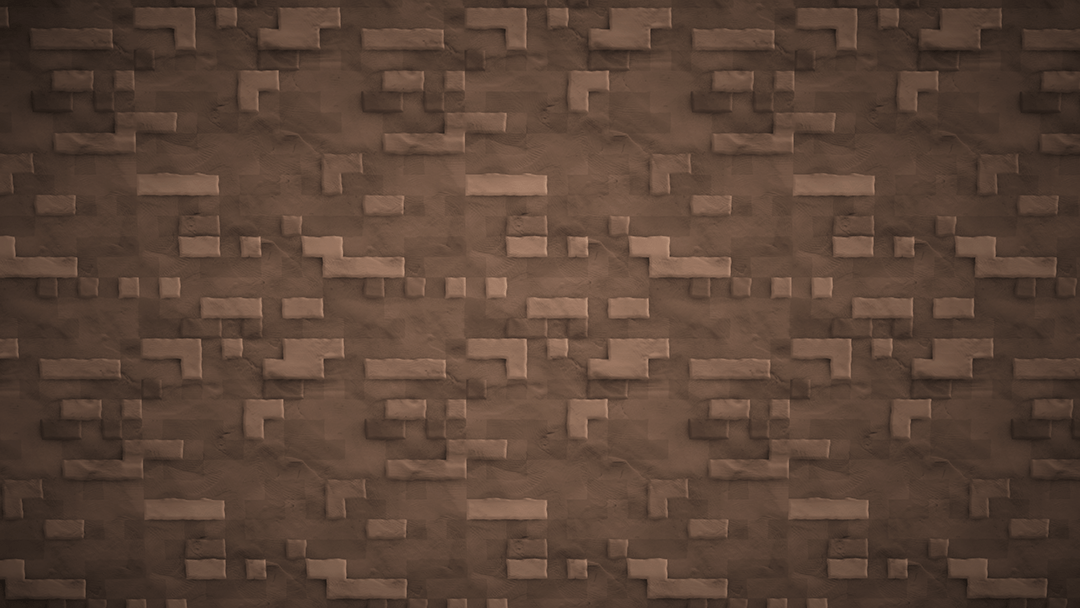
Clay & Plasticine Aesthetic: Removes all the default noisy patterns from vanilla Minecraft, replacing them with clean, solid, and satisfying surfaces.
Optimized for Bedrock: Correctly compressed .mcpack file structure to ensure optimal stability and reduce chunk rendering issues.
Clean UI & HUD: User interface elements tailored to match the minimalist vibe of the Clayful style.
🛠️ How to Install
Download: Grab the .mcpack file from the "Files" tab on this CurseForge page.
Import to Minecraft:
Windows 10/11: Double-click the downloaded .mcpack file. Minecraft will launch automatically and import the pack.
Android / iOS: Open the file using your preferred File Manager app and select "Open with Minecraft".
Activation: Go to Settings > Global Resources > Find Clayful 512x under "My Packs" and click Activate.
⚠️ Technical Notes & Device Specifications
Because this pack utilizes an extremely high resolution (512x512), a minimum of 4GB RAM is highly recommended-especially for mobile devices (Android/iOS)-to prevent performance lag, crashes, or visual bugs like pink textures.
Comment installer clayfull texture
With Millida Launcher
Install Millida Launcher
The launcher is free: download it at millida.net/launcher and sign in with any nickname.
Click “Install” on this page
The launcher opens and installs the resource pack for Minecraft 1.21.130–26.20 automatically.
Launch the game
A profile with it appears in the launcher: click “Play”.
Manually
Download the archive
Pick the file Clayful512.mcpack (30 MB) for your game version. No need to unpack it.
Put it in the resourcepacks folder
The easiest way: “Options”, then “Resource Packs”, then “Open Pack Folder”, and drag the archive there.
Enable the pack
In the same window, move the pack to the right-hand “Selected” column and click “Done”.
Versions
Avec dépendances
| Minecraft | Loader | Fichier | Date | Actions |
|---|---|---|---|---|
| 1.21.130 | — | Clayful512.mcpack29.7 Mo |
FAQ
Which Minecraft versions does clayfull texture work on?
There are files for 1.21.130–26.20, 11 versions in total. The newest is 26.20.
Where can I download clayfull texture safely?
On this page: the file Clayful512.mcpack (30 MB) is stored on Millida’s server, with no link shorteners. SHA-1 checksum: 61d89380fecdb8e1e4861b57a6fbedfd0827c114.
Avis
Soyez le premier à noter clayfull texture



