
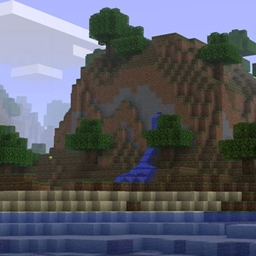
classic graphics Pack de ressources pour Minecraft 26.50
Des shaders RD qui reproduiront l'apparence visuelle de Java b1.7.3.
classic graphics
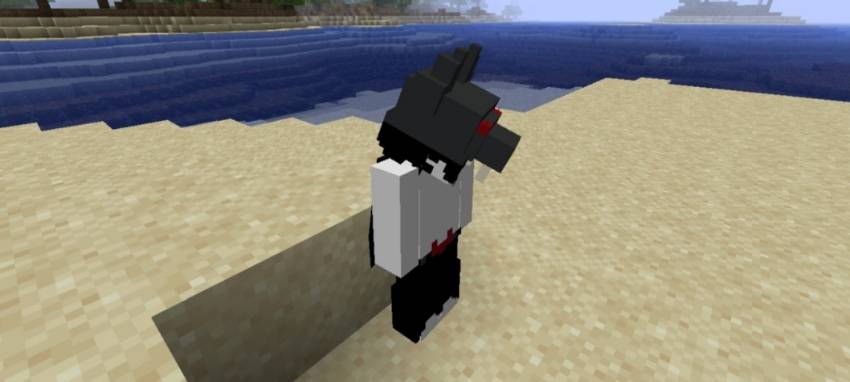
this texture pack makes your minecraft to matches how b1.7.3 looks like.
features:
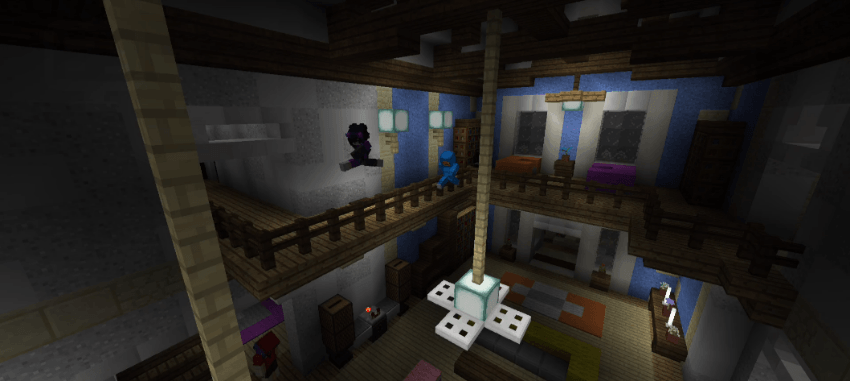
- no tinted lightmap ( night color, torch/lightsource block )
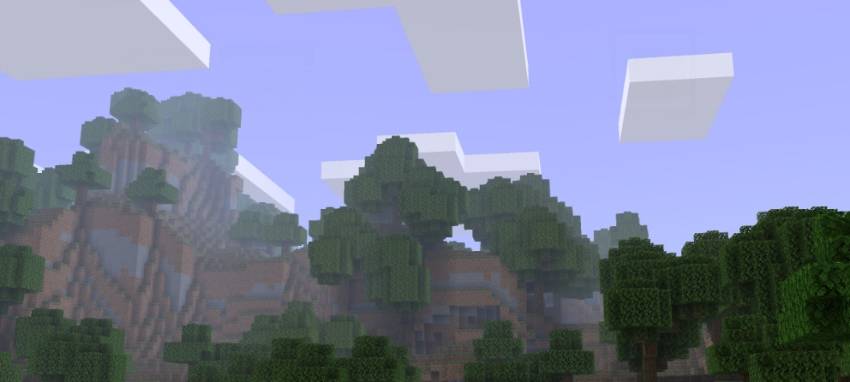
- matches sky color like b1.7.3
- entities have darker shades to matches b1.7.3
- lowered clouds y level
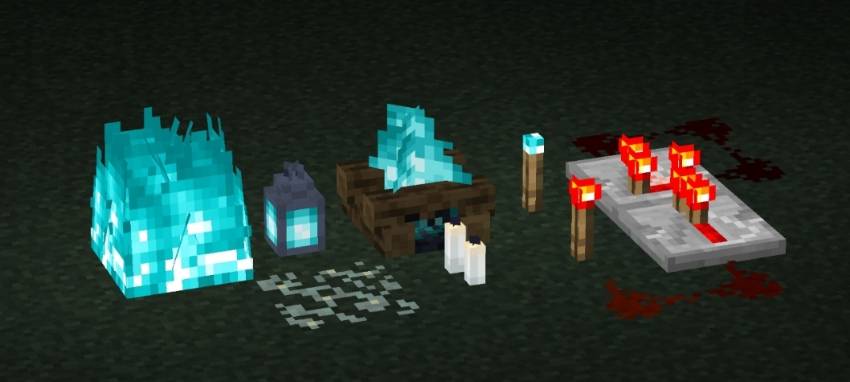
- emissive blocks/textures
this is RD shaders, so you need to use the correct tools to use this ( e.g. MaterialBinLoader, Minecraft patch, or any shaderloader ).
works on:
Android, Windows, Ios
preview:
light block
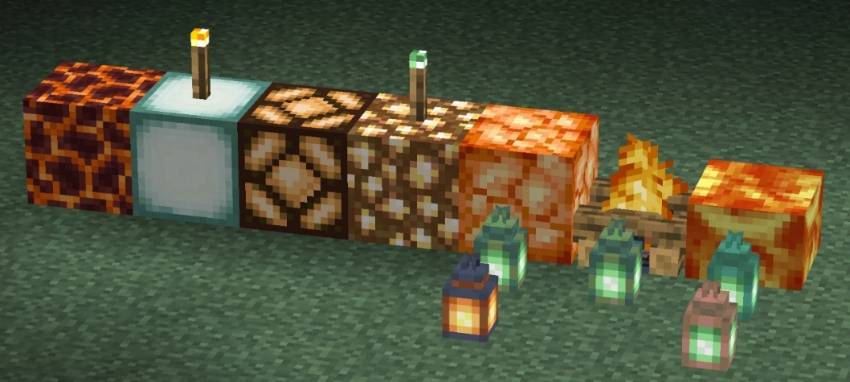
low light block
scenery
entity
night
note:
to create an emissive block, change the alpha/transparency of your desired texture to be 252 or 99%.
current issue: top side of clouds doesnt render if under some y levels
Comment installer classic graphics
With Millida Launcher
Install Millida Launcher
The launcher is free: download it at millida.net/launcher and sign in with any nickname.
Click “Install” on this page
The launcher opens and installs the resource pack for Minecraft 26.50 automatically.
Launch the game
A profile with it appears in the launcher: click “Play”.
Manually
Download the archive
Pick the file classicgraphics-v3(26.50+).mcpack (885 KB) for your game version. No need to unpack it.
Put it in the resourcepacks folder
The easiest way: “Options”, then “Resource Packs”, then “Open Pack Folder”, and drag the archive there.
Enable the pack
In the same window, move the pack to the right-hand “Selected” column and click “Done”.
Versions
Avec dépendances
| Minecraft | Loader | Fichier | Date | Actions |
|---|---|---|---|---|
| 26.50 | — | classicgraphics-v3(26.50+).mcpack885 Ko |
Avis
Soyez le premier à noter classic graphics


