

Cherry World Pack de ressources pour Minecraft 1.21
Une délicieuse réimagination de votre monde avec les teintes vibrantes du cerisier.
À propos du pack de ressources Cherry World
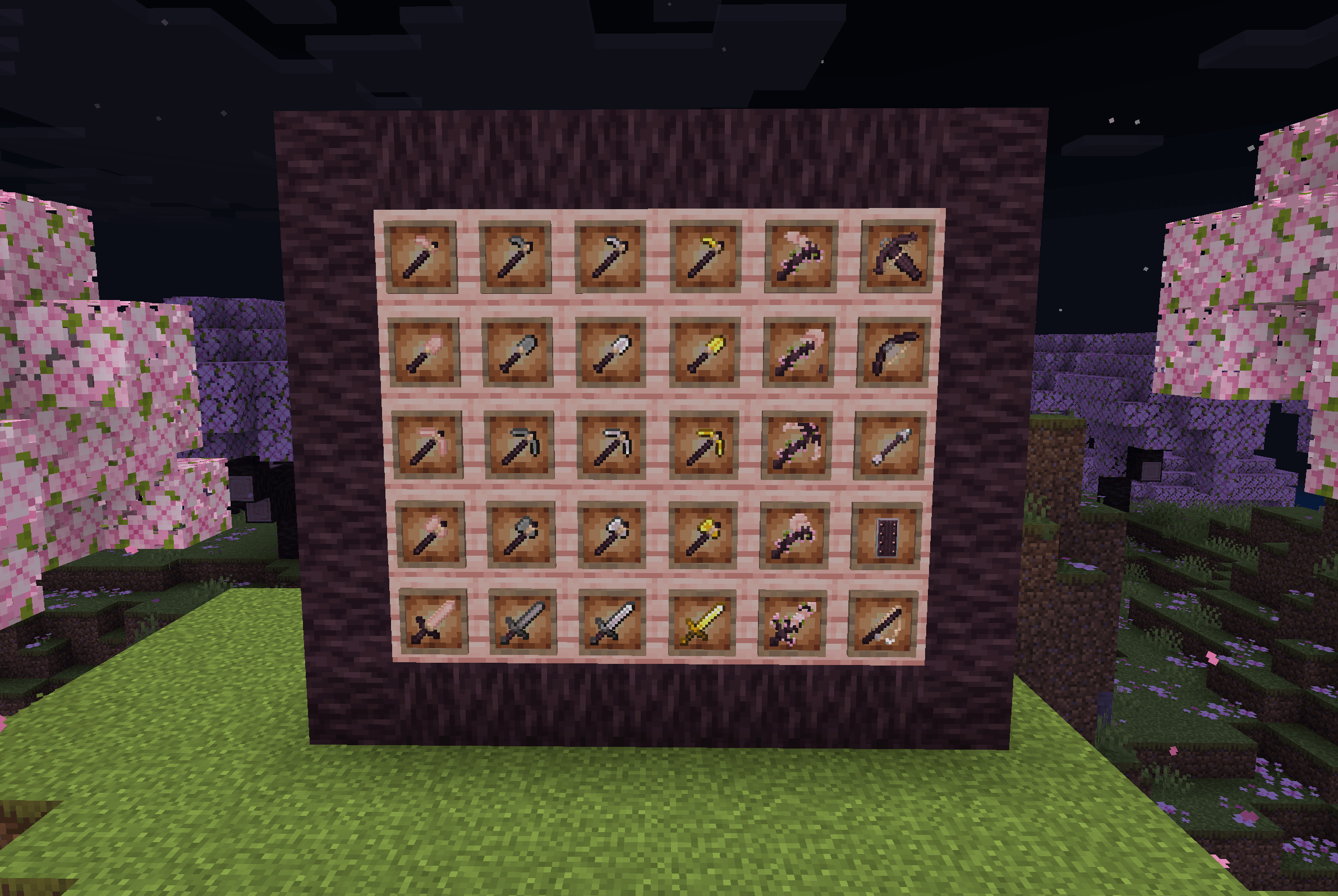
A delightful reimagining of your world with the vibrant hues of cherry. This pack retextures
almost all "generic" blocks and items, incorporating the fresh and lively cherry color palette.
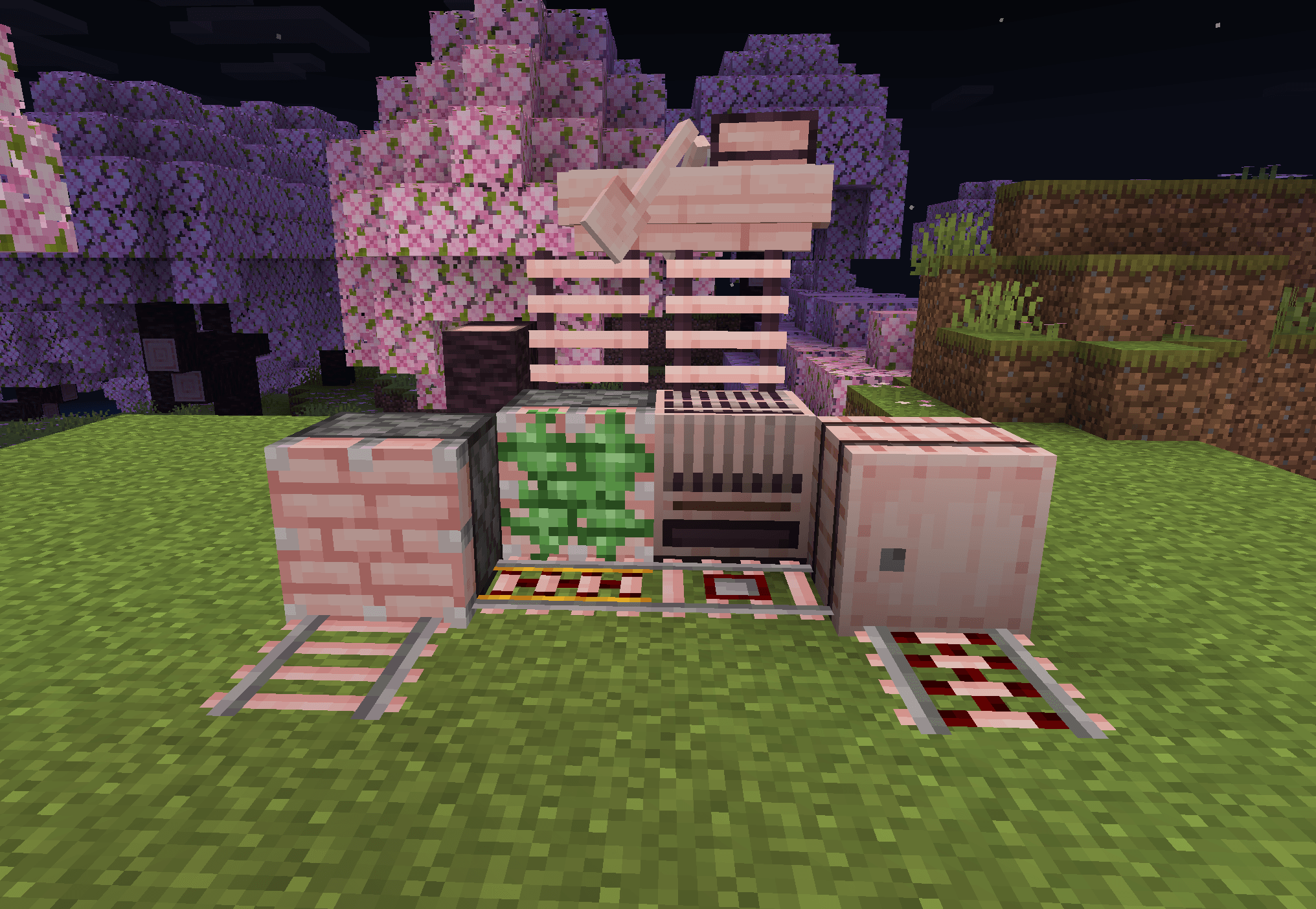
Blocks like chests, crafting tables, and more are transformed, offering a refreshing and
visually appealing twist. Perfect for players who love a touch of elegance and nature in their
builds, the Cherry Texture pack breathes new life into your Minecraft experience, making every
creation bloom with charm and beauty
Comment installer Cherry World
With Millida Launcher
Install Millida Launcher
The launcher is free: download it at millida.net/launcher and sign in with any nickname.
Click “Install” on this page
The launcher opens and installs the resource pack for Minecraft 1.21 automatically.
Launch the game
A profile with it appears in the launcher: click “Play”.
Manually
Download the archive
Pick the file Cherry World.mcpack (212 KB) for your game version. No need to unpack it.
Put it in the resourcepacks folder
The easiest way: “Options”, then “Resource Packs”, then “Open Pack Folder”, and drag the archive there.
Enable the pack
In the same window, move the pack to the right-hand “Selected” column and click “Done”.
Versions
Avec dépendances
| Minecraft | Loader | Fichier | Date | Actions |
|---|---|---|---|---|
| 1.21 | — | Cherry World212 Ko |
FAQ
Which Minecraft versions does Cherry World work on?
Only Minecraft 1.21: there are no files for other versions.
Where can I download Cherry World safely?
On this page: the file Cherry World.mcpack (212 KB) is stored on Millida’s server, with no link shorteners. SHA-1 checksum: cadd6f6df6e1654c58cf9685df44e07a46419b5f.
Avis
Soyez le premier à noter Cherry World



