
Aurora Visuals Pack de ressources pour Minecraft 26.30
Aurora Visuals est un shader Minecraft cinématographique qui apporte des reflets d'eau saisissants, des dégradés de ciel atmosphériques, un éclairage sensible aux biomes et des transitions jour-nuit spectaculaires à votre monde — faisant de chaque capture d'écran un véritable tableau.
À propos du pack de ressources Aurora Visuals
Aurora Visuals is a Minecraft shader pack designed to transform the game's iconic blocky world into a cinematic, atmospheric experience - without sacrificing performance or the charm that makes Minecraft unique.
Key Visual Features:
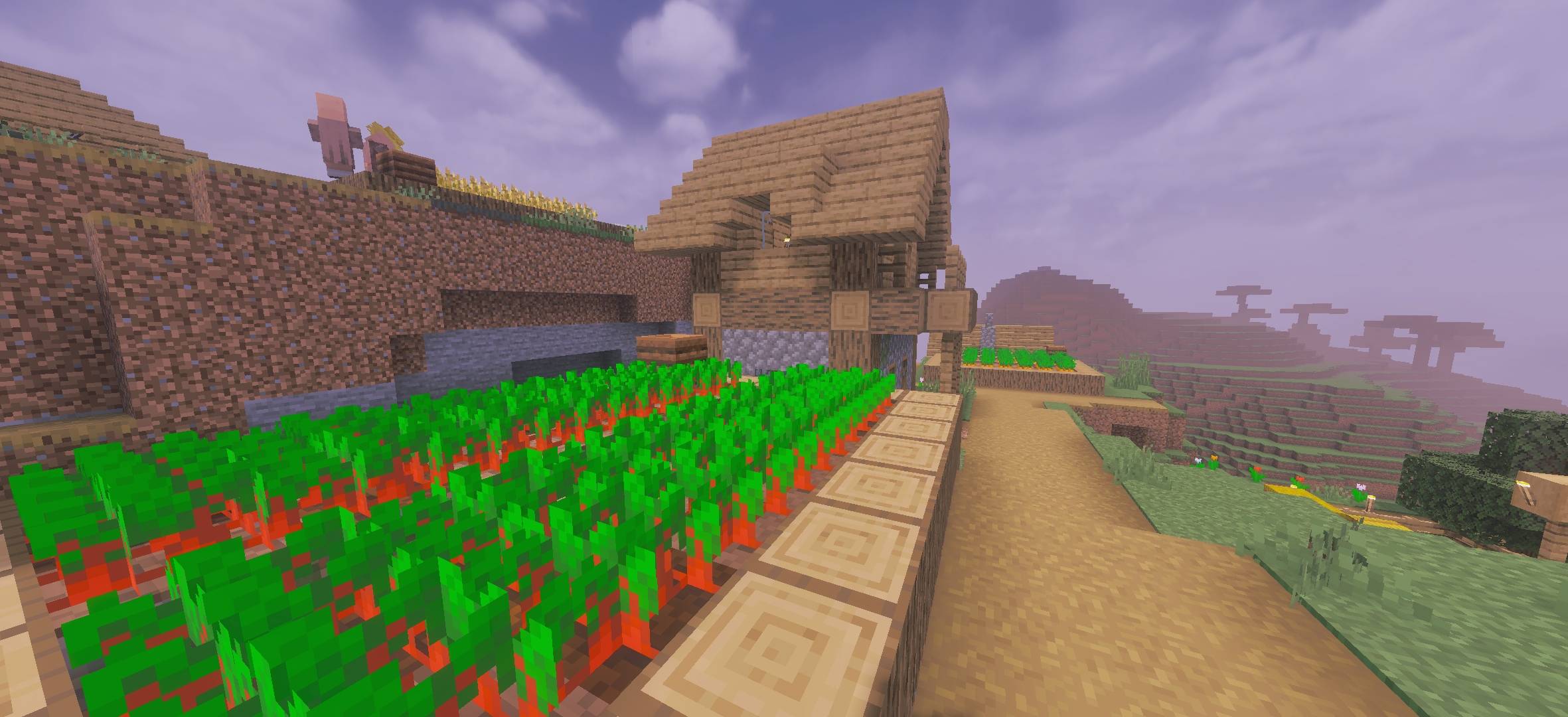
Realistic water rendering - semi-transparent, reflective oceans with visible underwater seagrass and light scattering beneath the surface
Dynamic sky & lighting - a glowing sun with lens bloom, volumetric clouds, and smooth atmospheric haze that shifts the mood dramatically across biomes
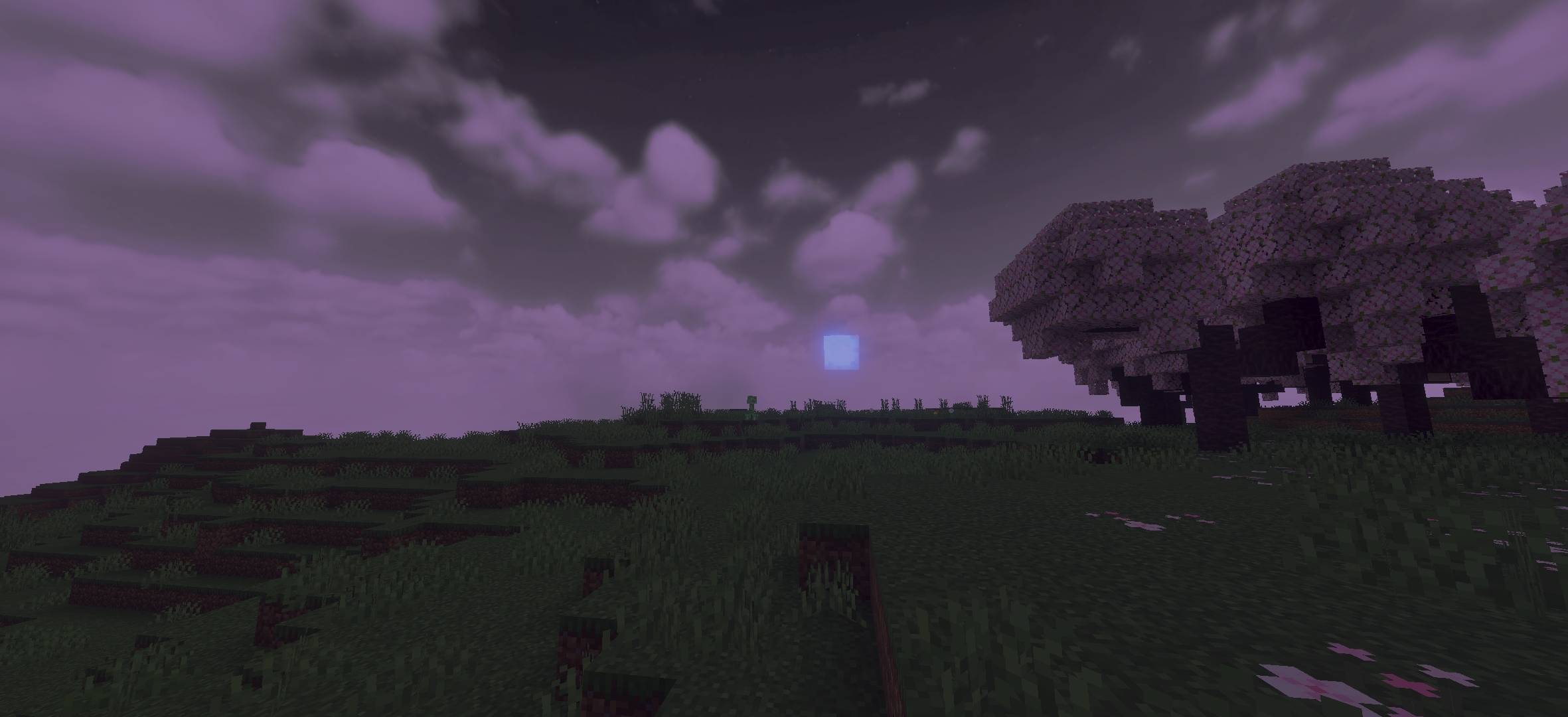
Biome-aware atmosphere - warm golden haze over savannas and dry grasslands, cool misty tones in plains, and an eerie purple twilight ambiance for nighttime scenes
Enhanced night & mood lighting - deep purple overcast skies at night with glowing particles (like an Enderman's eyes) adding mystery to the dark
Cherry blossom & terrain shading - rich depth shading on trees and terrain that adds visual weight and realism to every landscape
Comment installer Aurora Visuals
With Millida Launcher
Install Millida Launcher
The launcher is free: download it at millida.net/launcher and sign in with any nickname.
Click “Install” on this page
The launcher opens and installs the resource pack for Minecraft 26.10–26.30 automatically.
Launch the game
A profile with it appears in the launcher: click “Play”.
Manually
Download the archive
Pick the file aurora visuals.mcpack (7.0 MB) for your game version. No need to unpack it.
Put it in the resourcepacks folder
The easiest way: “Options”, then “Resource Packs”, then “Open Pack Folder”, and drag the archive there.
Enable the pack
In the same window, move the pack to the right-hand “Selected” column and click “Done”.
Versions
Avec dépendances
| Minecraft | Loader | Fichier | Date | Actions |
|---|---|---|---|---|
| 26.10 | — | aurora visuals.mcpack7 Mo |
FAQ
Which Minecraft versions does Aurora Visuals work on?
There are files for 26.30, 26.20, 26.13, 26.12, 26.11, 26.10. The newest is 26.30.
Where can I download Aurora Visuals safely?
On this page: the file aurora visuals.mcpack (7.0 MB) is stored on Millida’s server, with no link shorteners. SHA-1 checksum: c8922fd80ffd05abac981b00be3cd7d95b4a3912.
Avis
Soyez le premier à noter Aurora Visuals



