

Refractal Shaders pour Minecraft 1.21.11
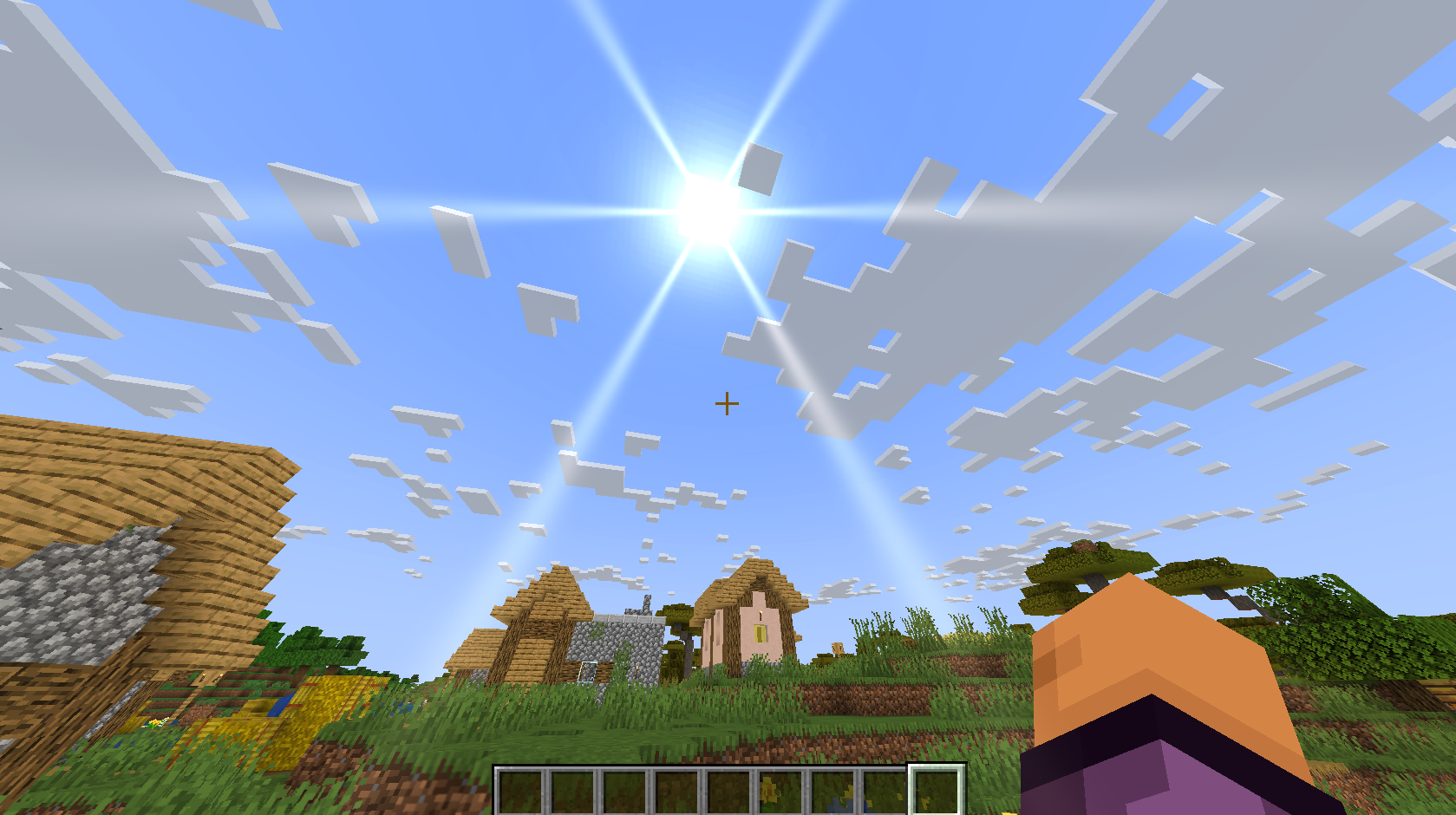
Ce shader ajoute un flou de mise au point, un flou de mouvement et une distorsion des liquides
 Fabric
 OptiFine
Features:
- Focus blur (depth of field).
- Motion blur.
- Liquid (water and lava) distortion.
- Glow and glare around the sun.


Comment installer Refractal
With Millida Launcher
Install Millida Launcher
The launcher is free: download it at millida.net/launcher and sign in with any nickname.
Click “Install” on this page
The launcher opens and installs the shaders for Minecraft 1.21.11 automatically.
Launch the game
A profile with it appears in the launcher: click “Play”.
Manually
Install Iris or OptiFine
Without a shader mod the game cannot see shaders. Install it for the same Minecraft version.
Download the shader archive
Pick the file refractal.zip (14 KB) and do not unpack it.
Put it in the shaderpacks folder
“Options”, then “Video Settings”, then “Shader Packs”, then “Open Shader Pack Folder”, and drag the archive there.
Select the shaders
In the same window, click the pack name and “Apply”.
Versions
Avec dépendances
| Minecraft | Loader | Fichier | Date | Actions |
|---|---|---|---|---|
| 1.21.11 | Iris, OptiFine | 1.21.1114.3 Ko |
FAQ
Which Minecraft versions does Refractal work on?
Only Minecraft 1.21.11: there are no files for other versions.
What do I need to run Refractal?
Shaders are loaded through Iris or OptiFine: without one of them the game cannot see them.
Where can I download Refractal safely?
On this page: the file refractal.zip (14 KB) is stored on Millida’s server, with no link shorteners. SHA-1 checksum: c919e77189fa6bfde697892044b34fc840c92988.
Avis
Soyez le premier à noter Refractal


