
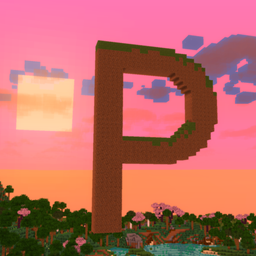
Post'n'Stuff! Shaders pour Minecraft 1.21.1, 1.21
un shader de performance axé sur l'ao, le post-traitement et le bloom. (WIP)
À propos des shaders Post'n'Stuff!
check out cowasaurus1's review! ty cowasaurus1 (note this video was made before better shadows and sunset colours were added) I Tested The Best Performance Minecraft Shaders
This is a SUPER high performing shader that adds:
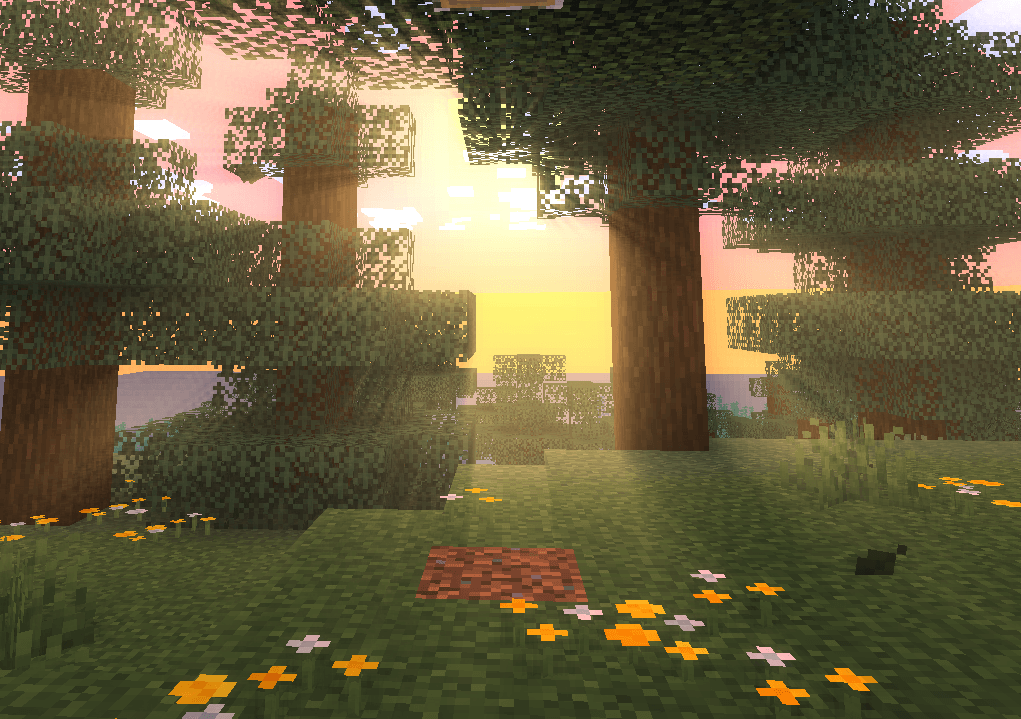
.shadows (togglable:D)
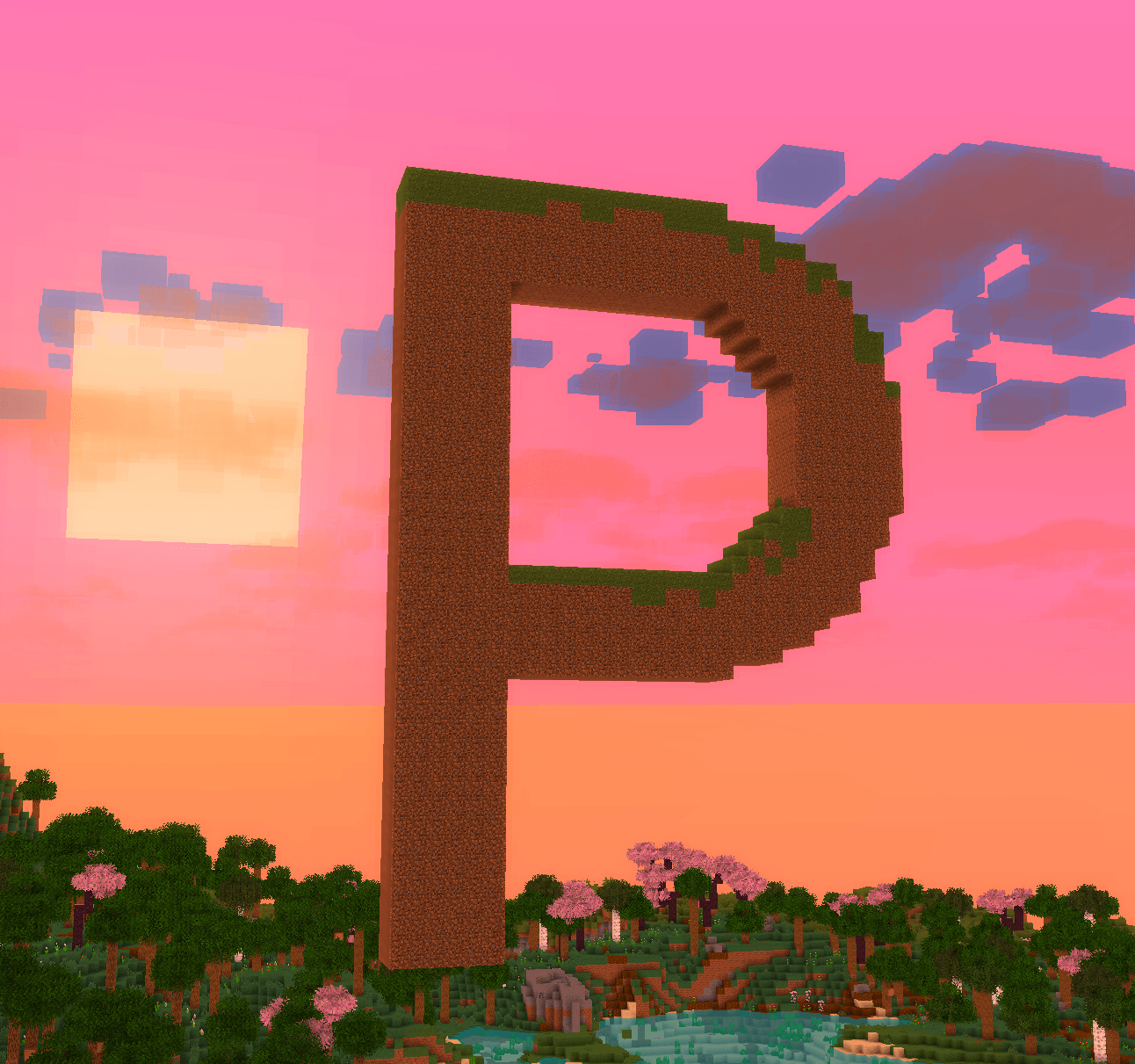
.gorgeous sunsets
.bloom
.saturation
.brightness
.vibrancy
.ao
.and more!
NOTE: this shader is a work in progress might not be perfect. if you find any bugs or glitches/imperfections, let me know in the comments and i will try and fix!
Comment installer Post'n'Stuff!
With Millida Launcher
Install Millida Launcher
The launcher is free: download it at millida.net/launcher and sign in with any nickname.
Click “Install” on this page
The launcher opens and installs the shaders for Minecraft 1.20.4–26.1.2 automatically.
Launch the game
A profile with it appears in the launcher: click “Play”.
Manually
Install Iris or OptiFine
Without a shader mod the game cannot see shaders. Install it for the same Minecraft version.
Download the shader archive
Pick the file PostnStuff_v45_moonrayocclusionfix.zip (24 KB) and do not unpack it.
Put it in the shaderpacks folder
“Options”, then “Video Settings”, then “Shader Packs”, then “Open Shader Pack Folder”, and drag the archive there.
Select the shaders
In the same window, click the pack name and “Apply”.
Versions
Avec dépendances
| Minecraft | Loader | Fichier | Date | Actions |
|---|---|---|---|---|
| 1.21 | — | PostnStuff_v45_moonrayocclusionfix.zip24.4 Ko 2 |
FAQ
Which Minecraft versions does Post'n'Stuff! work on?
There are files for 1.20.4–26.1.2, 18 versions in total. The newest is 26.1.2.
Where can I download Post'n'Stuff! safely?
On this page: the file PostnStuff_v45_moonrayocclusionfix.zip (24 KB) is stored on Millida’s server, with no link shorteners. SHA-1 checksum: 4ecb43bc72ee6afcdcef7acc60d1faec4b9ee24b.
Avis
Soyez le premier à noter Post'n'Stuff!


