

Hyperopia Shaders pour Minecraft 1.20.1, 1.21.1
Étude expérimentale sur l'inversion de profondeur et la focalisation perceptuelle.
 Fabric
 OptiFine
À propos des shaders Hyperopia
A perceptual experiment in inverted spatial focus.
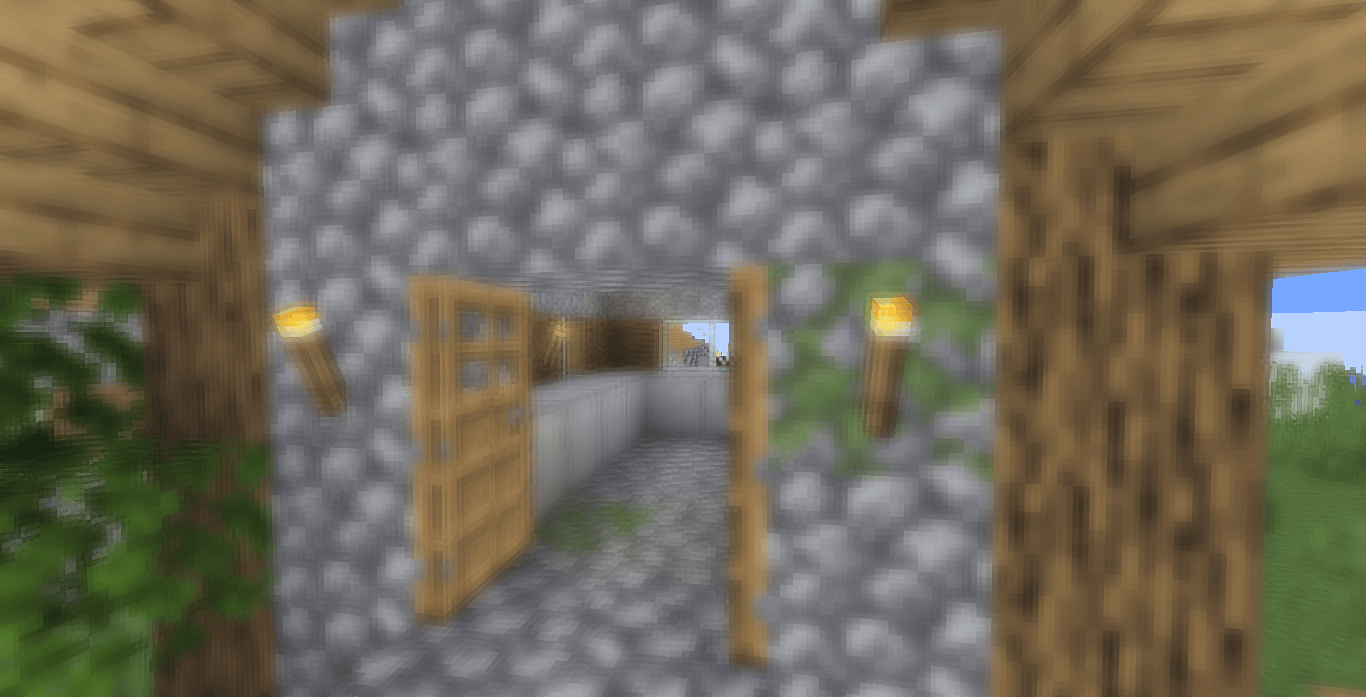
Hyperopia is an experimental Minecraft shader that explores depth perception by reversing the relationship between distance and focus. Instead of enhancing realism, the shader intentionally disrupts familiar visual cues by making distant geometry appear visually prioritized while nearby objects gradually lose sharpness.
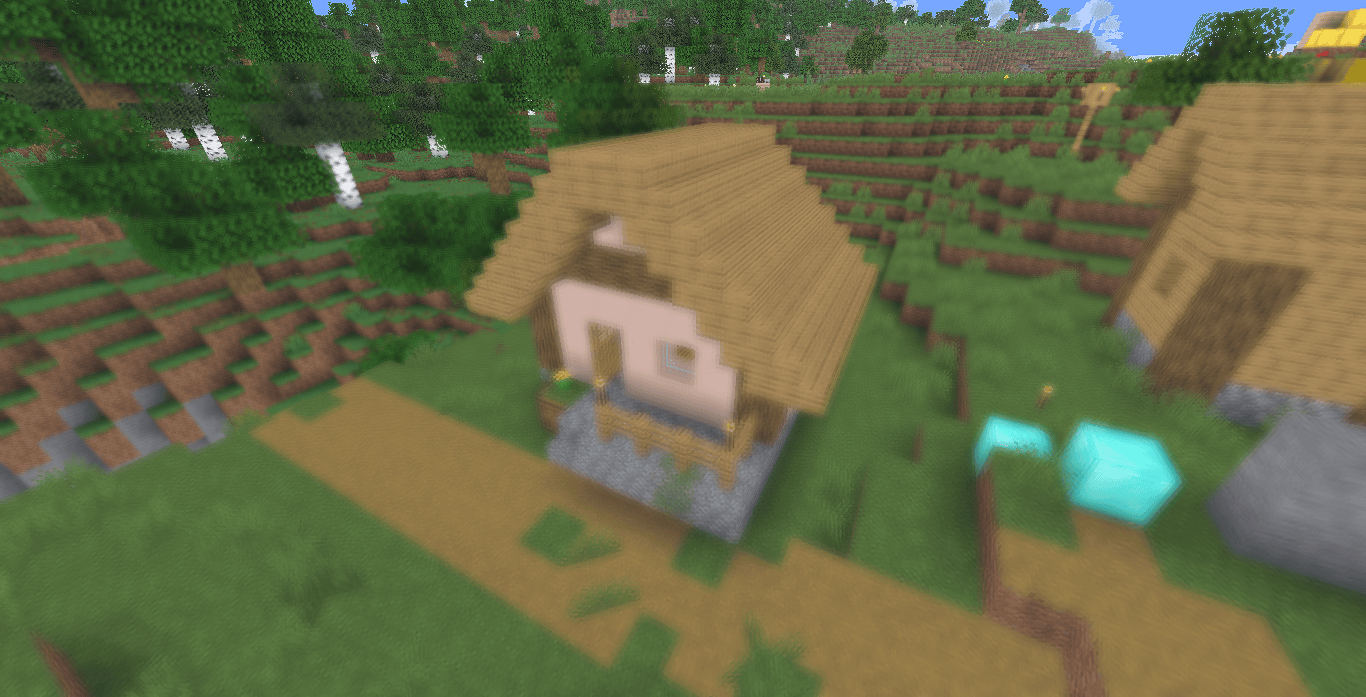
The effect is achieved through a depth-dependent post-processing pass that inverts the scene's depth response. Objects that would normally attract attention due to proximity become increasingly blurred, while distant structures remain clear and visually stable. A slowly oscillating depth threshold continuously shifts the focus boundary, creating subtle changes in spatial interpretation over time.
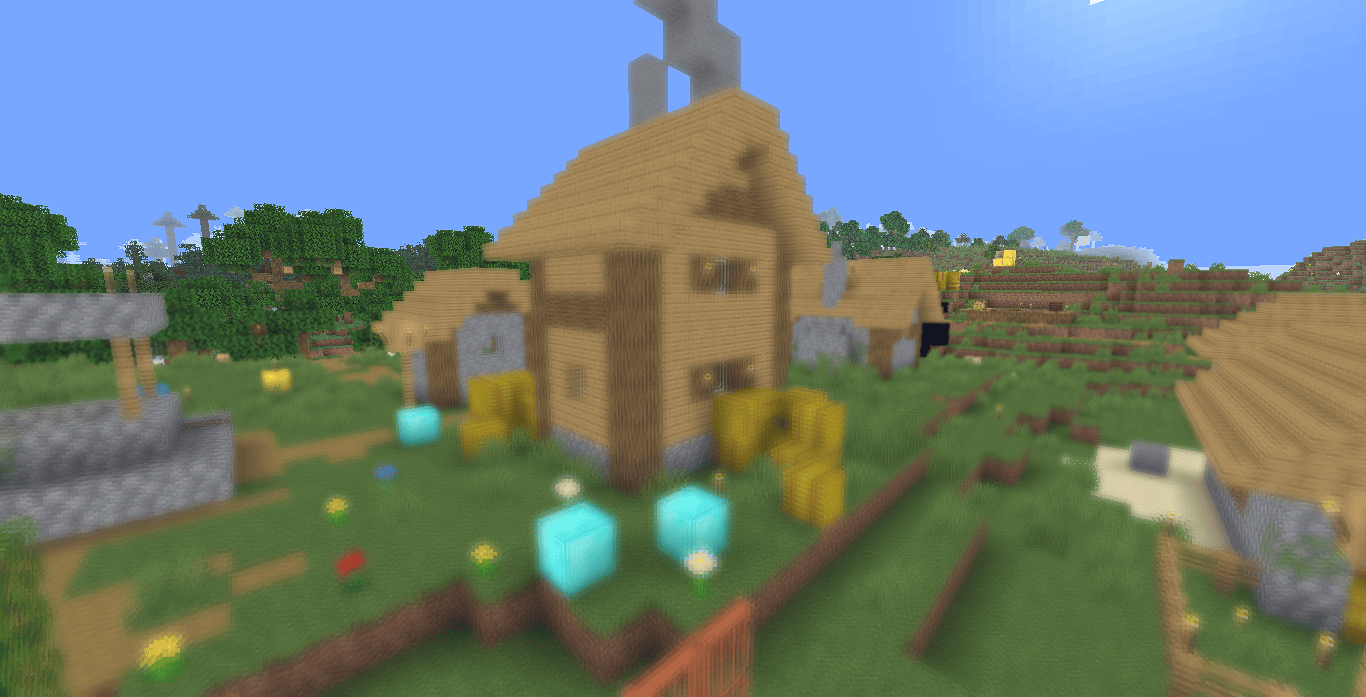
Rather than functioning as a traditional aesthetic shader, Hyperopia can be viewed as a small visual perception study implemented within Minecraft's rendering pipeline.

✨ Highlights
Depth-Inverted Focus Model.
The shader reconstructs linear depth from Minecraft's depth buffer and reverses its interpretation. Nearby objects are treated as though they occupy distant visual space, while distant objects are treated as focal subjects.
This inversion alters the player's intuitive understanding of scale, distance and spatial priority, producing a persistent conflict between visual focus and physical location.
Depth-Dependent Circular Blur.
Blur intensity is derived directly from the inverted depth value.
A circular multi-sample blur kernel is applied to objects that fall outside the current focus region. The implementation uses two concentric sampling rings, creating a smooth radial blur rather than directional smearing.
As objects approach the camera, blur intensity increases quadratically, causing nearby geometry to become significantly softer than the surrounding environment.
Dynamic Focus Boundary Oscillation.
The transition between focused and defocused regions is not fixed.
A sinusoidally animated threshold slowly shifts the depth separation point over time, causing the apparent focal plane to drift forward and backward through the scene.
This creates a subtle "breathing" effect in which the world's visual organization continuously reconfigures itself without abrupt transitions.
Selective Distance Sharpening.
Objects considered "in focus" after depth inversion receive a lightweight sharpening pass.
The shader compares neighboring pixels and applies a controlled contrast enhancement to preserve clarity in distant structures. This reinforces the inversion effect by further emphasizing regions that would normally be considered visually secondary.
Depth-Correlated Color Shift.
A small depth-driven color adjustment accompanies the focus inversion.
Cool blue tones are subtly introduced according to the inverted depth field, associating traditionally distant color cues with visually foregrounded regions.
The adjustment is intentionally restrained and serves primarily to strengthen the perceptual inconsistency created by the focus system.
Minimal Post-Processing Pipeline.
The shader avoids common visual enhancement techniques such as:
- Bloom
- Volumetric lighting
- Screen-space reflections
- Ambient occlusion
- Color grading filters
- Vignette effects
The rendering pipeline remains focused exclusively on manipulating depth interpretation and visual attention.

⚙️ Compatibility
Designed as a lightweight post-processing shader using:
- GLSL 1.20
- Minecraft depth buffer access
- Composite rendering pass
- Standard gbuffers rendering
The project consists primarily of a single composite post-process stage and should have minimal GPU requirements compared to modern physically-based shader packs.
No custom lighting, shadow mapping, volumetrics or advanced rendering features are present.
Comment installer Hyperopia
With Millida Launcher
Install Millida Launcher
The launcher is free: download it at millida.net/launcher and sign in with any nickname.
Click “Install” on this page
The launcher opens and installs the shaders for Minecraft 1.7.10–26.3 automatically.
Launch the game
A profile with it appears in the launcher: click “Play”.
Manually
Install Iris or OptiFine
Without a shader mod the game cannot see shaders. Install it for the same Minecraft version.
Download the shader archive
Pick the file Hyperopia 1.1.zip (5 KB) and do not unpack it.
Put it in the shaderpacks folder
“Options”, then “Video Settings”, then “Shader Packs”, then “Open Shader Pack Folder”, and drag the archive there.
Select the shaders
In the same window, click the pack name and “Apply”.
Versions
Avec dépendances
| Minecraft | Loader | Fichier | Date | Actions |
|---|---|---|---|---|
| 26.3 | Iris, OptiFine | 26.34.9 Ko 2 | ||
| 1.21 | Iris, OptiFine | 1.212.9 Ko | ||
| 1.20.1 | Iris, OptiFine | 1.20.12.9 Ko | ||
| 1.17.1 | Iris, OptiFine | 1.17.12.9 Ko | ||
| 1.15.2 | Iris, OptiFine | 1.15.22.9 Ko | ||
| 1.14.4 | Iris, OptiFine | 1.14.42.9 Ko | ||
| 1.7.10 | Iris, OptiFine | 1.7.102.9 Ko | ||
| 26.2 | Iris, OptiFine | 26.22.9 Ko | — |
FAQ
Which Minecraft versions does Hyperopia work on?
There are files for 1.7.10–26.3, 76 versions in total. The newest is 26.3.
What do I need to run Hyperopia?
Shaders are loaded through Iris or OptiFine: without one of them the game cannot see them.
Where can I download Hyperopia safely?
On this page: the file Hyperopia 1.1.zip (5 KB) is stored on Millida’s server, with no link shorteners. SHA-1 checksum: 913bd26ee475b39dc0ee3ae7f404f385f073c63c.
Avis
Soyez le premier à noter Hyperopia


