

HorrorCraft Shaders pour Minecraft 1.21.5
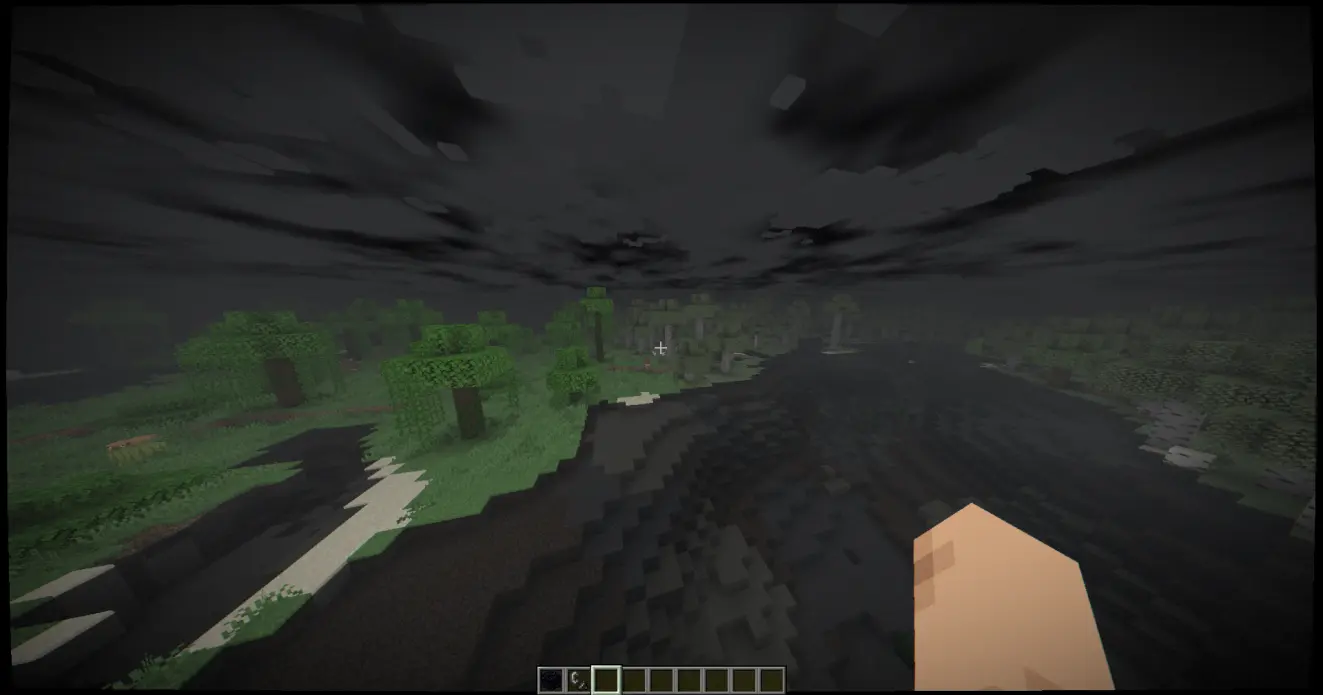
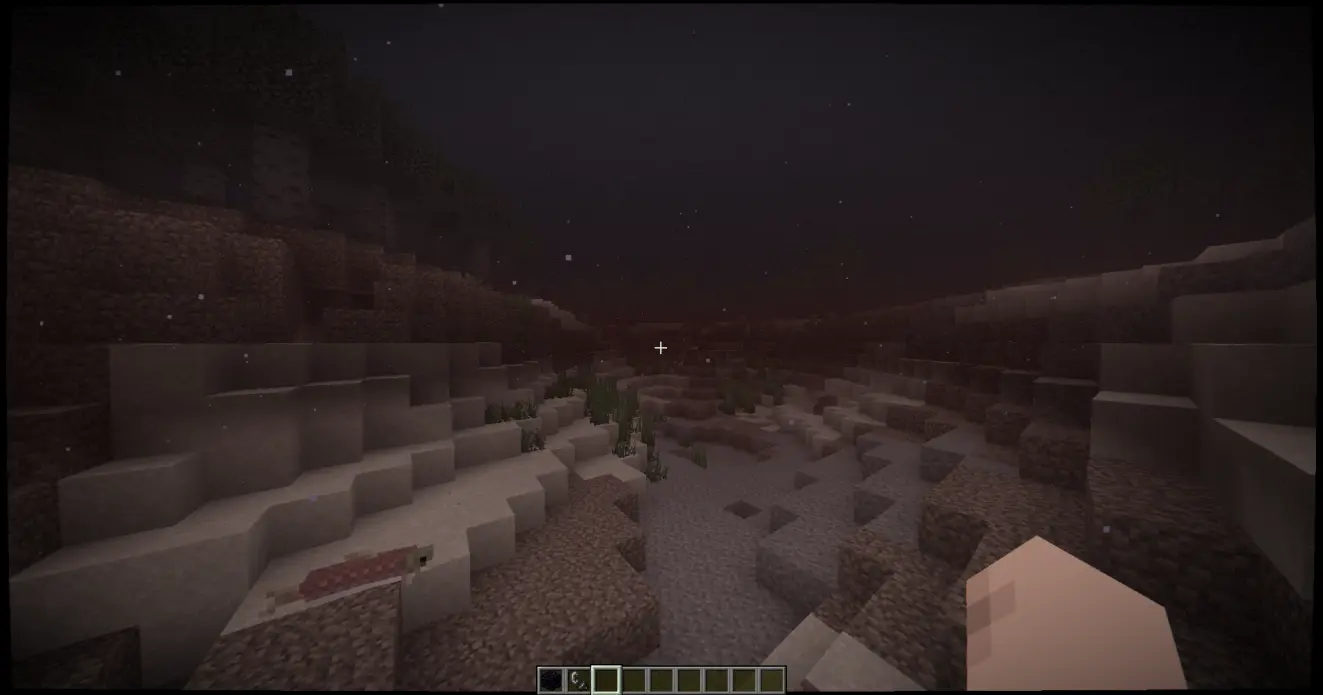
Un shaderpack d'horreur qui transforme le jeu en une expérience de caméra corporelle.
- vues
- 20 vues
- Mis à jour
- Mis à jour 29.09.2026
- 1.21.5
 Fabric
- Client
A horror shaderpack that transforms the game into a bodycam experience.
With features like volumetric mist, lens distortions and hallucinations.

Atmosphere
- Void Darkness
- Ground Mist
- Black water
- Corrupted sky
- Blood Moon

Paranoia
- "Something Moved" Blur
- Shadow Figures
- Sanity Warp(the deeper you dig, the worse it gets)
- Cold Breath
Optics
- Dynamic Exposure & Desaturation
- Failing Infrastructure
- Valley shadows
- Wet Lens
Comment installer HorrorCraft
With Millida Launcher
Install Millida Launcher
The launcher is free: download it at millida.net/launcher and sign in with any nickname.
Click “Install” on this page
The launcher opens and installs the shaders for Minecraft 1.21.5 automatically.
Launch the game
A profile with it appears in the launcher: click “Play”.
Manually
Install Iris
Without a shader mod the game cannot see shaders. Install it for the same Minecraft version.
Download the shader archive
Pick the file minecraft-shader-template-0.1.0-shaderpack.zip (16 KB) and do not unpack it.
Put it in the shaderpacks folder
“Options”, then “Video Settings”, then “Shader Packs”, then “Open Shader Pack Folder”, and drag the archive there.
Select the shaders
In the same window, click the pack name and “Apply”.
Versions
Avec dépendances
| Minecraft | Loader | Fichier | Date | Actions |
|---|---|---|---|---|
| 1.21.5 | Iris | 1.21.515.5 Ko |
FAQ
Which Minecraft versions does HorrorCraft work on?
Only Minecraft 1.21.5: there are no files for other versions.
What do I need to run HorrorCraft?
Shaders are loaded through Iris: without it the game cannot see them.
Where can I download HorrorCraft safely?
On this page: the file minecraft-shader-template-0.1.0-shaderpack.zip (16 KB) is stored on Millida’s server, with no link shorteners. SHA-1 checksum: 197b4fb3ca9dd0ee7bec106791d309c39f2727a0.
Avis
Soyez le premier à noter HorrorCraft


