

Actendium Shaders pour Minecraft 26.2
Actendium Shader est un shader Minecraft léger et éclatant, conçu pour des performances fluides sur les PC modestes. Il propose des couleurs vives et saturées, de subtils reflets PBR et des visuels époustouflants sans faire ramer votre jeu !
Actendium Shaders
Welcome to Actendium Shaders! Are you looking for a custom Minecraft shader that makes your game look breathtakingly gorgeous without destroying your frame rates? Look no further! Actendium is a specially crafted, lightweight shader designed to deliver top-tier visual upgrades while being exceptionally friendly to lower-end PCs and integrated graphics.
✨ Key Features:
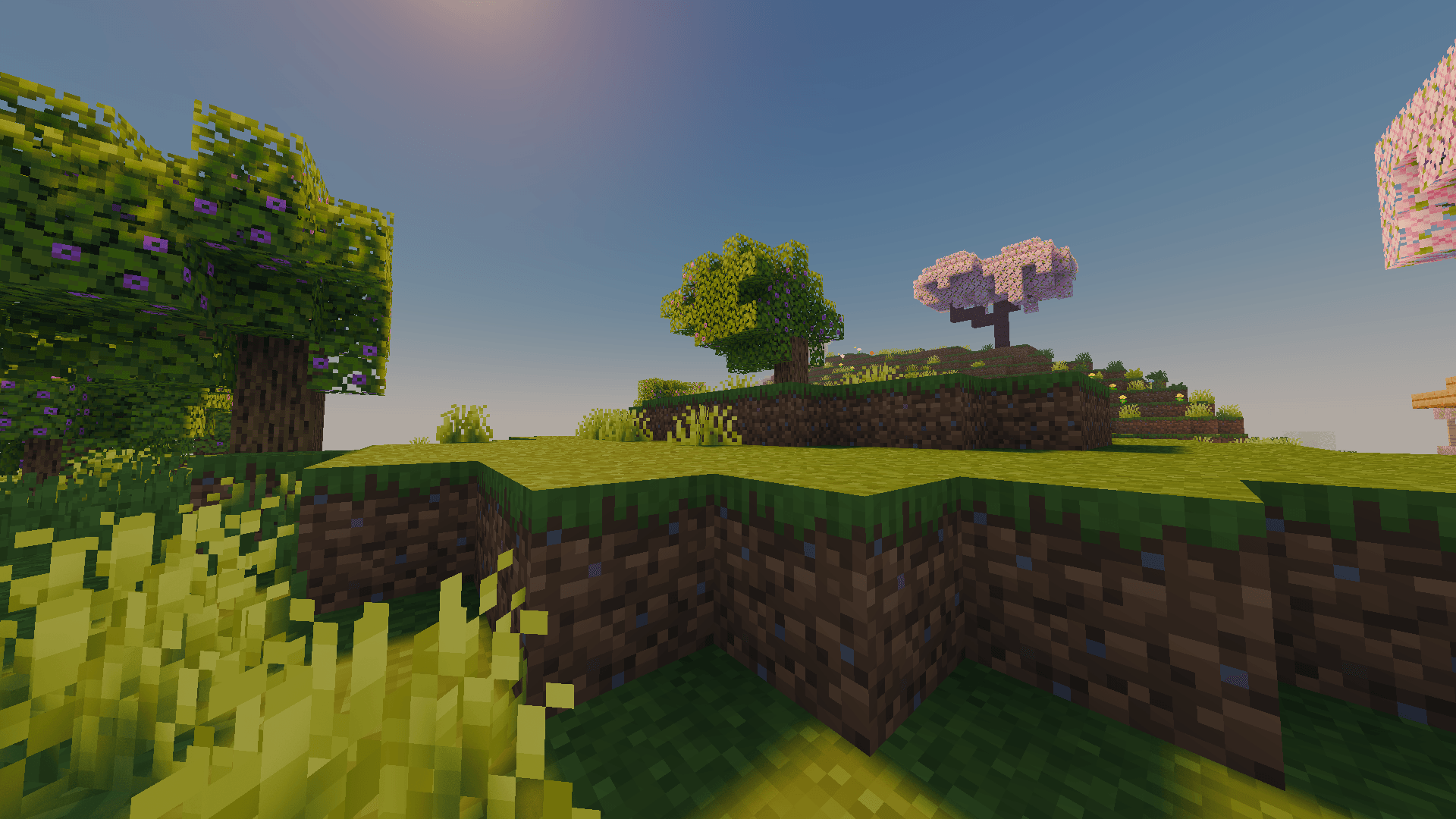
Vibrant & Saturated Color Tones: Actendium brings a lively, warm, and eye-catching aesthetic to the blocky world. Every forest, ocean, and sunset pops out with rich and cheerful colors that make exploration an absolute joy.
Lightweight & High Performance: Built from the ground up with smart optimization, this shader ensures you don't have to sacrifice your smoothness for beauty. Enjoy fluid gameplay even on modest hardware configurations.
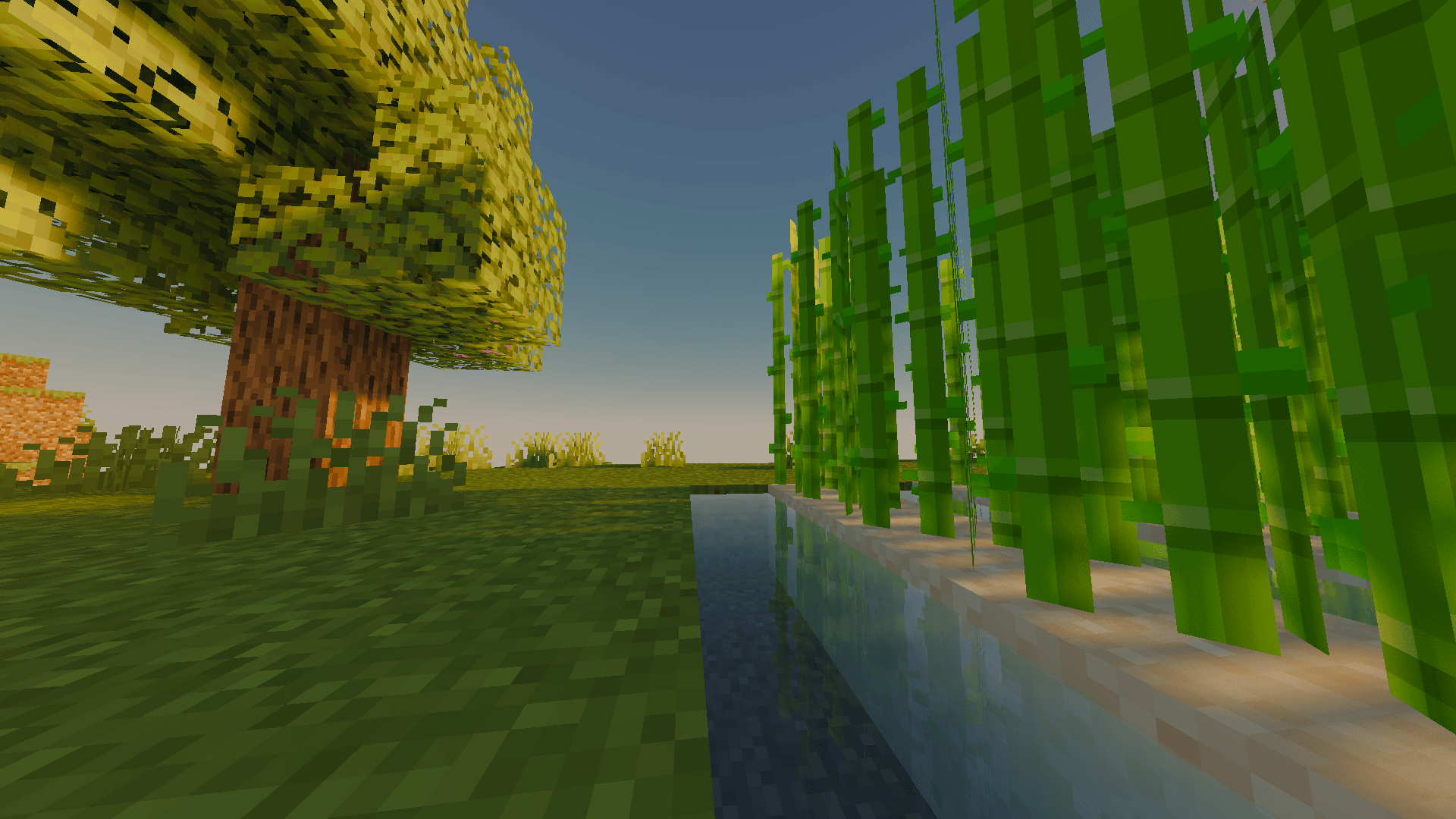
Subtle PBR & Clean Reflections: Experience realistic light interactions and depth! The shader adds subtle PBR (Physically Based Rendering) elements and pleasant, non-intrusive reflections to water and surfaces, keeping things immersive yet smooth.
Advanced Scaling & Customization: Fully compatible with performance-boosting features like temporal upscaling, allowing you to easily tweak your settings to strike the ultimate balance between crisp graphics and high FPS.
Whether you are building massive structures or just wandering around surviving the night, Actendium Shaders transforms your everyday Minecraft experience into a cinematic adventure. Download it today, tweak your settings, and enjoy a vibrant new look for your world!
Comment installer Actendium Shaders
With Millida Launcher
Install Millida Launcher
The launcher is free: download it at millida.net/launcher and sign in with any nickname.
Click “Install” on this page
The launcher opens and installs the shaders for Minecraft 1.21.11–26.2 automatically.
Launch the game
A profile with it appears in the launcher: click “Play”.
Manually
Install Iris or OptiFine
Without a shader mod the game cannot see shaders. Install it for the same Minecraft version.
Download the shader archive
Pick the file Actendium Shaders.zip (62 KB) and do not unpack it.
Put it in the shaderpacks folder
“Options”, then “Video Settings”, then “Shader Packs”, then “Open Shader Pack Folder”, and drag the archive there.
Select the shaders
In the same window, click the pack name and “Apply”.
Versions
Avec dépendances
| Minecraft | Loader | Fichier | Date | Actions |
|---|---|---|---|---|
| 1.21.11 | — | Actendium Shaders.zip61.8 Ko |
Avis
Soyez le premier à noter Actendium Shaders


