

SlimeXpansion Plugin pour Minecraft 1.14
Une excellente extension pour Slimefun.
À propos du plugin SlimeXpansion
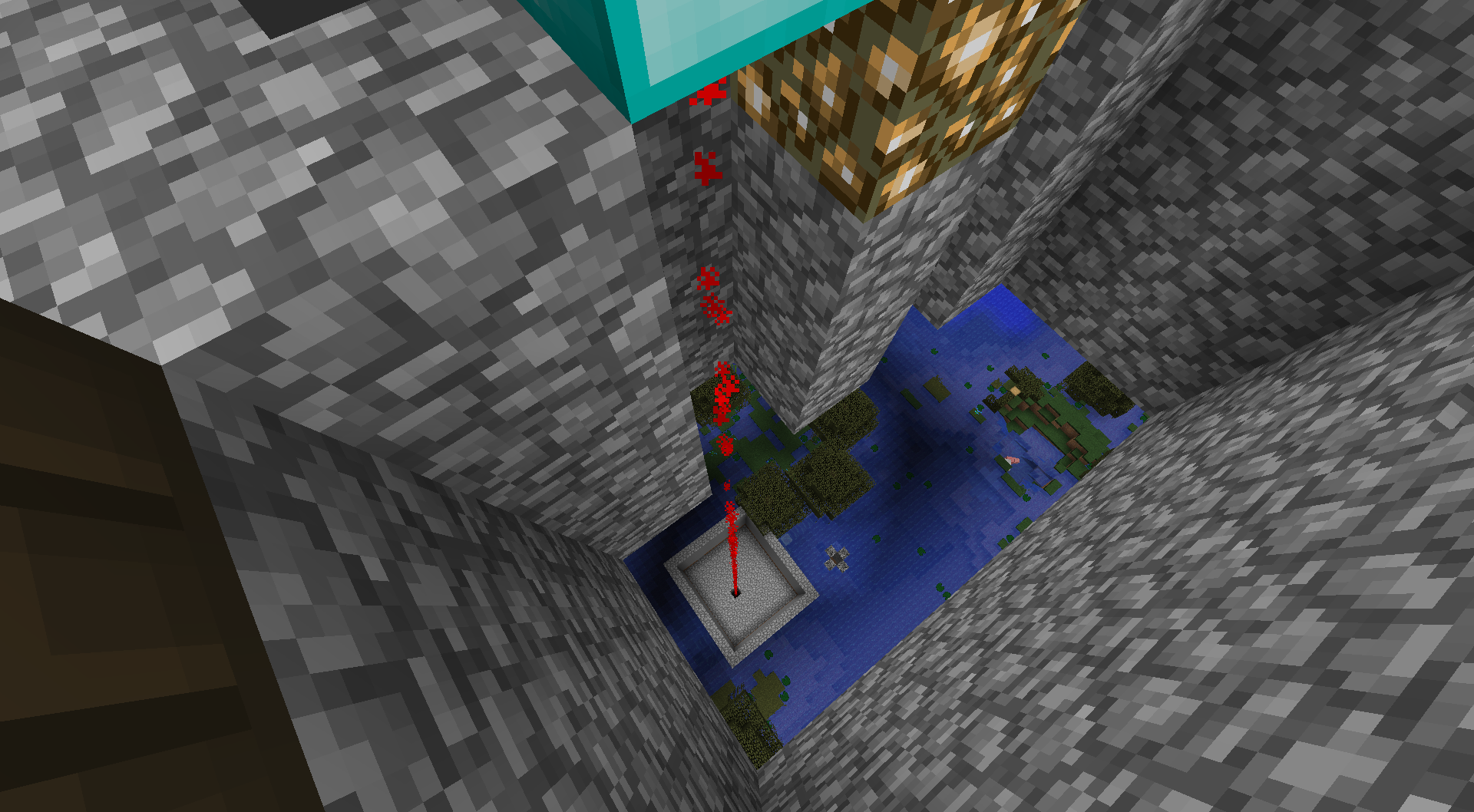
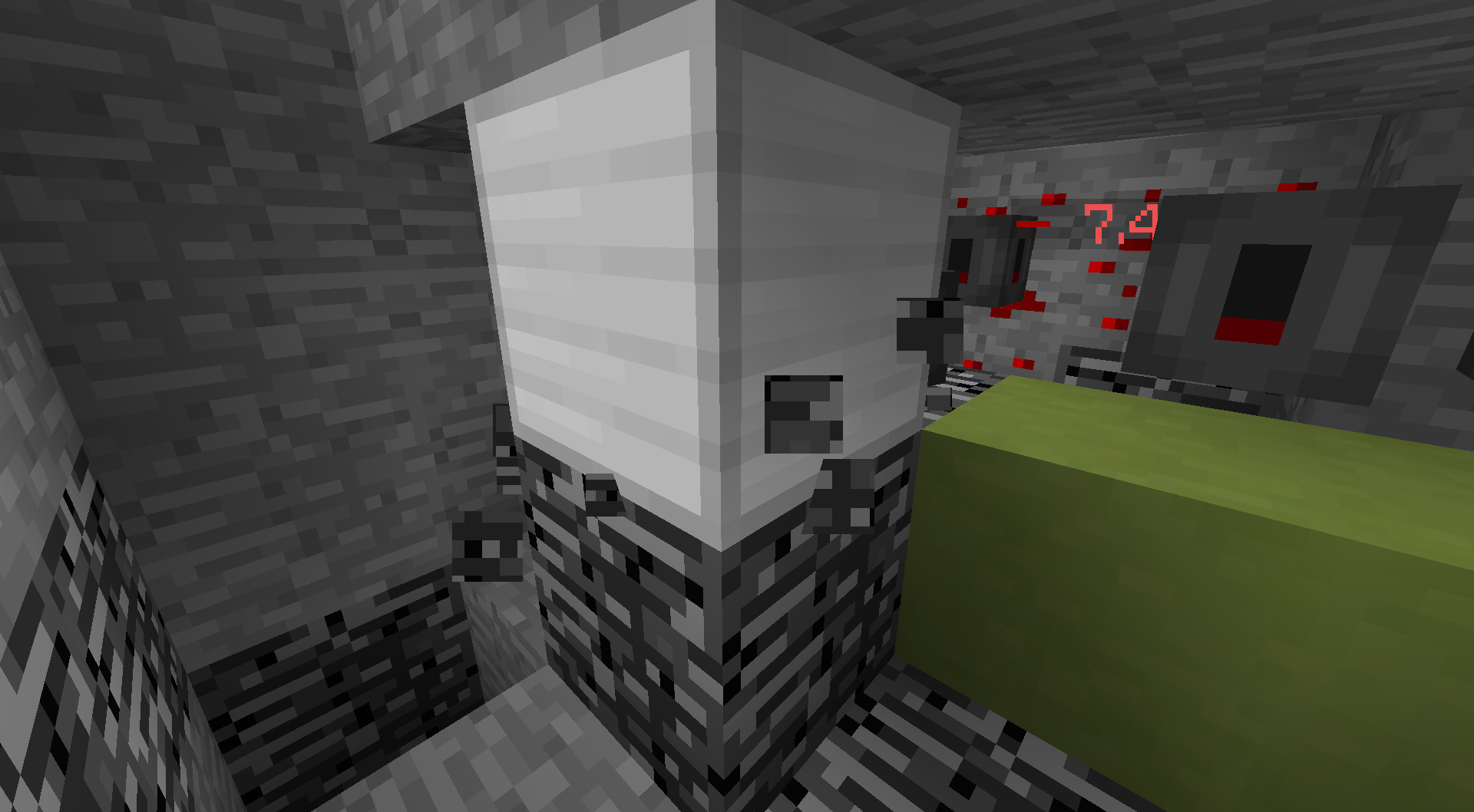
Are you getting bored of plain Slimefun? Do you wish there would be more stuff to do in it? If that's the case, then this plugin is for you! SlimeXpansion adds 30 additional items, from Wireless Chargers to Bedrock Breakers to make your gameplay more interesting! It allows you to automate a bunch more stuff, such as Ore Mining, which wasn't really possible before.
CS-CoreLib and Slimefun must be installed for this plugin to work!
Documentation
- Machines
- Equipment
Example Config
options: auto-update: true //Enable this if you want the plugin to be auto updated lootable-scrapbox: true //Disable this if you do NOT want the Lootboxes to be lootable. scrapbox-items: //This list contains all items you can get by looting Scrapboxes. Feel free to add/remove items you want to. Vanilla and Slimefun items are supported. - DIAMOND - CAKE - GOLD_ORE - IRON_ORE - SLIME_BALL - COAL_ORE - COOKED_BEEF - REDSTONE - GLOWSTONE_DUST - COOKED_CHICKEN - BONE - FEATHER - LEATHER - SIGN - SOUL_SAND - BREAD - APPLE - MELON - PUMPKIN - NETHERRACK - ROTTEN_FLESH - GRAVEL - STICK - DIRT - GRASS - WOOD_HOE - GOLD_HELMET - IRON_DUST - COPPER_DUST - TIN_DUST - GOLD_DUST - BATTERY
Auto-Updater and Metrics
All my Plugins are using an Auto-Updater to make sure, you're always using the latest and hopefully the most bug-free version of my Plugin. If you don't want this Plugin to be auto-updated, you can turn it off in the config file at "options -> auto-update: true/false"
They also use a Metrics-System which collects the following Information:
- A unique identifier
- The server's version of Java
- Whether the server is in offline or online mode
- The plugin's version
- The server's version
- The OS version/name and architecture
- The core count for the CPU
- The number of players online
- The Metrics version
- Opting out of this service can be done by editing plugins/Plugin Metrics/config.yml and changing opt-out to true.
Comment installer SlimeXpansion
A server on Paper or Spigot
The plugin runs on the server core for Minecraft 1.14; players do not need to install anything.
File goes into the plugins folder
Download the file SlimeXpansion_v1.1.13.jar (125 KB) and put it into the server’s plugins folder.
Restart the server
On startup the plugin creates its own settings folder in plugins.
Use the “To server” button
On Millida Hosting, the button at the top of the page uploads the file to your server and restarts it for you.
Minecraft 1.14 runs on Java 8: with a different Java version the game may close right after launch.
Versions
Avec dépendances
| Minecraft | Loader | Fichier | Date | Actions |
|---|---|---|---|---|
| 1.14 | — | SlimeXpansion_v1.1.13125 Ko |
FAQ
Which Minecraft versions does SlimeXpansion work on?
Only Minecraft 1.14: there are no files for other versions.
Do players need to install SlimeXpansion?
No, the plugin goes only on the server, into the plugins folder: players do not need to download anything.
Which Java does SlimeXpansion need?
Minecraft 1.14 runs on Java 8. If the game closes right after launch, the usual cause is the wrong Java version in the profile settings.
Where can I download SlimeXpansion safely?
On this page: the file SlimeXpansion_v1.1.13.jar (125 KB) is stored on Millida’s server, with no link shorteners. SHA-1 checksum: a9c3cbe8a733efce50607c45c55bda771fa01872.
Avis
Soyez le premier à noter SlimeXpansion


