

Umbrellas Mod pour Minecraft 1.20.1, 1.21.1
Ajoute des parapluies pour vous protéger avec style des intempéries
 Fabric
 Quilt
QuiltUmbrellas
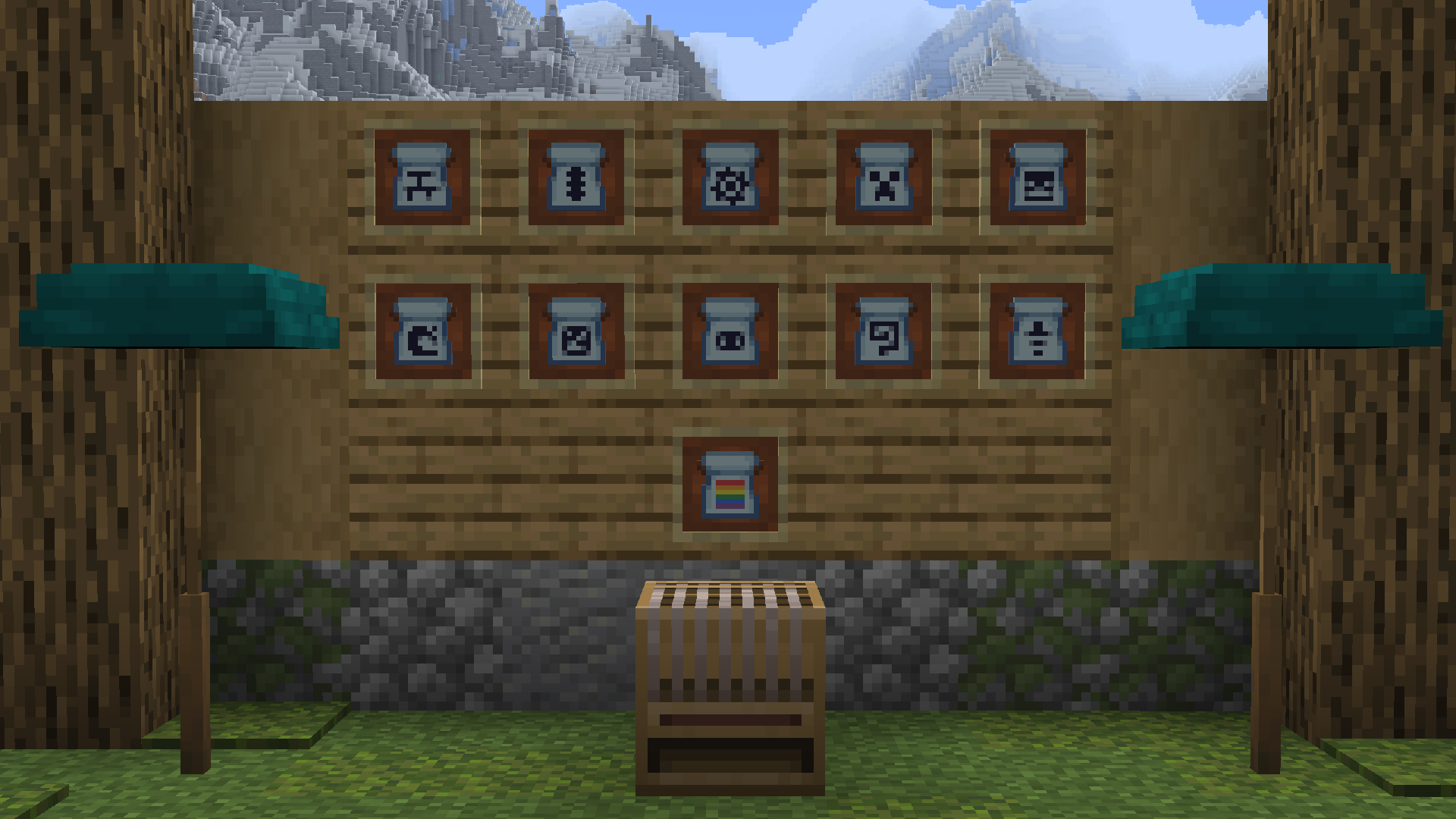
Adds Umbrellas to stylishly protect you from the elements!
The main purpose of Umbrellas is to protect any hydro/heliophobic players in the Origins Mod, but Origins isn't a required dependency, and the mod has been coded to block all sky/rain checks from any mod for maximum compatibility.
The mod has a lot of customization options for umbrellas, as well as two new mobility-based enchantments.

Features
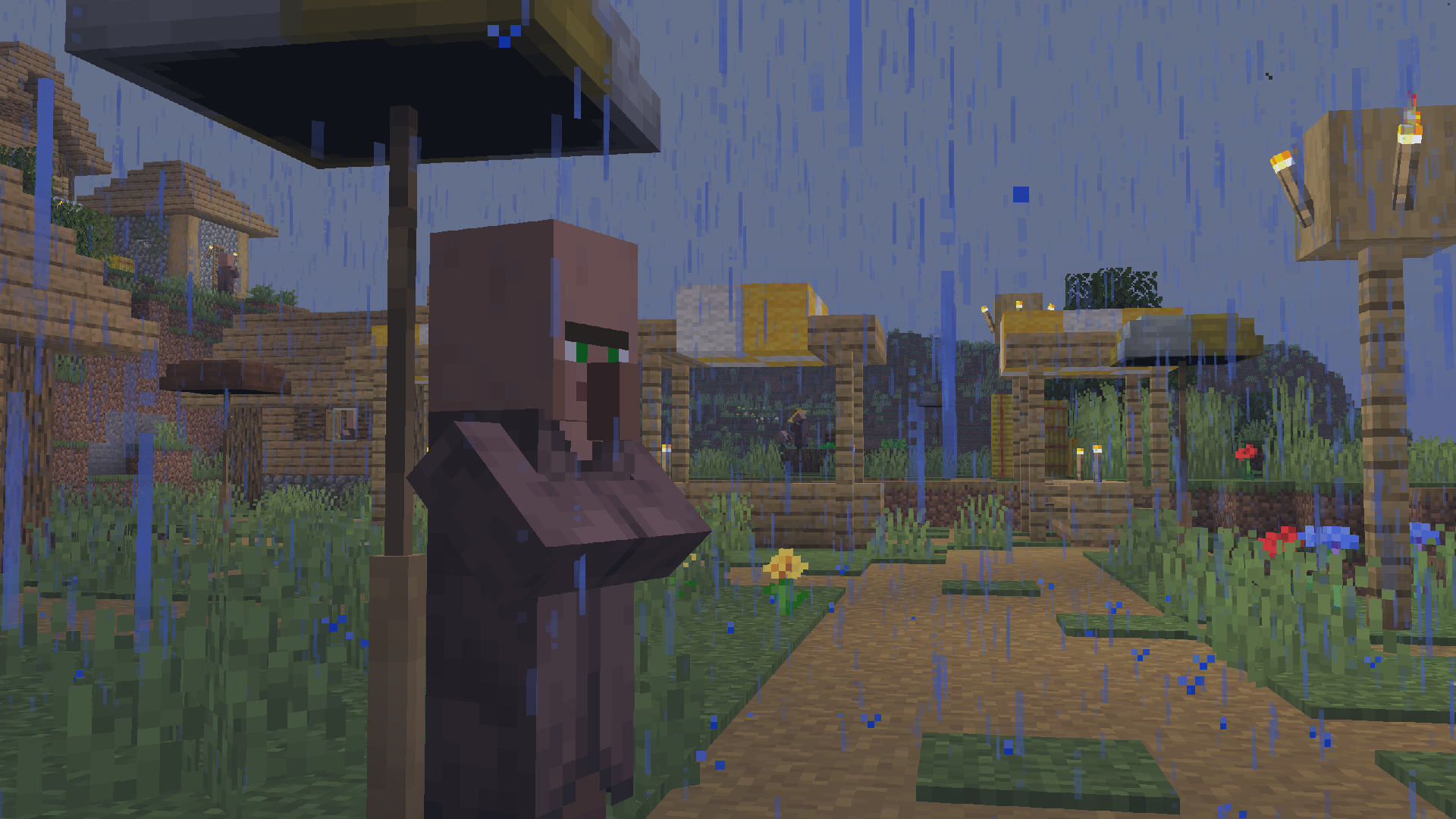
Umbrellas shield you from any sky or rain-related effects, for example zombies burning in the daylight, or players playing as Enderians with the Origins mod. They use up durability while doing so (can be disabled in config).
Looms can be used to decorate Umbrellas, like banners. There are also several special umbrellas, such as a flowering azalea, or a giant jellyfish. Umbrellas you create can be displayed in umbrella stands, where they can protect you from the rain without losing durability (so there's no need to worry about builds being ruined by rain!)
The mod also adds enchantments for umbrellas that allow you to glide down from high places, or boost upwards in the smoke from campfires. There is a (disabled by default) config option that applies the campfire boosting mechanic from umbrellas to Elytra, as well as one that can disable rockets, for players that think the mechanic is a good way to balance Elytra.
See the wiki for more detailed information!

Dependencies
Umbrellas depends on my core mod, PneumonoCore.
Comment installer Umbrellas
With Millida Launcher
Install Millida Launcher
The launcher is free: download it at millida.net/launcher and sign in with any nickname.
Click “Install” on this page
The launcher opens and installs the mod for Minecraft 1.20–26.2 on Fabric or Quilt automatically, together with its dependencies: Fabric API, Dependency.
Launch the game
A profile with it appears in the launcher: click “Play”.
Manually
Install Fabric or Quilt
The loader must match the game version of the mod file, for example Minecraft 26.2. After installing it, a separate profile appears in your launcher.
Download the file for your version
In the version list above, pick the file umbrellas-1.4.4+26.2+A.jar (694 KB) for your game version and loader.
Put it in the mods folder
The folder is inside .minecraft (Windows: %appdata%\.minecraft\mods). If it does not exist, create it. Required dependencies go there too: Fabric API, Dependency.
Launch the loader profile
Open “Mods” in the main menu: Umbrellas should be in the list.
On a server
A server on Fabric or Quilt
The mod only works on a server with the same loader and game version, for example 26.2.
File goes into the server’s mods folder
Stop the server, put the mod file into the mods folder and start the server again.
Use the “To server” button
On Millida Hosting, the button at the top of the page uploads the file to your server and restarts it for you.
Versions
Avec dépendances
| Minecraft | Loader | Fichier | Date | Actions |
|---|---|---|---|---|
| 26.2 | Fabric, Quilt | 26.2694 Ko | ||
| 26.1.2 | Fabric, Quilt | 26.1.2692 Ko | ||
| 1.21.11 | Fabric, Quilt | 1.21.11678 Ko | ||
| 1.21.10 | Fabric, Quilt | 1.21.10678 Ko | ||
| 1.21.8 | Fabric, Quilt | 1.21.8676 Ko | ||
| 1.21.1 | Fabric, Quilt | 1.21.1661 Ko | ||
| 1.20.1 | Fabric, Quilt | 1.20.1654 Ko | ||
| 26.2 | Fabric, Quilt | 26.2694 Ko |
Ce qu'il faut pour l'exécuter
- Fabric APIobligatoire
- Dependencyobligatoire
Avis
Soyez le premier à noter Umbrellas


