
Truly Modular: Armory Mod pour Minecraft 1.20.1, 1.21.1
Un addon pour Truly Modular axé sur les armures et les élytres
 Fabric
 Quilt
Quilt NeoForge
 Forge
ForgeTruly Modular: Armory
A wide Collection of Modular Armor Modules
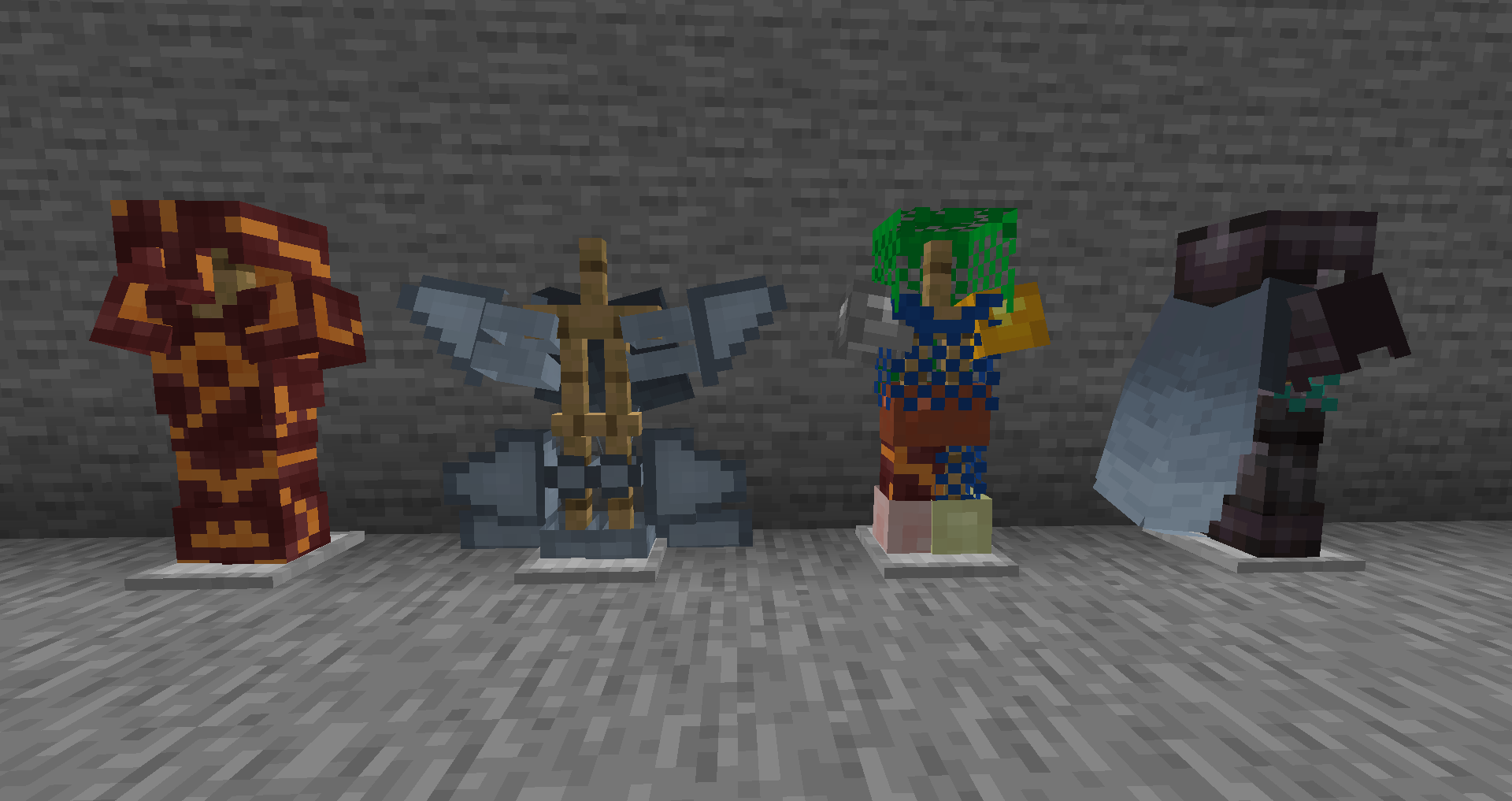
Truly Modular: Armory is a Modular Armor Mod with wide-ranging support and options
Contents
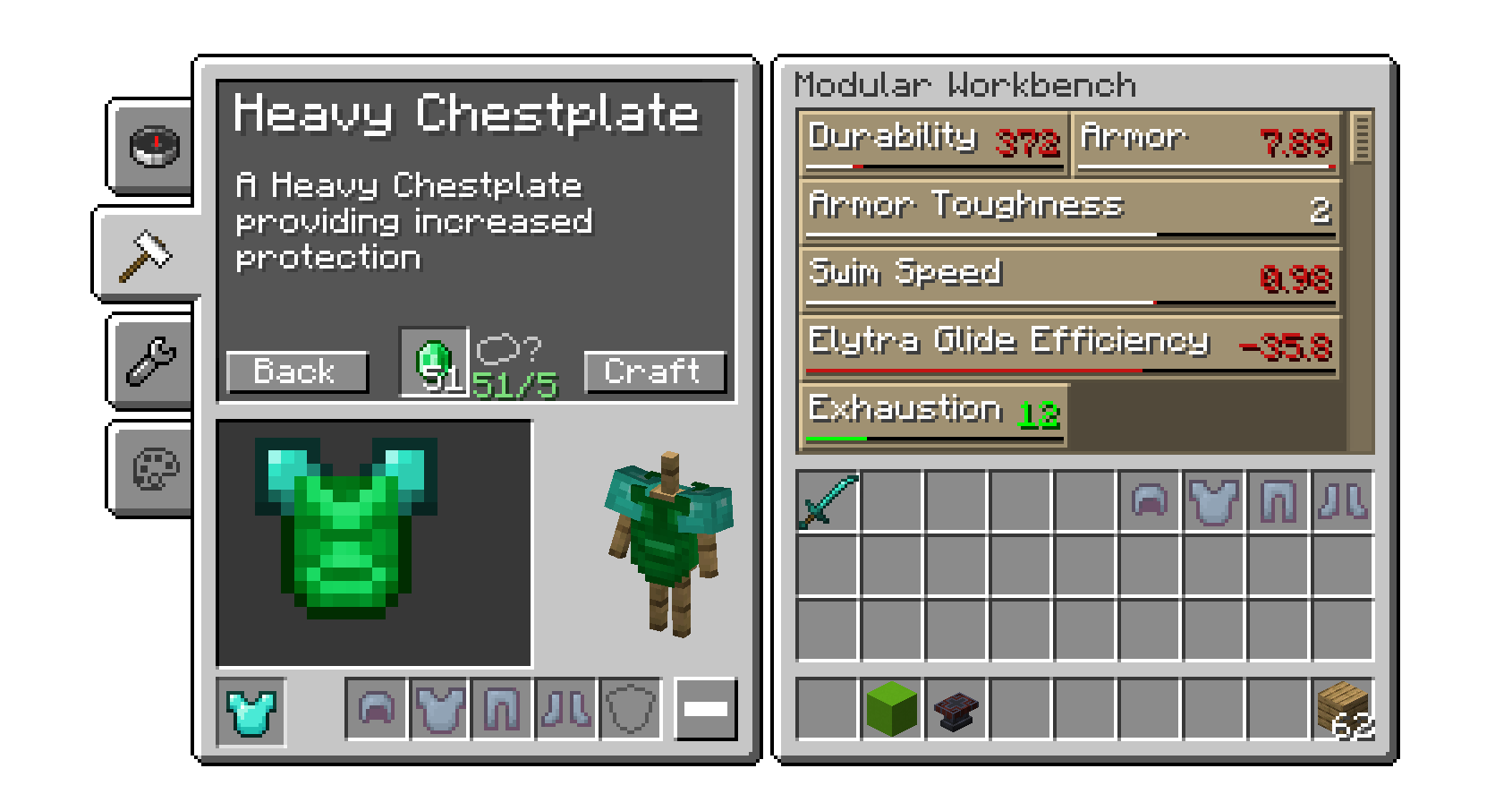
- More than 60 Modules split between base sets
- Crafted Chainmail: a good armor against Projectile Damage
- Plate Armor: the default Armor
- Heavy Armor: Heavy Armor, excellent Protection, but moving with Elytra or swimming is difficult with it.
- Wingsuit: Not much in the way of Protection, but allows for excellent Elytra Performance
- Scuba: not the best in terms of Protection, but increased Swimspeed
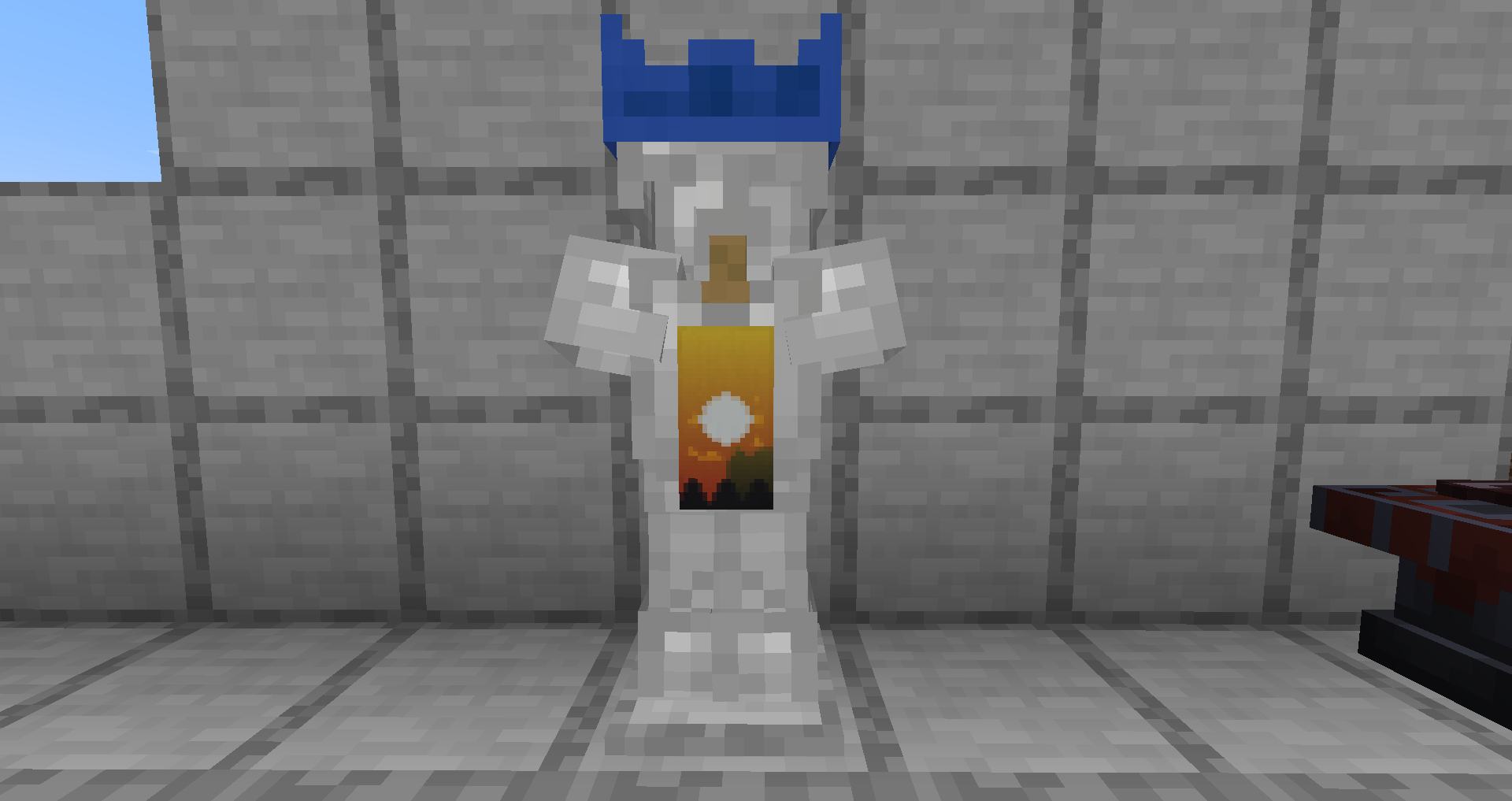
- Multiple visual/cosmetic options like Banners
Compat
- Better Combat is fully supported
- Shadermods, like Iris, Oculus, Optifine, are only partially supported. Shaders only work with the fallbackrenderer active. This gets activated by default if loaded with Iris and Oculus. This can be deactivated in the Config or force activated if other mods create issues with Truly Modular's Rendering
- Truly Modular uses an Automatic compat by default, this means most mods Swords and Materials should get picked up, dedicated compat is possible through datapacks.
- You can use the MaterialHelper Website to make compat datapacks yourself
FAQ:
- What Launcher is this for? Forge? Fabric?
- Both, check the jars
- Backport to older versions?
- is not planned. There are many features in Truly Modular which have a significantly higher priority than backporting. Once the list of ideas is smaller we might consider backporting.
- Is X mod supported?
- probably? Generative Compatiblity has a high chance of working with most mods out of the box. You can check https://github.com/Truly-Modular/Modular-Item-API/blob/main/COMPAT.md for more informations or to report issues
- Can I write an Addon for this?
- Yes, for any help feel free to visit our discord or check the API wiki for additional Help
- Can I use this in a Modpack?
- yes
Comment installer Truly Modular: Armory
With Millida Launcher
Install Millida Launcher
The launcher is free: download it at millida.net/launcher and sign in with any nickname.
Click “Install” on this page
The launcher opens and installs the mod for Minecraft 1.20.1–1.21.1 on Fabric, Forge, NeoForge or Quilt automatically.
Launch the game
A profile with it appears in the launcher: click “Play”.
Manually
Install Fabric, Forge, NeoForge or Quilt
The loader must match the game version of the mod file, for example Minecraft 1.21.1. After installing it, a separate profile appears in your launcher.
Download the file for your version
In the version list above, pick the file Truly-Modular-armory-armory-fabric-2.2-1.21.jar (396 KB) for your game version and loader.
Put it in the mods folder
The folder is inside .minecraft (Windows: %appdata%\.minecraft\mods). If it does not exist, create it.
Launch the loader profile
Open “Mods” in the main menu: Truly Modular: Armory should be in the list.
Minecraft 1.21.1 runs on Java 21: with a different Java version the game may close right after launch.
Versions
Avec dépendances
| Minecraft | Loader | Fichier | Date | Actions |
|---|---|---|---|---|
| 1.21 | Fabric, Quilt | Truly Modular - Armory v2.2-1.21396 Ko | ||
| 1.21 | NeoForge | Truly Modular - Armory v2.2-1.21396 Ko | ||
| 1.20.1 | Forge, NeoForge | Truly Modular - Armory v1.13-1.20.1317 Ko | ||
| — | — | Truly Modular - Armory v1.4-1.20.1282 Ko |
Avis
Soyez le premier à noter Truly Modular: Armory


