

Theurgy Mod pour Minecraft 1.20.1, 26.3
Un mod de magie open-source construit autour de l'alchimie classique pour répliquer et transmuter la matière, et créer des artefacts magiques.
 NeoForge
 Forge
ForgeTheurgy
An Introduction to the Ancient Art of Alchemy
Theurgy is an open-source magic mod built around classical alchemy to replicate and transmute matter, and create magical artifacts.
Theurgy aims to introduce a new take on Alchemy in Minecraft. Deviating from the well-trodden path of the "4 Elements" - Air, Water, Fire, Earth - it is inspired by classical Alchemy and works with the elements of Sulfur, Salt and Mercury and their handling through a group of processes known as Spagyrics.
First and foremost Theurgy tries to create a balanced alchemy experience - not as overpowered as Equivalent Exchange, yet maybe somewhat more practicable than the legendary Thaumcraft.
In-Game documentation is provided by Modonomicon a mod for Thaumonomicon-Style in-game books.
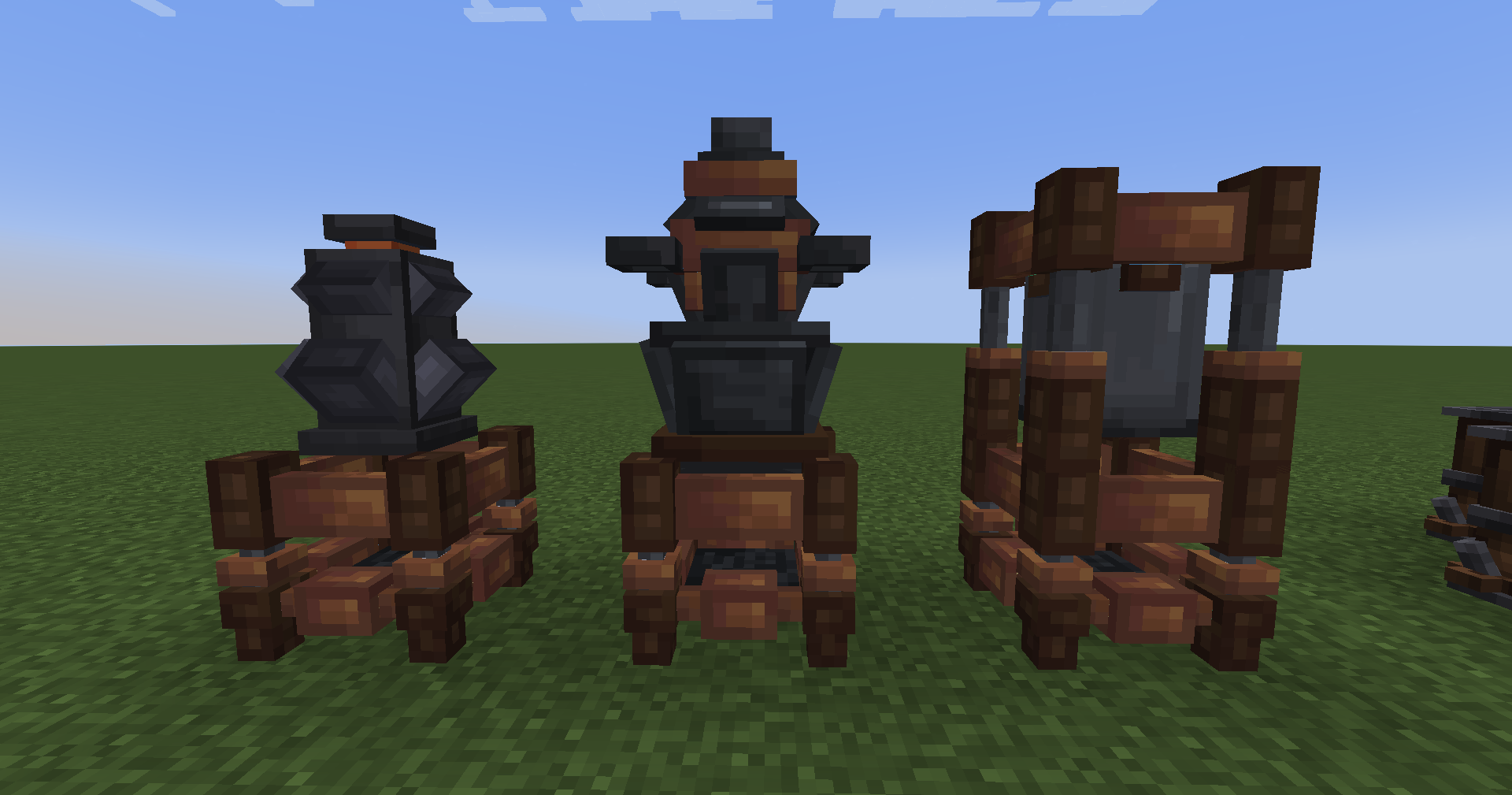
First Steps
- Craft a book with 2x sand to obtain The Hermetica, your guide book in all things alchemy.
- Follow the steps outlined in the book on your journey to become a master alchemist.
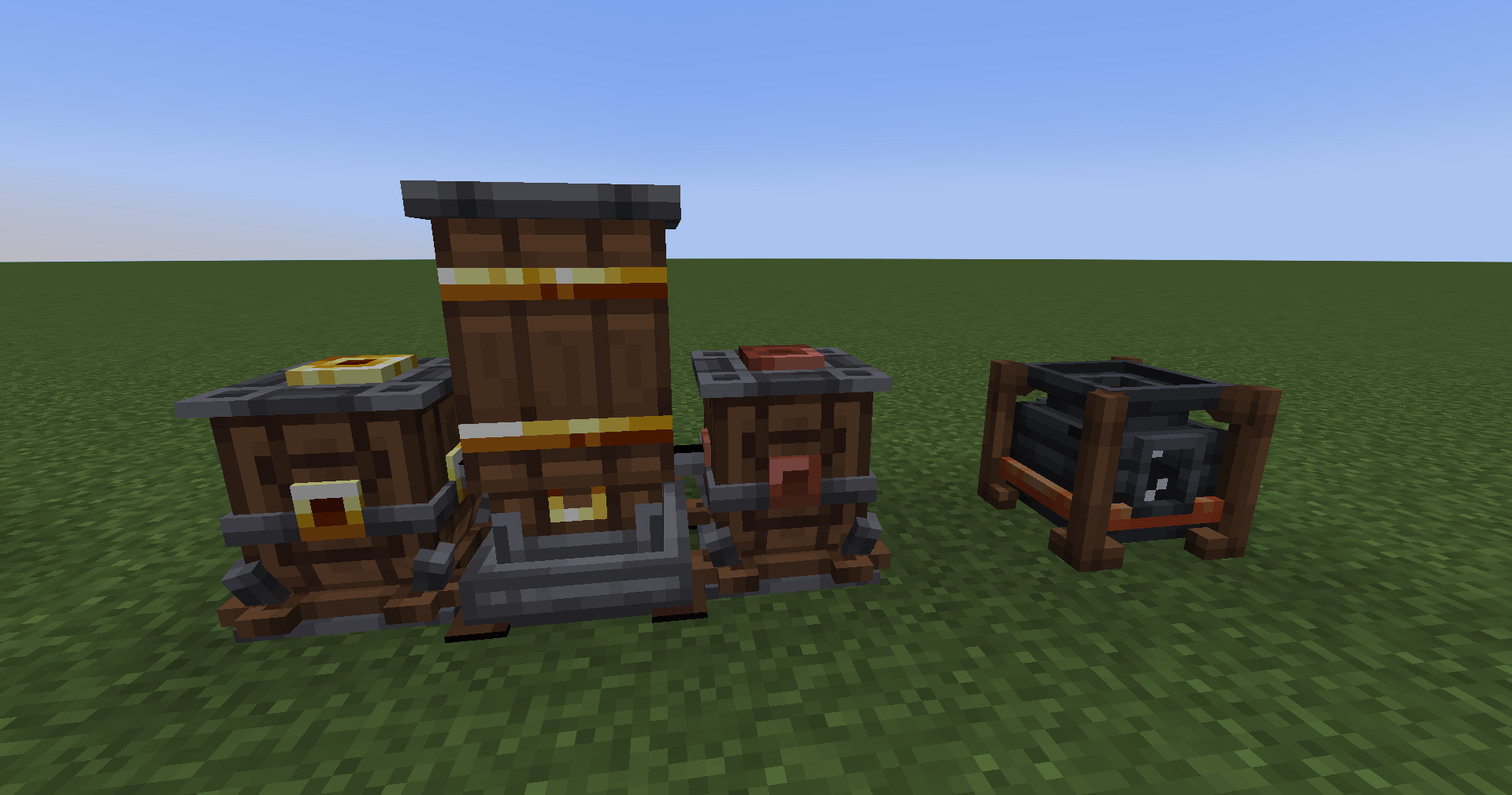
Feedback, Bug reports or Questions?
Join our Discord!
Alternative link: https://discord.gg/trE4SHRXvb
Use in Modpacks
Packmaker Documentation: https://klikli-dev.github.io/theurgy/
Use in modpacks is allowed without restrictions, as long as you link back to this page. If you create the modpack on curseforge a link will be automatically created in the files sections, you do not need to add a manual link.
Configuration, Recipes, Balancing
If you need help configuring the mod for your modpack, or need a specific feature for compatibility please join Discord and get in touch!
License
The source code for this mod is released under the MIT license. View https://github.com/klikli-dev/theurgy/#licensing for more details. Contributions and derivative works are welcome!
All the good-looking textures have been graciously provided by Discord User "An intruder#6969" (all programmer's art is on me!).
Special Thanks
To the forge team, without whom mods would be in the Stone Age.
Comment installer Theurgy
With Millida Launcher
Install Millida Launcher
The launcher is free: download it at millida.net/launcher and sign in with any nickname.
Click “Install” on this page
The launcher opens and installs the mod for Minecraft 1.20–26.3 on Forge or NeoForge automatically.
Launch the game
A profile with it appears in the launcher: click “Play”.
Manually
Install Forge or NeoForge
The loader must match the game version of the mod file, for example Minecraft 26.3. After installing it, a separate profile appears in your launcher.
Download the file for your version
In the version list above, pick the file theurgy-26.3-neoforge-1.118.0.jar (8.3 MB) for your game version and loader.
Put it in the mods folder
The folder is inside .minecraft (Windows: %appdata%\.minecraft\mods). If it does not exist, create it.
Launch the loader profile
Open “Mods” in the main menu: Theurgy should be in the list.
Versions
Avec dépendances
| Minecraft | Loader | Fichier | Date | Actions |
|---|---|---|---|---|
| 26.3 | NeoForge | theurgy-26.3-neoforge-1.118.0.jar8.3 Mo | ||
| 1.20.1 | Forge, NeoForge | theurgy-1.20.1-1.30.0.jar4.2 Mo 1 | ||
| 1.20.1 | NeoForge, Forge | theurgy-1.20.1-1.5.0.jar2.5 Mo | ||
| 1.20.1 | Forge | theurgy-1.20.1-1.4.11.jar2.5 Mo |
Avis
Soyez le premier à noter Theurgy


