
Terraqueous Mod pour Minecraft 1.21.1
Arbres fruitiers/lianes/plantes, blocs de nuage, fleurs, décorations, pergola, outils
 NeoForge
 Forge
ForgeÀ propos du mod Terraqueous
- ShetiPhianCore Required! *
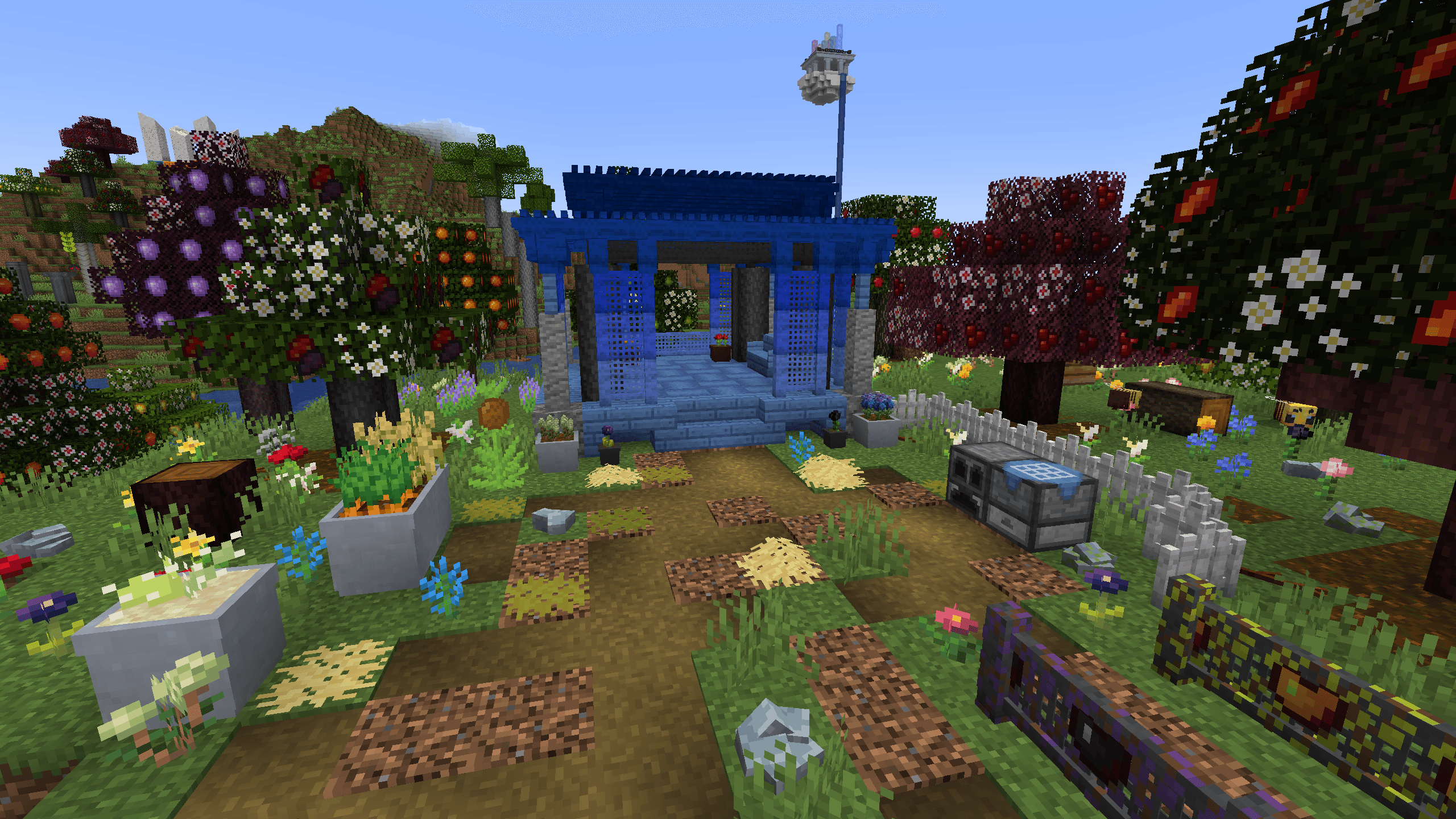
Adds Trees, Fruit, Flowers, Clouds, Pergolas, Tools, and more.
Pergola
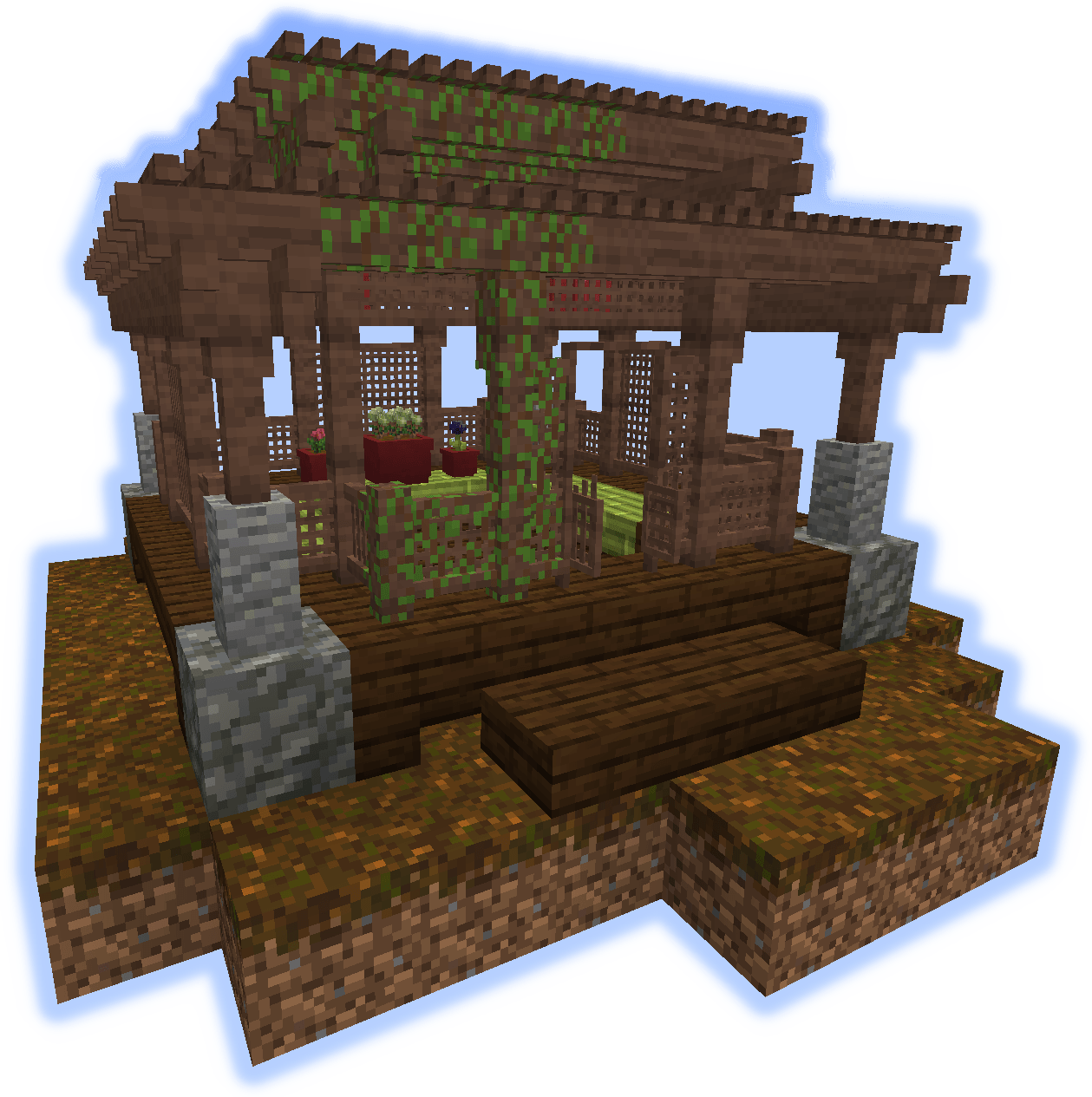
Three blocks are added for building Pergolas; The Roof, Lattice Fence, and Lattice Fence Gate.
A connected model system is used to change the look depending on the surrounding pieces.
With a wide array of colors to choose.
Fruit Vines can be grown on them.
Flowers
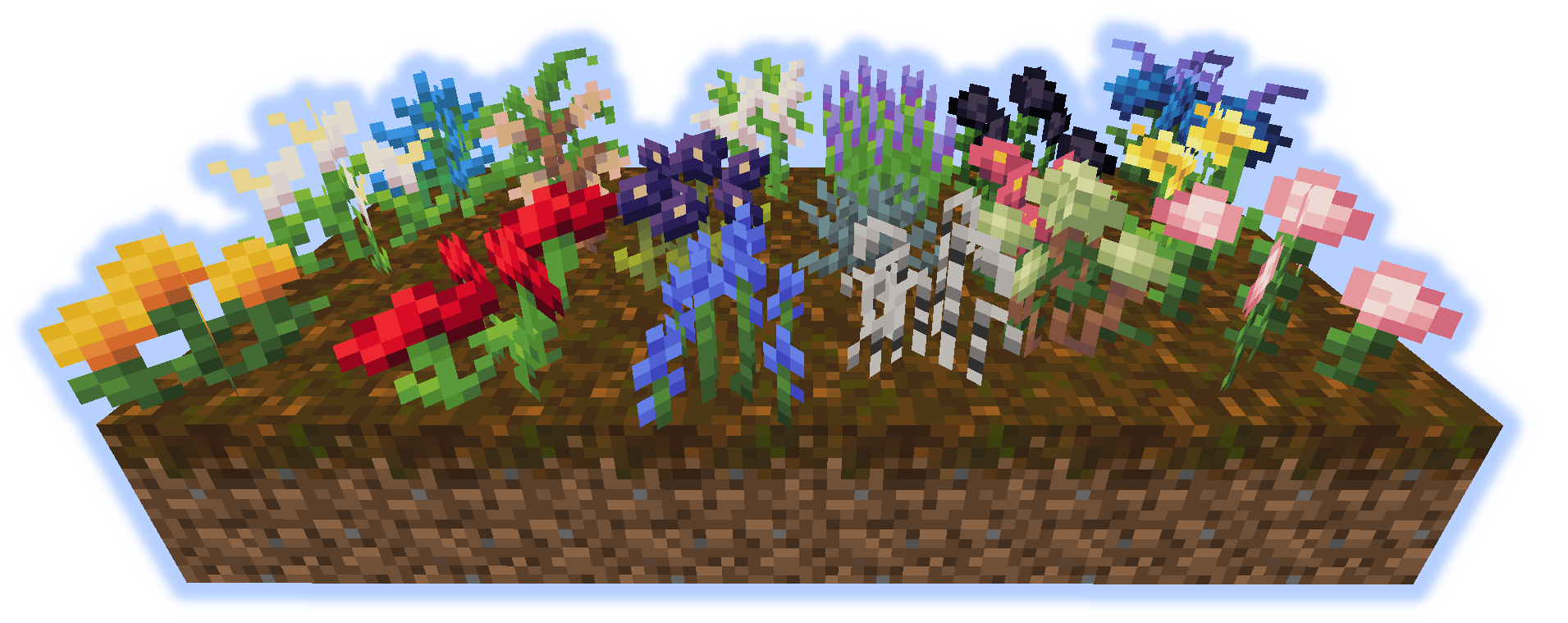
18 different flowers generate in the world.
These can be used to make dye or for decoration.
Pots & Planters
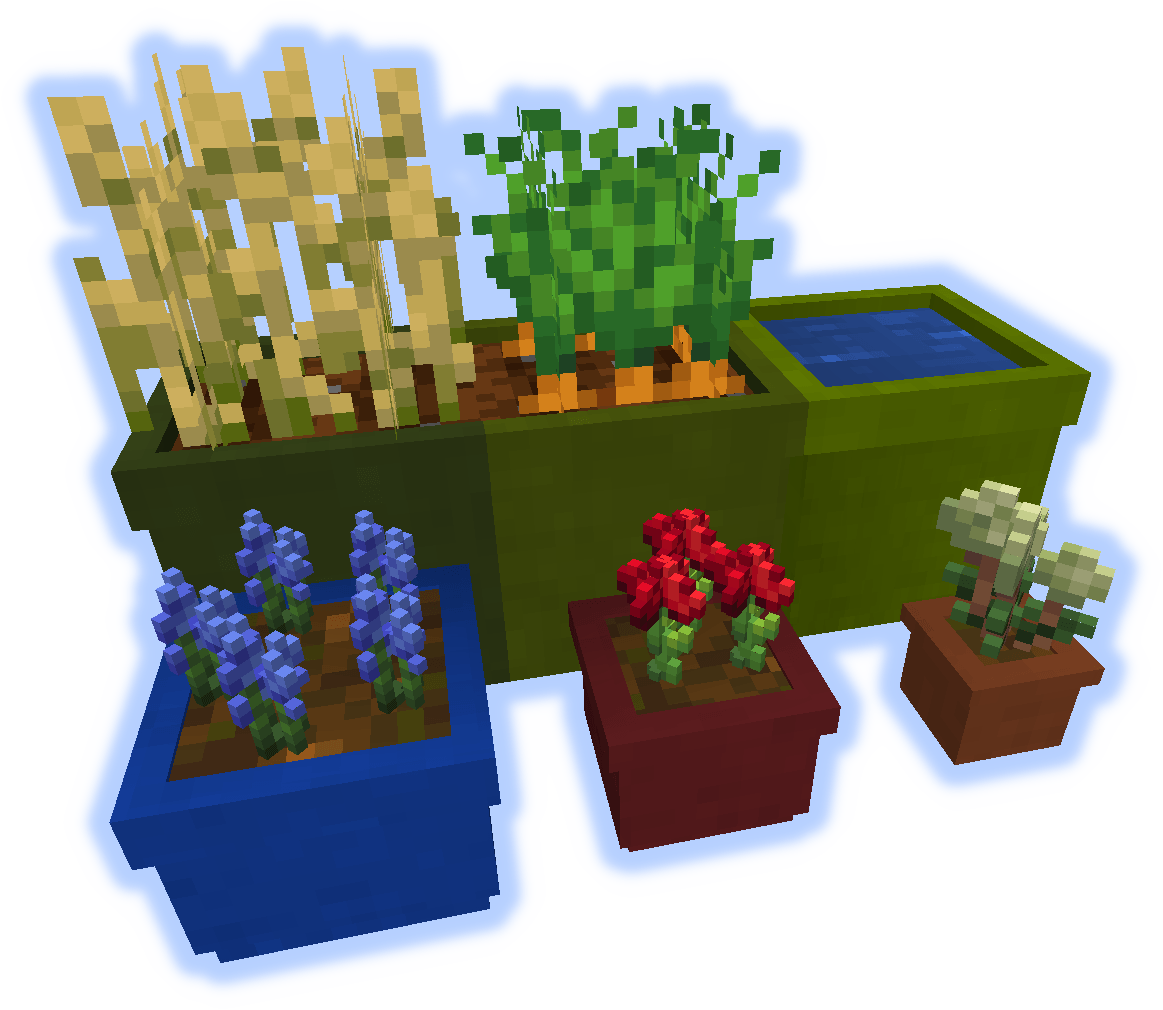
Pots come in 3 sizes.
Planters function like regular dirt and can be tilled to plant crops.
Fruit Trees
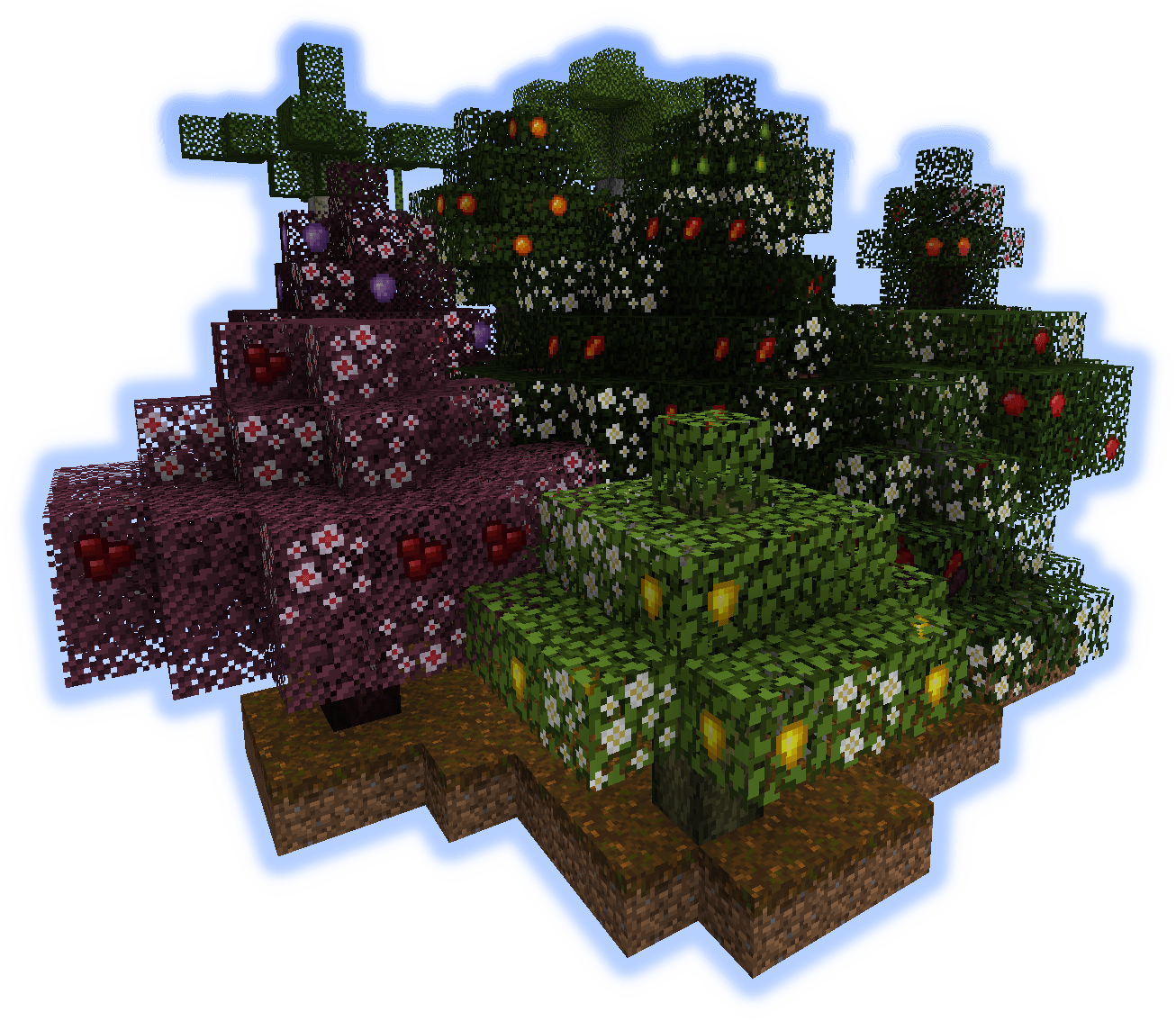
Trees will spawn in the world and produce a variety of fruit;
Apple, Pear, Peach, Mango, Orange, Lemon, Cherry, Plum, Coconut, Banana, and Mulberry.
All trees have there own unique wood, and wood objects; such as fences and doors.
Other non-tree fruit is also added.
Lumber
Each of the 11 fruit trees has its own wood.
Doors & Trapdoors

11 wood types and 8 door styles.
Boats
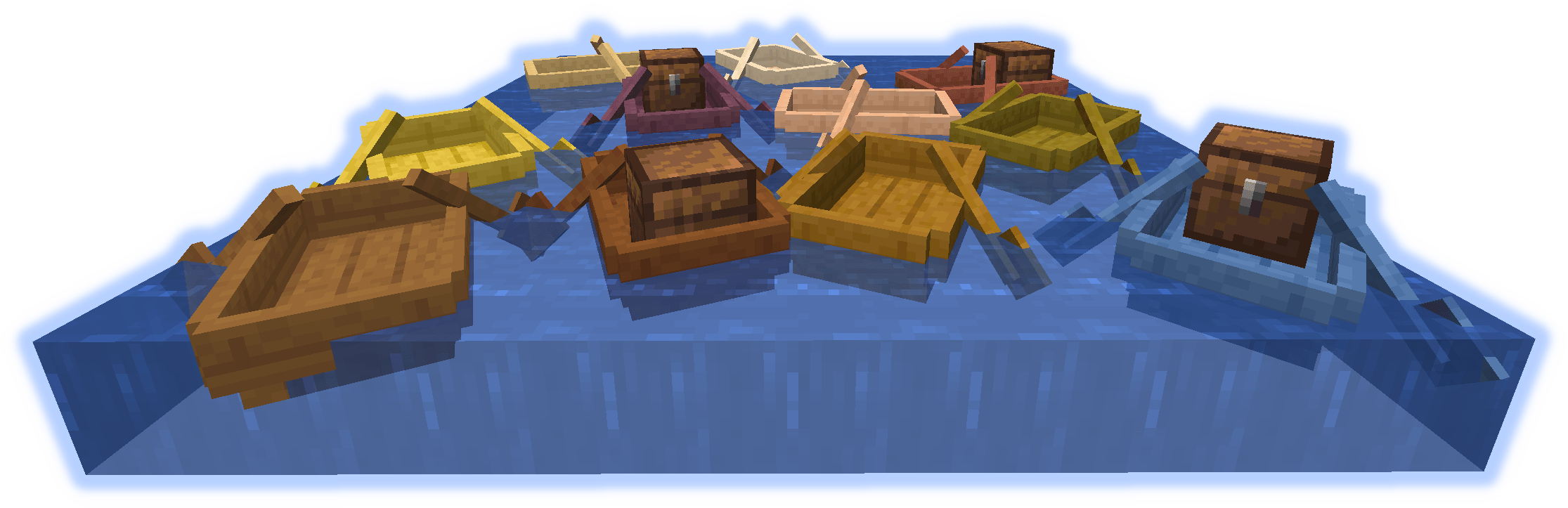
"See if you can find a boat."
Ores
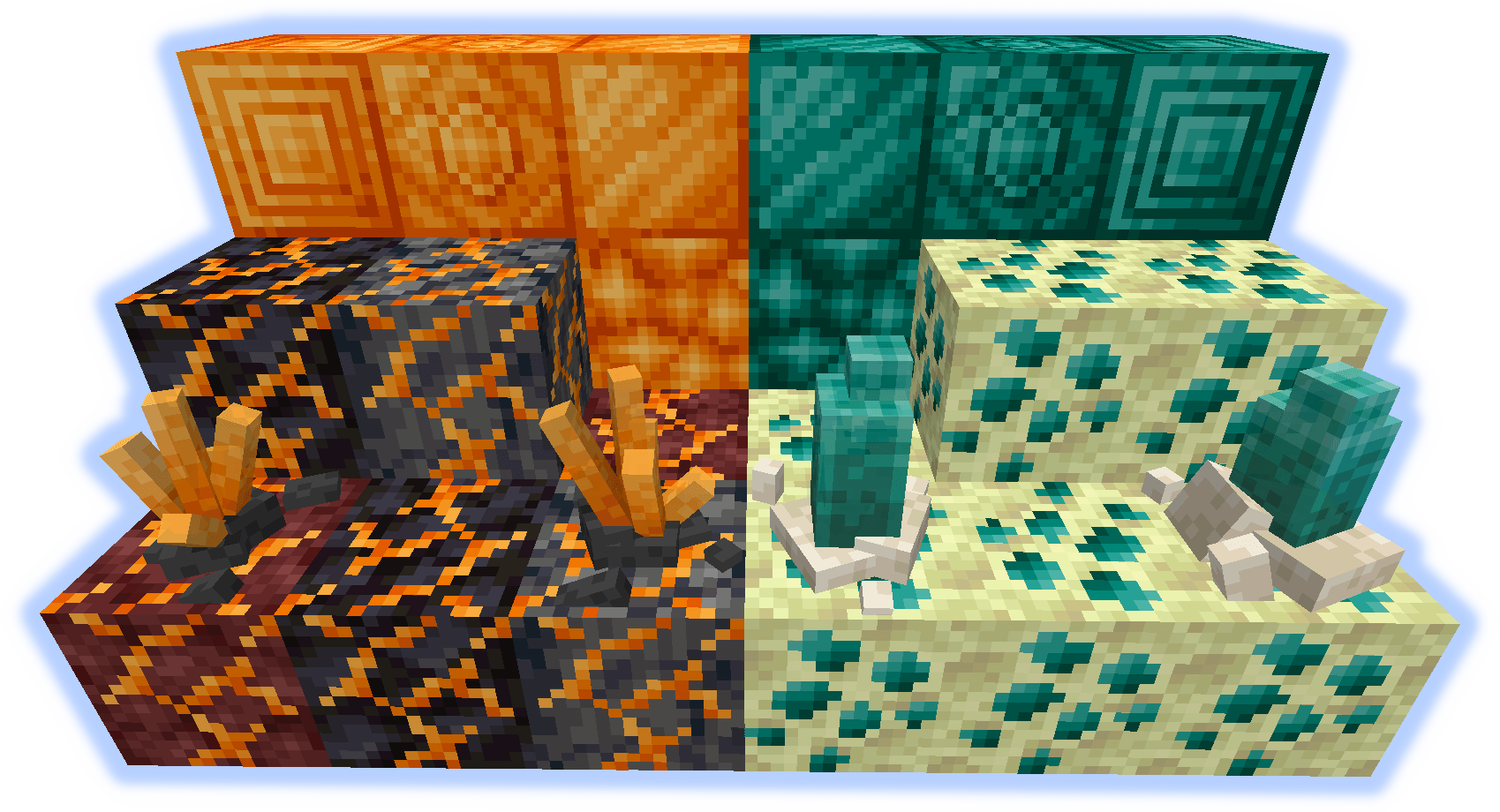
Burnium(Nether ore) & Endimium(End ore).
Columns
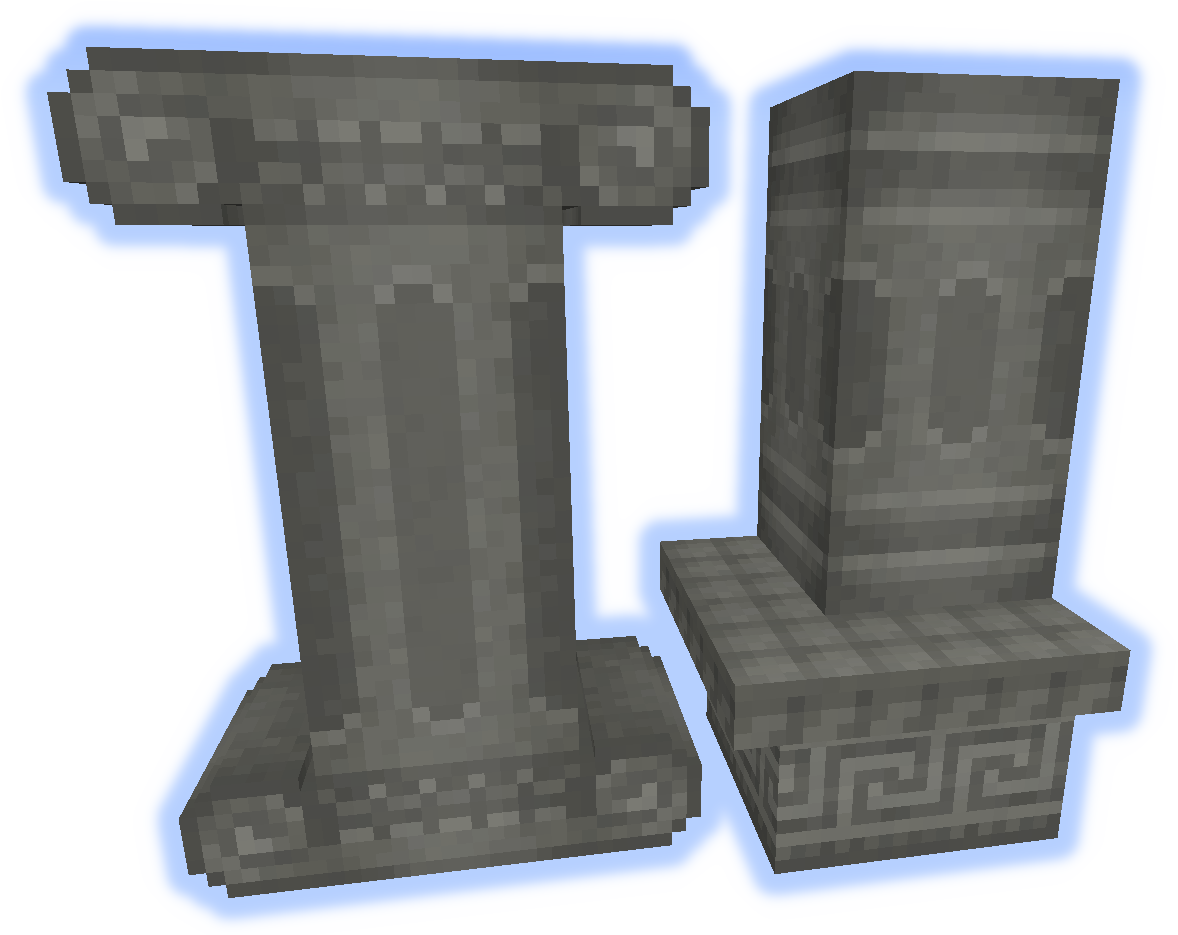
16 colors of concrete columns and decorative edges.
Paper Blocks & Lanterns
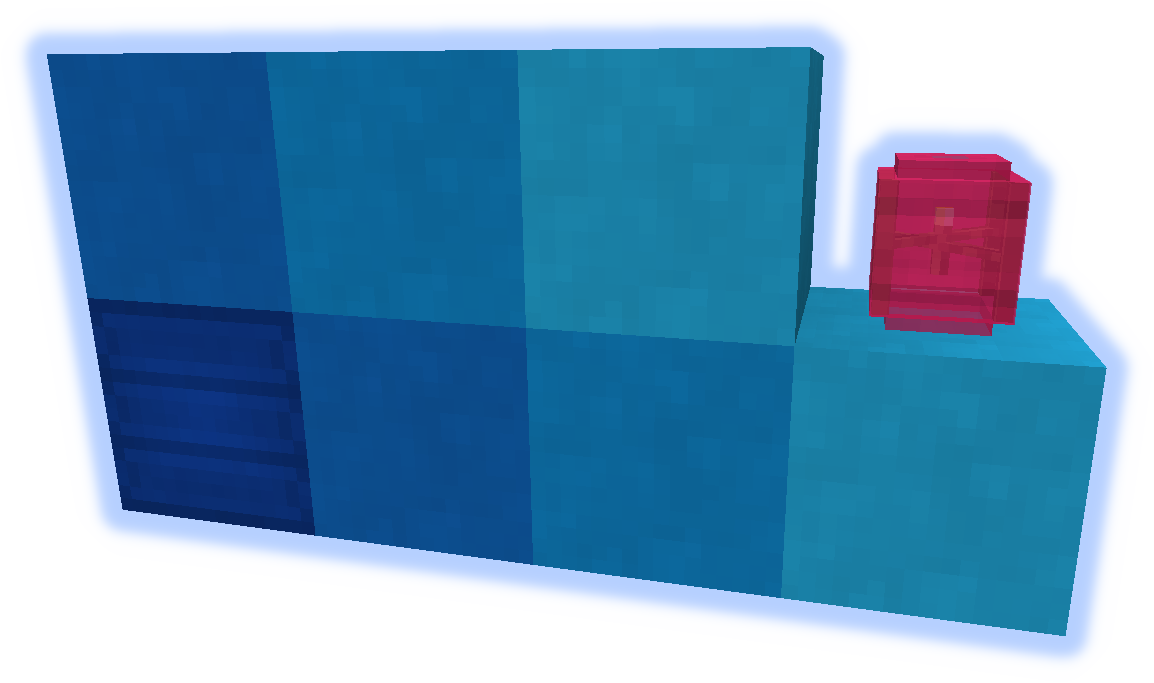
Massivly colorizable block.
Hay
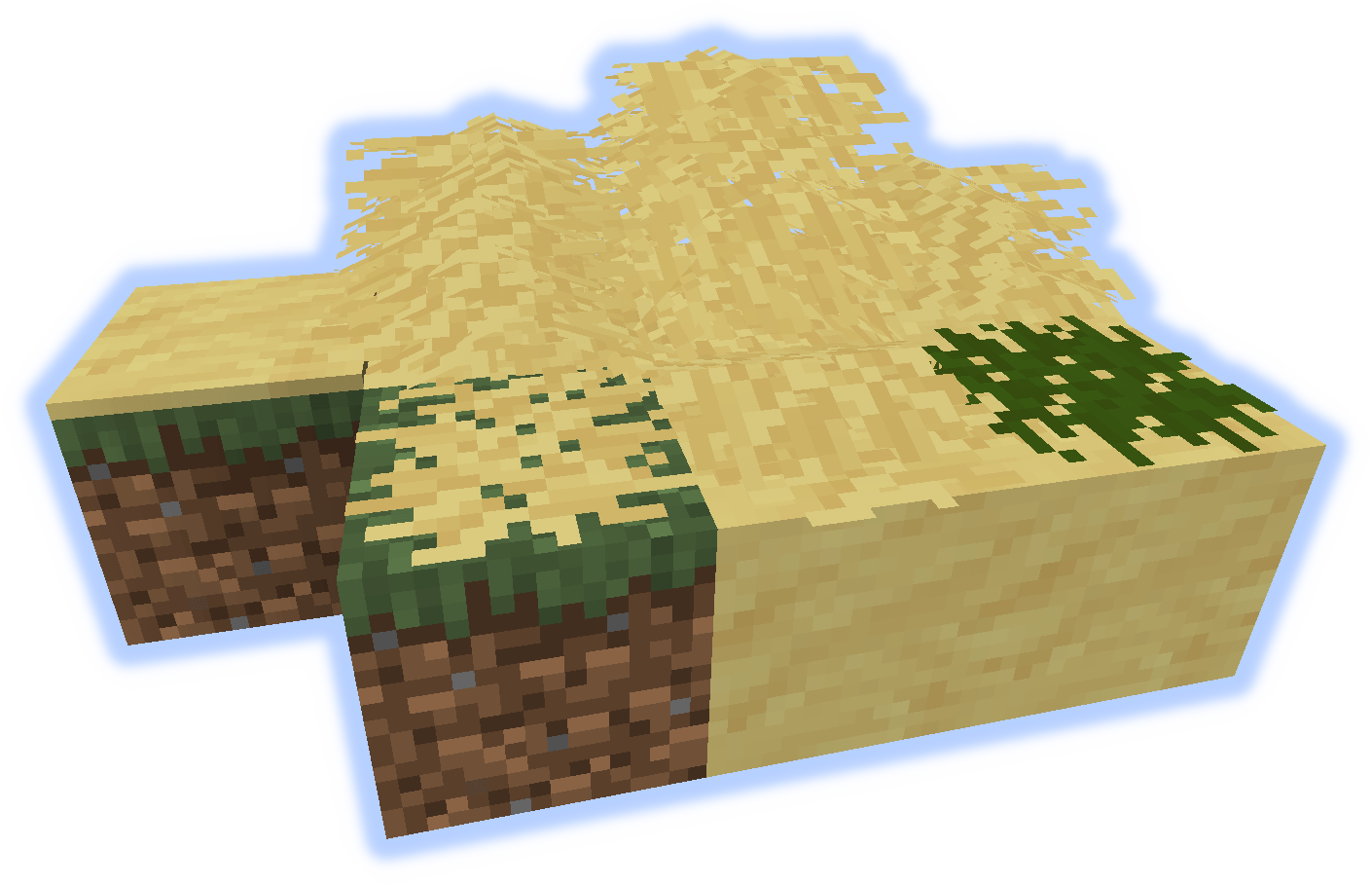
Dryed grass for decoration.
Garden Fence
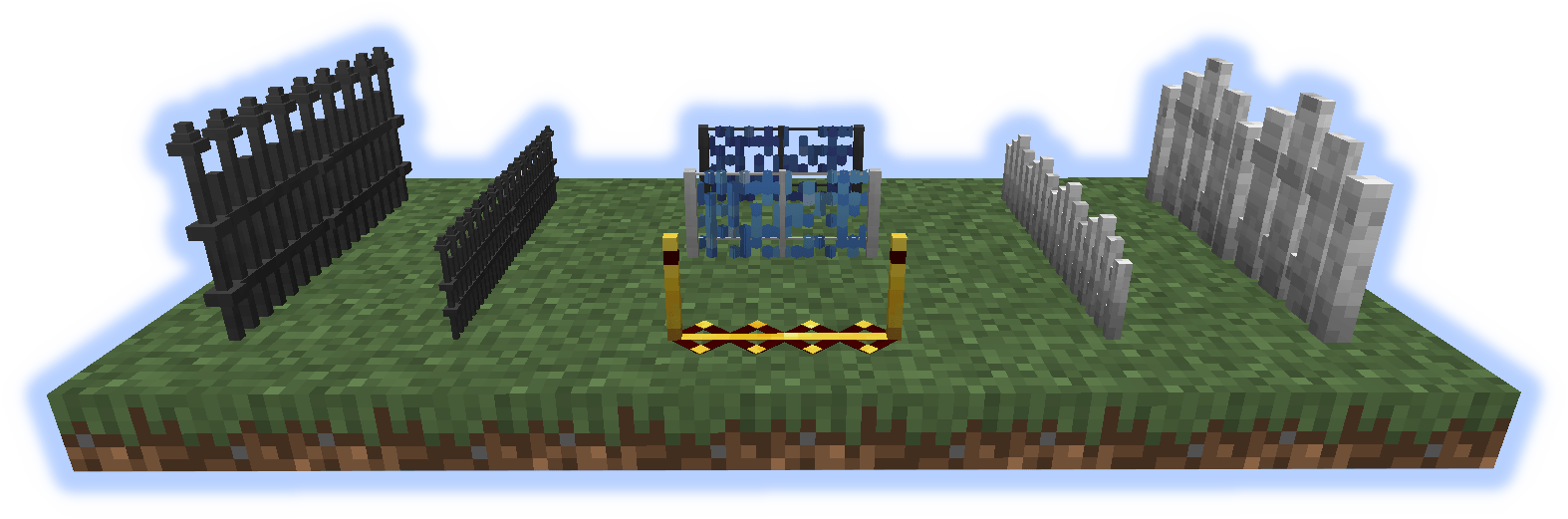
Full size and small fences for decoration and utility.
Climbing "over" the small ones slows movement.
Mobs that step on the blue ones transform.
The red/gold one applies a speed buff. Faster with a redstone signal.
Doodads/Clutter
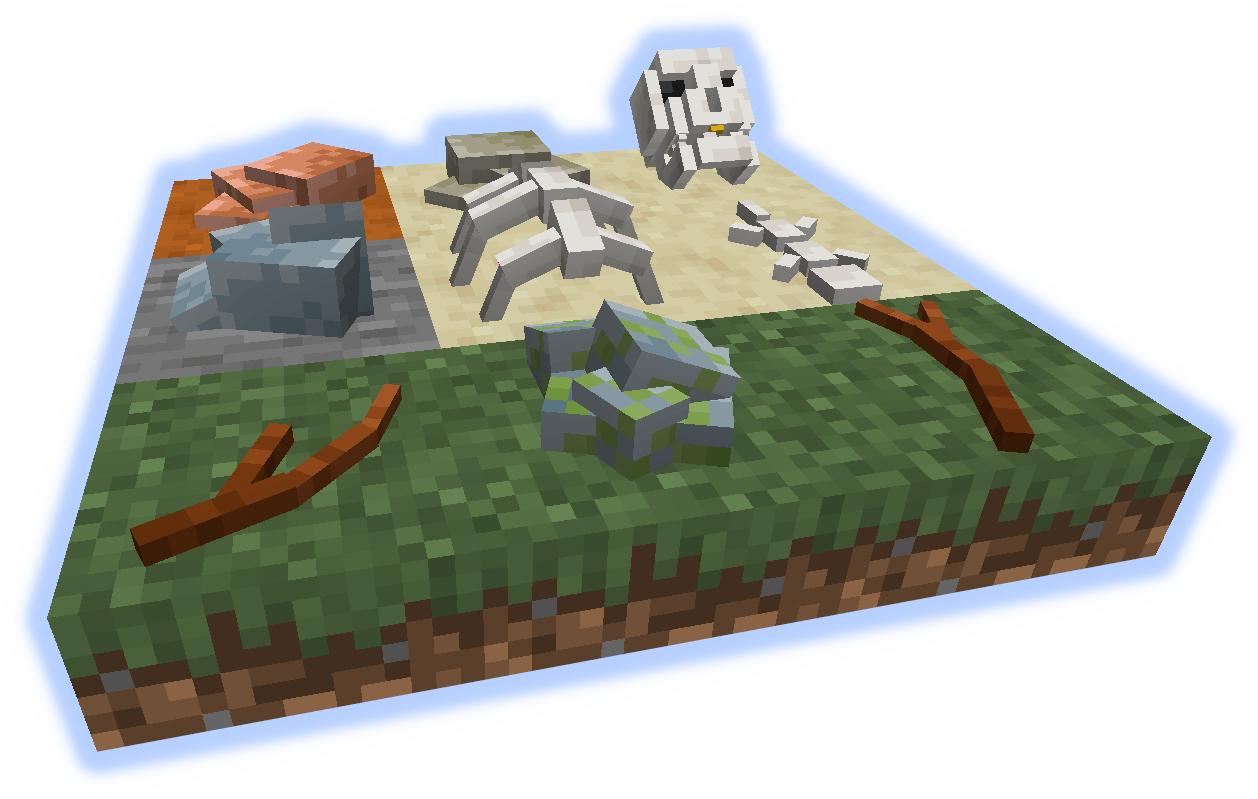
Sticks and Stones may break your bones, but breaking these give resources.
Clouds
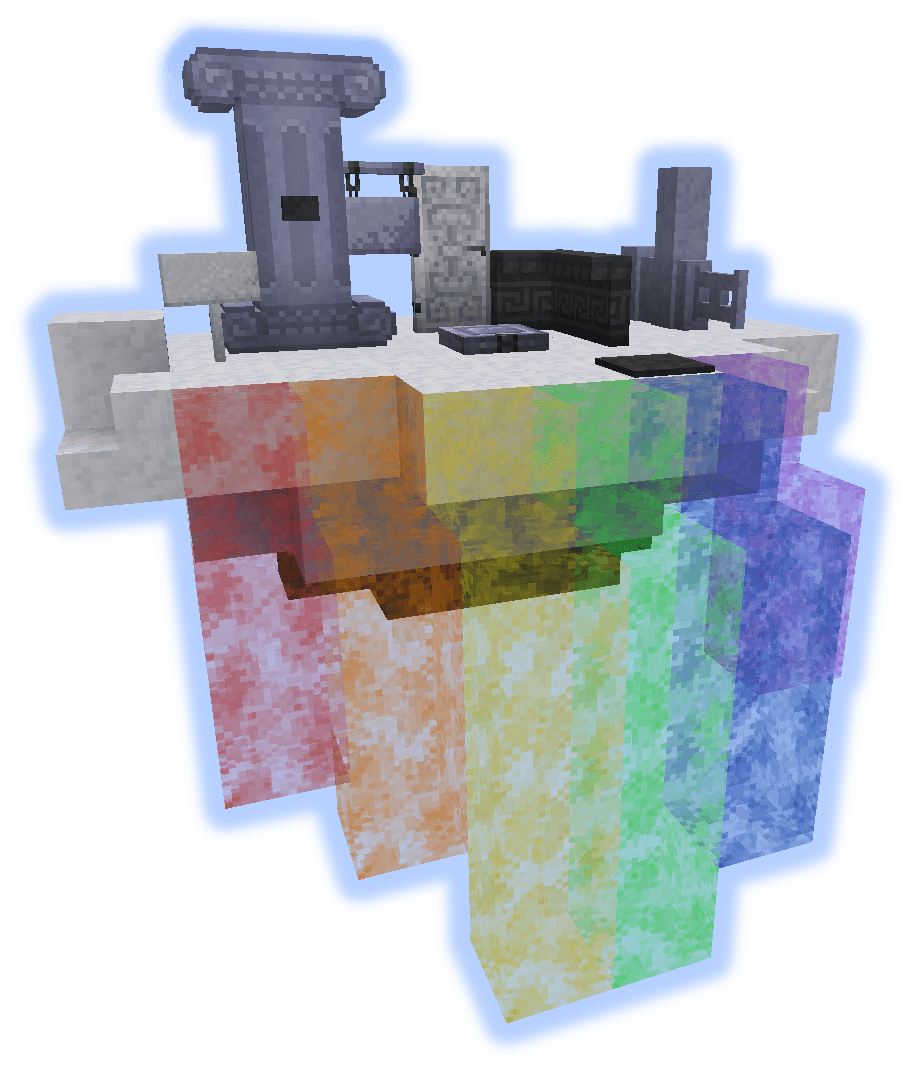
Light, Dense, and Storm clouds generate in the world.
These can be walked on with a Feather Talisman.
A variety of decorative cloud blocks can be crafted to make a house in the sky.
Workbenches, Tools, and Equipment
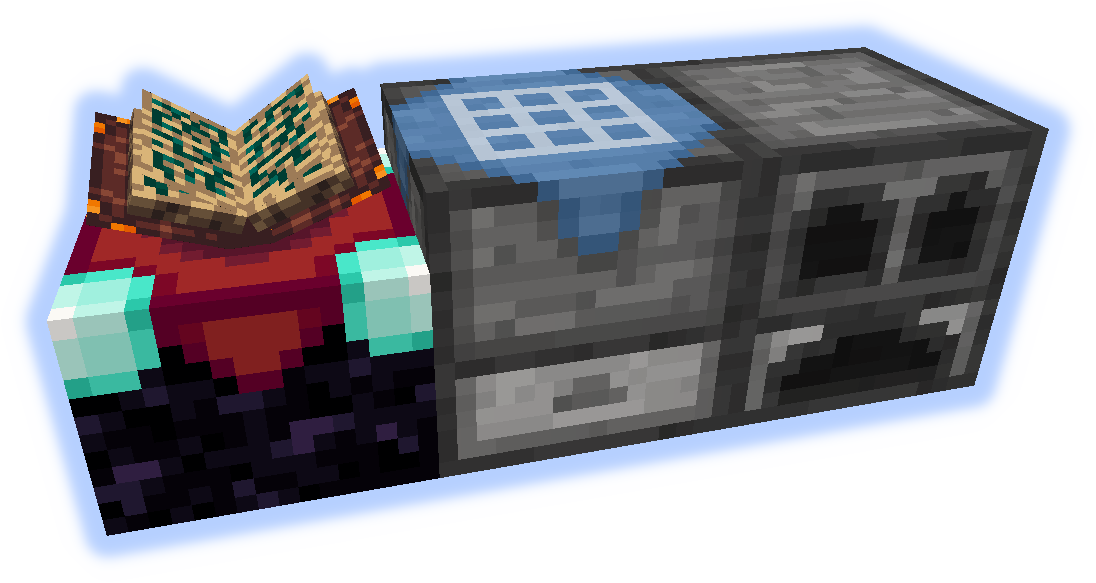
Ender Table
An enchanting table but you can see the enchants with an Ender Monocle.
Craft Bench
A crafting table with an inventory, a recipe can be set up for automation.
Craft Furnace
A furnace with multiple slots. It smelts 12 per coal, and 2 at a time.
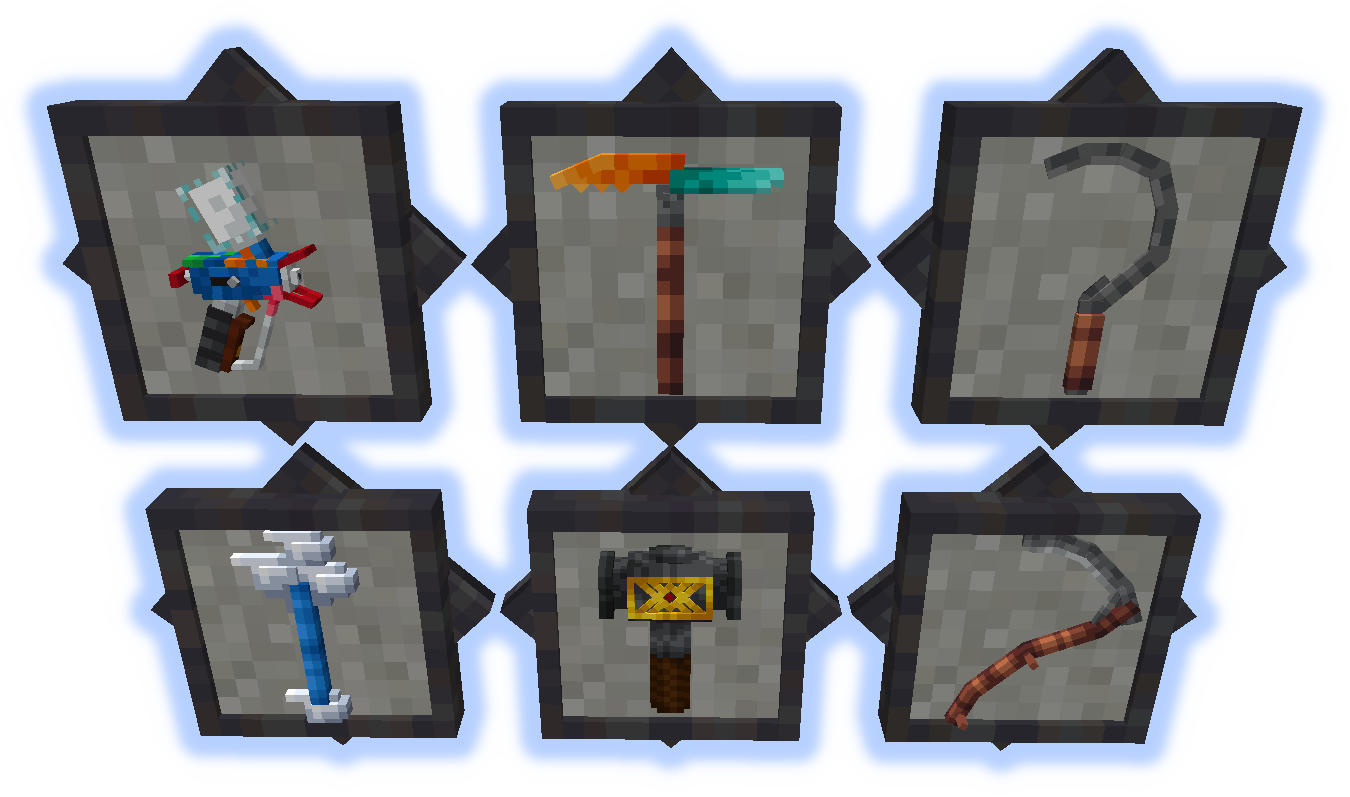
Colorizer
Used to color blocks such as wool, glass, pots, pergolas and more.
Shift-right-click air to open UI or on a block to pick color.
Multi-Tool
Usable as a pick, axe, shovel, hoe, or weapon.
Mines a 1x3x3 chunk. Items go directly into inventory and are auto smelted.
Scythe & Sickle
Useful for harvesting finished crops, or for clearing leaves and grass.
Staff of the Clouds
Can create cloud blocks mid air.
Hammer
Just a hammer that can be used like a wrench, or is it something more... probably not.
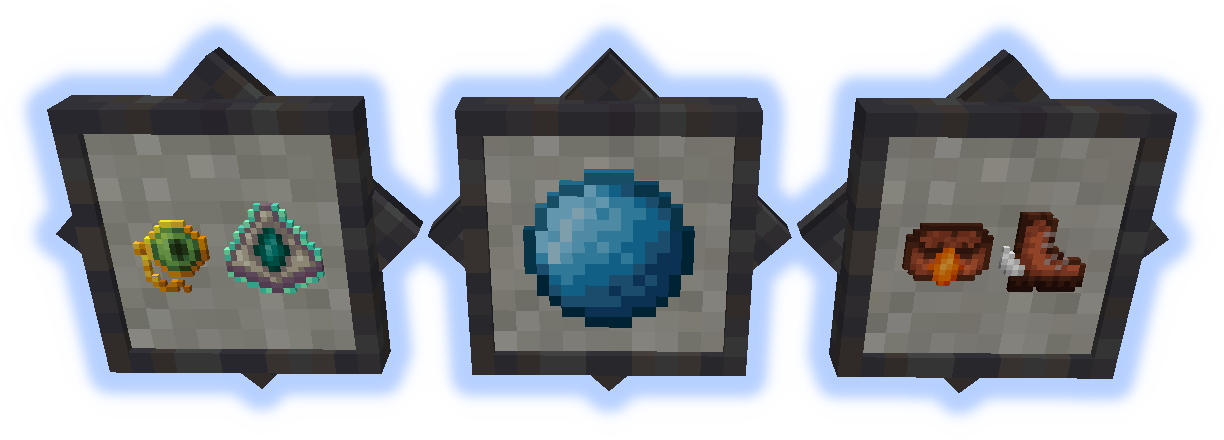
Ender Monocle
Reveals enchants in the Ender Table.
Cloud Talisman
Allows walking on clouds.
Water Pearl
Provides water breathing while in hotbar.
Burnium Belt
Temporary fire and lava protection.
Toon Trotters
Walk in the air (don't look down).
Submit localization files on github.
Do not post bugs in the comments, use the Issue Tracker.
Comment installer Terraqueous
With Millida Launcher
Install Millida Launcher
The launcher is free: download it at millida.net/launcher and sign in with any nickname.
Click “Install” on this page
The launcher opens and installs the mod for Minecraft 1.14.4–1.21.1 on Forge or NeoForge automatically.
Launch the game
A profile with it appears in the launcher: click “Play”.
Manually
Install Forge or NeoForge
The loader must match the game version of the mod file, for example Minecraft 1.21.1. After installing it, a separate profile appears in your launcher.
Download the file for your version
In the version list above, pick the file terraqueous-neoforge-1.21.1-0.1.jar (4.0 MB) for your game version and loader.
Put it in the mods folder
The folder is inside .minecraft (Windows: %appdata%\.minecraft\mods). If it does not exist, create it.
Launch the loader profile
Open “Mods” in the main menu: Terraqueous should be in the list.
Minecraft 1.21.1 runs on Java 21: with a different Java version the game may close right after launch.
Versions
Avec dépendances
| Minecraft | Loader | Fichier | Date | Actions |
|---|---|---|---|---|
| 1.21.1 | NeoForge | terraqueous-neoforge-1.21.1-0.1.jar4 Mo | ||
| 1.21.1 | Forge | terraqueous-forge-1.21.1-0.1.jar4 Mo | ||
| 1.20.4 | NeoForge | terraqueous-neoforge-1.20.4-1.6.jar3.9 Mo | ||
| 1.20.4 | Forge | terraqueous-forge-1.20.4-1.6.jar4 Mo | ||
| 1.14.4 | — | terraqueous-1.14-1.5.13.jar7.4 Mo | ||
| 1.14.4 | — | terraqueous-1.14-1.5.0.jar7.2 Mo |
FAQ
Which Minecraft versions does Terraqueous work on?
There are files for 1.21.1, 1.20.4, 1.14.4. The newest is 1.21.1.
Is Terraqueous for Forge or Fabric?
There are files for Forge: 1.20.4–1.21.1 and for NeoForge: 1.20.4–1.21.1. There are no files for Fabric: a mod for another loader will not start.
Does Terraqueous need other mods?
The author lists no required dependencies: the Forge or NeoForge loader is enough.
Which Java does Terraqueous need?
Minecraft 1.21.1 runs on Java 21. If the game closes right after launch, the usual cause is the wrong Java version in the profile settings.
Where can I download Terraqueous safely?
On this page: the file terraqueous-neoforge-1.21.1-0.1.jar (4.0 MB) is stored on Millida’s server, with no link shorteners. SHA-1 checksum: 9e9ce2721b103e6b37f166fd04fec1333879907e.
Avis
Soyez le premier à noter Terraqueous


