

 NeoForge
 Forge
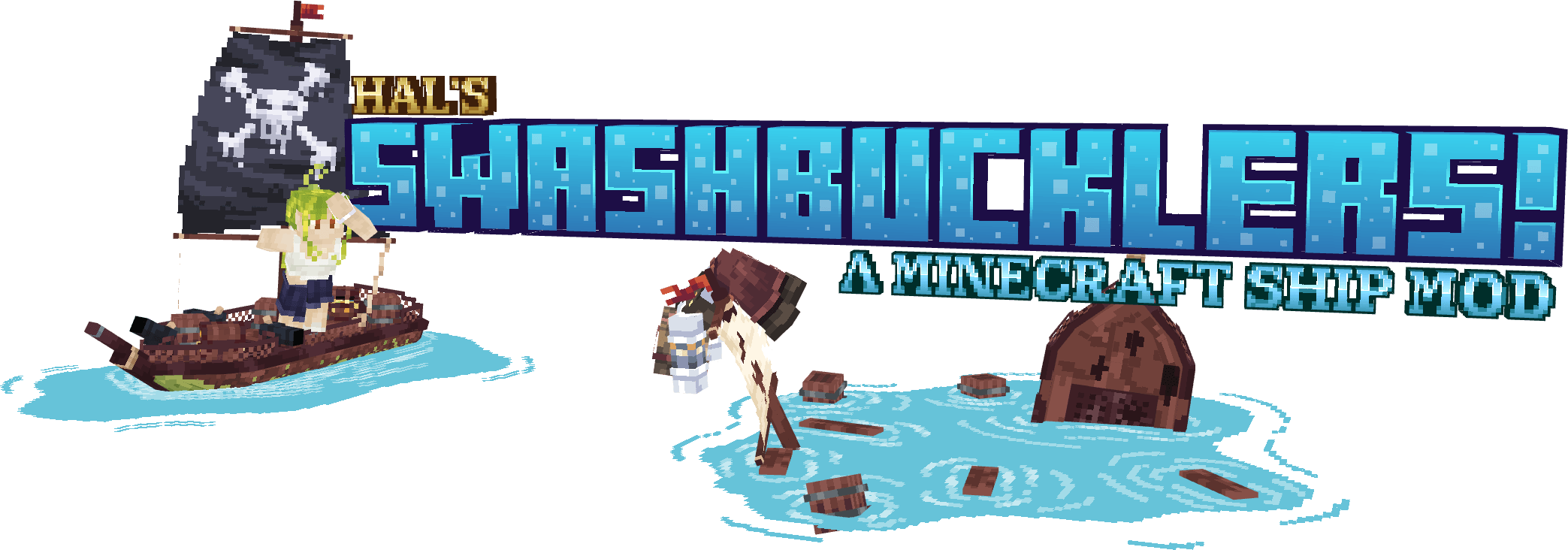

*to note the corvette steamship is still a work in progress, summoned with the command "/summon hpm:corvette_steamship" on versions 1.18-current, and it likely wont be backported
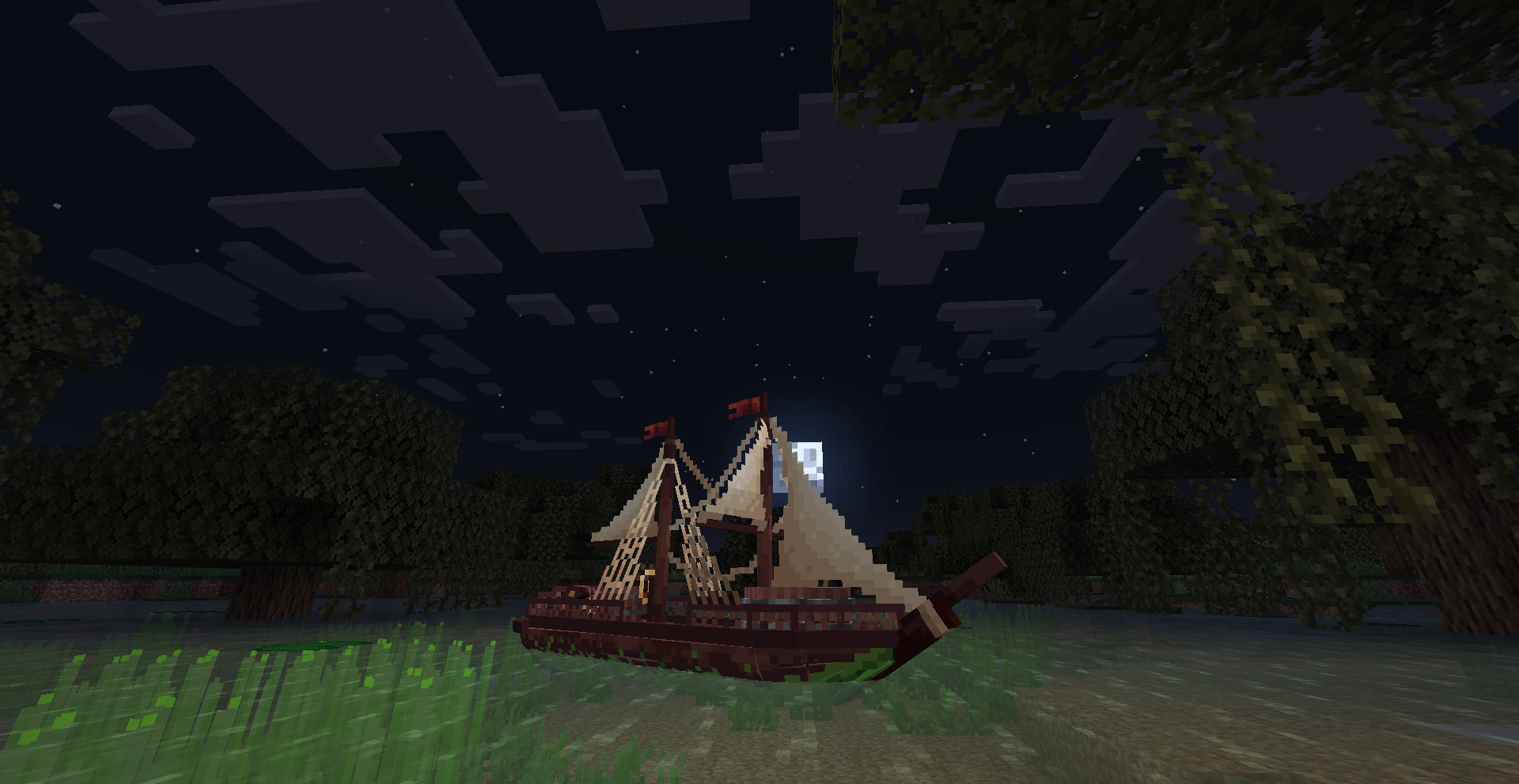
Swashbucklers is a pirate ship mod!
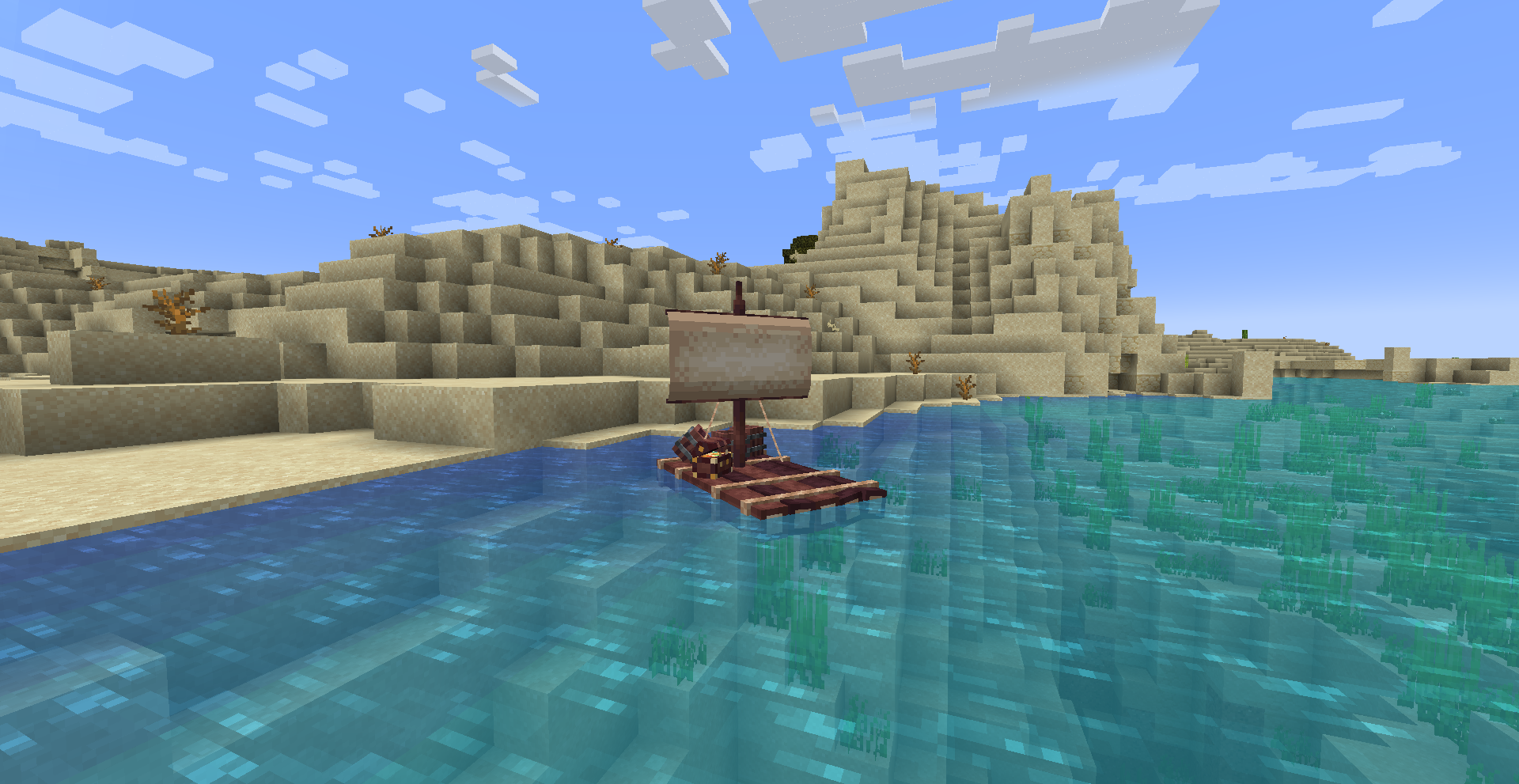
it currently includes 6 ships, and a weapon!
Discord to keep up to date with updates and announcements: https://discord.gg/UqtarNpnQJ
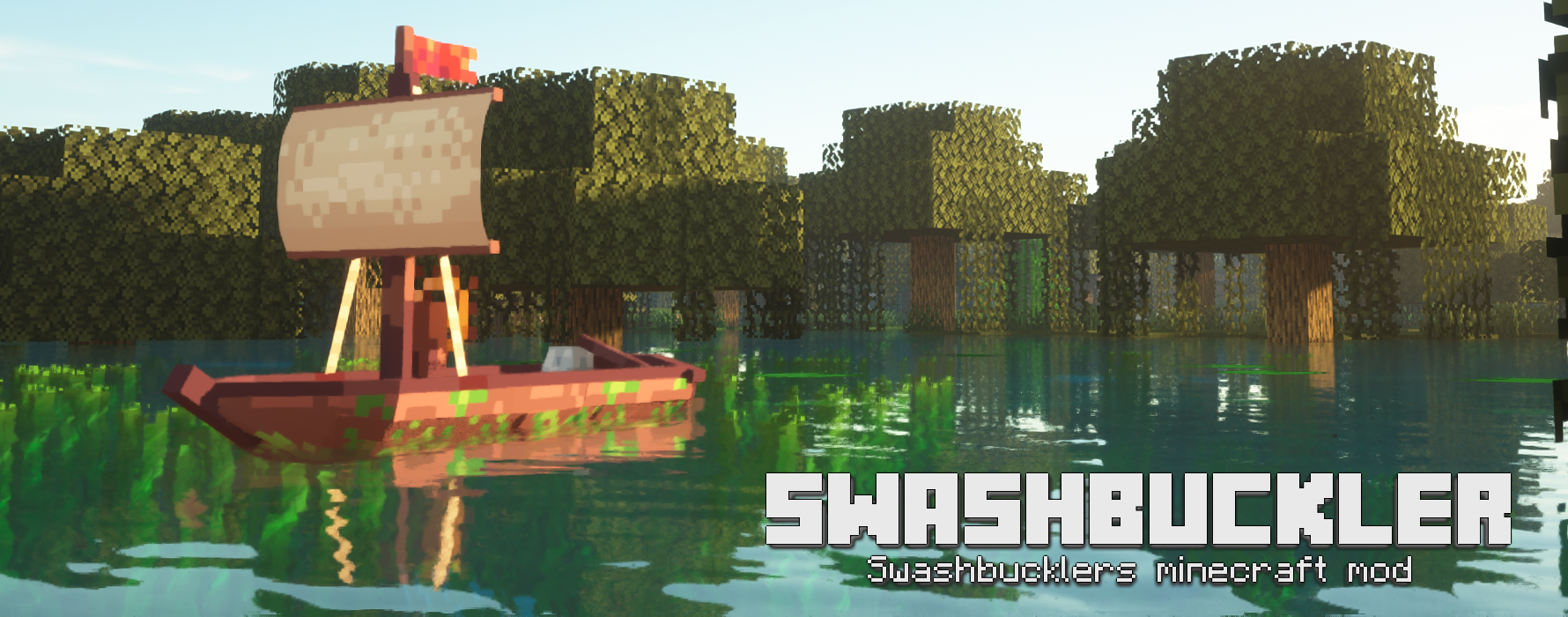
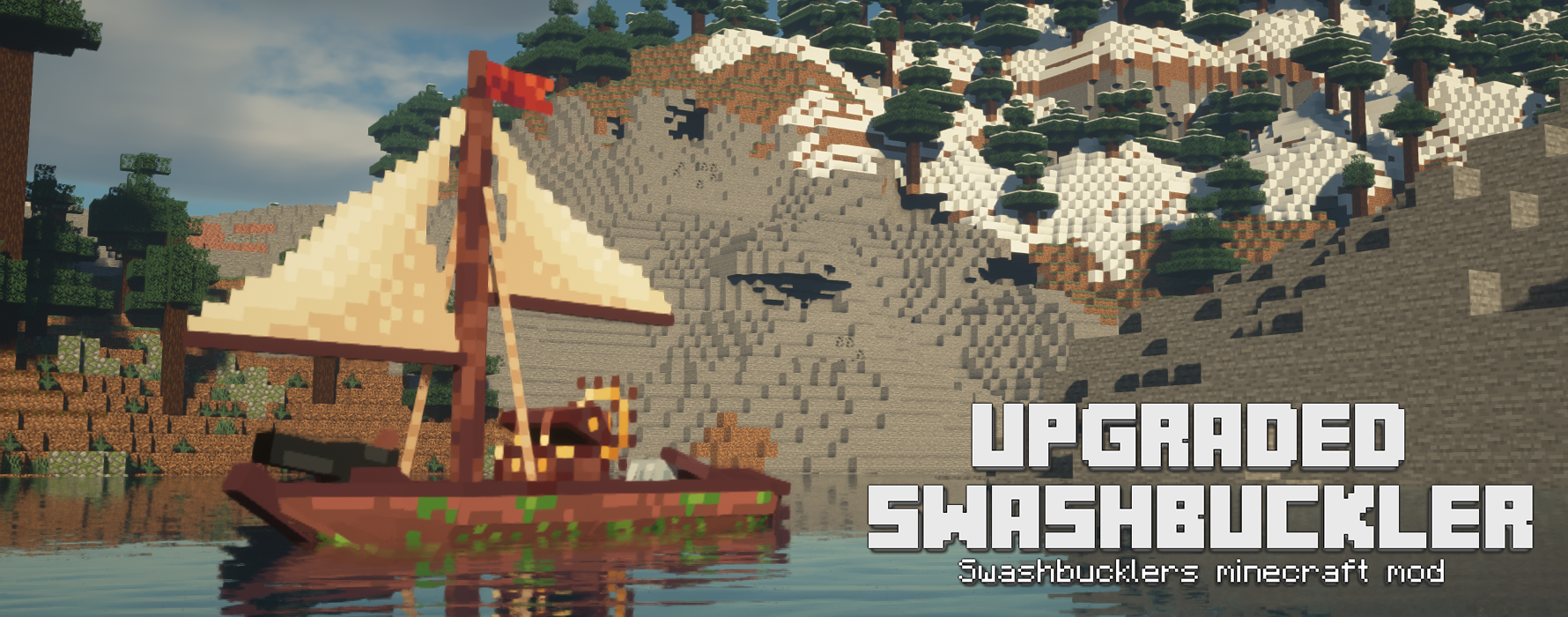
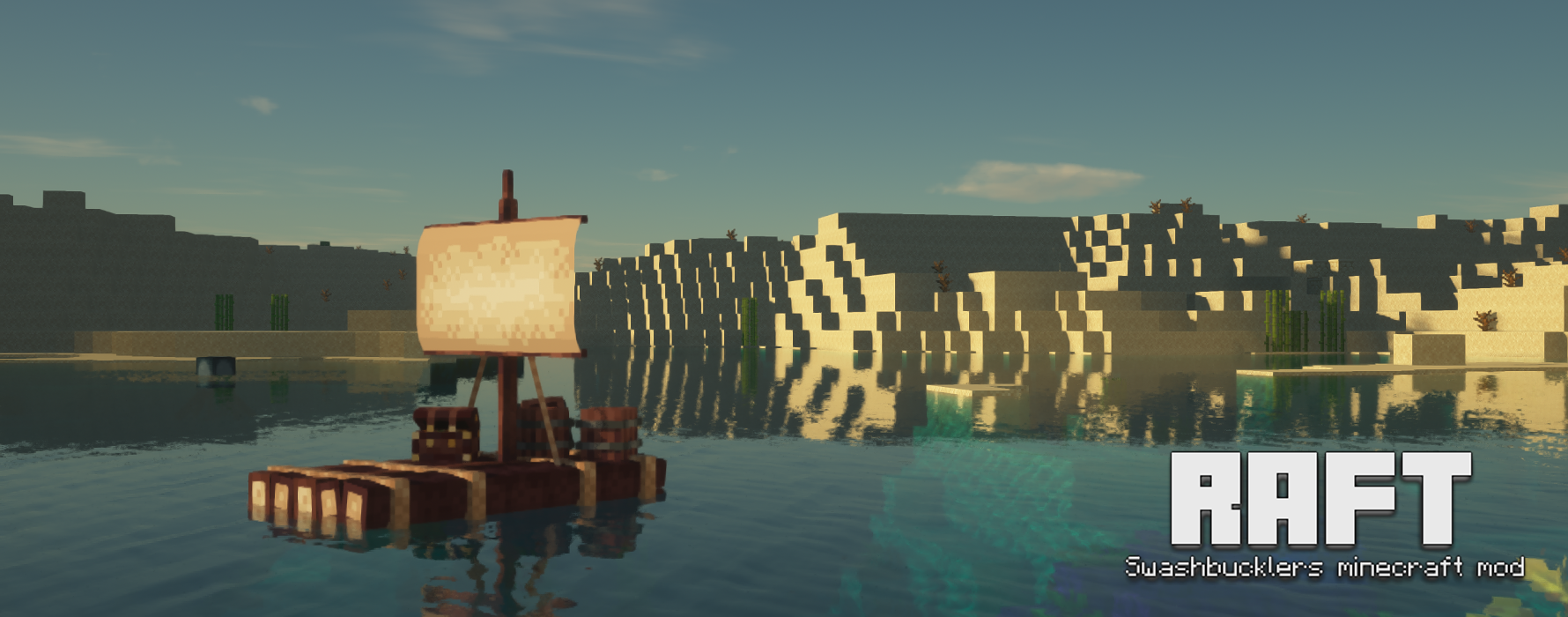
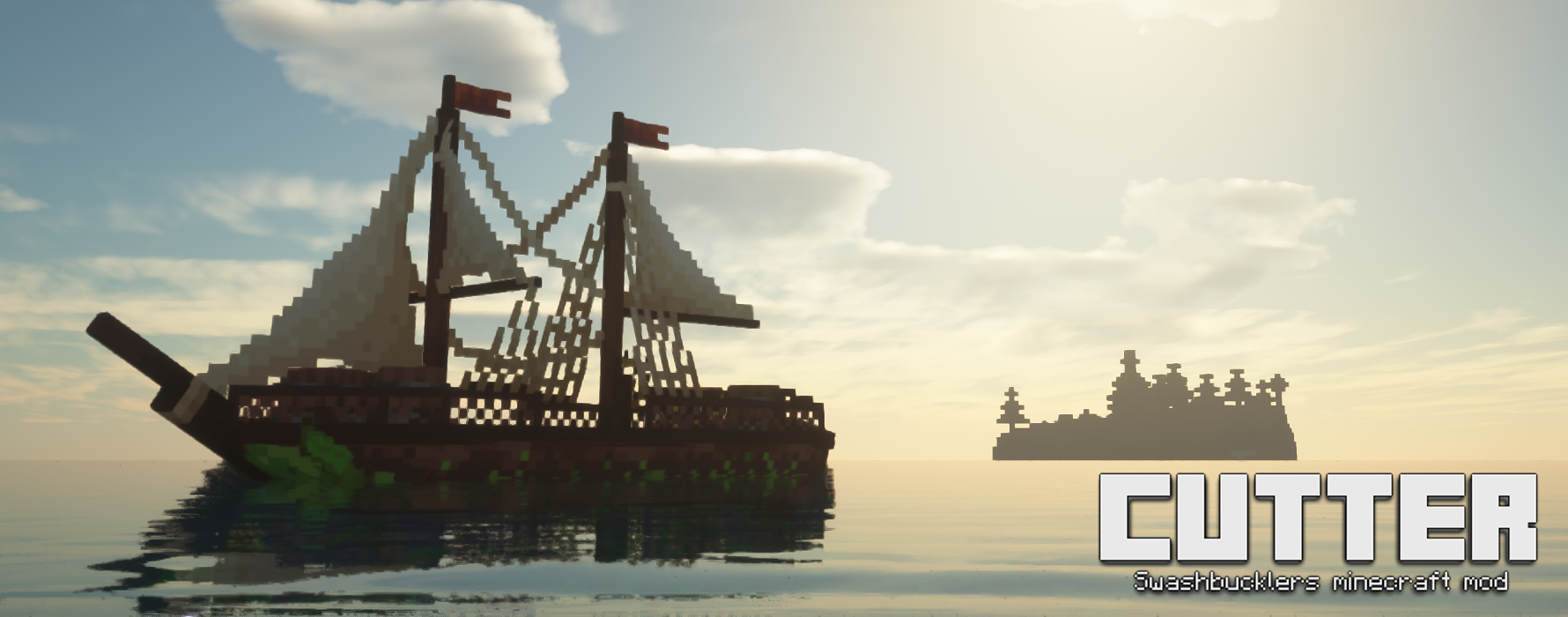
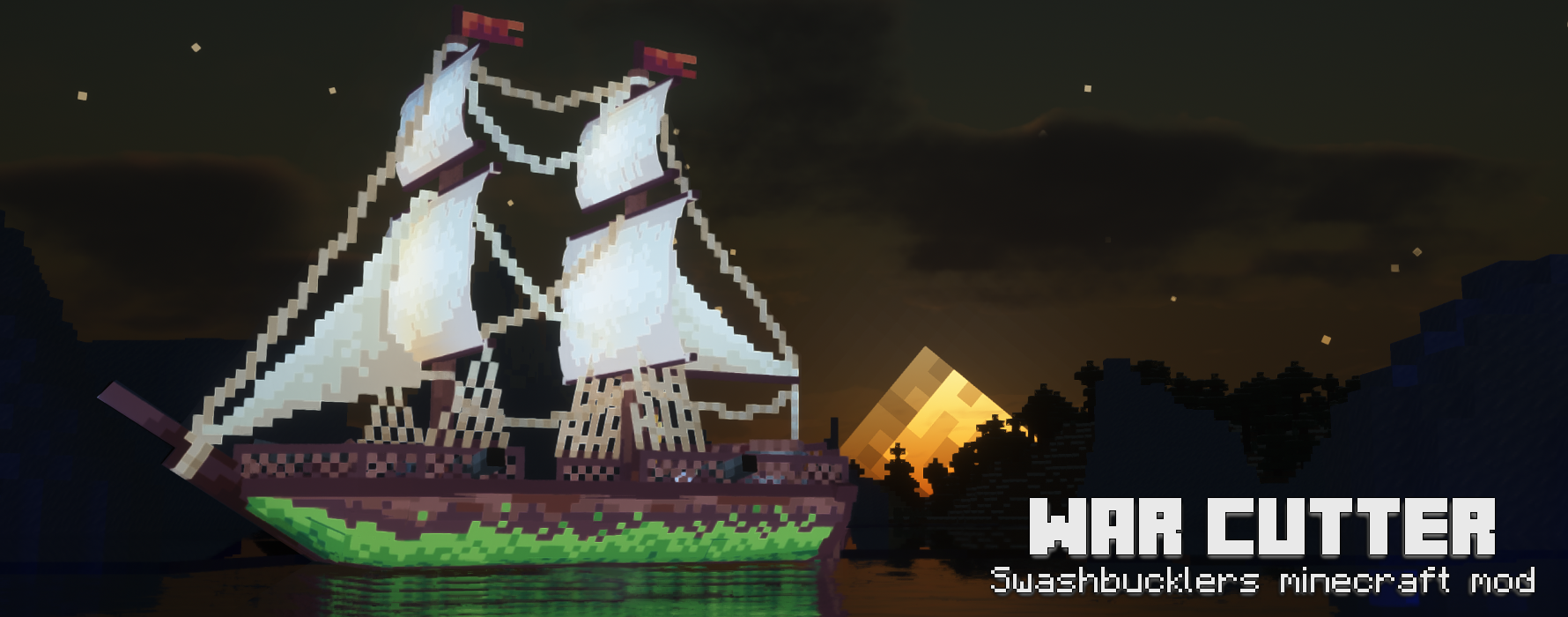
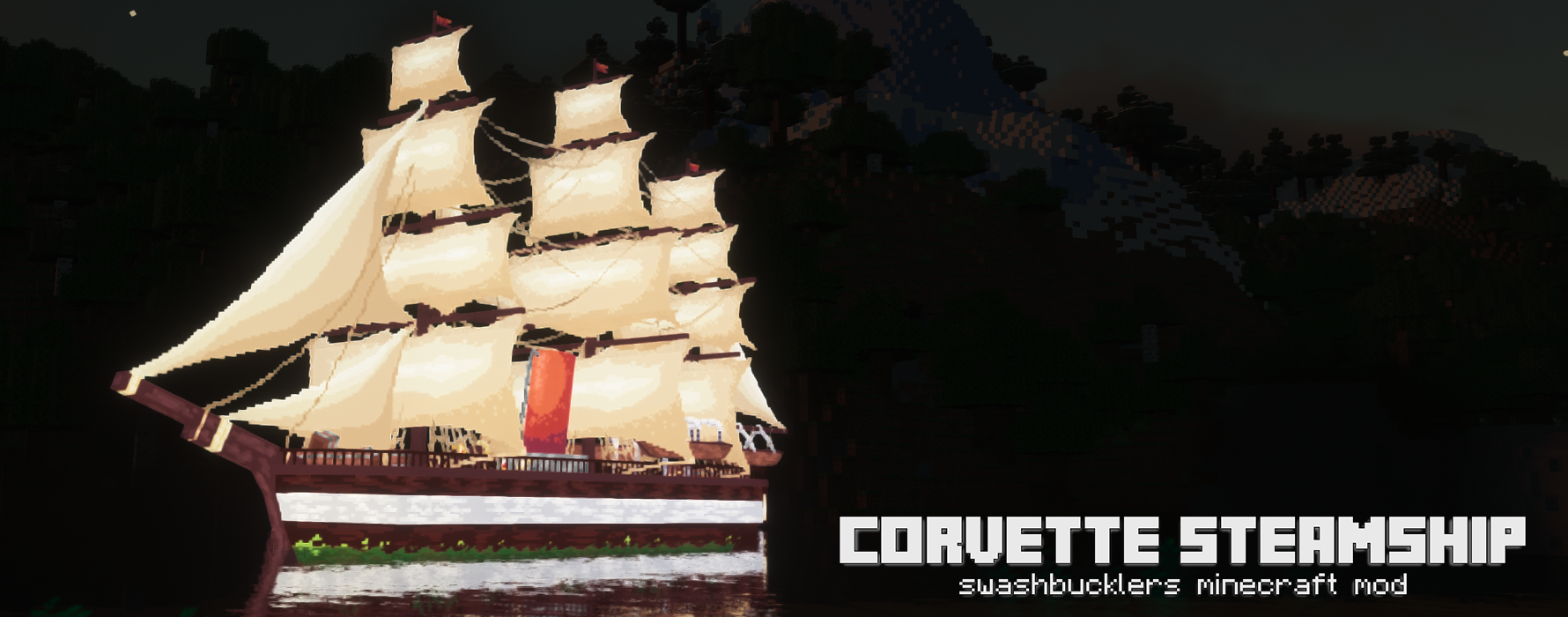
Other features include:
-A hand cannon
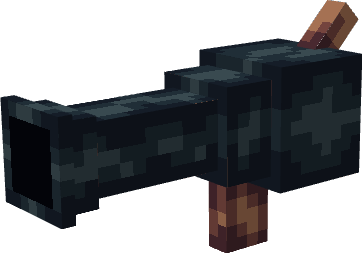
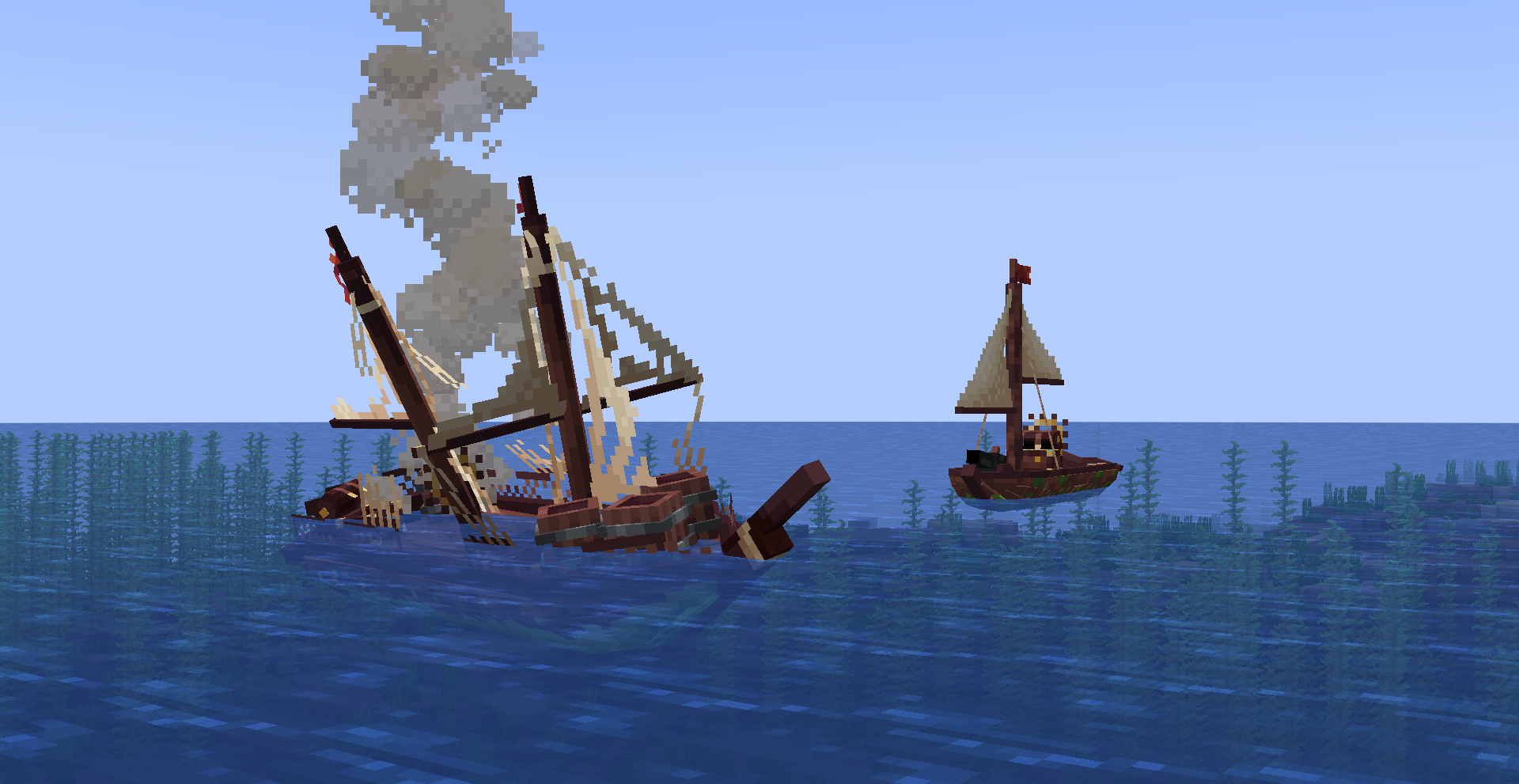
-The cutters enter a damaged stage when the first stage dies/gets destroyed
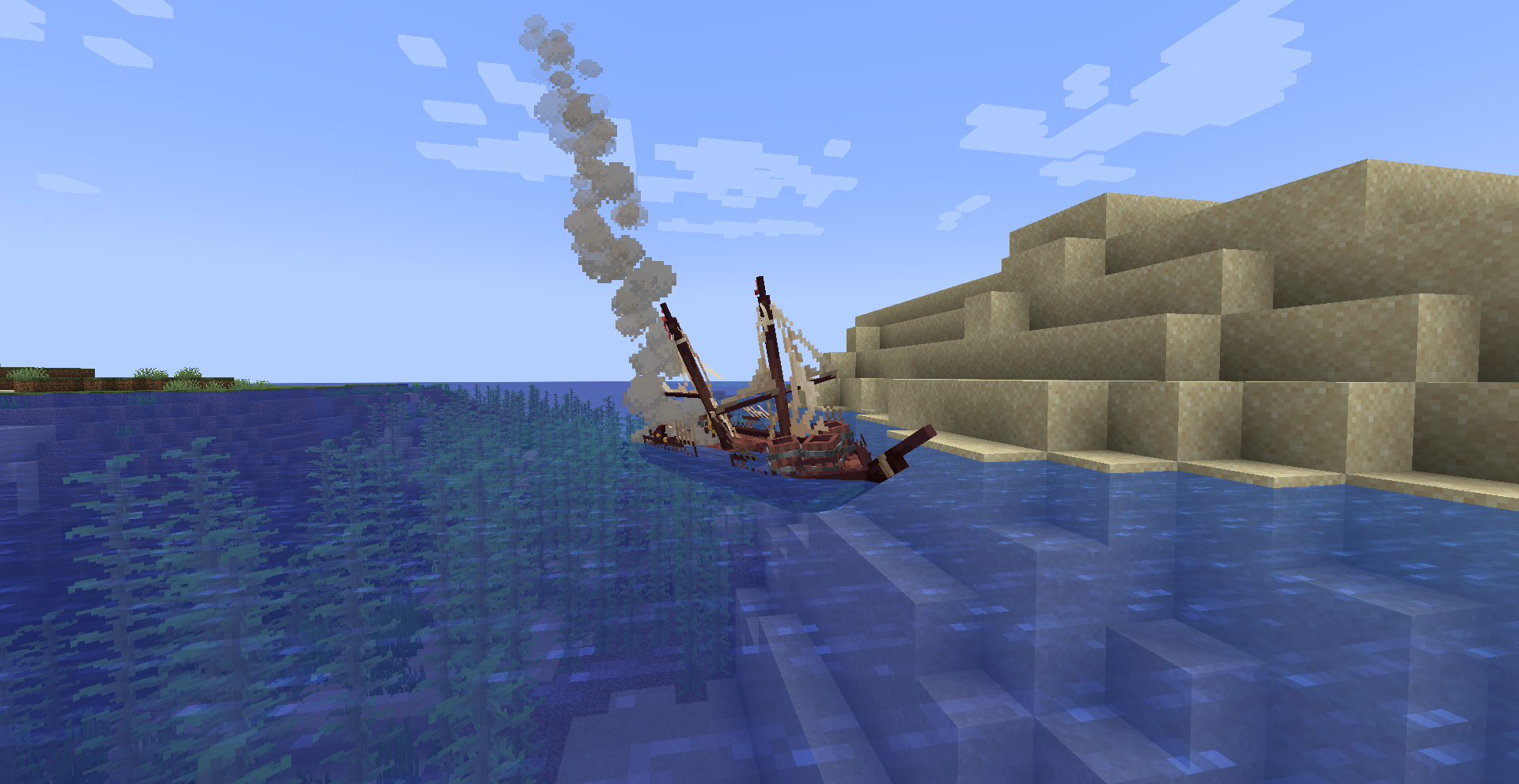
-The upgraded swashbuckler has a cannon, press H to fire it when you have cannonballs in your inventory
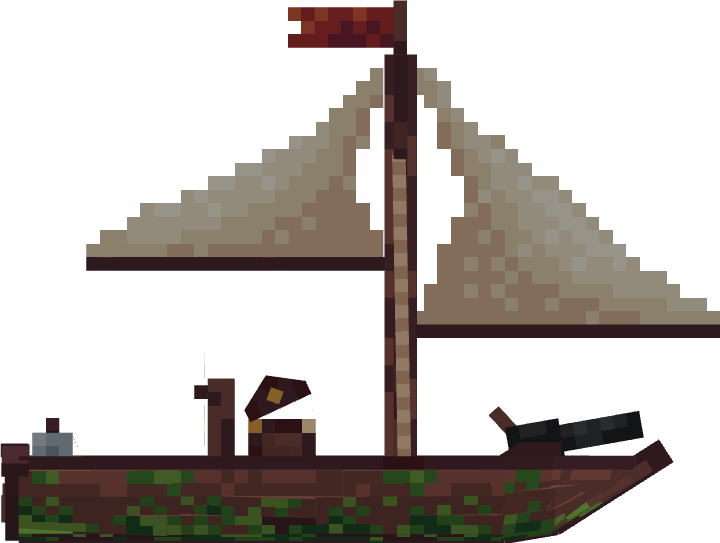
Recipes:
*the cannon ball produces 16
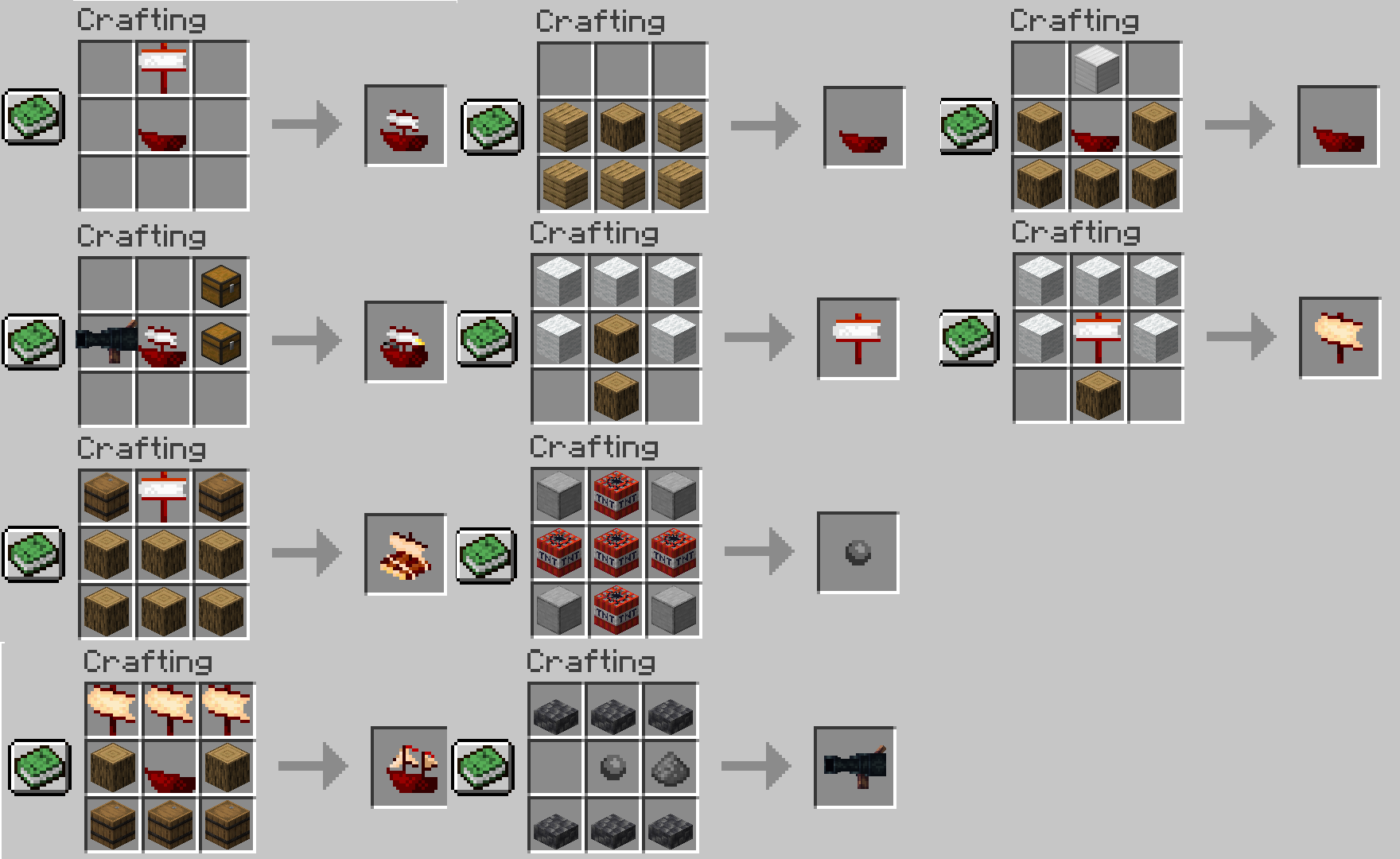
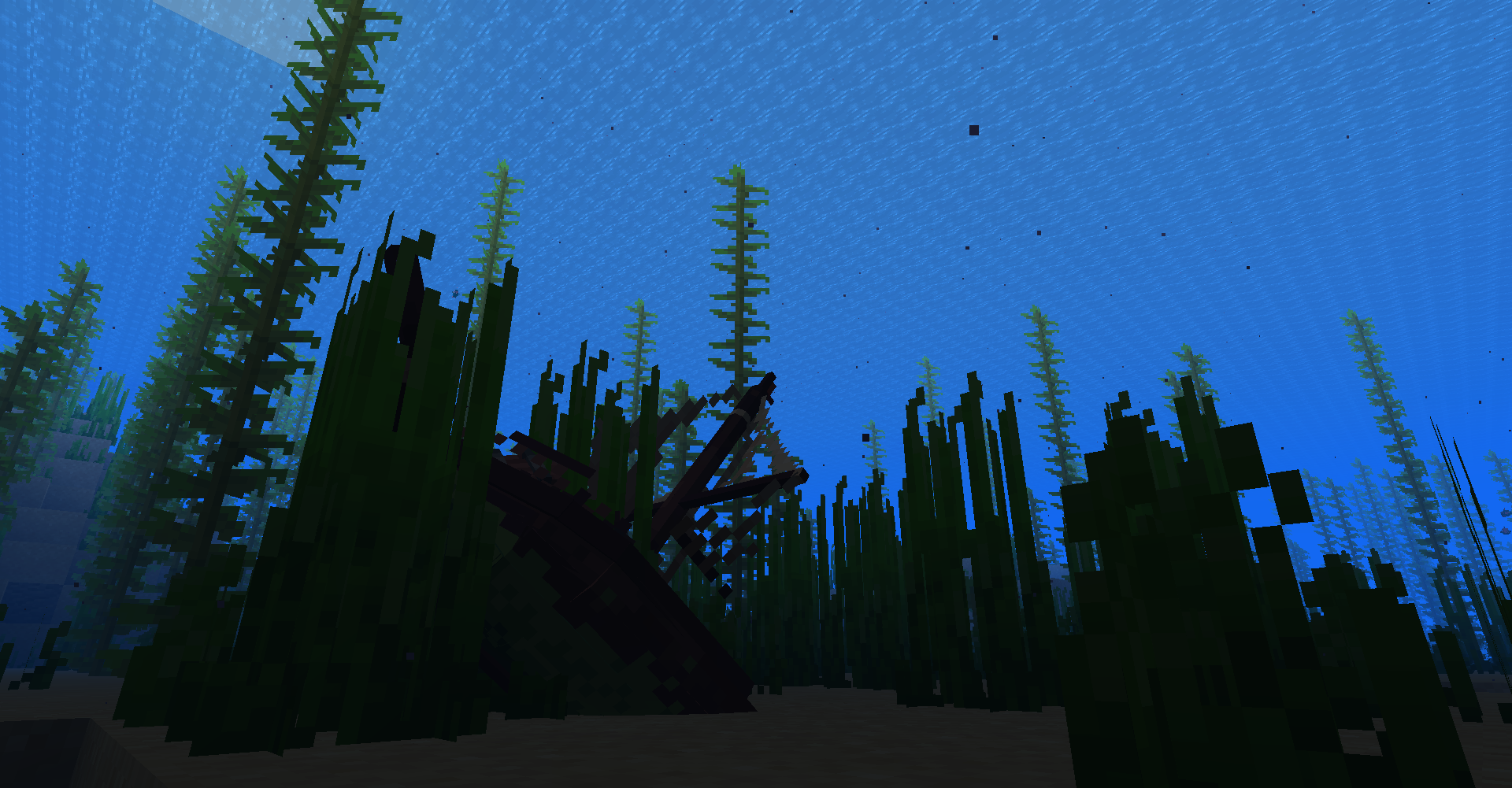
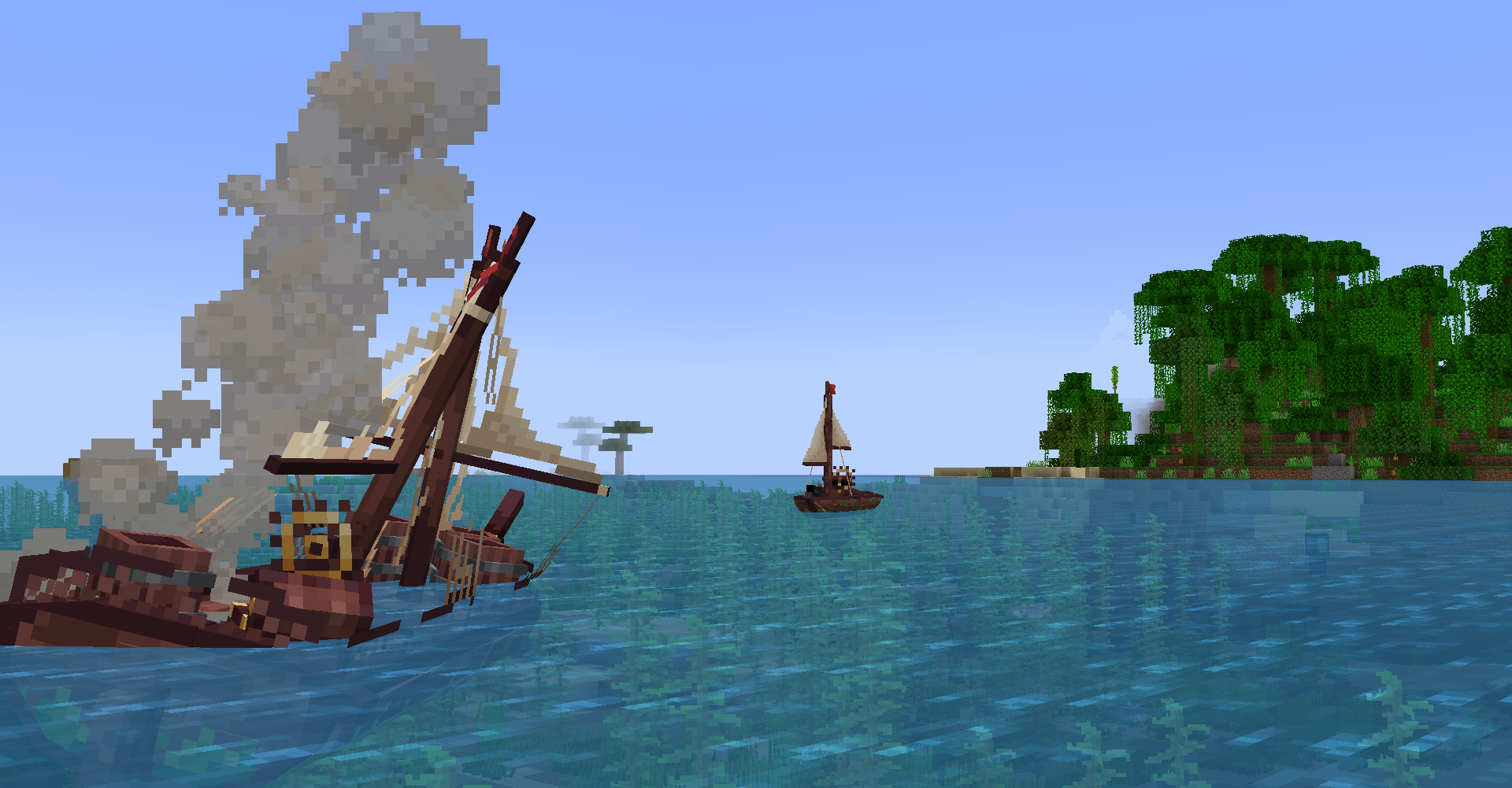
some images:
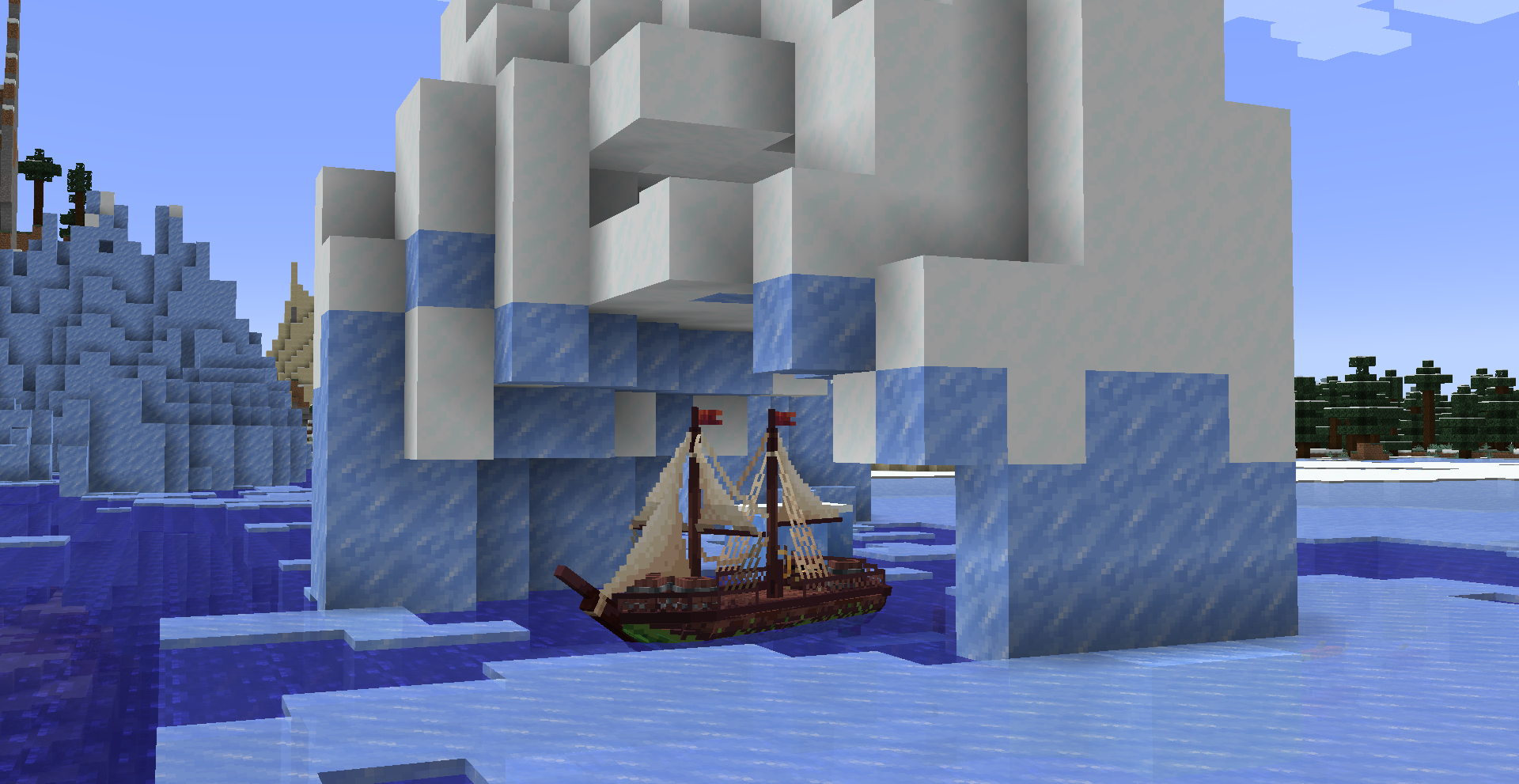
Swashbucklers long term development:
development roadmap: https://trello.com/b/hOr7bznZ/swashbucklers
Comment installer Swashbucklers!
With Millida Launcher
Install Millida Launcher
The launcher is free: download it at millida.net/launcher and sign in with any nickname.
Click “Install” on this page
The launcher opens and installs the mod for Minecraft 1.16.5–1.21.8 on Forge or NeoForge automatically.
Launch the game
A profile with it appears in the launcher: click “Play”.
Manually
Install Forge or NeoForge
The loader must match the game version of the mod file, for example Minecraft 1.21.8. After installing it, a separate profile appears in your launcher.
Download the file for your version
In the version list above, pick the file swashbucklers! 2.6.6B 1.21.8 neoforge.jar (1.5 MB) for your game version and loader.
Put it in the mods folder
The folder is inside .minecraft (Windows: %appdata%\.minecraft\mods). If it does not exist, create it.
Launch the loader profile
Open “Mods” in the main menu: Swashbucklers! should be in the list.
Minecraft 1.21.8 runs on Java 21: with a different Java version the game may close right after launch.
Versions
Avec dépendances
| Minecraft | Loader | Fichier | Date | Actions |
|---|---|---|---|---|
| 1.19.2 | Forge | swashbucklers! V2.6.6B 1.19.21.5 Mo | ||
| 1.21.8 | NeoForge | Swashbucklers! V2.6.6B 1.21.81.5 Mo | ||
| 1.16.5 | Forge | swashbucklers 0.3 1.16.5551 Ko | ||
| 1.18.2 | — | Swashbucklers1.0110 Ko |
FAQ
Which Minecraft versions does Swashbucklers! work on?
There are files for 1.21.8, 1.19.2, 1.18.2, 1.16.5. The newest is 1.21.8.
Is Swashbucklers! for Forge or Fabric?
There are files for Forge: 1.16.5–1.19.2 and for NeoForge: 1.21.8. There are no files for Fabric: a mod for another loader will not start.
Does Swashbucklers! need other mods?
The author lists no required dependencies: the Forge or NeoForge loader is enough.
Which Java does Swashbucklers! need?
Minecraft 1.21.8 runs on Java 21. If the game closes right after launch, the usual cause is the wrong Java version in the profile settings.
How do I download Swashbucklers!?
With Millida Launcher: it installs Swashbucklers! into a modpack by itself, for the right game version and loader. The launcher is free.
Avis
Soyez le premier à noter Swashbucklers!


