

Simple Armor Hud Mod pour Minecraft 26.3
Un petit mod qui affiche l'armure que vous portez actuellement au-dessus de la barre de nourriture
- téléchargements
- 42 téléchargements
- vues
- 121 vues
- Mis à jour
- Mis à jour 25.10.2026
- 1.21.7 — 26.3
 Fabric
- Client
Simple armor hud
A simple armor hud that adds your armor to the hud where you'd like it to be. It moves armor depending on your situation (underwater, in creative, on a mount) and has compatibility options for other mods. Everything is configurable through modmenu or a config file and a keybind toggle is available in the controls menu.

Features
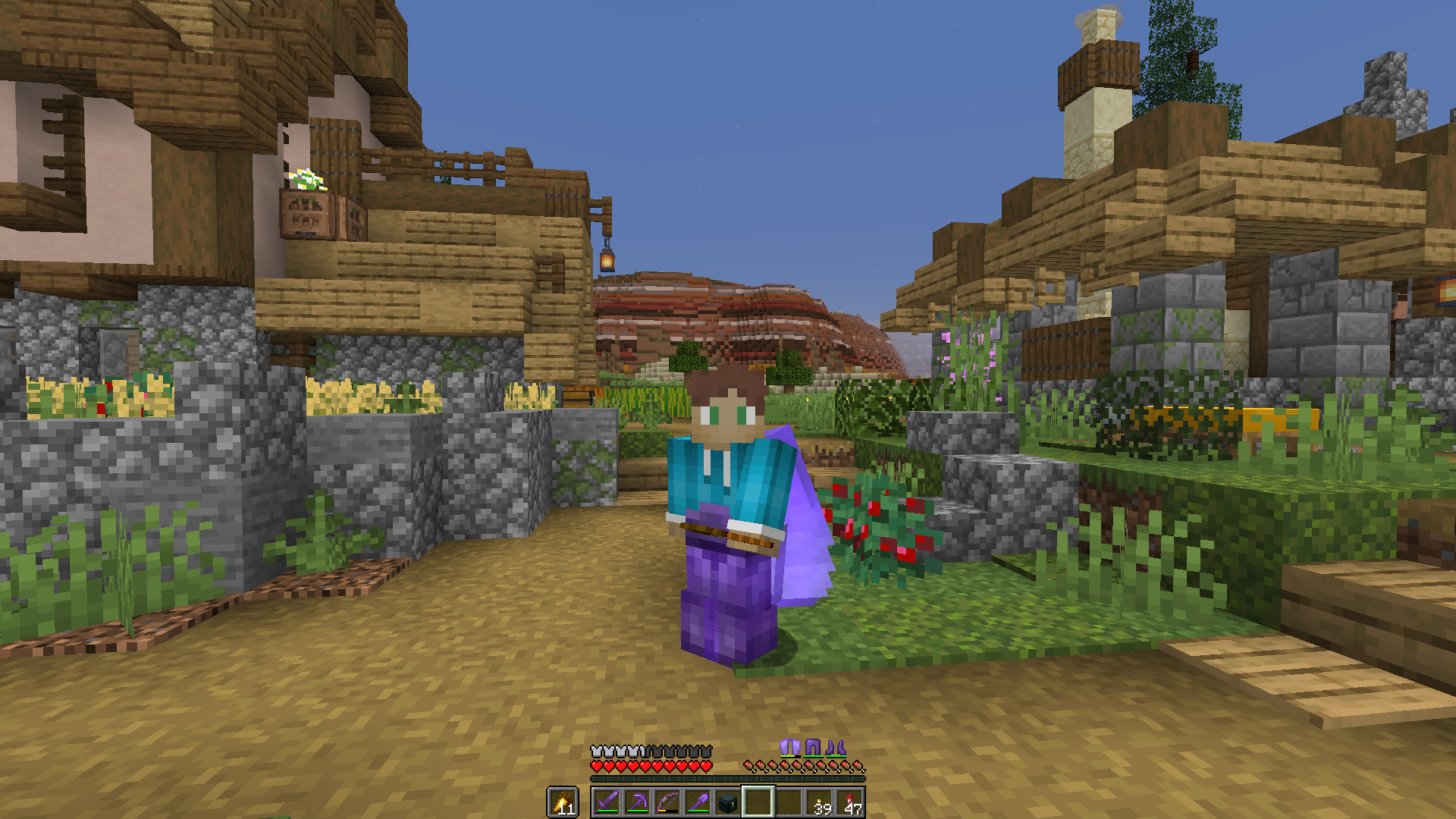
Shows armor you're currently wearing
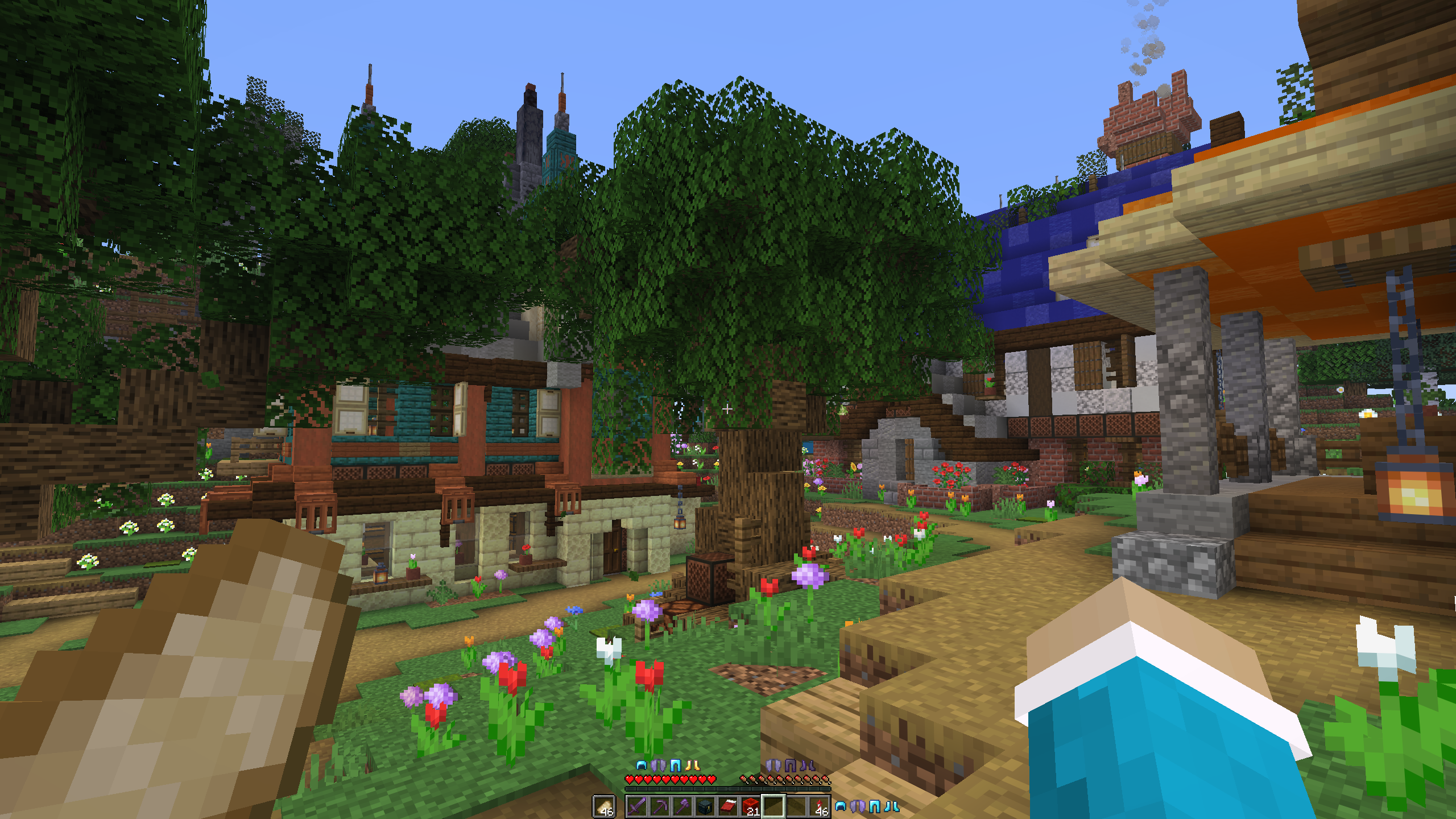
Different armor positions
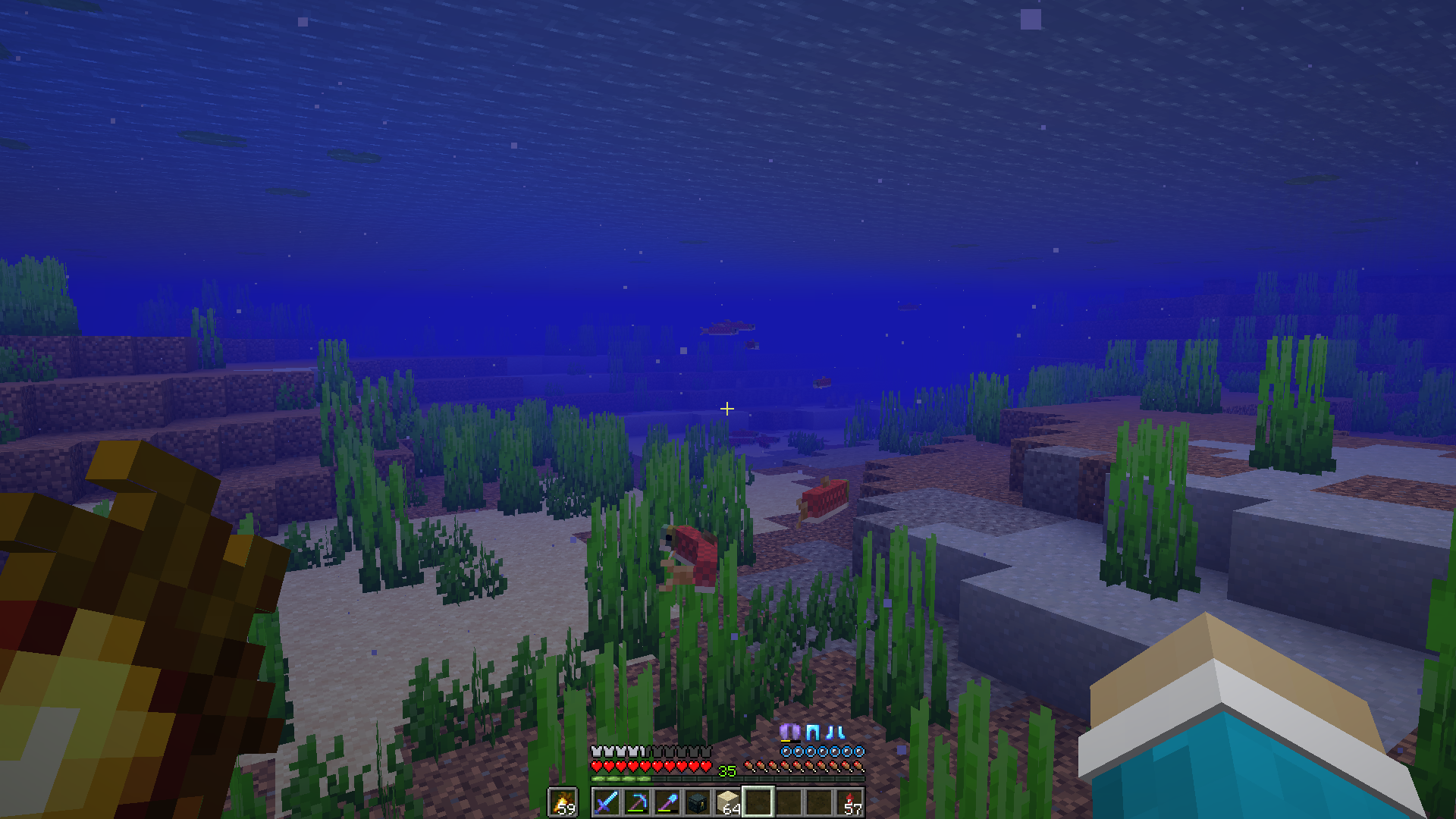
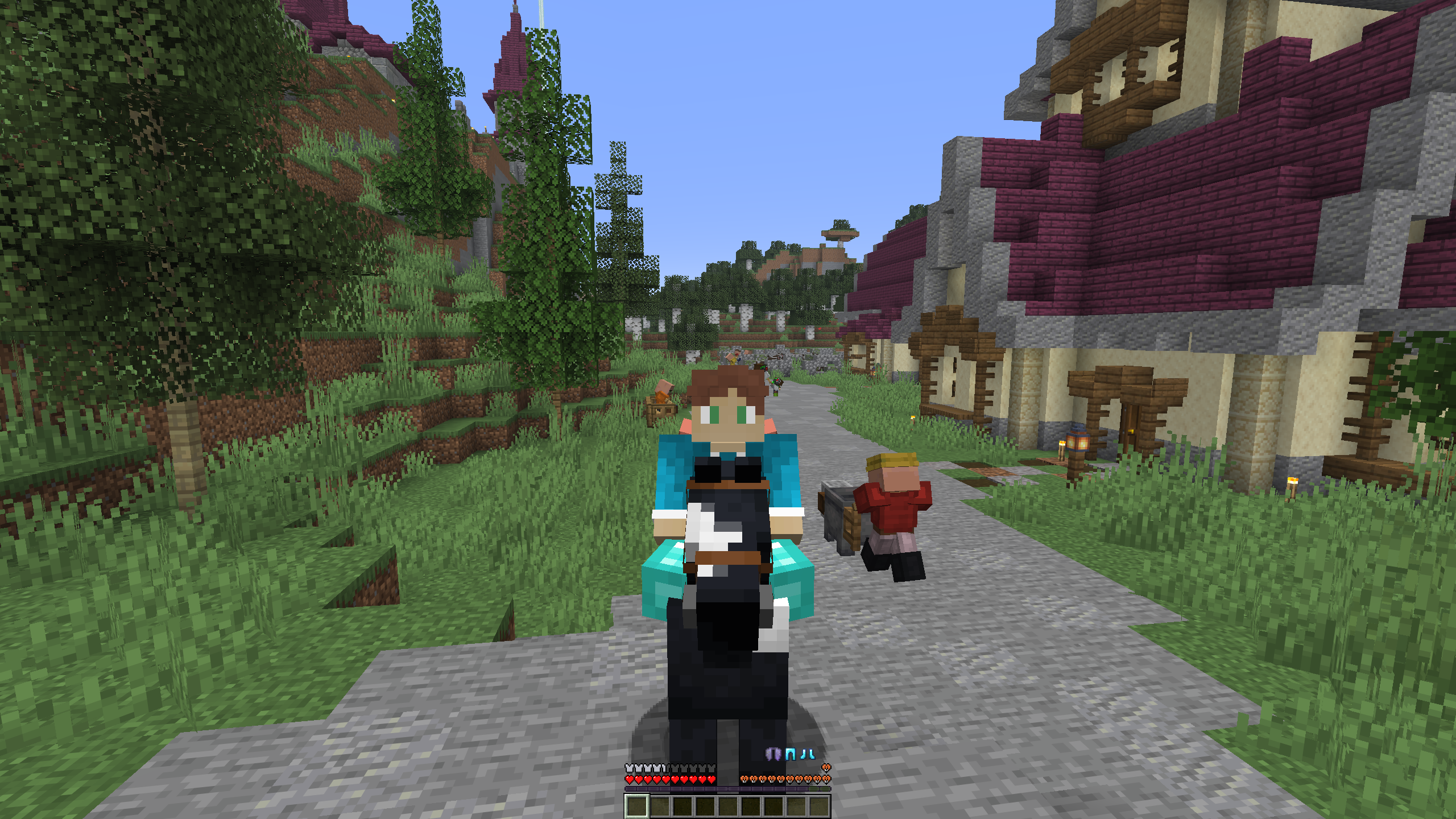
Dynamic armor movement

Contribute
If you have any bug reports or a suggestion for the mod leave them here. If you have any coding experience and want to help out with development, fork the repository and open a pull request. If you have any questions about the code or just want to talk, you can also join the discord.
Translations
This mod currently supports the following languages:
- English
- Dutch
- German
- Vietnamese
- Traditional Chinese
If you see any missing languages or ar familiar translating, feel free to open a pull request and add your translation in a new lang file. The en_us.json file is the source of truth for translation keys, so reference that one.
Dependencies
Simple armor hud requires the Fabric API
Installation
Releases for the mod are found on Modrinth and Releases. After downloading, you can put the .jar file in your mods folder. If you don't have fabric installed, take a look at this installation tutorial Note: Simple armor hud requires the Fabric API
Build
To build from source, follow these steps:
- Open a terminal and clone the repository using git clone https://github.com/legoraft/simple-armor-hud.
- Go into this directory using cd .
- Run ./gradlew build on linux or macos or gradlew build on windows.
- Get the mod file from the /build/libs folder.
Comment installer Simple Armor Hud
With Millida Launcher
Install Millida Launcher
The launcher is free: download it at millida.net/launcher and sign in with any nickname.
Click “Install” on this page
The launcher opens and installs the mod for Minecraft 1.21.7–26.3 on Fabric automatically, together with its dependencies: Fabric API.
Launch the game
A profile with it appears in the launcher: click “Play”.
Manually
Install Fabric
The loader must match the game version of the mod file, for example Minecraft 26.3. After installing it, a separate profile appears in your launcher.
Download the file for your version
In the version list above, pick the file simple-armor-hud-26.3-1.10.0.jar (37 KB) for your game version.
Put it in the mods folder
The folder is inside .minecraft (Windows: %appdata%\.minecraft\mods). If it does not exist, create it. Required dependencies go there too: Fabric API.
Launch the loader profile
Open “Mods” in the main menu: Simple Armor Hud should be in the list.
Simple Armor Hud works on the player’s side only: there is no need to install it on a server.
Versions
Avec dépendances
| Minecraft | Loader | Fichier | Date | Actions |
|---|---|---|---|---|
| 26.3 | Fabric | 26.337.1 Ko 3 | ||
| 26.2 | Fabric | 26.236.9 Ko 11 | ||
| 26.1.2 | Fabric | 26.1.233.9 Ko 2 | ||
| 26.1.2 | Fabric | 26.1.233.1 Ko | ||
| 1.21.11 | Fabric | 1.21.1133.4 Ko 25 | ||
| 1.21.11 | Fabric | 1.21.1131.1 Ko | ||
| 1.21.11 | Fabric | 1.21.1130.6 Ko | ||
| 1.21.10 | Fabric | 1.21.1031.1 Ko |
Ce qu'il faut pour l'exécuter
- Fabric APIobligatoire
Avis
Soyez le premier à noter Simple Armor Hud


