

Ribbits Mod pour Minecraft 1.20.1, 1.21.1
Villages de marais et grenouilles musicales !
 Fabric
 NeoForge
 Forge
ForgeÀ propos du mod Ribbits
Soutenez-nous sur Ko-fi pour des aperçus et un accès anticipé aux nouveaux contenus !
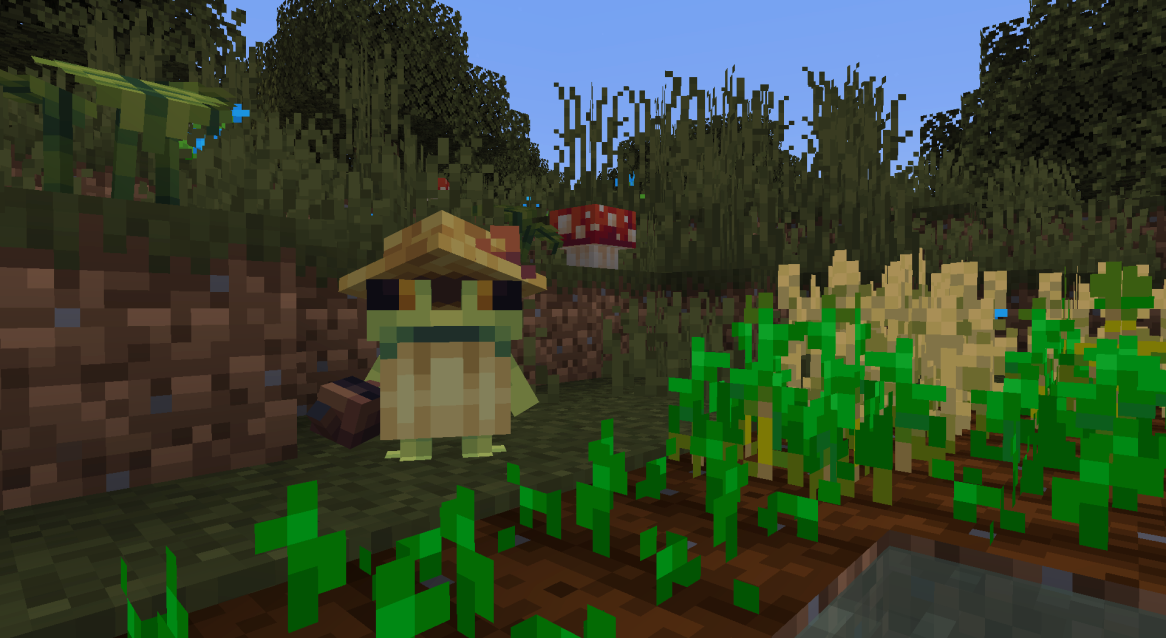
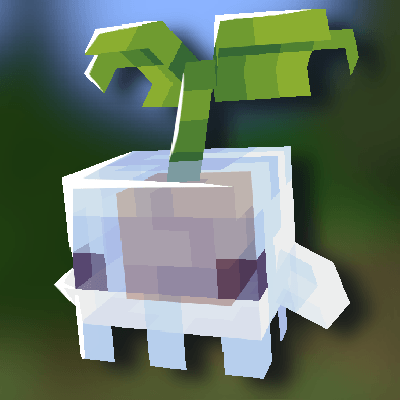
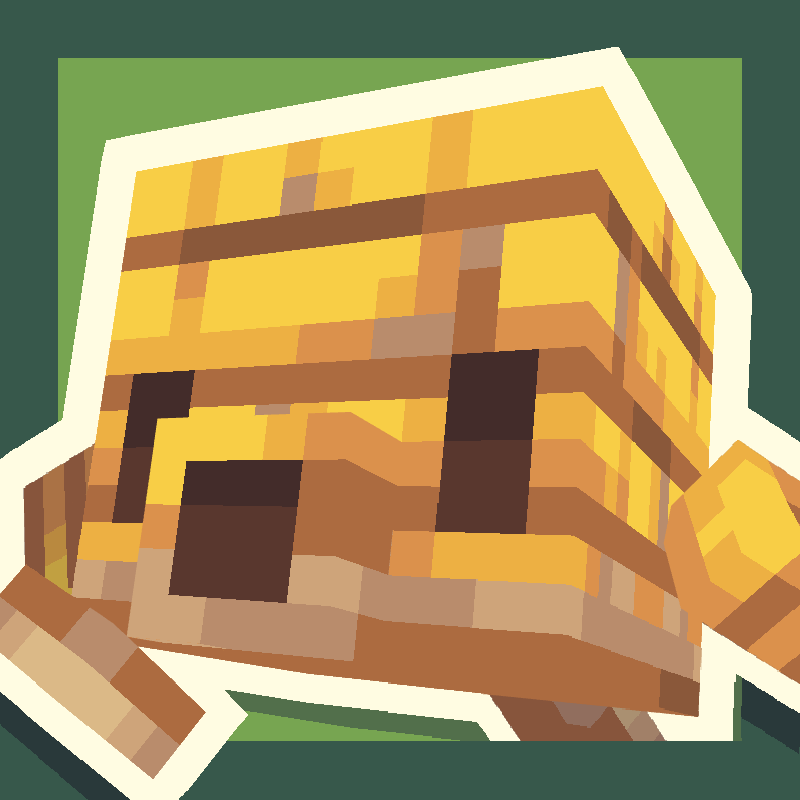
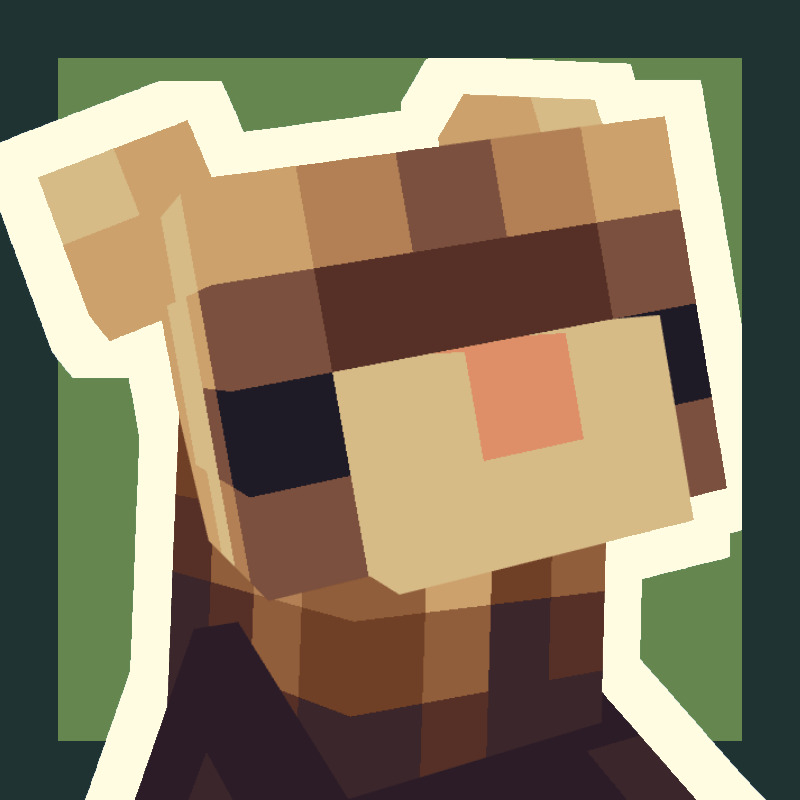
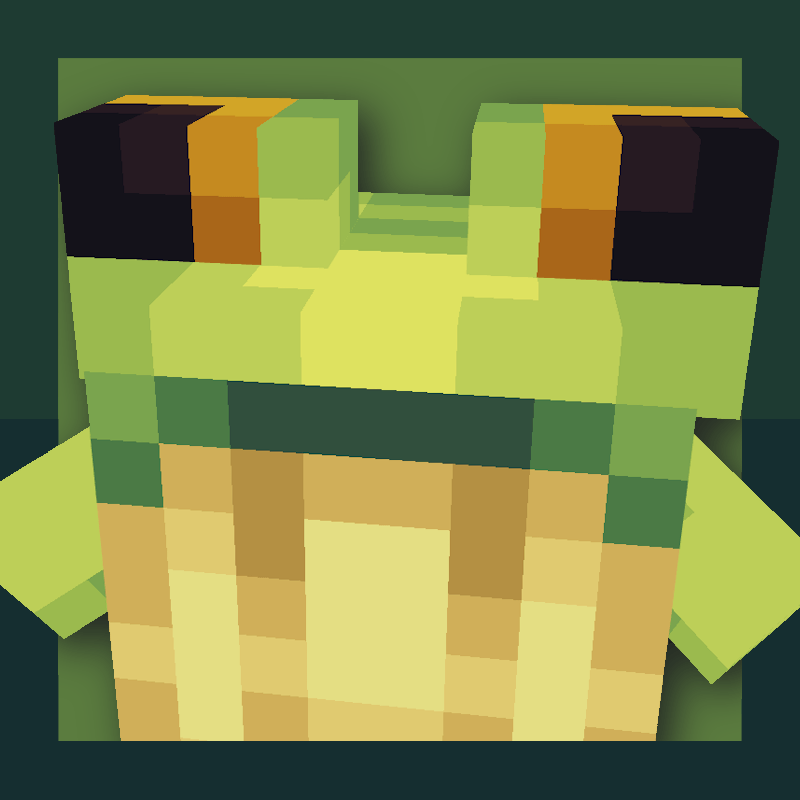
Ribbits ajoutera des villages marécageux remplis de minuscules villageois grenouilles appelés ribbits ! Ces petits personnages s'assoient parfois en groupe pour jouer de la musique, à laquelle vous pouvez vous joindre !
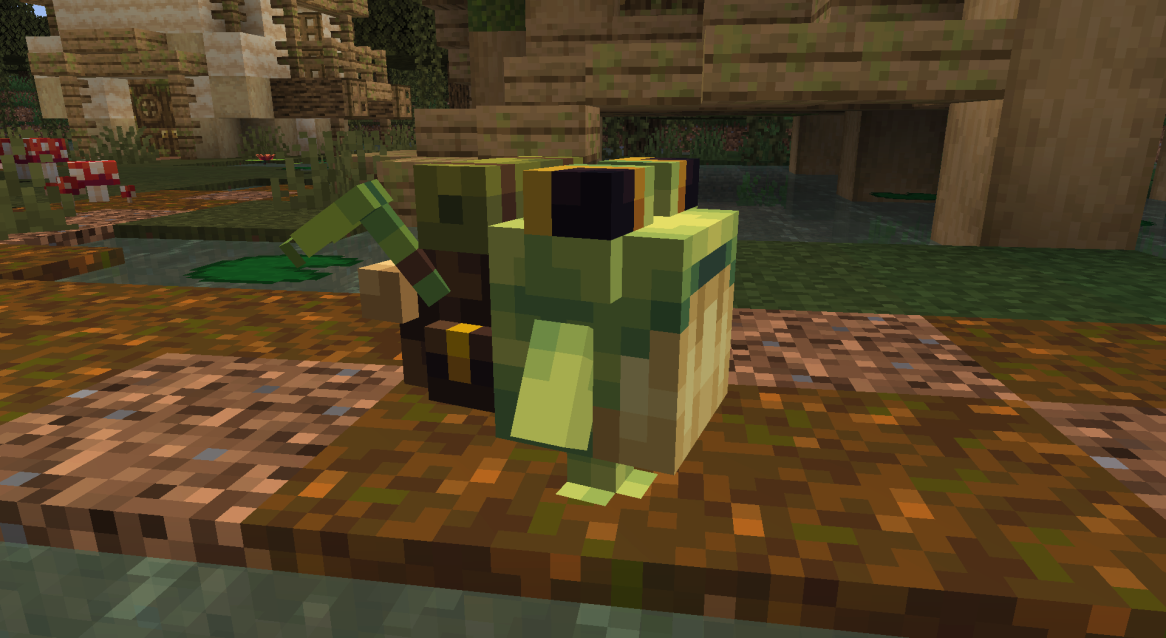
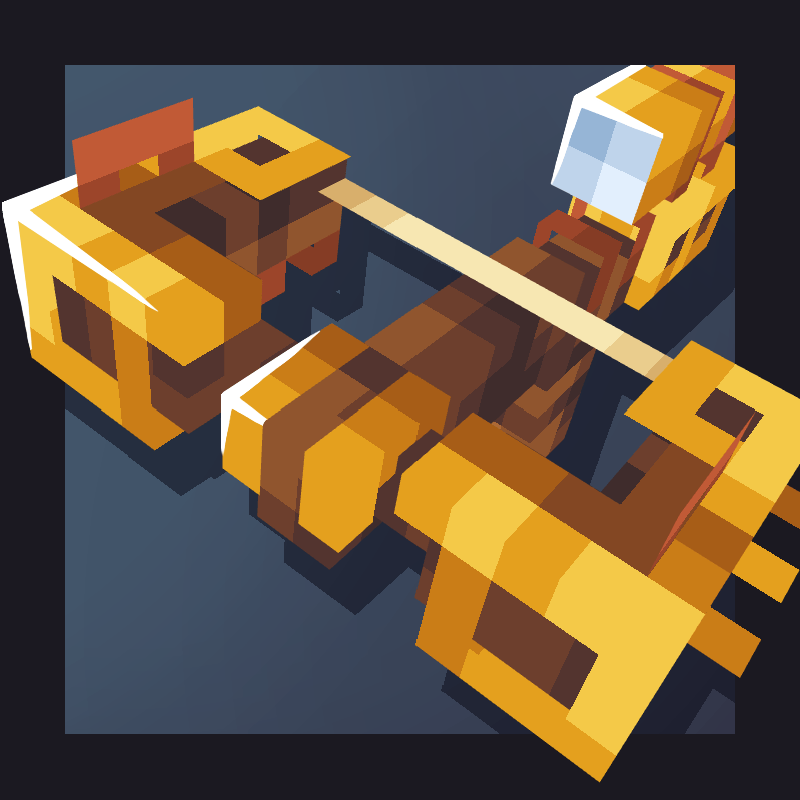
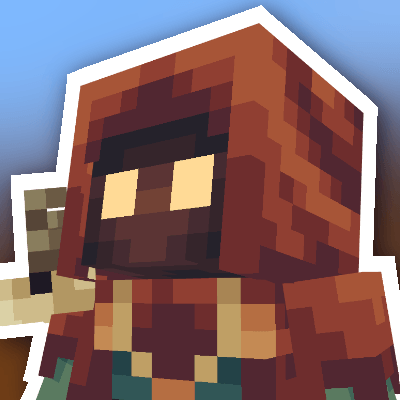
Les ribbits marchands et pêcheurs peuvent être échangés contre divers objets, notamment les nouveaux blocs de plantes ribbits et les maracas ! Les ribbits sorciers lancent parfois des sorts pour améliorer le joueur, et tous les ribbits jardiniers arrosent les cultures !
Les ribbits rentrent naturellement chez eux la nuit, mais si vous souhaitez les déplacer, vous pouvez réinitialiser leur point de résidence à leur position actuelle en cliquant droit sur eux avec de l'améthyste.
Josh/Joosh - Art yungnickyoung - Codage HellionGames - Codage scratchysd - Sons wesleybenjamin - Musique joakota - Constructions joshesque - Logo

Comment installer Ribbits
With Millida Launcher
Install Millida Launcher
The launcher is free: download it at millida.net/launcher and sign in with any nickname.
Click “Install” on this page
The launcher opens and installs the mod for Minecraft 1.20.1–1.21.1 on Fabric, Forge or NeoForge automatically.
Launch the game
A profile with it appears in the launcher: click “Play”.
Manually
Install Fabric, Forge or NeoForge
The loader must match the game version of the mod file, for example Minecraft 1.21.1. After installing it, a separate profile appears in your launcher.
Download the file for your version
In the version list above, pick the file Ribbits-1.21.1-Fabric-4.1.6.jar (2.2 MB) for your game version and loader.
Put it in the mods folder
The folder is inside .minecraft (Windows: %appdata%\.minecraft\mods). If it does not exist, create it.
Launch the loader profile
Open “Mods” in the main menu: Ribbits should be in the list.
Minecraft 1.21.1 runs on Java 21: with a different Java version the game may close right after launch.
Versions
Avec dépendances
| Minecraft | Loader | Fichier | Date | Actions |
|---|---|---|---|---|
| 1.21 | Fabric | Ribbits [Fabric] 4.1.6 for 1.21.12.2 Mo 16 | ||
| 1.21 | NeoForge | Ribbits [NeoForge] 4.1.6 for 1.21.12.1 Mo 18 | ||
| 1.20.1 | Forge | Ribbits [Forge] 3.0.5 for 1.20.12.1 Mo 16 |
FAQ
Which Minecraft versions does Ribbits work on?
There are files for 1.21.1, 1.21, 1.20.1. The newest is 1.21.1.
Is Ribbits for Forge or Fabric?
There are files for Fabric: 1.21–1.21.1, for Forge: 1.20.1 and for NeoForge: 1.21–1.21.1.
Does Ribbits need other mods?
The author lists no required dependencies: the Fabric, Forge or NeoForge loader is enough.
Which Java does Ribbits need?
Minecraft 1.21.1 runs on Java 21. If the game closes right after launch, the usual cause is the wrong Java version in the profile settings.
Where can I download Ribbits safely?
On this page: the file Ribbits-1.21.1-Fabric-4.1.6.jar (2.2 MB) is stored on Millida’s server, with no link shorteners. SHA-1 checksum: b95ef94e6c4d2b7a706bcbe3cde6a38b2fe936d3.
Avis
Soyez le premier à noter Ribbits


