
Reach Display Mod pour Minecraft 1.20.1, 1.21.1
Une représentation visuelle configurable de vos distances de portée et de frappe
 NeoForge
 Fabric
 Quilt
Quilt Forge
ForgeGeneral
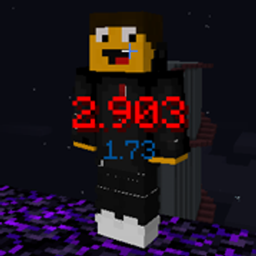
The goal of this mod is to allow you to display the distance between you and the enemy player/mob + see from how far your hits reached them. It's useful information that allows one to control combo distances and align look angles to optimise the distance. Everything — text size, color, placement, shadow, decimal places — is configurable.
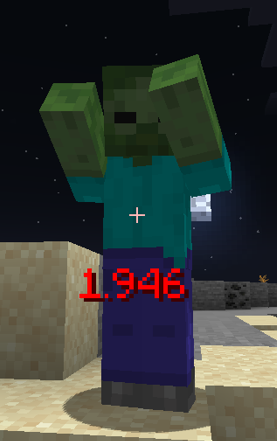
The mod (as of 2.0.0) has 3 different displays:
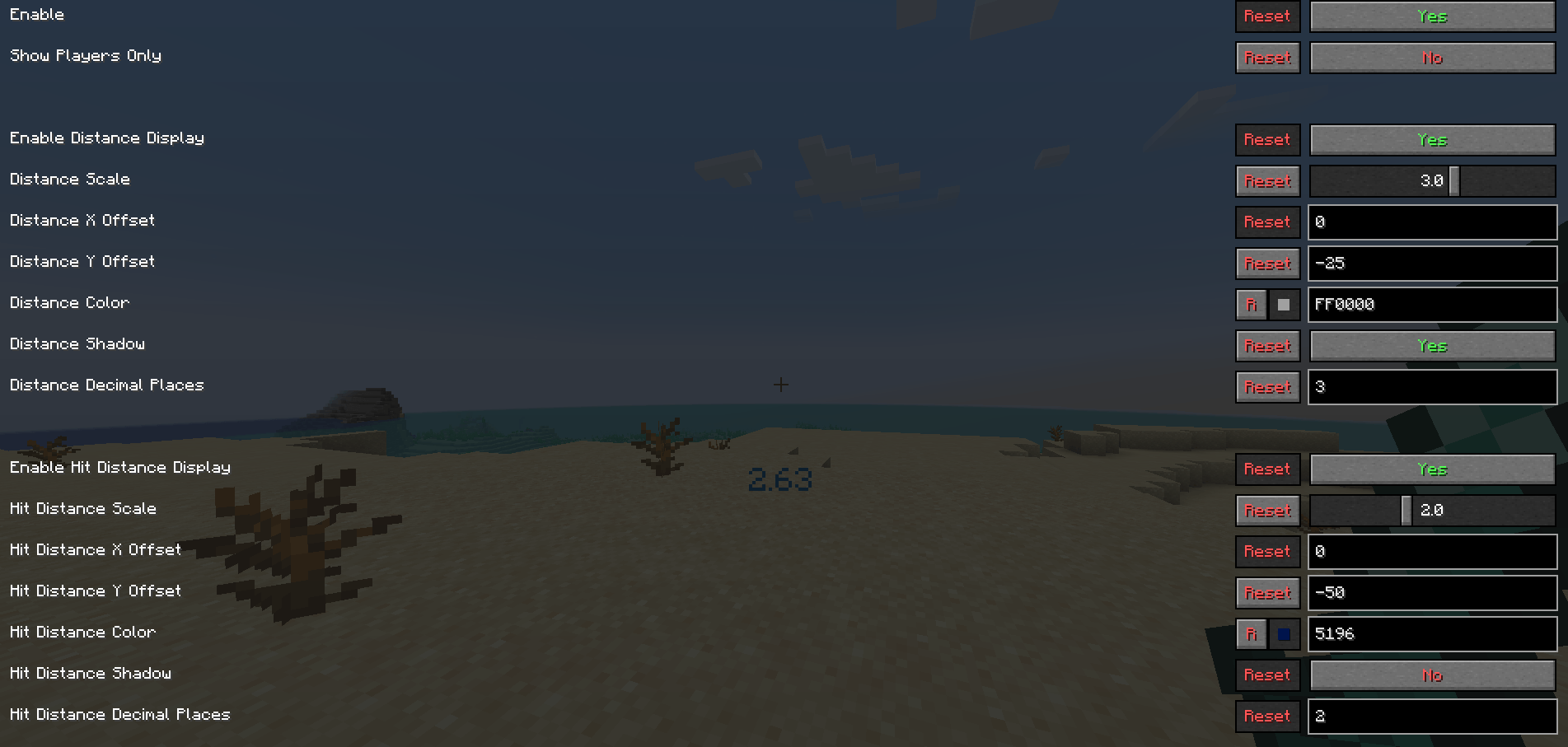
Distance
Displays the distance from your eye to enemy hitbox
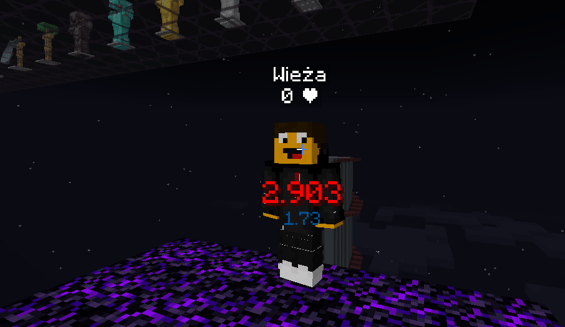
Hit Distance
Displays the distance of your last hit
Average Hit Distance
The average of either last X hits or local/global session hit distances
Dependencies
- Midnightlib
Future
I will continue supporting the mod for 1.17+, if you would like more options added then please request them
Comment installer Reach Display
With Millida Launcher
Install Millida Launcher
The launcher is free: download it at millida.net/launcher and sign in with any nickname.
Click “Install” on this page
The launcher opens and installs the mod for Minecraft 1.20.1–1.21.11 on Fabric, Forge, NeoForge or Quilt automatically.
Launch the game
A profile with it appears in the launcher: click “Play”.
Manually
Install Fabric, Forge, NeoForge or Quilt
The loader must match the game version of the mod file, for example Minecraft 1.21.11. After installing it, a separate profile appears in your launcher.
Download the file for your version
In the version list above, pick the file reach_display-3.1.1-1.21.11-neoforge.jar (270 KB) for your game version and loader.
Put it in the mods folder
The folder is inside .minecraft (Windows: %appdata%\.minecraft\mods). If it does not exist, create it.
Launch the loader profile
Open “Mods” in the main menu: Reach Display should be in the list.
Minecraft 1.21.11 runs on Java 21: with a different Java version the game may close right after launch.
Versions
Avec dépendances
| Minecraft | Loader | Fichier | Date | Actions |
|---|---|---|---|---|
| 1.21.4 | Fabric, Quilt | 3.1.1-1.21.1891 Ko 3 | ||
| 1.20.2 | Forge | 3.1.1-1.20.1-forge273 Ko | ||
| 1.21.11 | NeoForge | 3.1.1-1.21.11-neoforge270 Ko |
FAQ
Which Minecraft versions does Reach Display work on?
There are files for 1.20.1–1.21.11, 11 versions in total. The newest is 1.21.11.
Is Reach Display for Forge or Fabric?
There are files for Fabric: 1.21.1–1.21.4, for Forge: 1.20.1–1.20.6, for NeoForge: 1.21.11 and for Quilt: 1.21.1–1.21.4.
Does Reach Display need other mods?
The author lists no required dependencies: the Fabric, Forge, NeoForge or Quilt loader is enough.
Which Java does Reach Display need?
Minecraft 1.21.11 runs on Java 21. If the game closes right after launch, the usual cause is the wrong Java version in the profile settings.
How do I download Reach Display?
With Millida Launcher: it installs Reach Display into a modpack by itself, for the right game version and loader. The launcher is free.
Avis
Soyez le premier à noter Reach Display


