

 Fabric
À propos du mod Probably Chests
[Fabric Mod]
Requires Cloth Config and GeckoLib
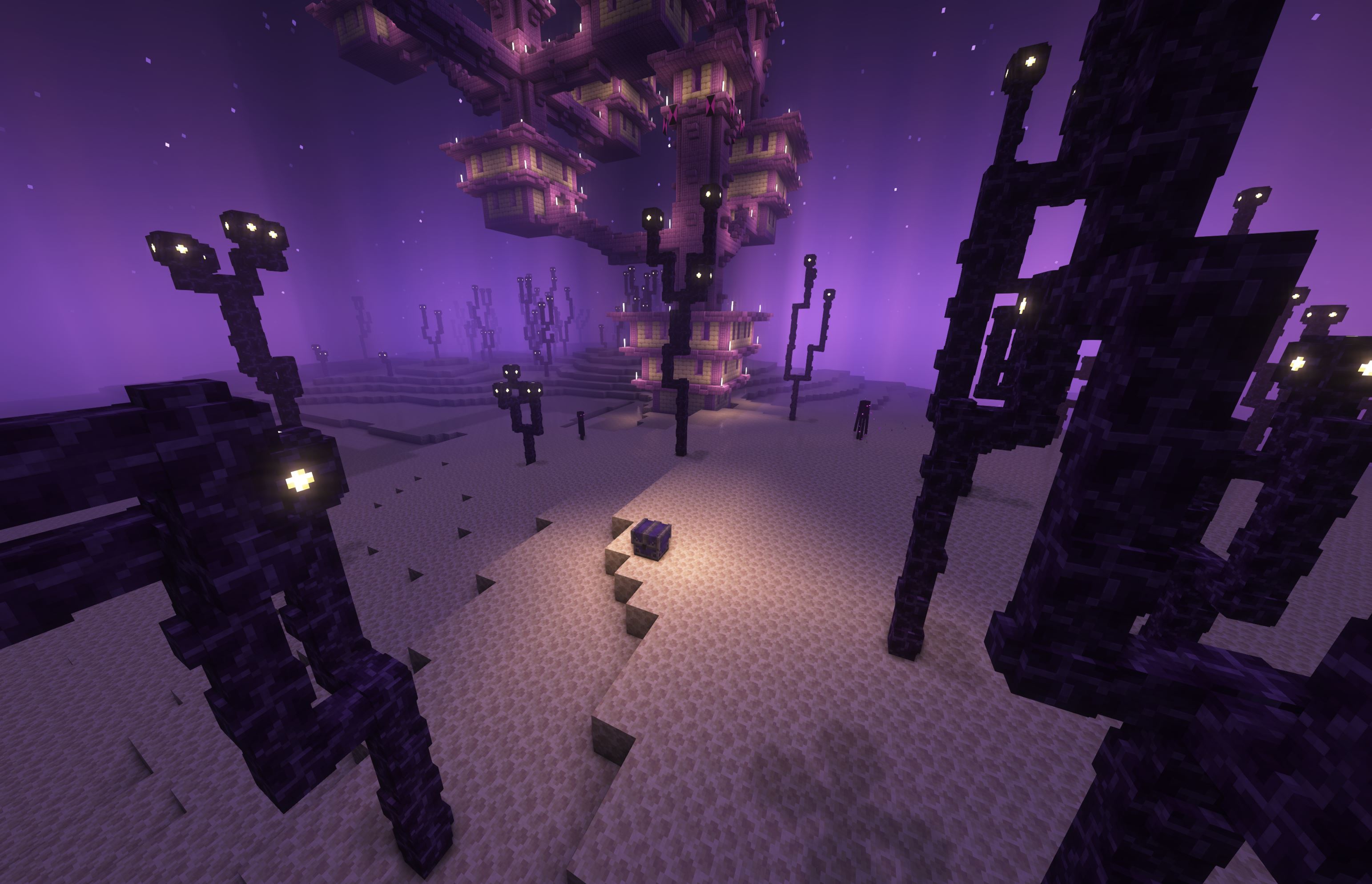
Features:
Mimics
Pet Mimics
Pots
Keys
Locks
So Much More (check the wiki)
Known issues: Revamped Phantoms (phantoms interacting with mimics crashes the game)
The mod Pekhui can cause mimics to be unresponsive (Will hopefully be fixed in the next update)
NOTE: If you are running into a crash Probably Chests is incompatible with geckolib 3.0.70 and up. Any version BELOW should be fine
Looking to host your own server with your friends? Get an already setup, pre-configured server from Bisect Hosting!
Use the code: ProbabilityPigeon and get 25% off your first month!
Click the picture above and choose a server. I recommend getting at least a 4GB server. Enter my code and have fun!
FAQ:
Q: Will you make this for forge?
A: No.
Q: Can you make this for 1.X.X?
A: I will be keeping the mod updated but I will not be backporting.
Q: Can I make a review for your mod?
A: Yes! and please send me the link.
Q: Can I add this to my modpack?
A: Yes! But please only use CurseForge for the modpack as other sites do not give proper credit to creators.
Comment installer Probably Chests
With Millida Launcher
Install Millida Launcher
The launcher is free: download it at millida.net/launcher and sign in with any nickname.
Click “Install” on this page
The launcher opens and installs the mod for Minecraft 1.18.2 on Fabric automatically.
Launch the game
A profile with it appears in the launcher: click “Play”.
Manually
Install Fabric
The loader must match the game version of the mod file, for example Minecraft 1.18.2. After installing it, a separate profile appears in your launcher.
Download the file for your version
In the version list above, pick the file probablychests-0.5.5-1.18.2.jar (498 KB) for your game version.
Put it in the mods folder
The folder is inside .minecraft (Windows: %appdata%\.minecraft\mods). If it does not exist, create it.
Launch the loader profile
Open “Mods” in the main menu: Probably Chests should be in the list.
Minecraft 1.18.2 runs on Java 17: with a different Java version the game may close right after launch.
Versions
Avec dépendances
| Minecraft | Loader | Fichier | Date | Actions |
|---|---|---|---|---|
| 1.18.2 | Fabric | Probably-Chests-0.5.5-1.18.2498 Ko |
FAQ
Which Minecraft versions does Probably Chests work on?
Only Minecraft 1.18.2: there are no files for other versions.
Is Probably Chests for Forge or Fabric?
Only for Fabric: 1.18.2. There are no files for Forge or NeoForge: a mod for another loader will not start.
Does Probably Chests need other mods?
The author lists no required dependencies: the Fabric loader is enough.
Which Java does Probably Chests need?
Minecraft 1.18.2 runs on Java 17. If the game closes right after launch, the usual cause is the wrong Java version in the profile settings.
Where can I download Probably Chests safely?
On this page: the file probablychests-0.5.5-1.18.2.jar (498 KB) is stored on Millida’s server, with no link shorteners. SHA-1 checksum: e292cafb99e902166a2a6e076d8d5f8d4718eae1.
Avis
Soyez le premier à noter Probably Chests


