

Potion Particle Pack Mod pour Minecraft 1.19.2
De meilleures particules de potion, affichant plus d'informations et permettant des couleurs personnalisées.
 Fabric
 Quilt
QuiltÀ propos du mod Potion Particle Pack
Want to host a server with Potion Particle Pack?
Rent your own Minecraft server here!
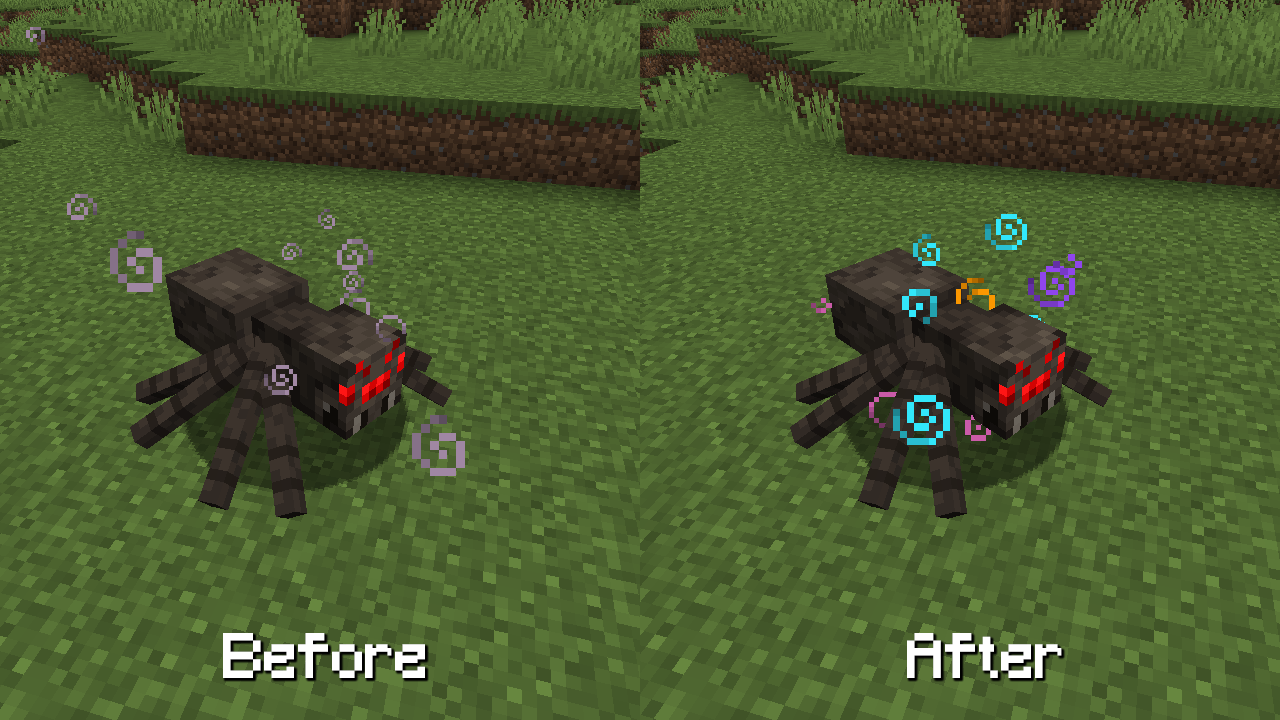
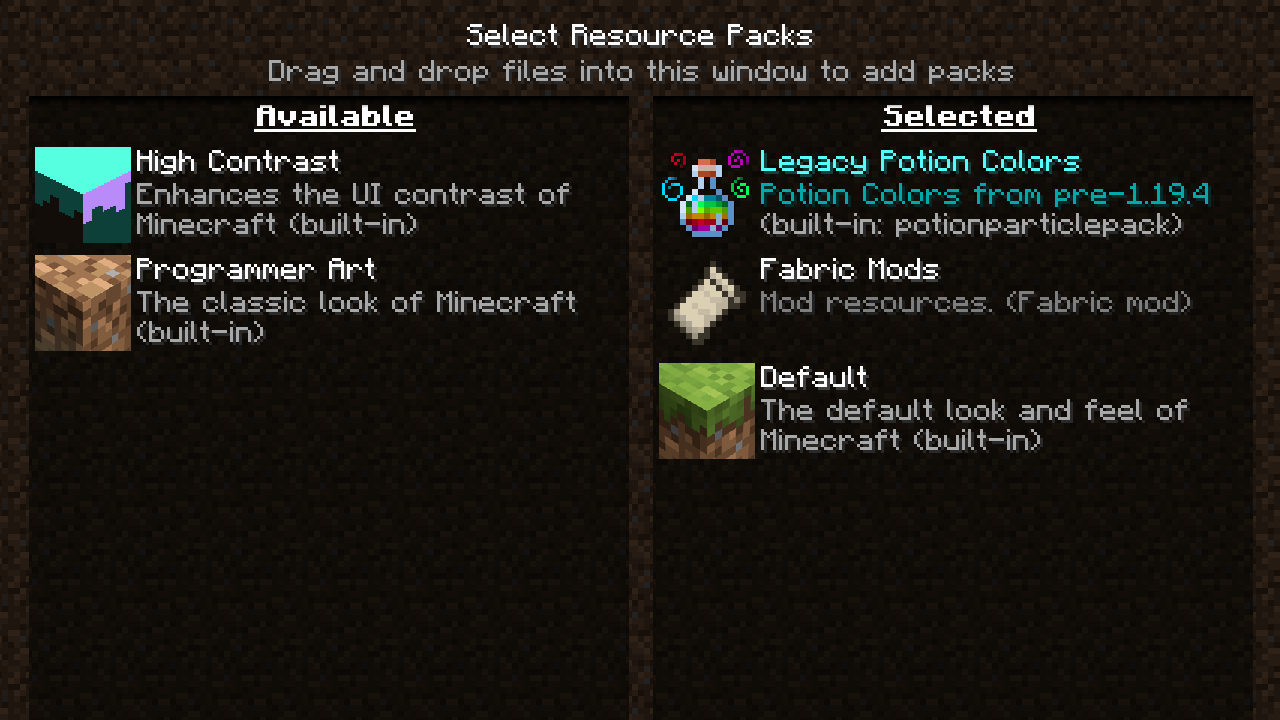
Potion Particle Pack is a small mod that enhances a few aspects of how Minecraft Status Effects are displayed on entities.
It includes various features such as custom status effect colours, better rendering of multiple effects at once, and hiding effects in first person.
More information about the mod can be found here: https://modrinth.com/mod/potionparticlepack
Comment installer Potion Particle Pack
With Millida Launcher
Install Millida Launcher
The launcher is free: download it at millida.net/launcher and sign in with any nickname.
Click “Install” on this page
The launcher opens and installs the mod for Minecraft 1.19.2 on Fabric or Quilt automatically.
Launch the game
A profile with it appears in the launcher: click “Play”.
Manually
Install Fabric or Quilt
The loader must match the game version of the mod file, for example Minecraft 1.19.2. After installing it, a separate profile appears in your launcher.
Download the file for your version
In the version list above, pick the file potionparticlepack-1.0.2.jar (285 KB) for your game version and loader.
Put it in the mods folder
The folder is inside .minecraft (Windows: %appdata%\.minecraft\mods). If it does not exist, create it.
Launch the loader profile
Open “Mods” in the main menu: Potion Particle Pack should be in the list.
Minecraft 1.19.2 runs on Java 17: with a different Java version the game may close right after launch.
Versions
Avec dépendances
| Minecraft | Loader | Fichier | Date | Actions |
|---|---|---|---|---|
| 1.19.2 | Fabric, Quilt | v1.0.2 for Fabric/Quilt MC 1.19.2285 Ko |
FAQ
Which Minecraft versions does Potion Particle Pack work on?
Only Minecraft 1.19.2: there are no files for other versions.
Does Potion Particle Pack need other mods?
The author lists no required dependencies: the Fabric or Quilt loader is enough.
Which Java does Potion Particle Pack need?
Minecraft 1.19.2 runs on Java 17. If the game closes right after launch, the usual cause is the wrong Java version in the profile settings.
Where can I download Potion Particle Pack safely?
On this page: the file potionparticlepack-1.0.2.jar (285 KB) is stored on Millida’s server, with no link shorteners. SHA-1 checksum: af997c6eeb8c36f87b0f2efa74788379c7724ca3.
Avis
Soyez le premier à noter Potion Particle Pack


