

OptiLeaves Mod pour Minecraft 1.20.1, 26.3
Optimise le rendu des feuilles et augmente les FPS sans changements visuels notables. Compatible avec NeoForge et Fabric.
 NeoForge
 Fabric
 Forge

OptiLeaves boosts FPS and makes foliage look cleaner by optimizing leaf rendering.
🍃 Forge • Fabric • NeoForge 🍃
OptiLeaves reduces leaf geometry to improve rendering performance, especially in dense forests and jungles. Configurable culling depth lets you balance performance and visual detail.
🎮 Performance comparison
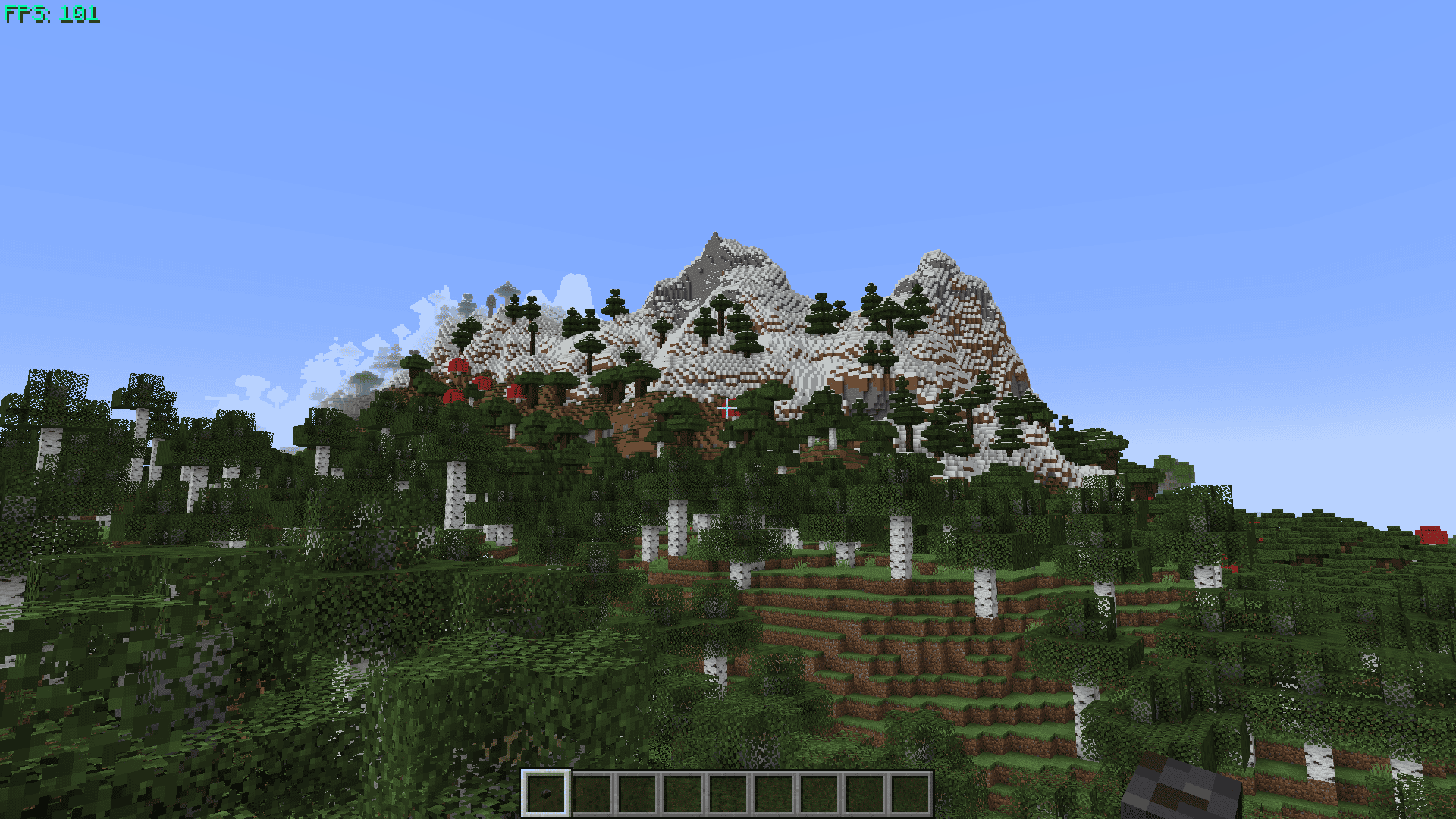
In a dense forest benchmark, OptiLeaves 2.0.1 delivered 35% higher average FPS than Forge alone. It performed closely to Cull Less Leaves Reforged and Cull Leaves, with pixel-identical screenshots across the three current optimizers in the tested scenes.
Tests used Minecraft 1.20.1 / Forge 47.4.10 at 1080p, with Fancy graphics and render distance 8. Each optimizer ran separately, without shaders or extra renderer optimizers. FPS results are medians of three independent runs.
Compilation time and Java allocations come from separate fixed-workload tests. Allocated MB does not represent total RAM or VRAM usage. OptiLeaves 1.1 is shown separately as a historical reference.
Results will vary with hardware, settings and modpacks. Small differences between optimizers may be measurement noise.
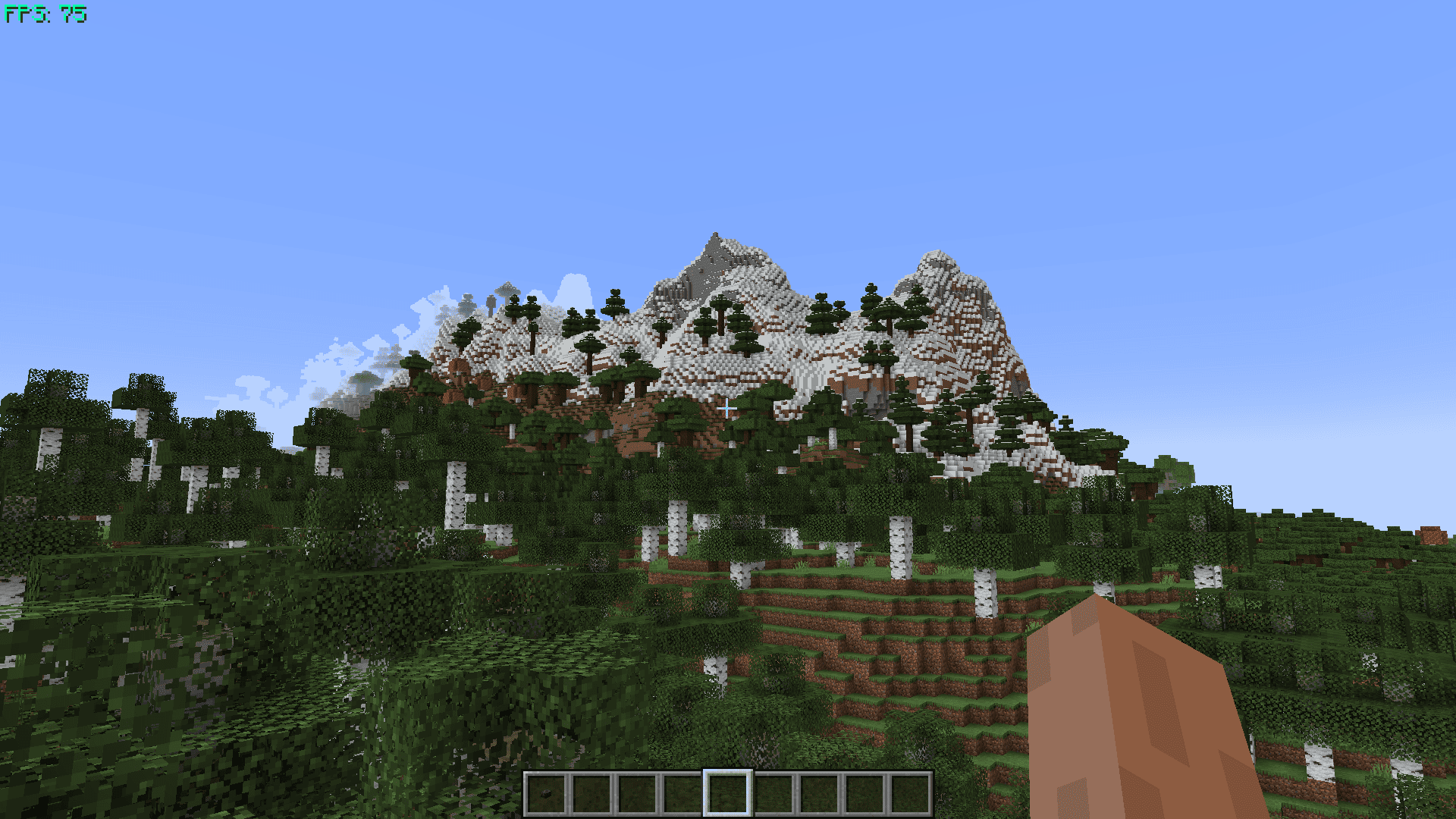
🎥 Before-and-after comparison · OptiLeaves v1.0
This video compares screenshots with and without OptiLeaves v1.0. See the benchmark above for current results.
🍀 Enjoy the game! 🍀
Comment installer OptiLeaves
With Millida Launcher
Install Millida Launcher
The launcher is free: download it at millida.net/launcher and sign in with any nickname.
Click “Install” on this page
The launcher opens and installs the mod for Minecraft 1.20.1–26.3 on Fabric, Forge or NeoForge automatically.
Launch the game
A profile with it appears in the launcher: click “Play”.
Manually
Install Fabric, Forge or NeoForge
The loader must match the game version of the mod file, for example Minecraft 26.3. After installing it, a separate profile appears in your launcher.
Download the file for your version
In the version list above, pick the file OptiLeaves-neoforge-26.3-2.0.jar (16 KB) for your game version and loader.
Put it in the mods folder
The folder is inside .minecraft (Windows: %appdata%\.minecraft\mods). If it does not exist, create it.
Launch the loader profile
Open “Mods” in the main menu: OptiLeaves should be in the list.
Versions
Avec dépendances
| Minecraft | Loader | Fichier | Date | Actions |
|---|---|---|---|---|
| 26.3 | NeoForge | OptiLeaves-neoforge-26.3-v2.015.6 Ko 1 | ||
| 26.3 | Fabric | OptiLeaves-fabric-26.3-v2.016.5 Ko 19 | ||
| 1.20.1 | Forge | OptiLeaves-forge-1.20.1-v2.017.8 Ko 20 |
FAQ
Which Minecraft versions does OptiLeaves work on?
There are files for 26.3, 1.20.1. The newest is 26.3.
Does OptiLeaves need other mods?
The author lists no required dependencies: the Fabric, Forge or NeoForge loader is enough.
Where can I download OptiLeaves safely?
On this page: the file OptiLeaves-neoforge-26.3-2.0.jar (16 KB) is stored on Millida’s server, with no link shorteners. SHA-1 checksum: 96a29af05239d276af80670cf90c8b35df17f760.
Avis
Soyez le premier à noter OptiLeaves


