
NewWorld Mod pour Minecraft 1.20.1, 1.21.1
🌲Ajoute du nouveau contenu atmosphérique à l'overworld.
 Fabric
 NeoForge
 Forge
Forge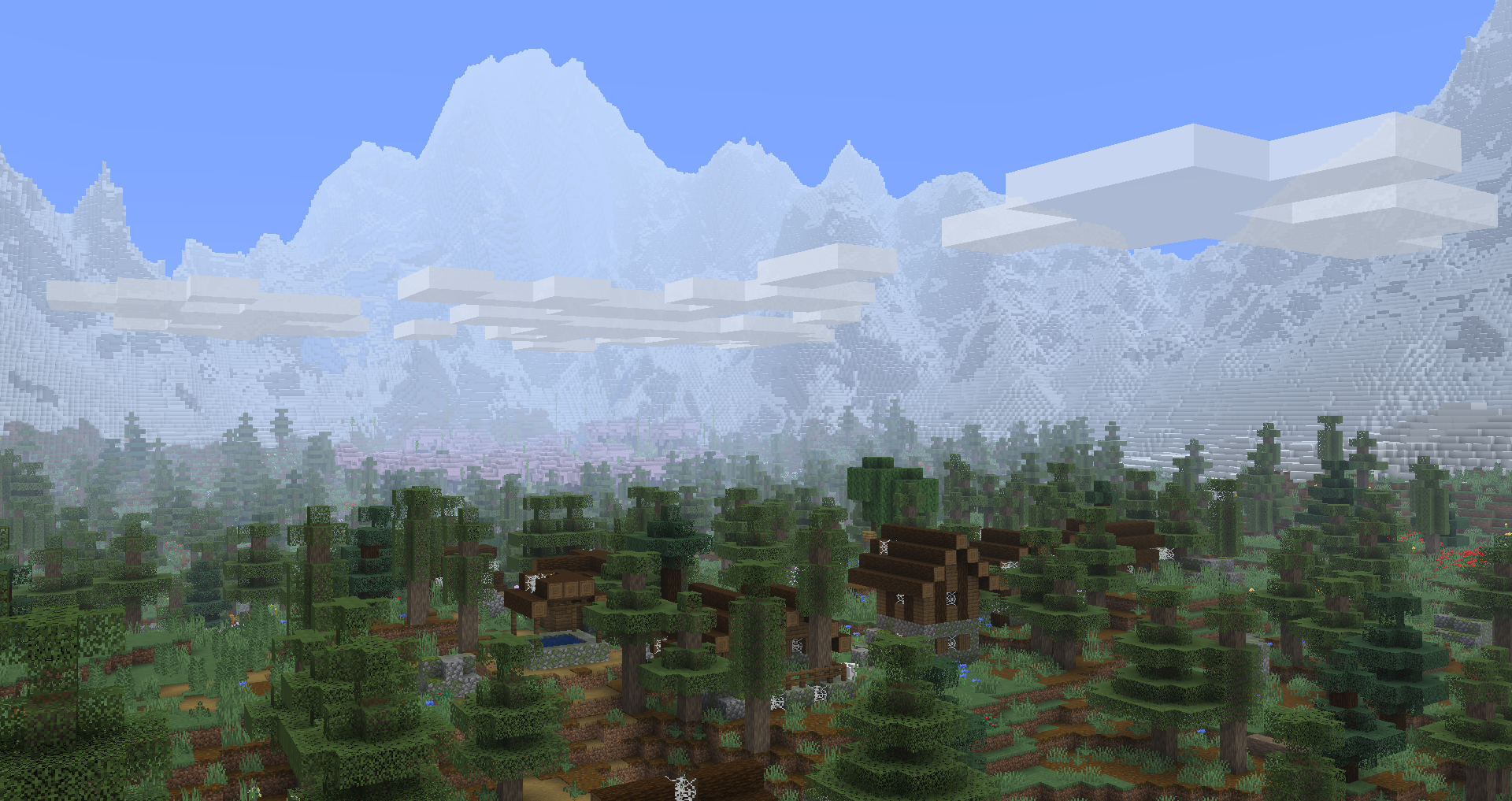
🌲 Adds new atmospheric content to the overworld.
NewWorld adds a new vibrant meadow biome, alongside new exploration content to make your journey more worthwhile.
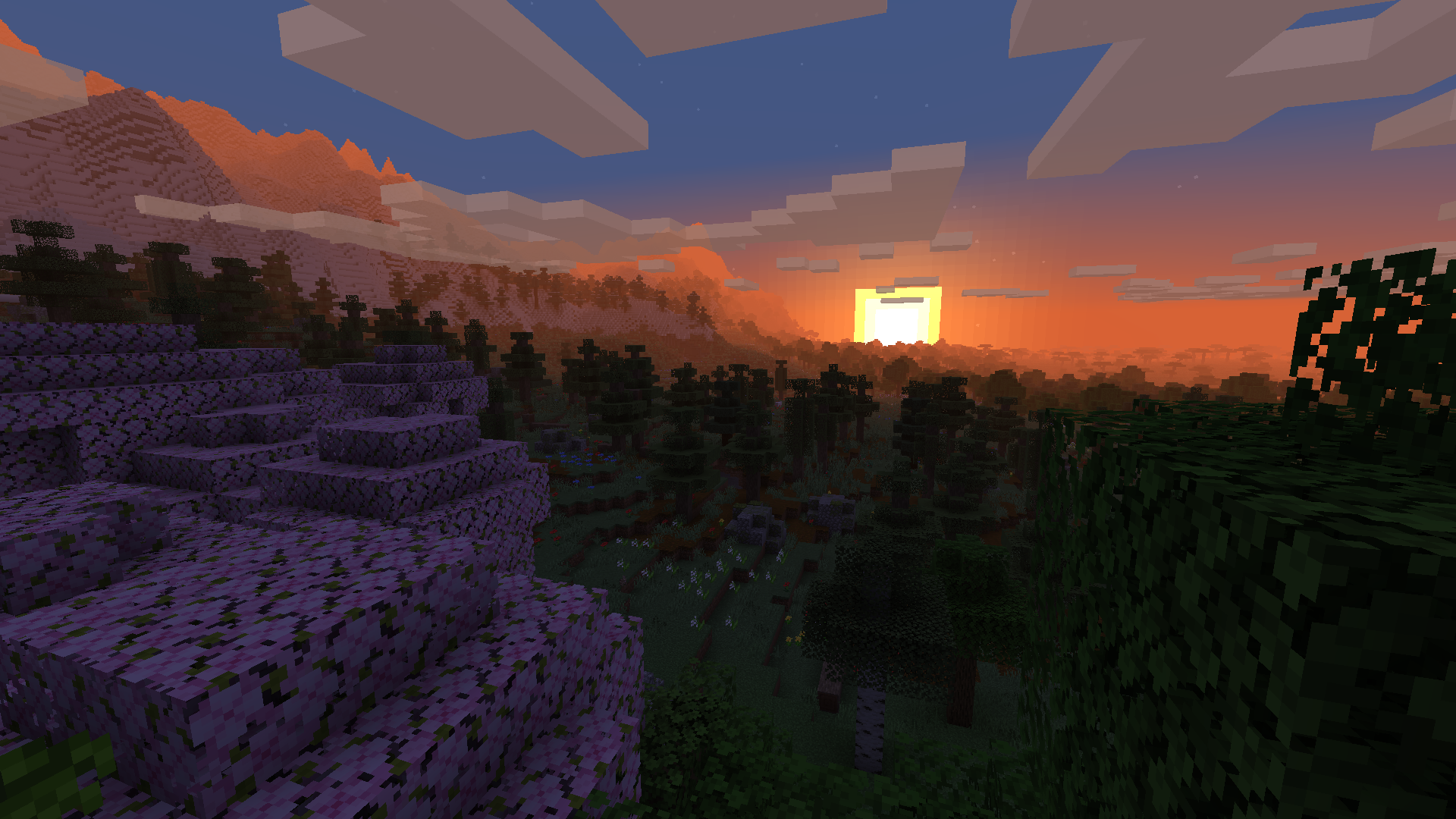
Features:
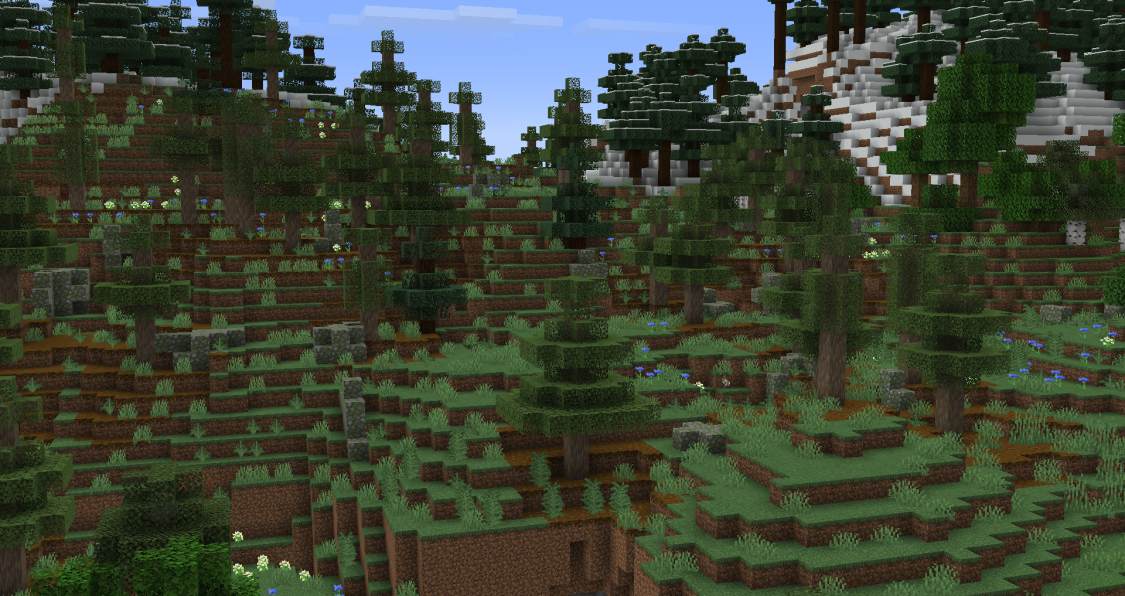
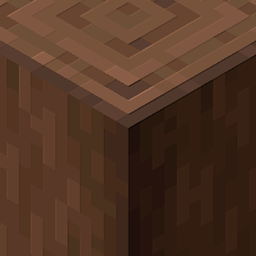
The Wooded Meadow, a new forest variant of the meadow that generates with fir trees and sports fancy foliage. Fir trees, which generate in wooded meadows and less commonly in taiga-like biomes. They come with a new brown wood set to complement any rustic build!
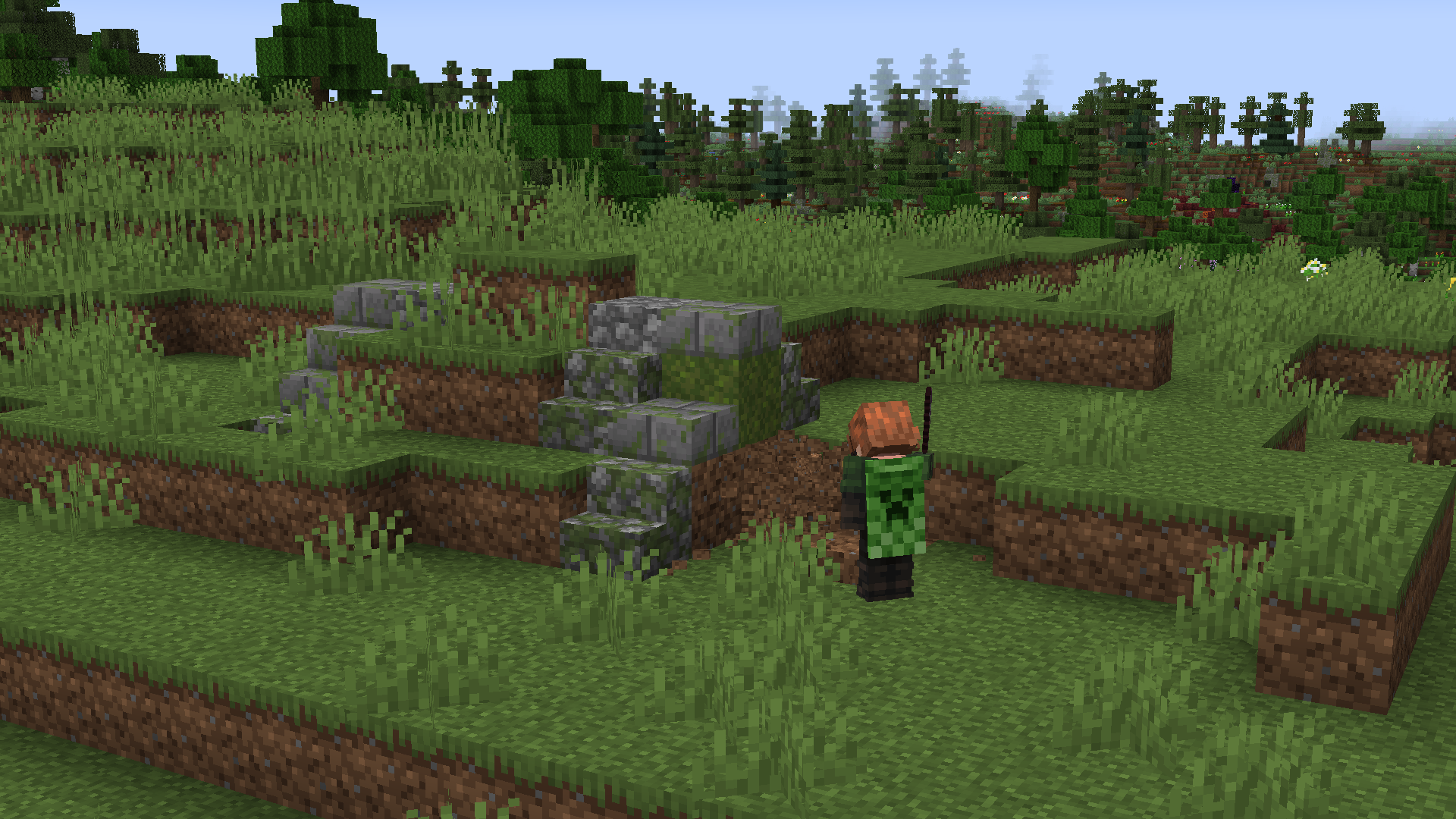
Buried Bunkers, which spawn in Plains and Meadows and almost always generate underground. You'll have to dig a bit to explore their secrets!
The Ancient Mattock is a tool that can break stone, wood, dirt, and other materials efficiently. It's a great way to build effectively without cluttering your inventory with tools.
Craft one by combining template pieces, found in Desert Temples, Trail Ruins, and Ancient Cities.
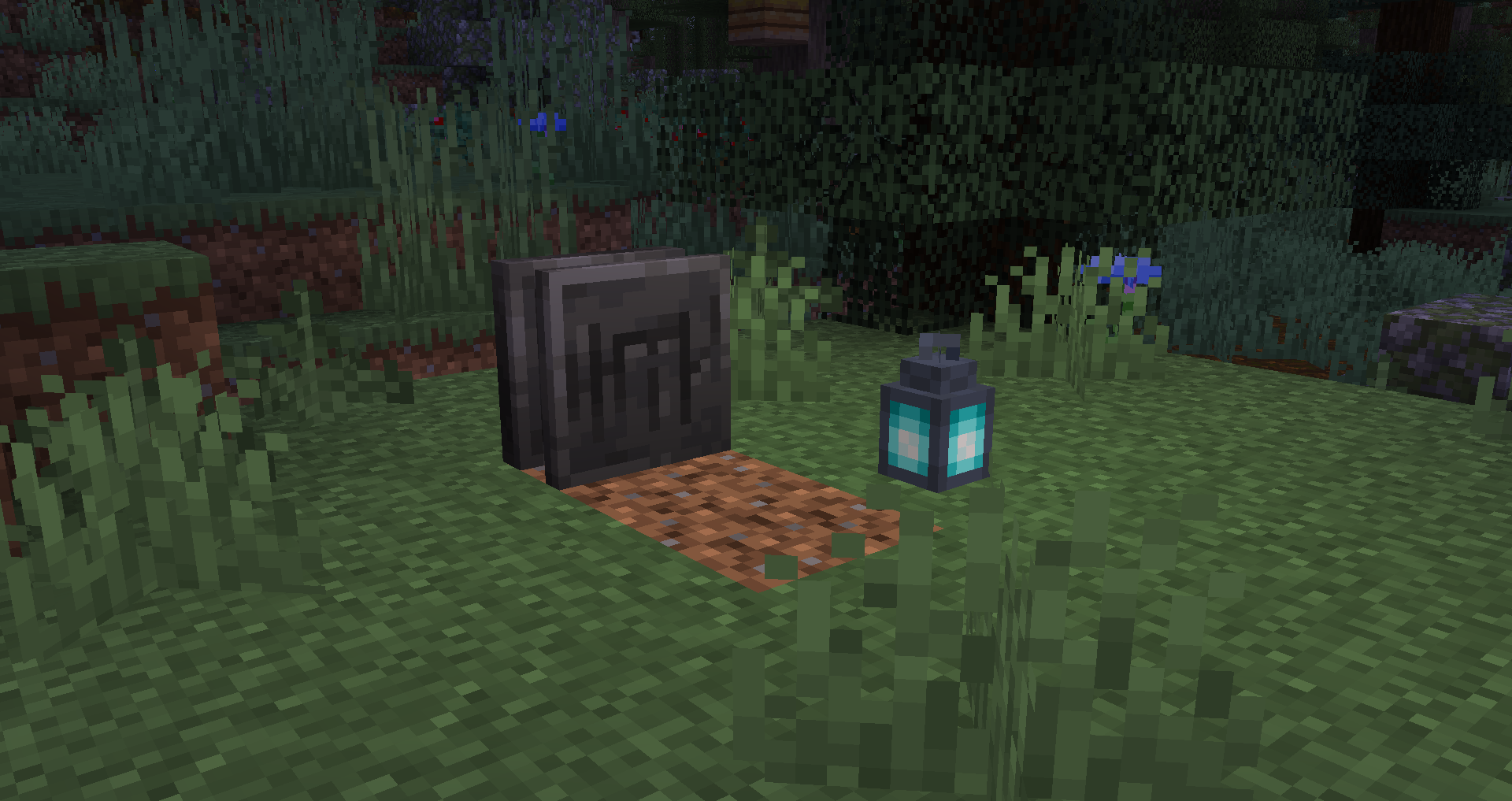
Tombstones save your items when you die if kept in your inventory. You can find them as loot in Ancient Cities. Fun fact, it says R.I.P. on the front in illageralt!
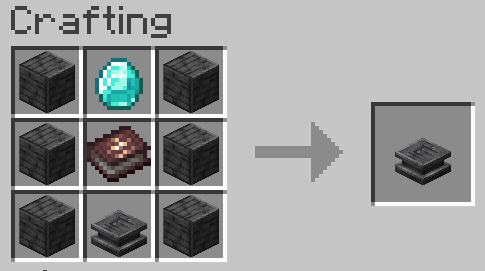
Tombstones can be duplicated using Illager Tomes, which are found in Woodland Mansions. Illager Tomes never run out, so you can use them as many times as needed.
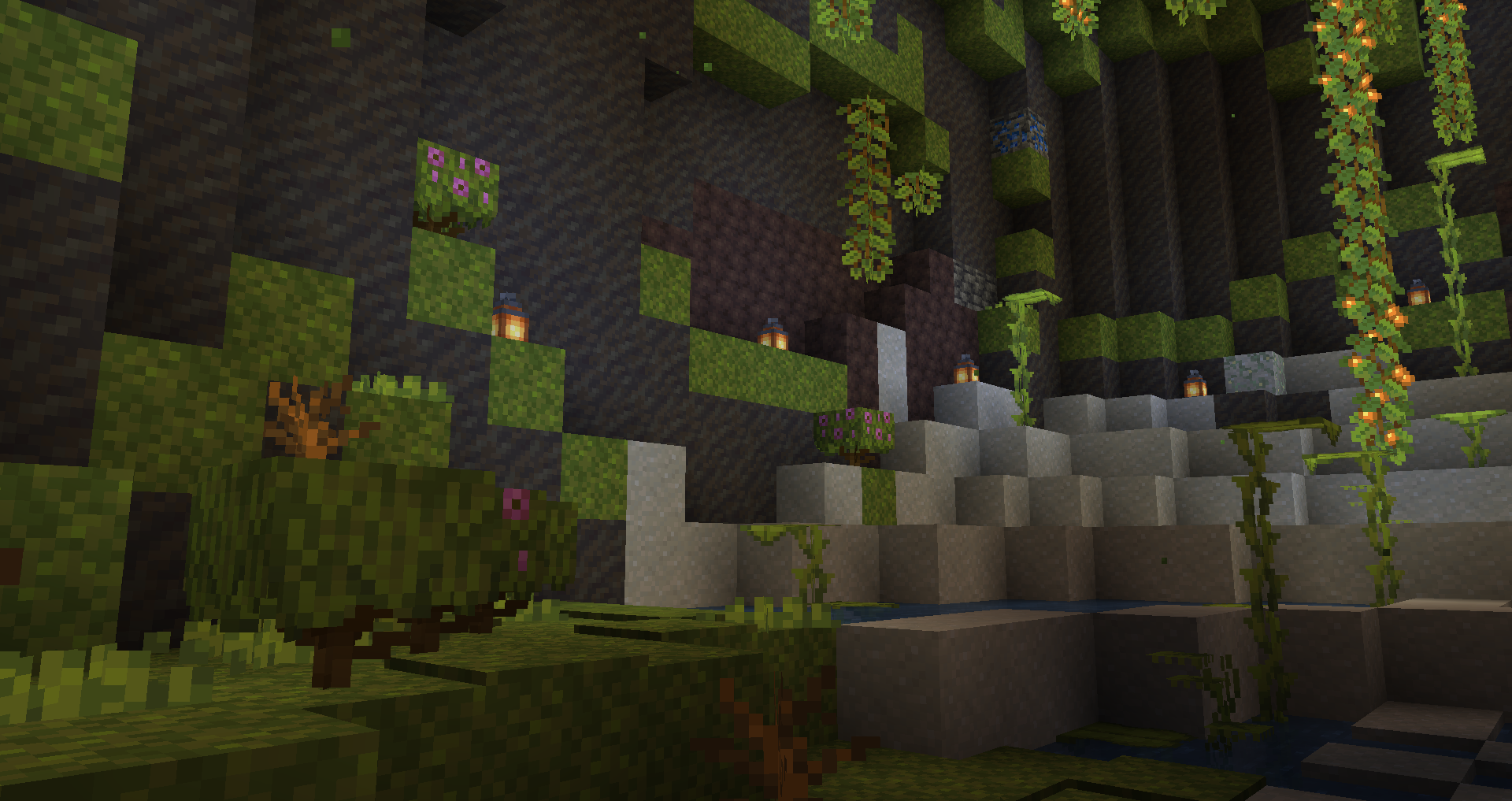
Lush Caves got an upgrade, now with better foliage, as well as a new block, Loam!
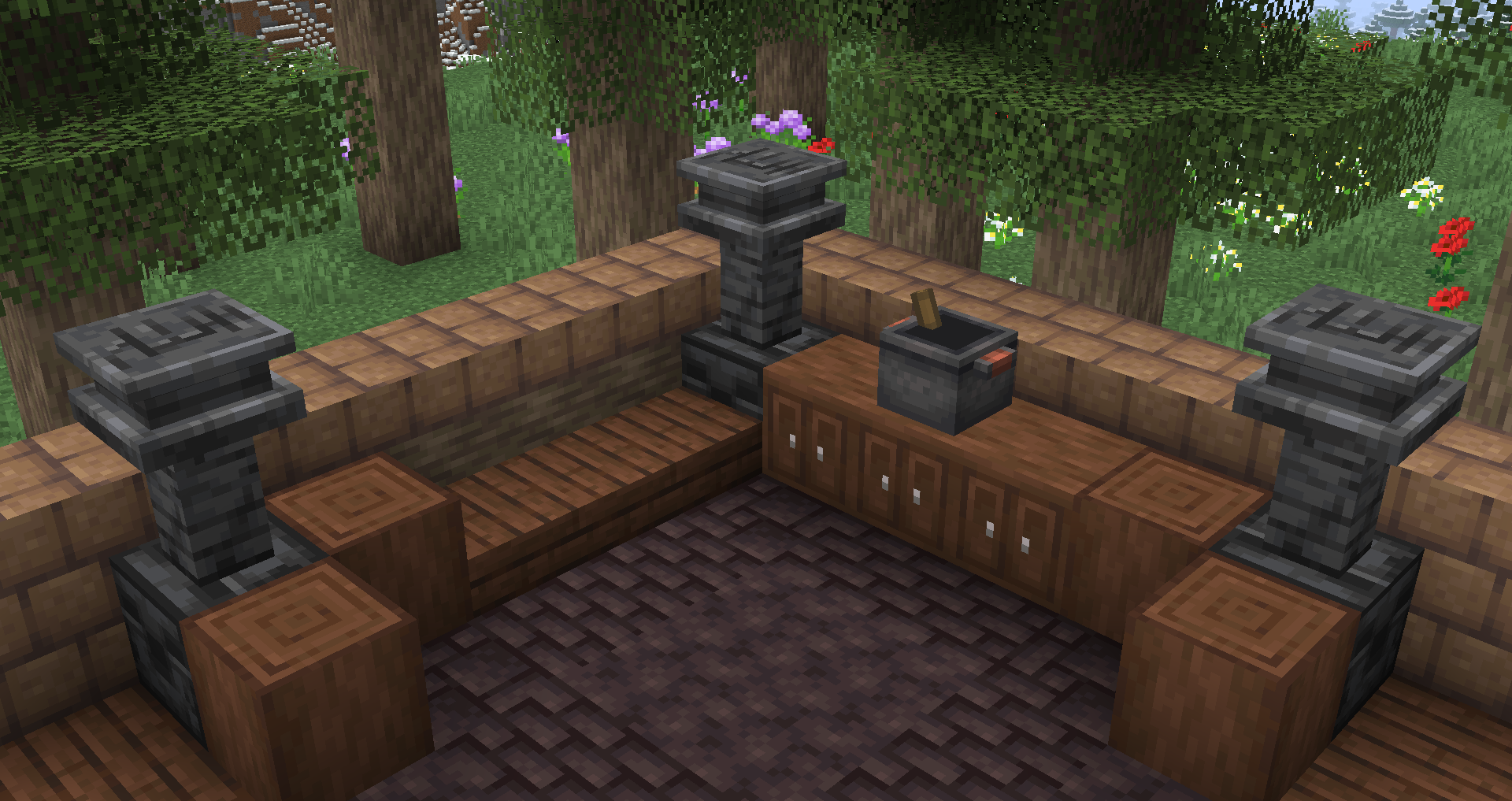
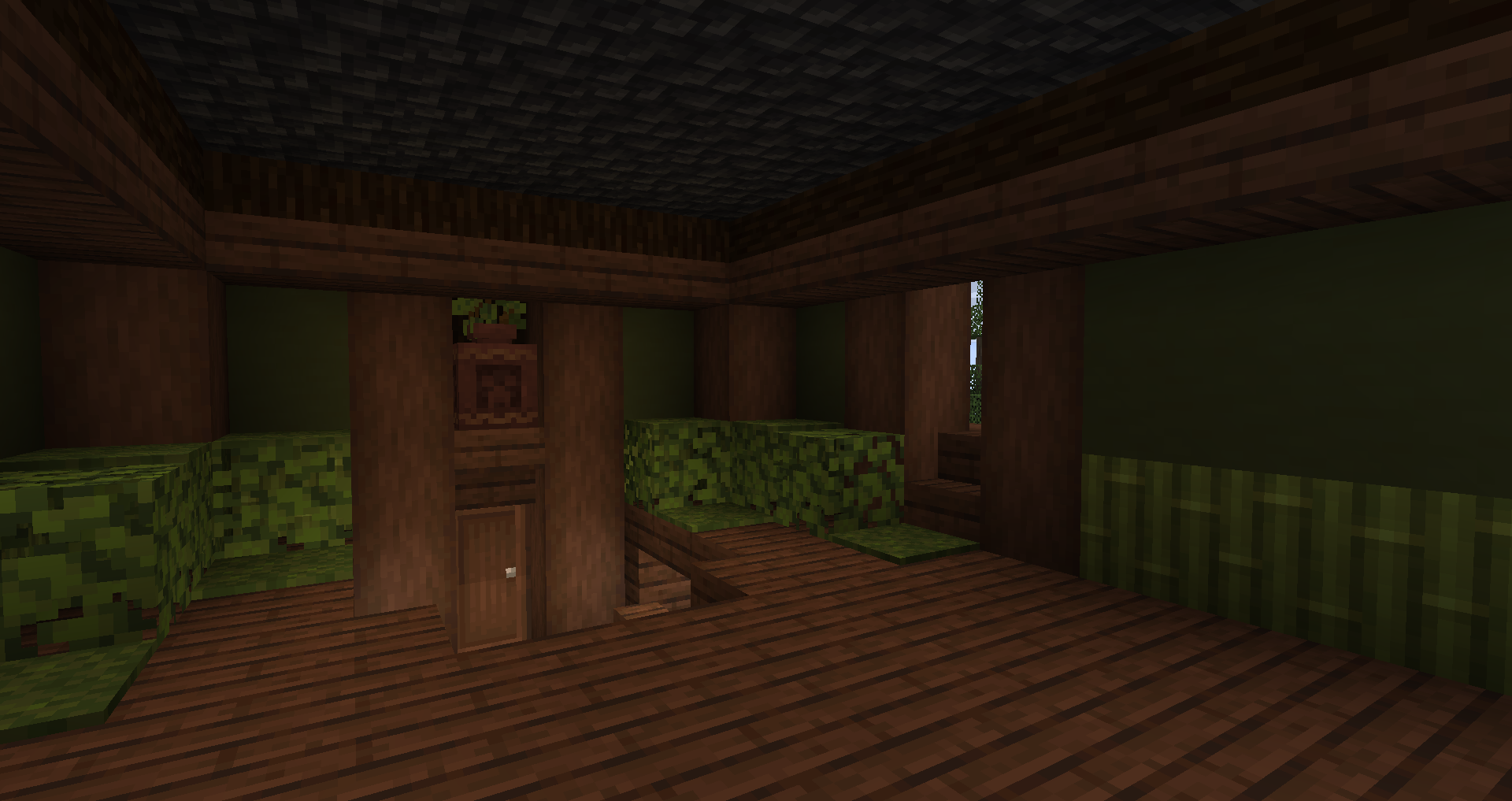
Check out these new blocks. Experiment with new block palettes! Farmer's Delight, Block Box and No Man's Land are compatible.
Dependencies:
NeoForge & Fabric (1.6.0+) : Biolith
Older Fabric versions: TerraBlender
Forge: TerraBlender
Comment installer NewWorld
With Millida Launcher
Install Millida Launcher
The launcher is free: download it at millida.net/launcher and sign in with any nickname.
Click “Install” on this page
The launcher opens and installs the mod for Minecraft 1.20.1–1.21.3 on Fabric, Forge or NeoForge automatically.
Launch the game
A profile with it appears in the launcher: click “Play”.
Manually
Install Fabric, Forge or NeoForge
The loader must match the game version of the mod file, for example Minecraft 1.21.3. After installing it, a separate profile appears in your launcher.
Download the file for your version
In the version list above, pick the file newworld-fabric-1.21.3-1.6.4.jar (327 KB) for your game version and loader.
Put it in the mods folder
The folder is inside .minecraft (Windows: %appdata%\.minecraft\mods). If it does not exist, create it.
Launch the loader profile
Open “Mods” in the main menu: NewWorld should be in the list.
Minecraft 1.21.3 runs on Java 21: with a different Java version the game may close right after launch.
Versions
Avec dépendances
| Minecraft | Loader | Fichier | Date | Actions |
|---|---|---|---|---|
| 1.21.1 | NeoForge | NeoForge 1.21.1-1.7.3381 Ko | ||
| 1.21.3 | Fabric | Fabric 1.21.3-1.6.4327 Ko | ||
| 1.20.1 | NeoForge, Forge | Forge 1.20.1-1.6.6363 Ko |
FAQ
Which Minecraft versions does NewWorld work on?
There are files for 1.21.3, 1.21.2, 1.21.1, 1.20.1. The newest is 1.21.3.
Is NewWorld for Forge or Fabric?
There are files for Fabric: 1.21.2–1.21.3, for Forge: 1.20.1 and for NeoForge: 1.20.1–1.21.1.
Does NewWorld need other mods?
The author lists no required dependencies: the Fabric, Forge or NeoForge loader is enough.
Which Java does NewWorld need?
Minecraft 1.21.3 runs on Java 21. If the game closes right after launch, the usual cause is the wrong Java version in the profile settings.
How do I download NewWorld?
With Millida Launcher: it installs NewWorld into a modpack by itself, for the right game version and loader. The launcher is free.
Avis
Soyez le premier à noter NewWorld


