
NetherEx Mod pour Minecraft 1.12.2, 26.1.2
NetherEx est un mod de contenu pour le Nether.
 NeoForge
 Fabric
 Forge
ForgeÀ propos du mod NetherEx
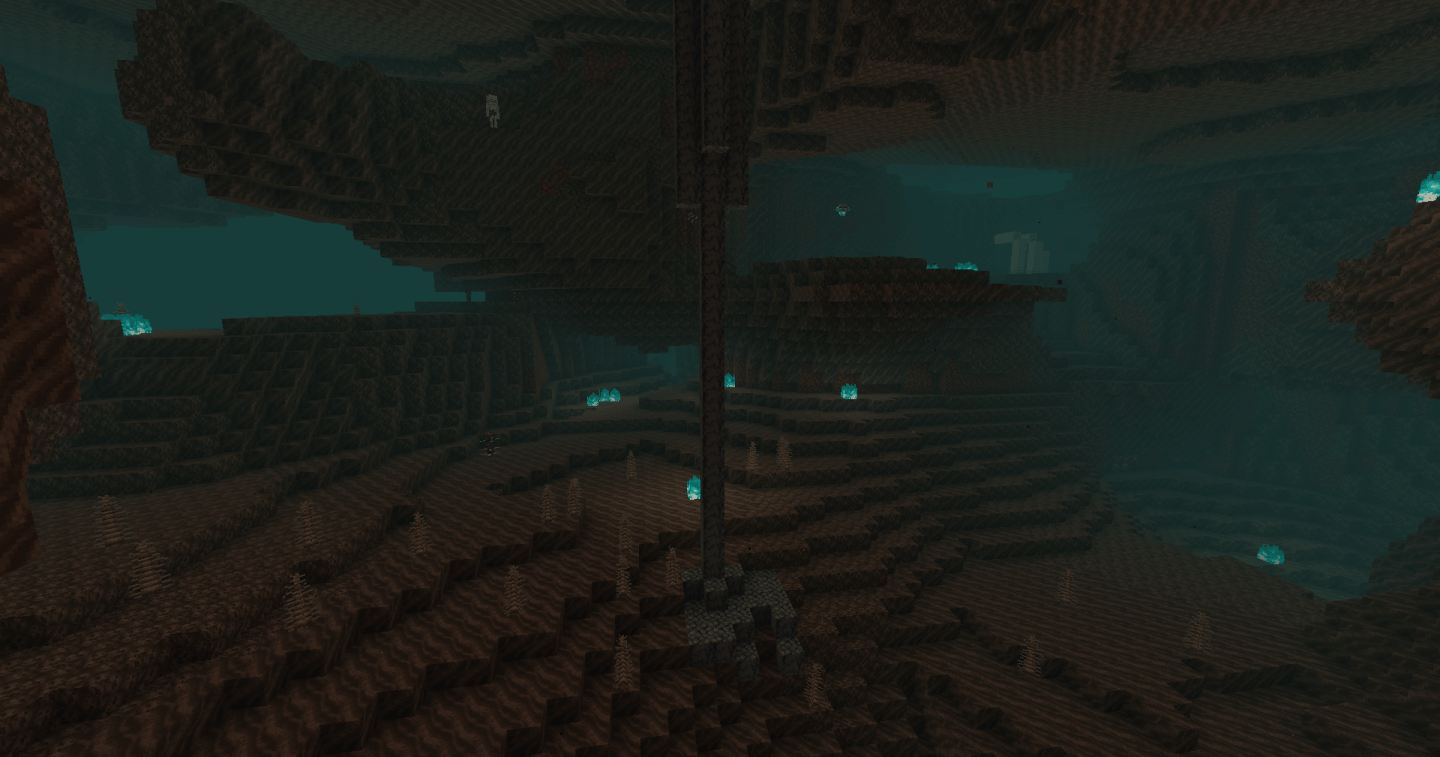
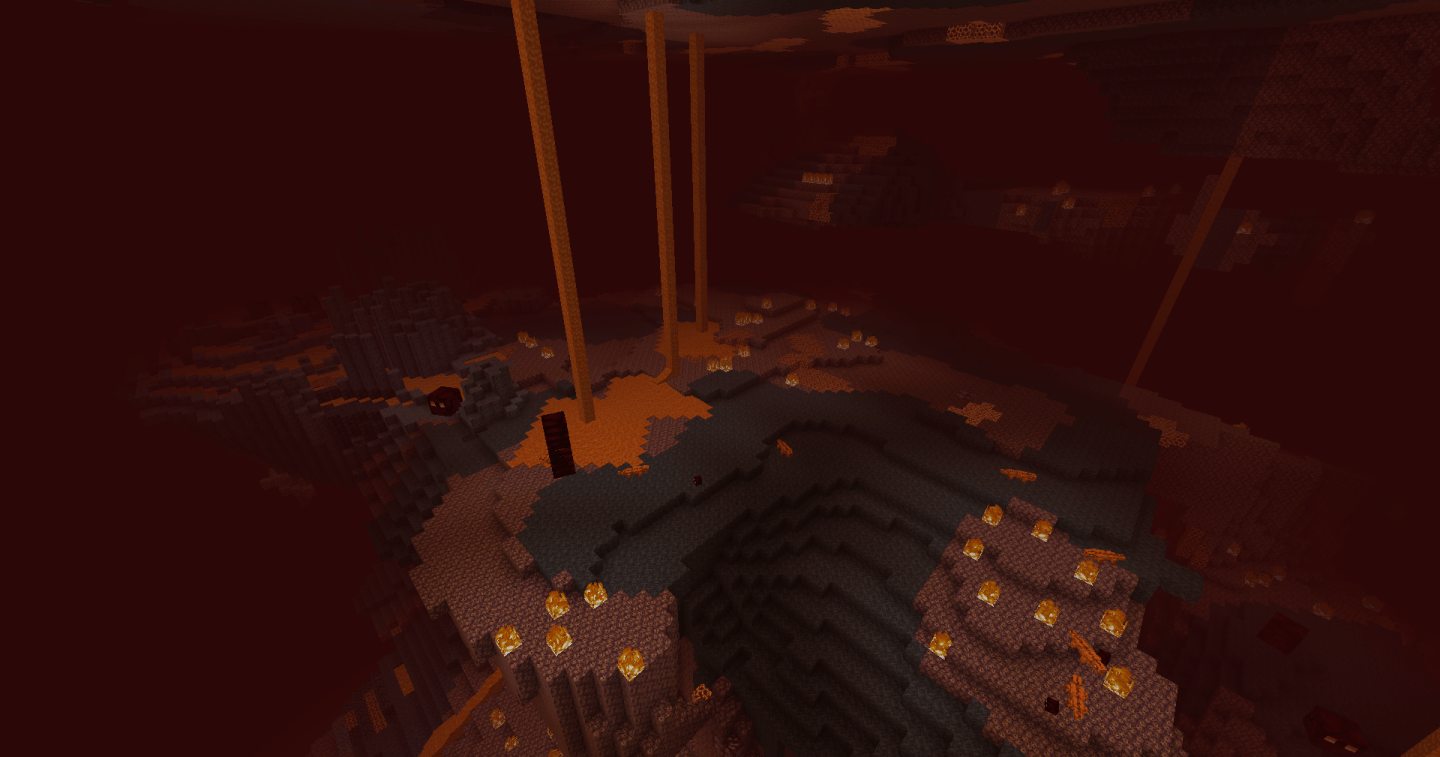
NetherEx est un mod conçu pour étendre et améliorer l'ambiance du Nether. Il ajoute de nouveaux biomes remplis de nouveaux blocs, objets et créatures. Il ajoute également du nouveau contenu aux biomes du Nether déjà existants.
Si vous avez des questions ou souhaitez discuter du mod, n'hésitez pas à rejoindre le serveur Discord du mod ici.
Si vous souhaitez me soutenir, veuillez visiter ma page Ko-fi ici.
Cliquez sur la bannière ci-dessous pour obtenir un serveur avec BisectHosting ! Utilisez le code 'Logic' pour me soutenir et obtenir 25 % de réduction sur votre premier mois. Vous ne voyez pas de bannière ? Alors cliquez sur ce lien : https://bisecthosting.com/logic
Les versions antérieures à 1.21.4 nécessitent un mod de bibliothèque appelé LibraryEx, disponible ici. Les versions précédentes de NetherEx sont compatibles avec Biomes O' Plenty (1.12, 1.14 et 1.15), Oh The Biomes You'll Go (1.15) et Extended Nether Backport (1.15).
Fish2, Eleazzaar, Nazenn, Angelz/Demonly, Vlakk, AnarchCassius, LapisWhovian, misterslime, Vivi, Cameron, rye, SnakeBlock, hatsondogs, Endergy, Farcr, Adeline, SirBaconFace, Yapetto, enri, crispytwig, Nitpick/Olive, ZucchiniByDay, JadenXgamer et Jamiscus.
Comment installer NetherEx
With Millida Launcher
Install Millida Launcher
The launcher is free: download it at millida.net/launcher and sign in with any nickname.
Click “Install” on this page
The launcher opens and installs the mod for Minecraft 1.12.2–26.1.2 on Fabric, Forge or NeoForge automatically.
Launch the game
A profile with it appears in the launcher: click “Play”.
Manually
Install Fabric, Forge or NeoForge
The loader must match the game version of the mod file, for example Minecraft 26.1.2. After installing it, a separate profile appears in your launcher.
Download the file for your version
In the version list above, pick the file NetherEx-neoforge-26.1.2-1.2.4.jar (1.7 MB) for your game version and loader.
Put it in the mods folder
The folder is inside .minecraft (Windows: %appdata%\.minecraft\mods). If it does not exist, create it.
Launch the loader profile
Open “Mods” in the main menu: NetherEx should be in the list.
Versions
Avec dépendances
| Minecraft | Loader | Fichier | Date | Actions |
|---|---|---|---|---|
| 26.1.2 | NeoForge | NetherEx 1.2.4 - NeoForge 26.1.21.7 Mo | ||
| 26.1.2 | Fabric | NetherEx 1.2.4 - Fabric 26.1.21.7 Mo 1 | ||
| 1.12.2 | Forge | NetherEx-1.12.2-2.2.5.jar2.5 Mo 4 | ||
| 1.12.2 | — | NetherEx-1.12.2-2.0.15.jar2.6 Mo |
FAQ
Which Minecraft versions does NetherEx work on?
There are files for 26.1.2, 1.12.2. The newest is 26.1.2.
Is NetherEx for Forge or Fabric?
There are files for Fabric: 26.1.2, for Forge: 1.12.2 and for NeoForge: 26.1.2.
Does NetherEx need other mods?
The author lists no required dependencies: the Fabric, Forge or NeoForge loader is enough.
Where can I download NetherEx safely?
On this page: the file NetherEx-neoforge-26.1.2-1.2.4.jar (1.7 MB) is stored on Millida’s server, with no link shorteners. SHA-1 checksum: 53c25315cc8193c5b6431b4f30bd24fd5a66952a.
Avis
Soyez le premier à noter NetherEx


