
MythicBotany Mod pour Minecraft 1.20.1, 1.16.5
Plongez plus profondément dans le monde de botania
- téléchargements
- 10 téléchargements
- vues
- 54 vues
- Mis à jour
- Mis à jour 27.10.2026
- 1.16.3 — 1.20.1
 Forge
Forge
À propos du mod MythicBotany
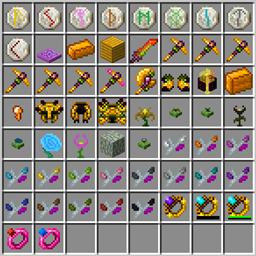
MythicBotany est un mod qui étend un peu Botania. Certaines de ses fonctionnalités sont listées ci-dessous :
- L'infuseur de mana : une amélioration de la plaque d'agglomération terrestre qui nécessite de l'or et de la shimmerrock en dessous et, en plus du Terrasteel, permet de créer de l'Alfsteel.
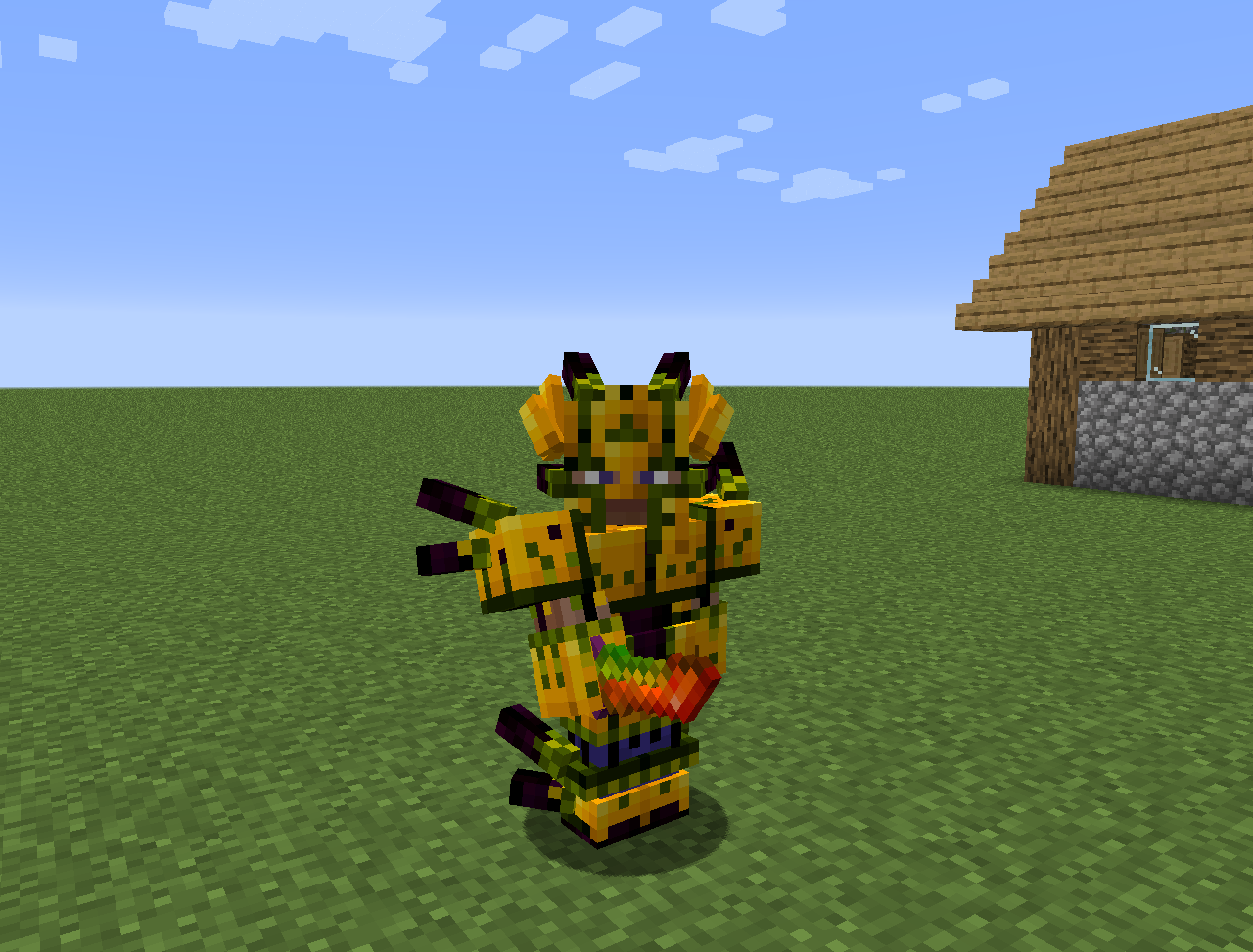
- Alfsteel : fabriqué comme le Terrasteel mais avec des ressources d'Alfheim. Peut être utilisé pour créer une meilleure armure, des pylônes et d'autres choses.
- Quelques nouvelles fleurs :
- Wither Aconite : crée de la Mana à partir de nether stars
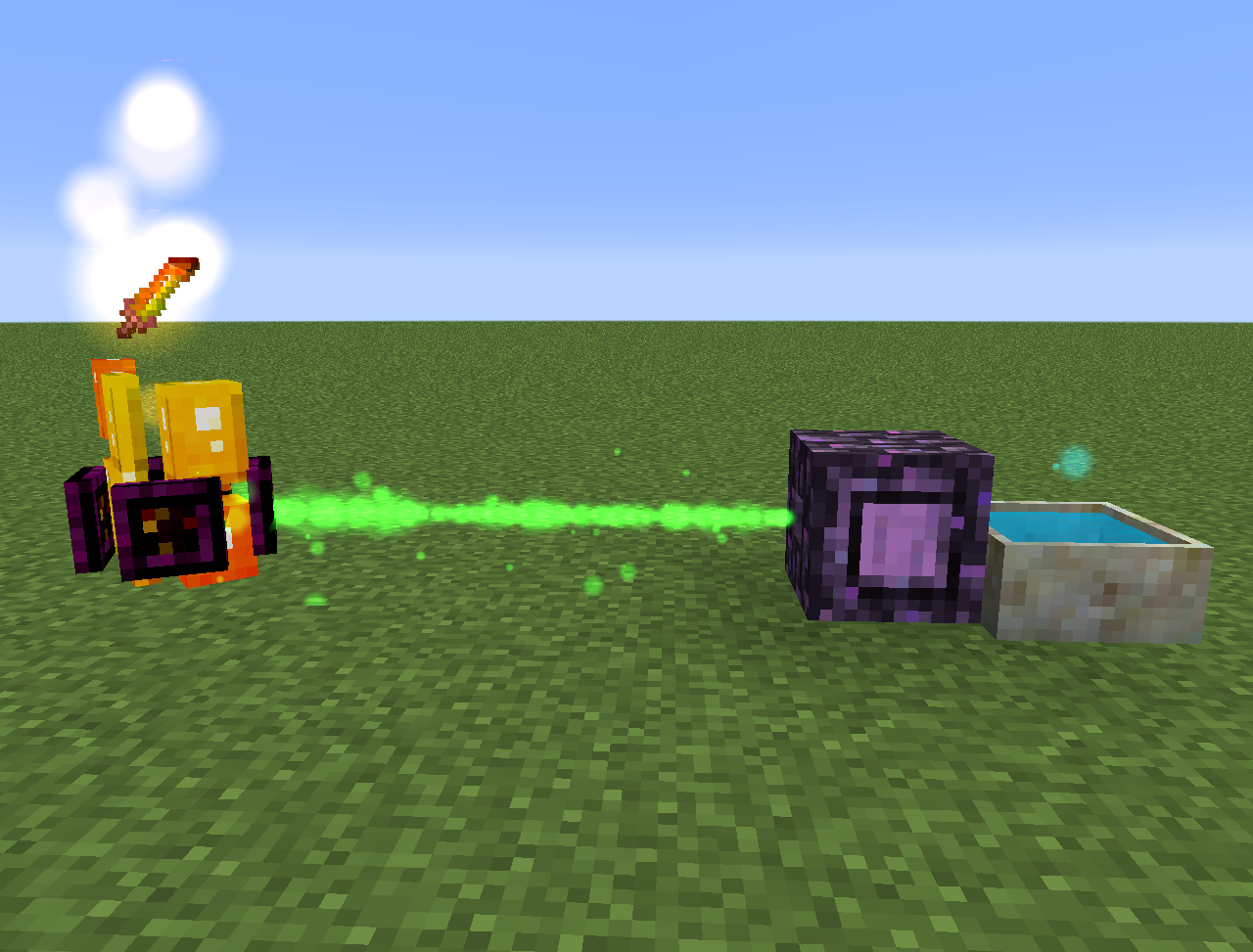
- Exoblaze : remplit le carburant des alambics avec de la mana
- Hellebore : empêche les piglins et les hoglins de se zombifier dans l'overworld
- Aquapanthus : remplit les apothicaires à pétales et les chaudrons à proximité.
- Raindeletia : crée de la mana quand il pleut. Doit avoir une vue dégagée vers le ciel. Placez-la sur de l'herbe vive ou de la terre enchantée pour qu'elle produise plus de mana.
- Il ajoute aussi une dimension Alfheim et du contenu issu de la mythologie nordique
Tout peut aussi être trouvé dans le lexica botania.
Comment installer MythicBotany
With Millida Launcher
Install Millida Launcher
The launcher is free: download it at millida.net/launcher and sign in with any nickname.
Click “Install” on this page
The launcher opens and installs the mod for Minecraft 1.16.3–1.20.1 on Forge automatically.
Launch the game
A profile with it appears in the launcher: click “Play”.
Manually
Install Forge
The loader must match the game version of the mod file, for example Minecraft 1.20.1. After installing it, a separate profile appears in your launcher.
Download the file for your version
In the version list above, pick the file MythicBotany-1.20.1-4.0.4.jar (2.1 MB) for your game version.
Put it in the mods folder
The folder is inside .minecraft (Windows: %appdata%\.minecraft\mods). If it does not exist, create it.
Launch the loader profile
Open “Mods” in the main menu: MythicBotany should be in the list.
Minecraft 1.20.1 runs on Java 17: with a different Java version the game may close right after launch.
Versions
Avec dépendances
| Minecraft | Loader | Fichier | Date | Actions |
|---|---|---|---|---|
| 1.20.1 | Forge | MythicBotany-1.20.1-4.0.4.jar2.1 Mo 8 | ||
| 1.18.1 | Forge | MythicBotany-1.18.1-2.0.2.jar2 Mo | ||
| 1.16.5 | Forge | MythicBotany-1.16.4-1.3.7.jar2 Mo 2 | ||
| 1.16.3 | — | MythicBotany-1.16.3-1.0.0.jar403 Ko |
FAQ
Which Minecraft versions does MythicBotany work on?
There are files for 1.20.1, 1.18.1, 1.16.5, 1.16.4, 1.16.3. The newest is 1.20.1.
Is MythicBotany for Forge or Fabric?
Only for Forge: 1.16.4–1.20.1. There are no files for Fabric or NeoForge: a mod for another loader will not start.
Does MythicBotany need other mods?
The author lists no required dependencies: the Forge loader is enough.
Which Java does MythicBotany need?
Minecraft 1.20.1 runs on Java 17. If the game closes right after launch, the usual cause is the wrong Java version in the profile settings.
Where can I download MythicBotany safely?
On this page: the file MythicBotany-1.20.1-4.0.4.jar (2.1 MB) is stored on Millida’s server, with no link shorteners. SHA-1 checksum: b616c118d611459a0711931c51c9c4d41408abb4.
Avis
Soyez le premier à noter MythicBotany


