
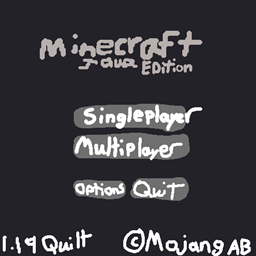
MainMenuChanger Mod pour Minecraft 1.20.1
Mod configurable qui vous permet de modifier la disposition du menu principal.
 Fabric
 Quilt
QuiltÀ propos du mod MainMenuChanger
This mod allows you to:
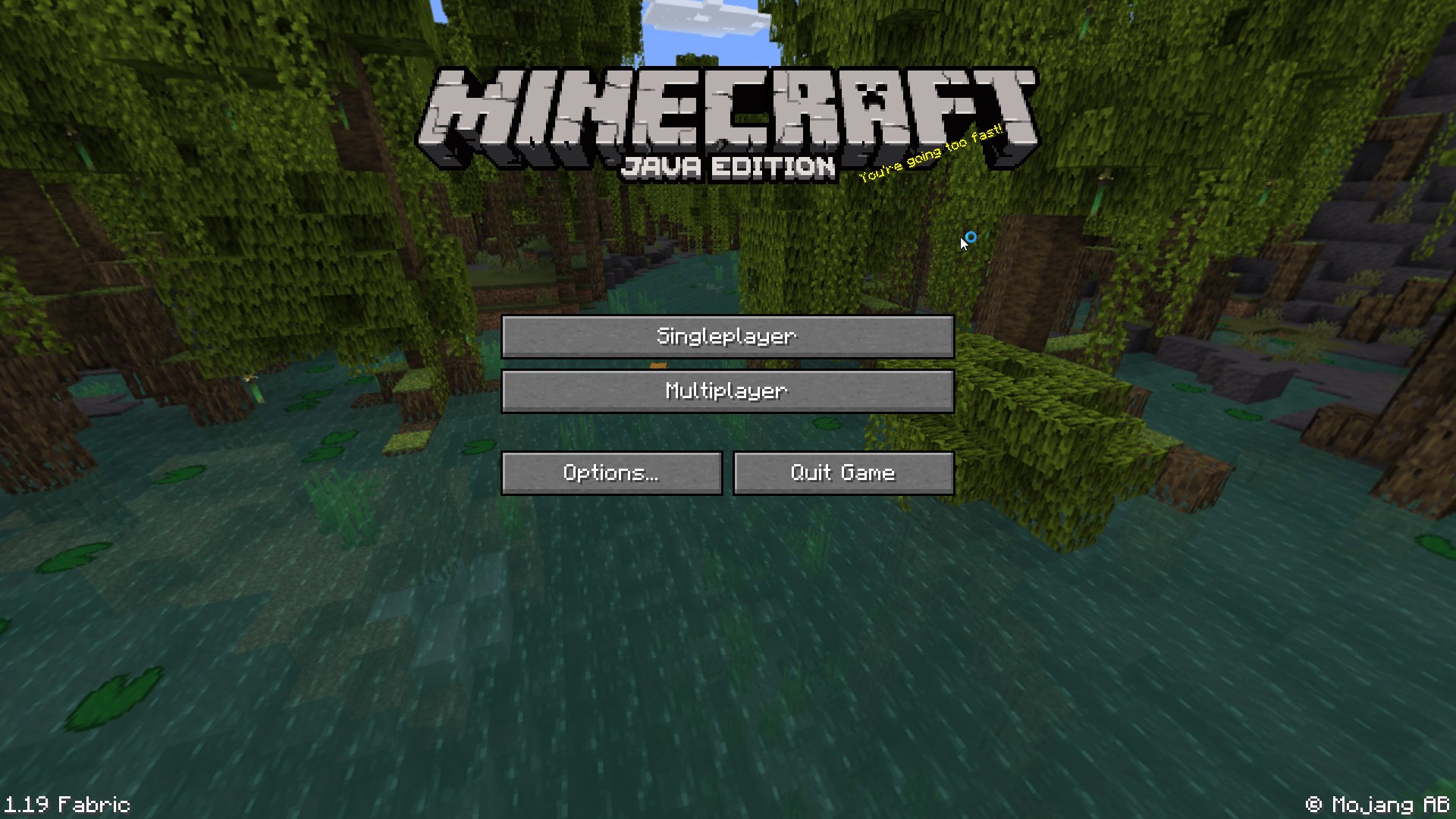
- Halve the size of the splash
- Change the Copyright text to say © Mojang AB
- Reduce the version text, for example, Minecraft 1.19/Fabric (Modded) to 1.19 Fabric
- Mod Count (without ModMenu)¹
- Disable the Realms button and Realm Notifications
- and lastly, disable the Language and Accessibility buttons from the main menu
All with a handy-dandy config!
¹ ModMenu will still display mod count if both shorter_version_text and mod_count are set to false, as it employs the vanilla behavior, which ModMenu overwrites, but can be set to not via its config.
Comment installer MainMenuChanger
With Millida Launcher
Install Millida Launcher
The launcher is free: download it at millida.net/launcher and sign in with any nickname.
Click “Install” on this page
The launcher opens and installs the mod for Minecraft 1.20–1.20.1 on Fabric or Quilt automatically.
Launch the game
A profile with it appears in the launcher: click “Play”.
Manually
Install Fabric or Quilt
The loader must match the game version of the mod file, for example Minecraft 1.20.1. After installing it, a separate profile appears in your launcher.
Download the file for your version
In the version list above, pick the file MainMenuChanger-1.4.0-mc1.20.jar (23 KB) for your game version and loader.
Put it in the mods folder
The folder is inside .minecraft (Windows: %appdata%\.minecraft\mods). If it does not exist, create it.
Launch the loader profile
Open “Mods” in the main menu: MainMenuChanger should be in the list.
Minecraft 1.20.1 runs on Java 17: with a different Java version the game may close right after launch.
Versions
Avec dépendances
| Minecraft | Loader | Fichier | Date | Actions |
|---|---|---|---|---|
| 1.20.1 | Fabric, Quilt | MainMenuChanger v1.4.0 - 1.20.x22.9 Ko |
FAQ
Which Minecraft versions does MainMenuChanger work on?
There are files for 1.20.1, 1.20. The newest is 1.20.1.
Is MainMenuChanger for Forge or Fabric?
There are files for Fabric: 1.20–1.20.1 and for Quilt: 1.20–1.20.1. There are no files for Forge or NeoForge: a mod for another loader will not start.
Does MainMenuChanger need other mods?
The author lists no required dependencies: the Fabric or Quilt loader is enough.
Which Java does MainMenuChanger need?
Minecraft 1.20.1 runs on Java 17. If the game closes right after launch, the usual cause is the wrong Java version in the profile settings.
Where can I download MainMenuChanger safely?
On this page: the file MainMenuChanger-1.4.0-mc1.20.jar (23 KB) is stored on Millida’s server, with no link shorteners. SHA-1 checksum: 5070fa4b4127e37e774da580aff00d10de714ca7.
Avis
Soyez le premier à noter MainMenuChanger


