

Luminax Mod pour Minecraft 1.20.1, 26.1.2
Ajoute un tas de blocs lumineux simples au jeu
 NeoForge
 Forge
ForgeLuminax
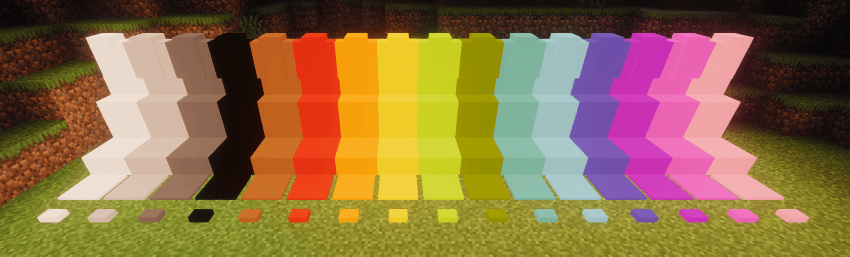
Ce mod très simple ajoute une poignée de blocs monochromes au jeu.
Vous pouvez utiliser la Luminax Wand pour modifier la couleur et l'émission de lumière du bloc.
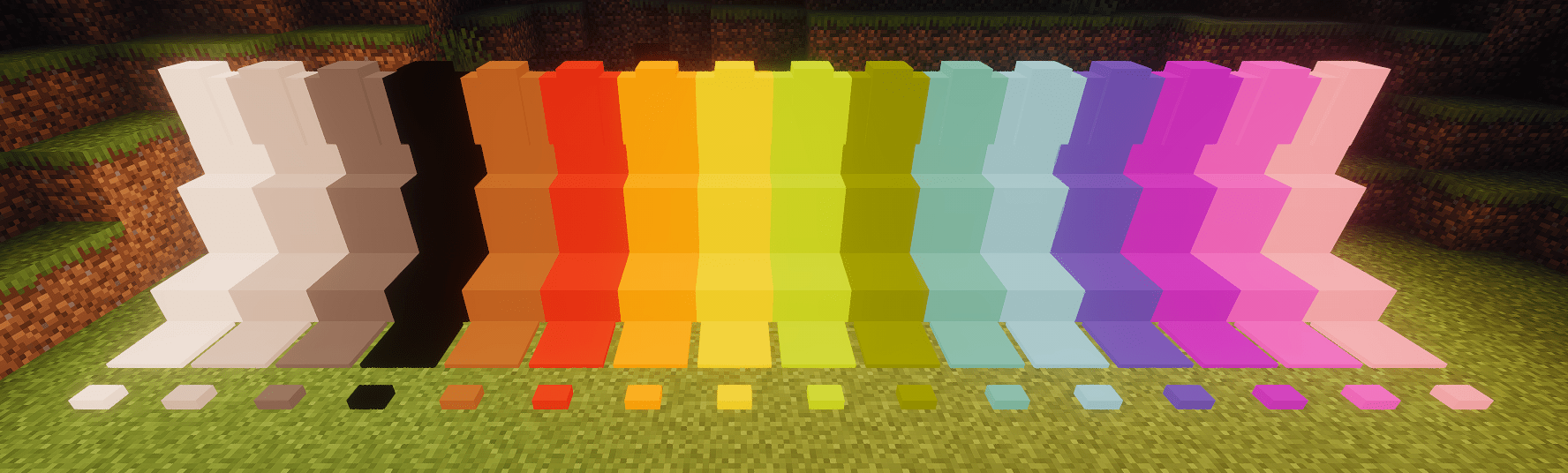
Framed Blocks est également entièrement pris en charge
Les blocs actuellement inclus sont :
- Bloc plein
- Dalle
- Escalier
- Muret
- Plaque de pression
- Bouton
Comment installer Luminax
With Millida Launcher
Install Millida Launcher
The launcher is free: download it at millida.net/launcher and sign in with any nickname.
Click “Install” on this page
The launcher opens and installs the mod for Minecraft 1.20.1–26.1.2 on Forge or NeoForge automatically.
Launch the game
A profile with it appears in the launcher: click “Play”.
Manually
Install Forge or NeoForge
The loader must match the game version of the mod file, for example Minecraft 26.1.2. After installing it, a separate profile appears in your launcher.
Download the file for your version
In the version list above, pick the file luminax-2.0.1+26.1.2.jar (527 KB) for your game version and loader.
Put it in the mods folder
The folder is inside .minecraft (Windows: %appdata%\.minecraft\mods). If it does not exist, create it.
Launch the loader profile
Open “Mods” in the main menu: Luminax should be in the list.
Versions
Avec dépendances
| Minecraft | Loader | Fichier | Date | Actions |
|---|---|---|---|---|
| 26.1.2 | NeoForge | [Neoforge] Luminax 2.0.1-26.2.1527 Ko | ||
| 1.20.1 | Forge | [Forge] Luminax 1.3.0-1.20.11 Mo |
Avis
Soyez le premier à noter Luminax


