
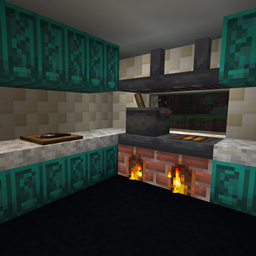
Immersive Cooking Mod pour Minecraft 1.20.1
Une extension de Farmer's Delight, ajoutant des tonnes de nouvelles façons de cuisiner immersives.
 NeoForge
 Forge
ForgeÀ propos du mod Immersive Cooking
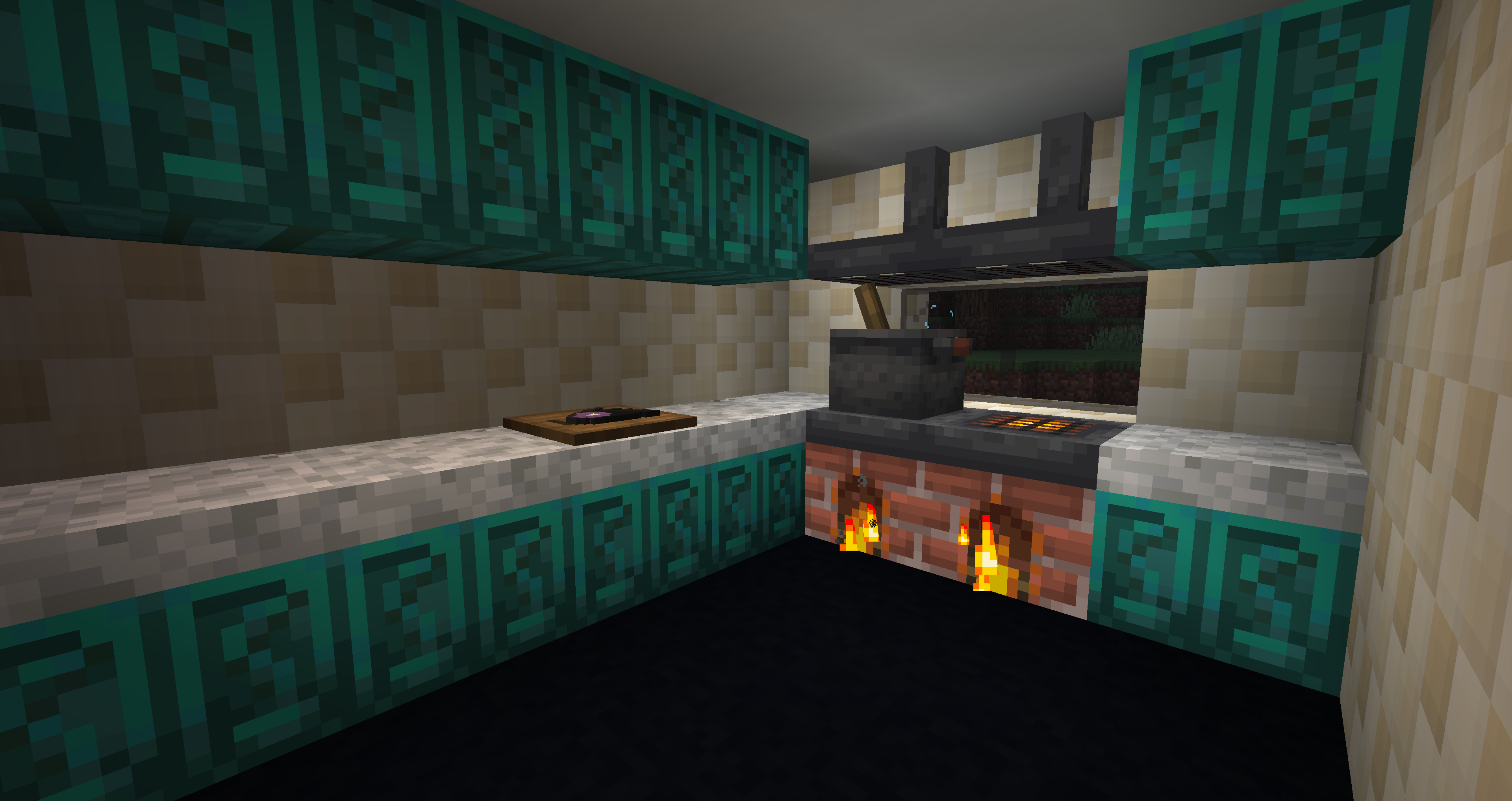
Immersive Cooking is a Farmer's Delight addon intended to greatly expand the players' options when cooking, both in the form of new foods, tools, and decoration.
Immersive Cooking currently adds:
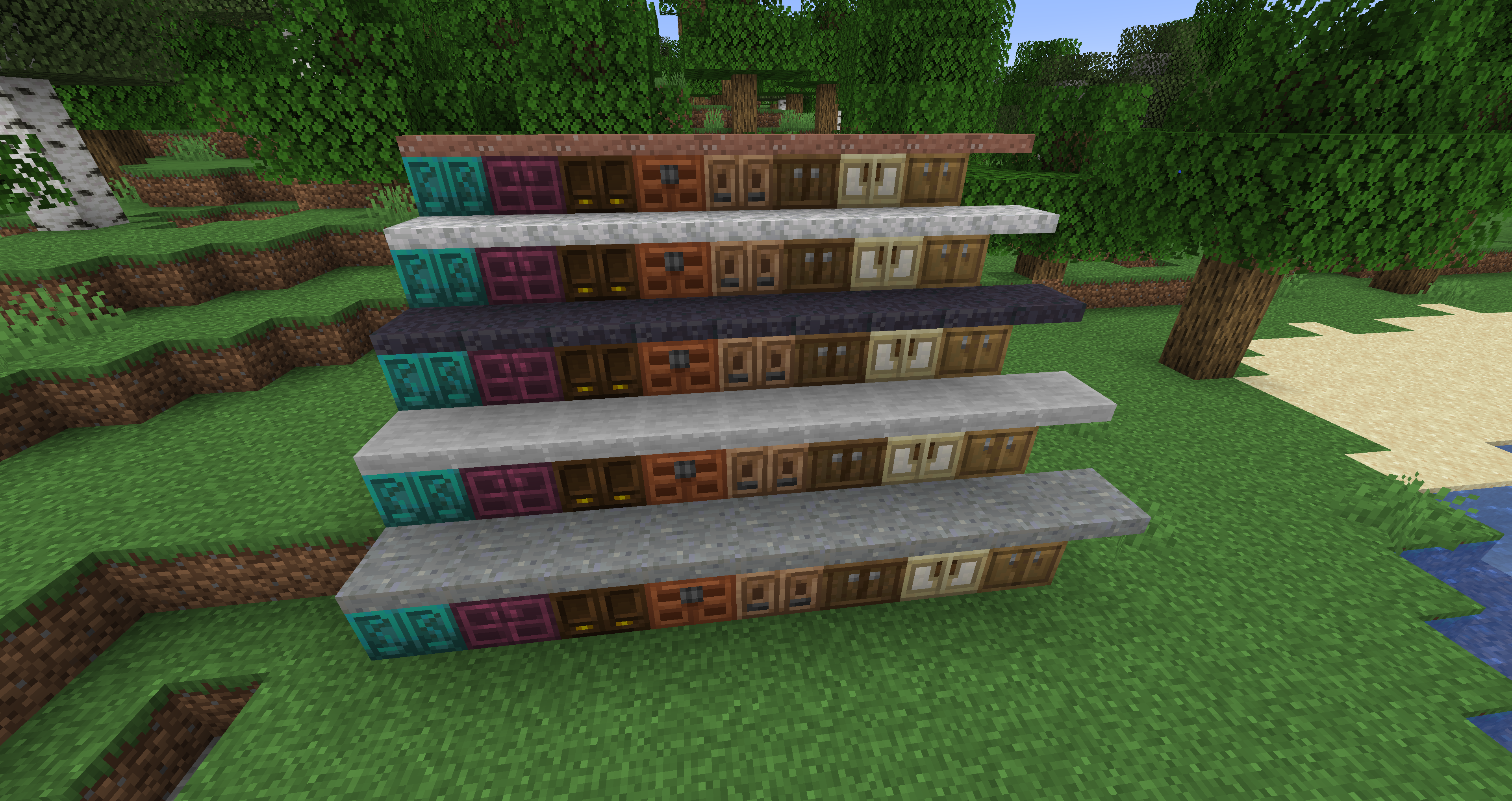
- 99 different Drawers, one for each type of wood, with either a smooth stone, blackstone, andesite, diorite, granite, or quartz countertop, as well as a standalone countertop. All works like a pantry, but can only be accessed from the front, all other sides act like a normal block. The standalone countertops will be added back in 2.0.1.
- 117 different Counters, decorative version of Drawers, also includes Brick and Nether Brick, besides the vanilla wood types. Made with planks instead of a full Pantry.
- Stove Hood, a decorative light source perfect for stoves. (Will be added back in 2.0.1)
- Glazed Tiles, Checkered Tiles, and Glazed Checkered Tiles, basic decorative blocks, now with slabs, too!
- Food, in the form of:
Diced Onions
Bamboo Slices
Potato Slices
Fried Potato Slices
Potato Cubes
Fried Potato Cubes
Raw Spider Shank
Clean Spider Shank
Smoked Spider Shank
Raw Spider Cutlet
Cooked Spider Cutlet
Pyttipanna
Curry Base
Some planned features include, but are not limited, to:
- Oven
- Knife Block
- Mixing Bowl
- Sink
- Pizza Stone
- Jars
Feel free to join my Discord, I tend to be relatively active there.
Comment installer Immersive Cooking
With Millida Launcher
Install Millida Launcher
The launcher is free: download it at millida.net/launcher and sign in with any nickname.
Click “Install” on this page
The launcher opens and installs the mod for Minecraft 1.20.1 on Forge or NeoForge automatically.
Launch the game
A profile with it appears in the launcher: click “Play”.
Manually
Install Forge or NeoForge
The loader must match the game version of the mod file, for example Minecraft 1.20.1. After installing it, a separate profile appears in your launcher.
Download the file for your version
In the version list above, pick the file immersive_cooking-v2.0.1.jar (1.5 MB) for your game version and loader.
Put it in the mods folder
The folder is inside .minecraft (Windows: %appdata%\.minecraft\mods). If it does not exist, create it.
Launch the loader profile
Open “Mods” in the main menu: Immersive Cooking should be in the list.
Minecraft 1.20.1 runs on Java 17: with a different Java version the game may close right after launch.
Versions
Avec dépendances
| Minecraft | Loader | Fichier | Date | Actions |
|---|---|---|---|---|
| 1.20.1 | NeoForge, Forge | immersive_cooking-v2.0.1.jar1.5 Mo 4 |
FAQ
Which Minecraft versions does Immersive Cooking work on?
Only Minecraft 1.20.1: there are no files for other versions.
Is Immersive Cooking for Forge or Fabric?
There are files for Forge: 1.20.1 and for NeoForge: 1.20.1. There are no files for Fabric: a mod for another loader will not start.
Does Immersive Cooking need other mods?
The author lists no required dependencies: the Forge or NeoForge loader is enough.
Which Java does Immersive Cooking need?
Minecraft 1.20.1 runs on Java 17. If the game closes right after launch, the usual cause is the wrong Java version in the profile settings.
Where can I download Immersive Cooking safely?
On this page: the file immersive_cooking-v2.0.1.jar (1.5 MB) is stored on Millida’s server, with no link shorteners. SHA-1 checksum: c5f77dfa5e0c20cd5f99dded7a393809b4f9fec0.
Avis
Soyez le premier à noter Immersive Cooking


