

FindMe Mod pour Minecraft 1.12.2
Rechercher un objet dans les inventaires à proximité
- téléchargements
- 2 téléchargements
- vues
- 53 vues
- Mis à jour
- Mis à jour 05.09.2026
- 1.12 — 1.12.2
 Forge
Forge- Client et serveur
FindMe
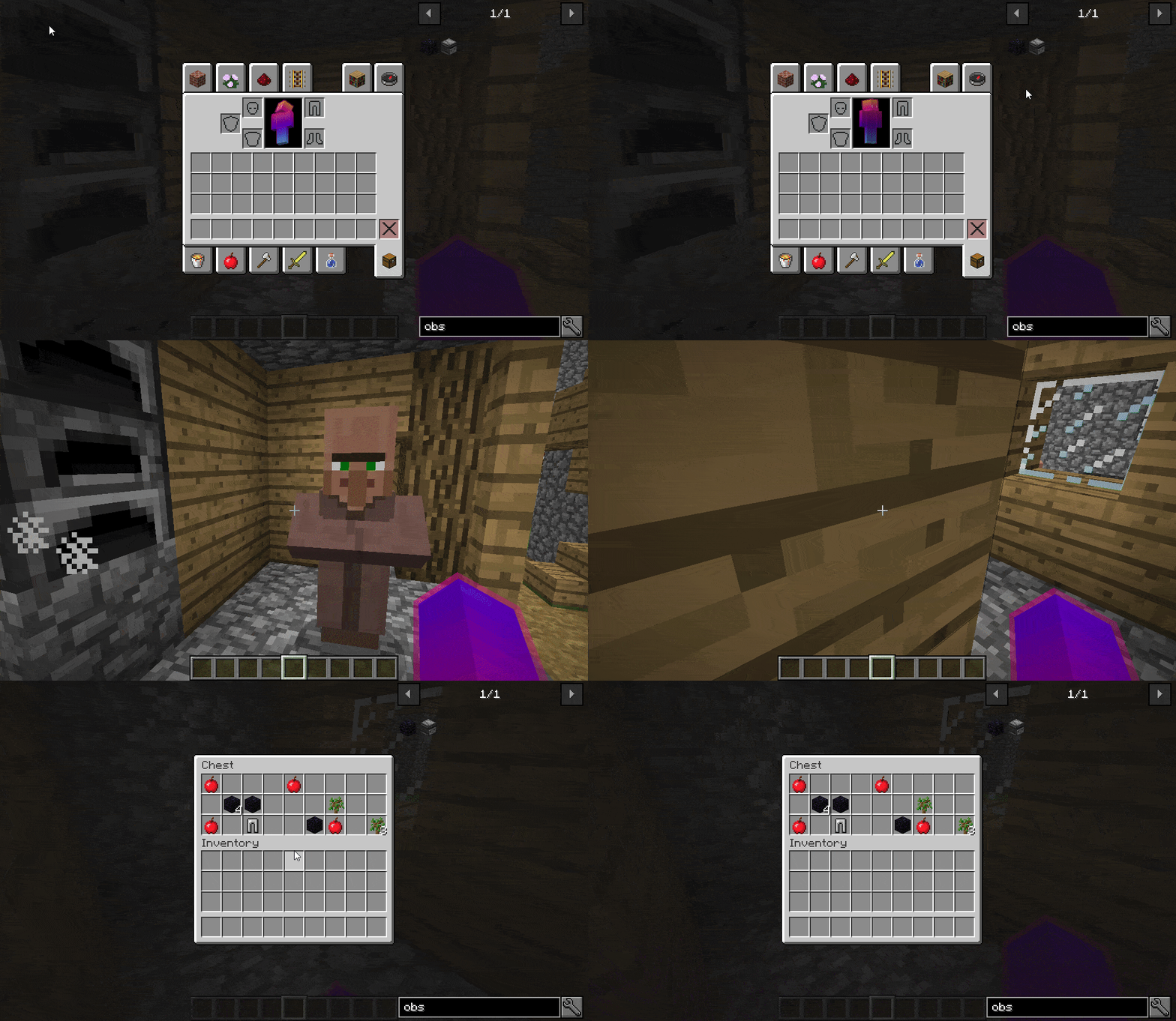
FindMe allows you to search for items in nearby inventories by pressing a key. For that you simply need to hover over an item (JEI Compatible) and press "Y" (By default) and cloud particles will spawn in the inventories that have that item.
The range can be configured in the config.
This mod needs to be in the client and the server
This feature is based in the search feature from Extra Utilites 2.
Discord Patreon Twitter
[](https://www.creeperhost.net/partner/buuz135tlx )

Comment installer FindMe
With Millida Launcher
Install Millida Launcher
The launcher is free: download it at millida.net/launcher and sign in with any nickname.
Click “Install” on this page
The launcher opens and installs the mod for Minecraft 1.12–1.12.2 on Forge automatically, together with its dependencies: Just Enough Items (JEI).
Launch the game
A profile with it appears in the launcher: click “Play”.
Manually
Install Forge
The loader must match the game version of the mod file, for example Minecraft 1.12.2. After installing it, a separate profile appears in your launcher.
Download the file for your version
In the version list above, pick the file findme-1.12.2-1.1.0-8.jar (17 KB) for your game version.
Put it in the mods folder
The folder is inside .minecraft (Windows: %appdata%\.minecraft\mods). If it does not exist, create it. Required dependencies go there too: Just Enough Items (JEI).
Launch the loader profile
Open “Mods” in the main menu: FindMe should be in the list.
On a server
A server on Forge
The mod only works on a server with the same loader and game version, for example 1.12.2.
File goes into the server’s mods folder
Stop the server, put the mod file into the mods folder and start the server again.
Use the “To server” button
On Millida Hosting, the button at the top of the page uploads the file to your server and restarts it for you.
Minecraft 1.12.2 runs on Java 8: with a different Java version the game may close right after launch.
Versions
Avec dépendances
| Minecraft | Loader | Fichier | Actions |
|---|---|---|---|
| 1.12.2 | Forge | 1.12.217.2 Ko 2 |
Ce qu'il faut pour l'exécuter
- Just Enough Items (JEI)obligatoire
Avis
Soyez le premier à noter FindMe


