
Environmental Materials Mod pour Minecraft 1.20.1
Ajoute une série de matériaux de construction simples.
 NeoForge
 Forge
Forge Fabric
À propos
Environmental Materials est un mod complémentaire à Environmental Core/Tech qui ajoute une vaste sélection de nouveaux blocs de construction, escaliers, dalles et murets. Certains des blocs de base sont intégrés aux tables de butin des Void Miners, ce qui permet de les obtenir sans les fabriquer lorsque Environmental Tech est installé.

Comment fabriquer les blocs ?
Vous pouvez fabriquer le bloc principal de chaque type de matériau dans l'établi, puis le reste se fait avec le tailleur de pierre.
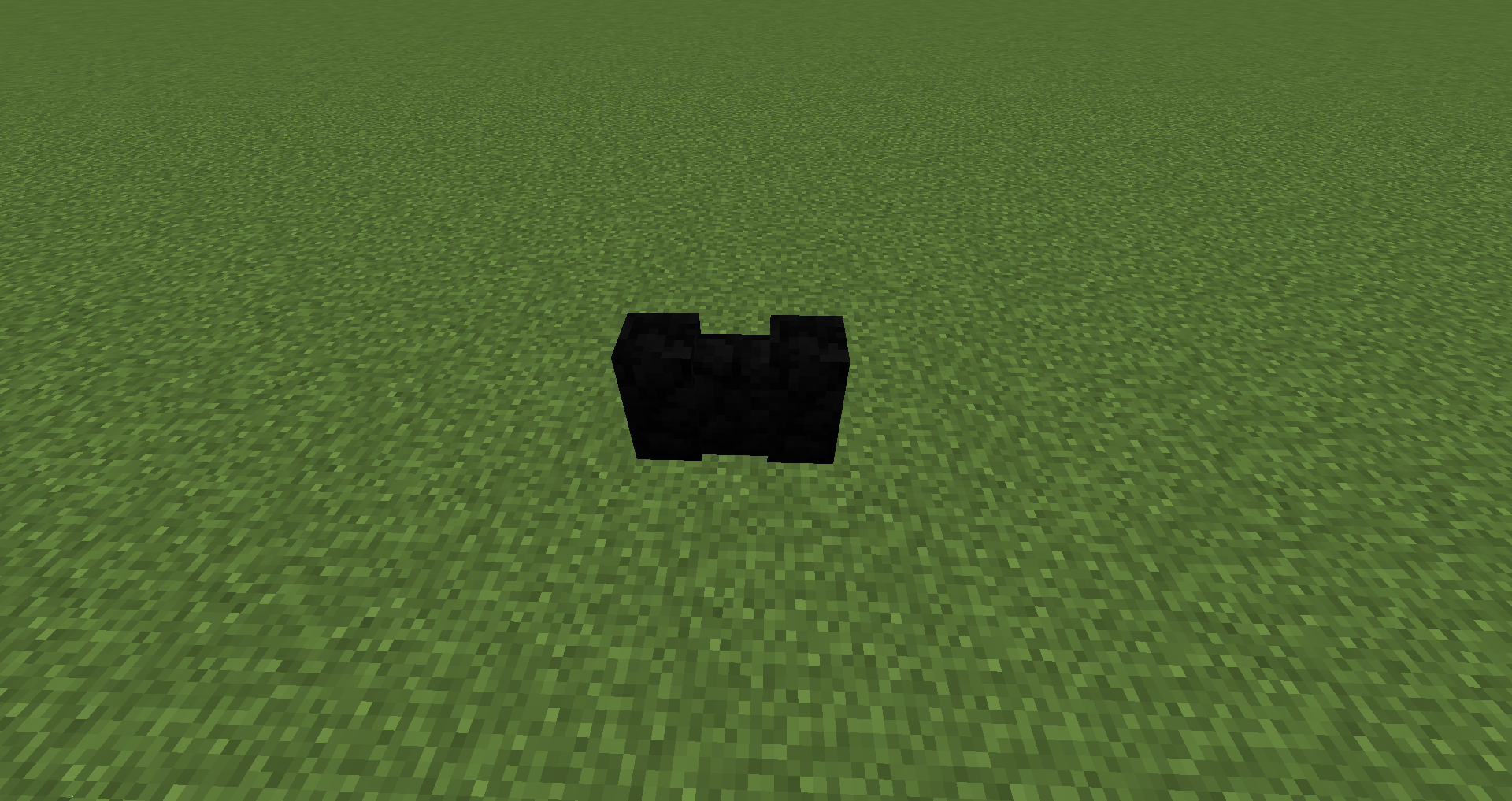
Blocs ajoutés :
Albâtre dans les 16 couleurs : blocs, escaliers, dalles, murets
Basalte : blocs, escaliers, dalles, murets
Pierre durcie : blocs, escaliers, dalles, murets
Granodiorite : blocs, escaliers, dalles, murets
Marbre : blocs, escaliers, dalles, murets
Travertin : blocs, escaliers, dalles, murets
Ponce : blocs, escaliers, dalles, murets
Puis-je l'utiliser dans mon modpack ?
Modpacks Curesforge et FTB : allez-y :)
Packs sur des sites externes : vous devez obtenir ma permission, puis faire un lien vers cette page du projet.
Comment installer Environmental Materials
With Millida Launcher
Install Millida Launcher
The launcher is free: download it at millida.net/launcher and sign in with any nickname.
Click “Install” on this page
The launcher opens and installs the mod for Minecraft 1.16.4–1.20.1 on Fabric, Forge or NeoForge automatically.
Launch the game
A profile with it appears in the launcher: click “Play”.
Manually
Install Fabric, Forge or NeoForge
The loader must match the game version of the mod file, for example Minecraft 1.20.1. After installing it, a separate profile appears in your launcher.
Download the file for your version
In the version list above, pick the file enviromats-forge-1.20.1-2.1.5.0.jar (1.8 MB) for your game version and loader.
Put it in the mods folder
The folder is inside .minecraft (Windows: %appdata%\.minecraft\mods). If it does not exist, create it.
Launch the loader profile
Open “Mods” in the main menu: Environmental Materials should be in the list.
Minecraft 1.20.1 runs on Java 17: with a different Java version the game may close right after launch.
Versions
Avec dépendances
| Minecraft | Loader | Fichier | Date | Actions |
|---|---|---|---|---|
| 1.20.1 | NeoForge, Forge | enviromats-forge-1.20.1-2.1.5.0.jar1.8 Mo | ||
| 1.20.1 | Fabric | enviromats-fabric-1.20.1-2.1.4.2.jar1.9 Mo | ||
| 1.19.3 | Fabric | enviromats-fabric-1.19.3-2.1.3.0.jar1.9 Mo | ||
| 1.19.3 | Forge | enviromats-forge-1.19.3-2.1.3.0.jar1.7 Mo | ||
| 1.16.4 | — | enviromats-1.16.4-2.0.4.0.jar1.4 Mo |
FAQ
Which Minecraft versions does Environmental Materials work on?
There are files for 1.20.1, 1.19.3, 1.16.4. The newest is 1.20.1.
Is Environmental Materials for Forge or Fabric?
There are files for Fabric: 1.19.3–1.20.1, for Forge: 1.19.3–1.20.1 and for NeoForge: 1.20.1.
Does Environmental Materials need other mods?
The author lists no required dependencies: the Fabric, Forge or NeoForge loader is enough.
Which Java does Environmental Materials need?
Minecraft 1.20.1 runs on Java 17. If the game closes right after launch, the usual cause is the wrong Java version in the profile settings.
Where can I download Environmental Materials safely?
On this page: the file enviromats-forge-1.20.1-2.1.5.0.jar (1.8 MB) is stored on Millida’s server, with no link shorteners. SHA-1 checksum: c7f705d3c999cdcede1d28bc3bf5aae73628715e.
Avis
Soyez le premier à noter Environmental Materials


