
Eden Ring Mod pour Minecraft 1.19.2, 1.18.2
Mod de dimension de science-fiction avec des choses uniques
- vues
- 11 vues
- Mis à jour
- Mis à jour 18.10.2026
- 1.18.2 — 1.19.2
 Fabric
À propos du mod Eden Ring
LE MOD EST EN PHASE DE DÉVELOPPEMENT PRÉCOCE, ALORS ATTENDEZ-VOUS À DES BUGS
CE MOD A ÉTÉ DÉVELOPPÉ POUR FABRIC, AUCUN PORTAGE VERS FORGE N'EST PRÉVU
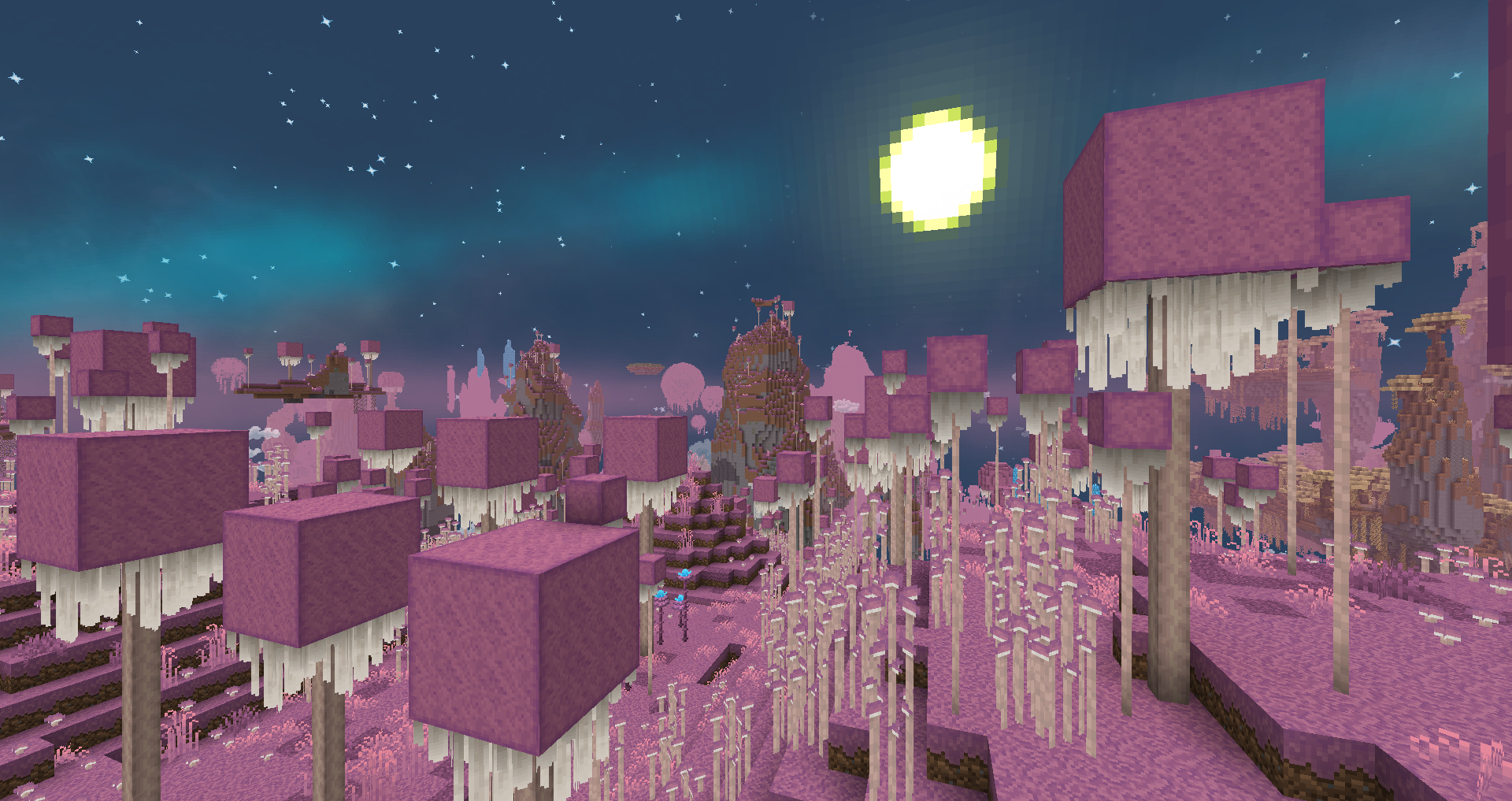
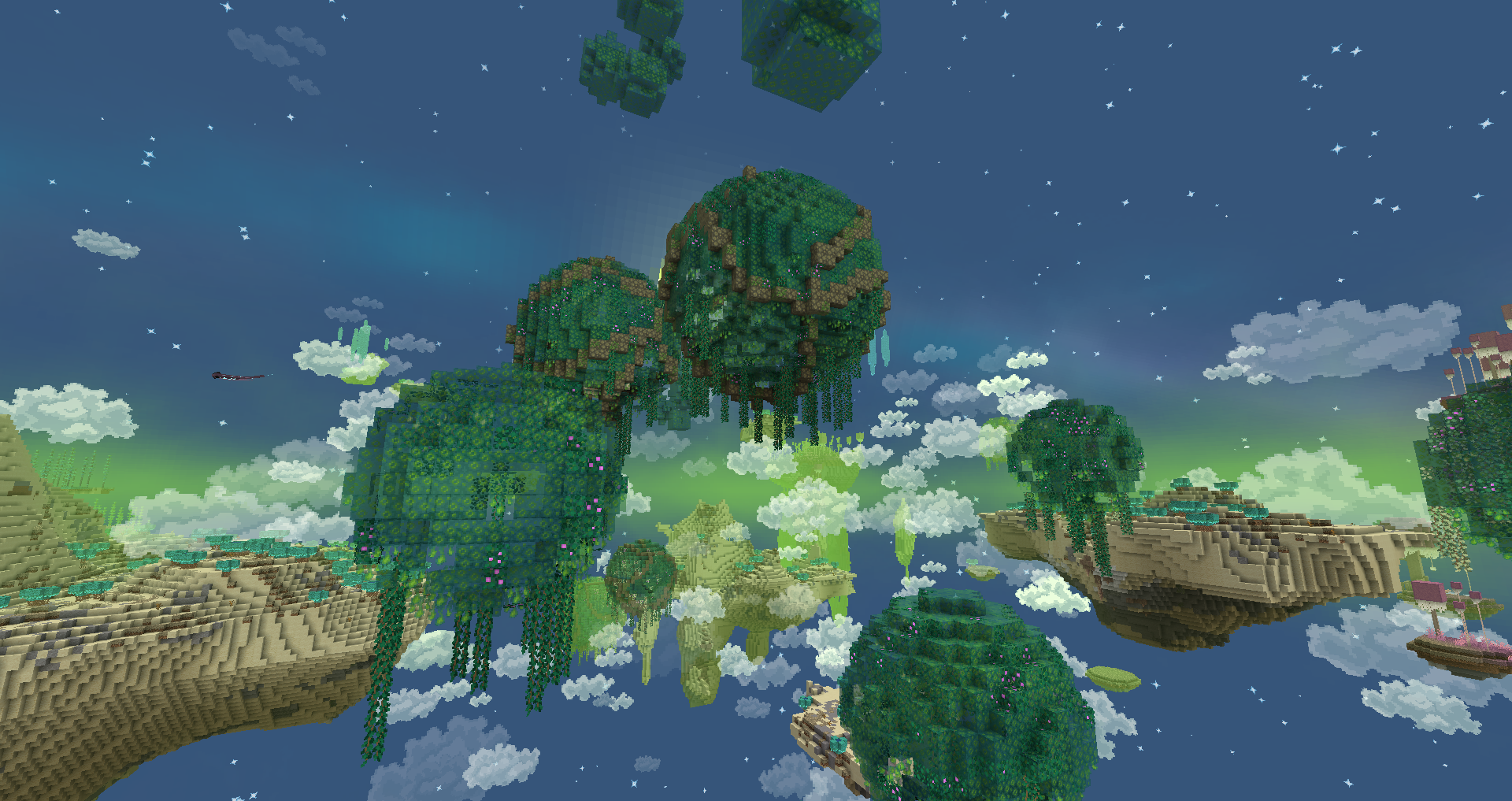
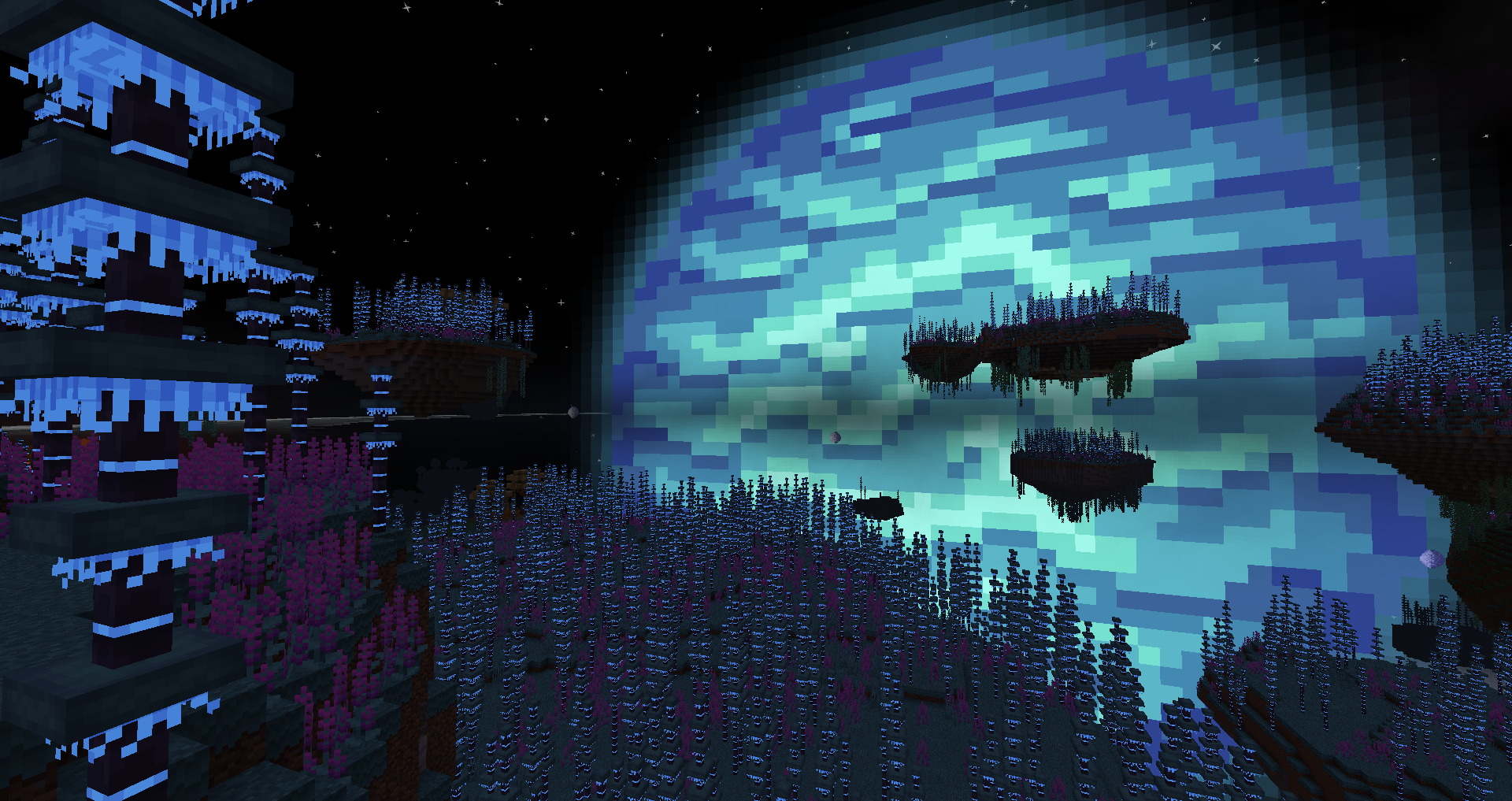
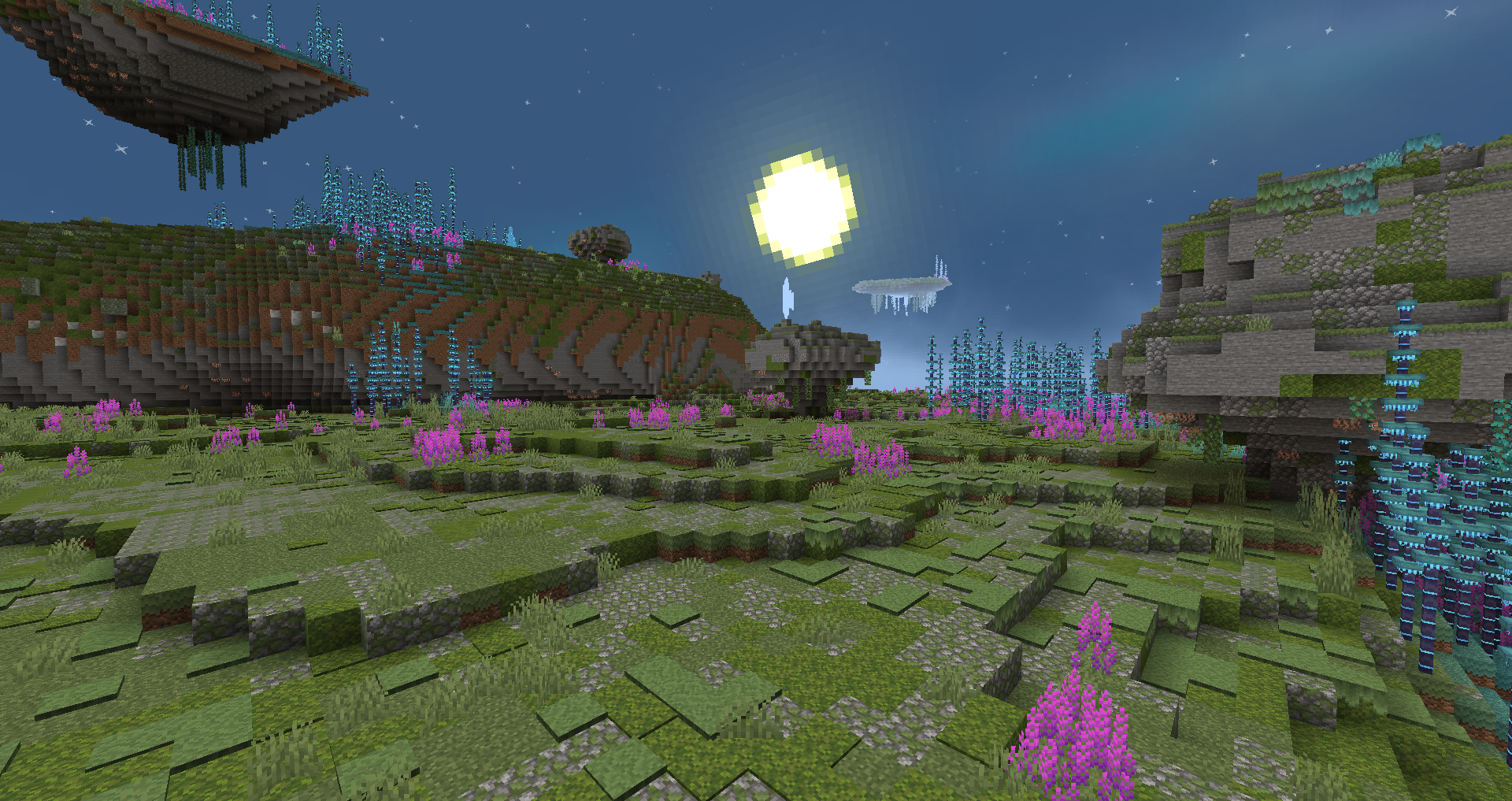
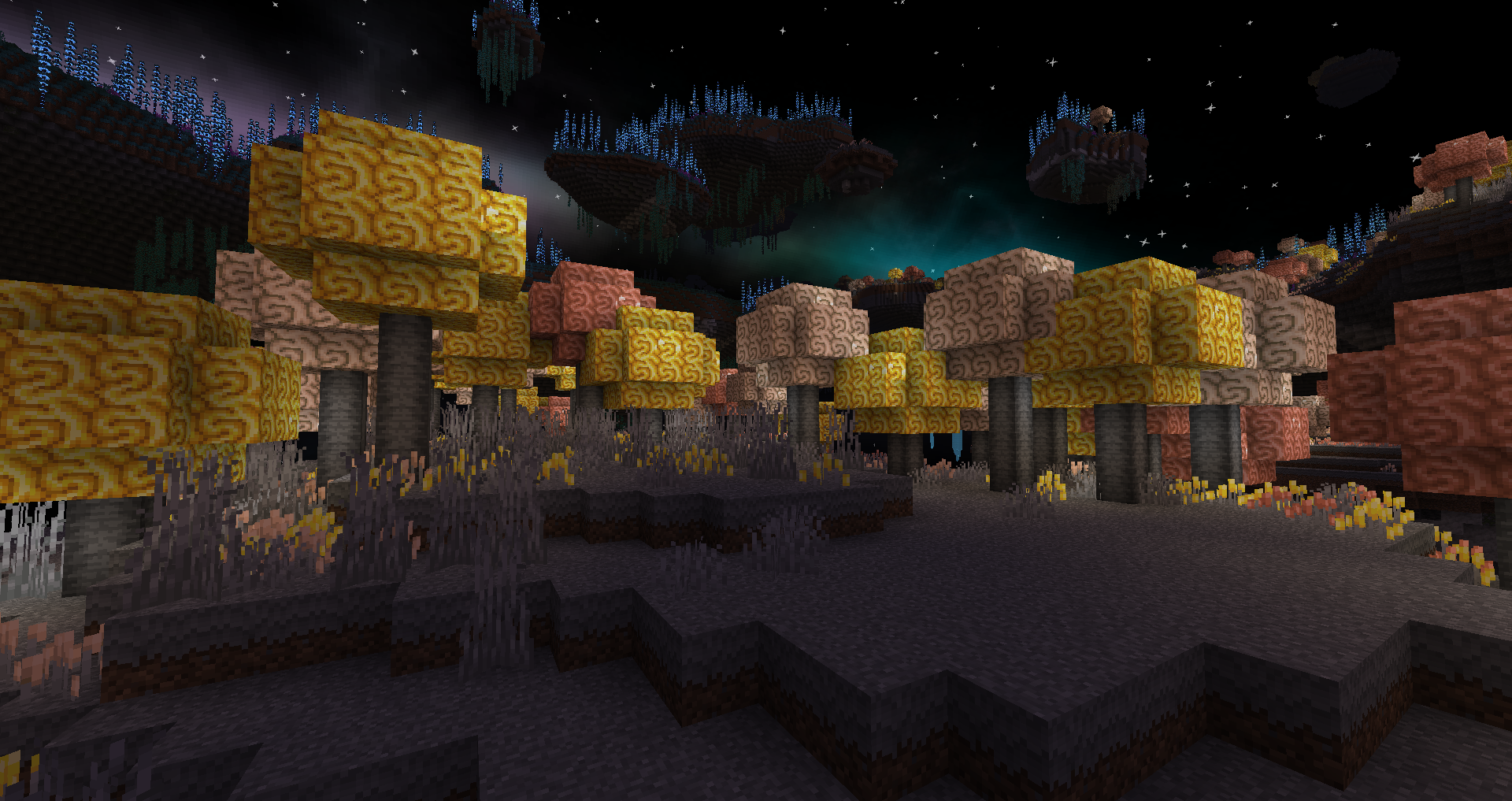
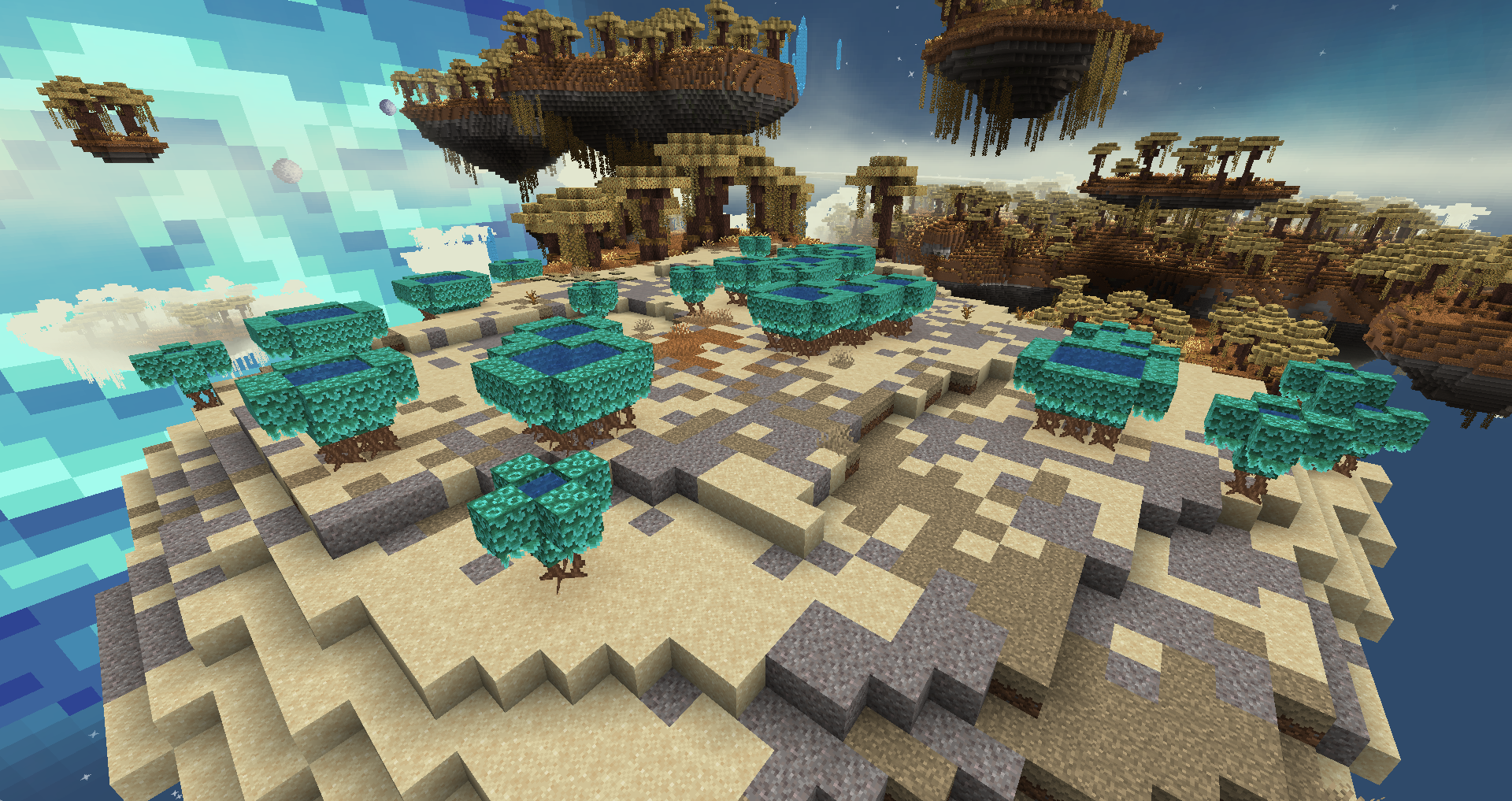
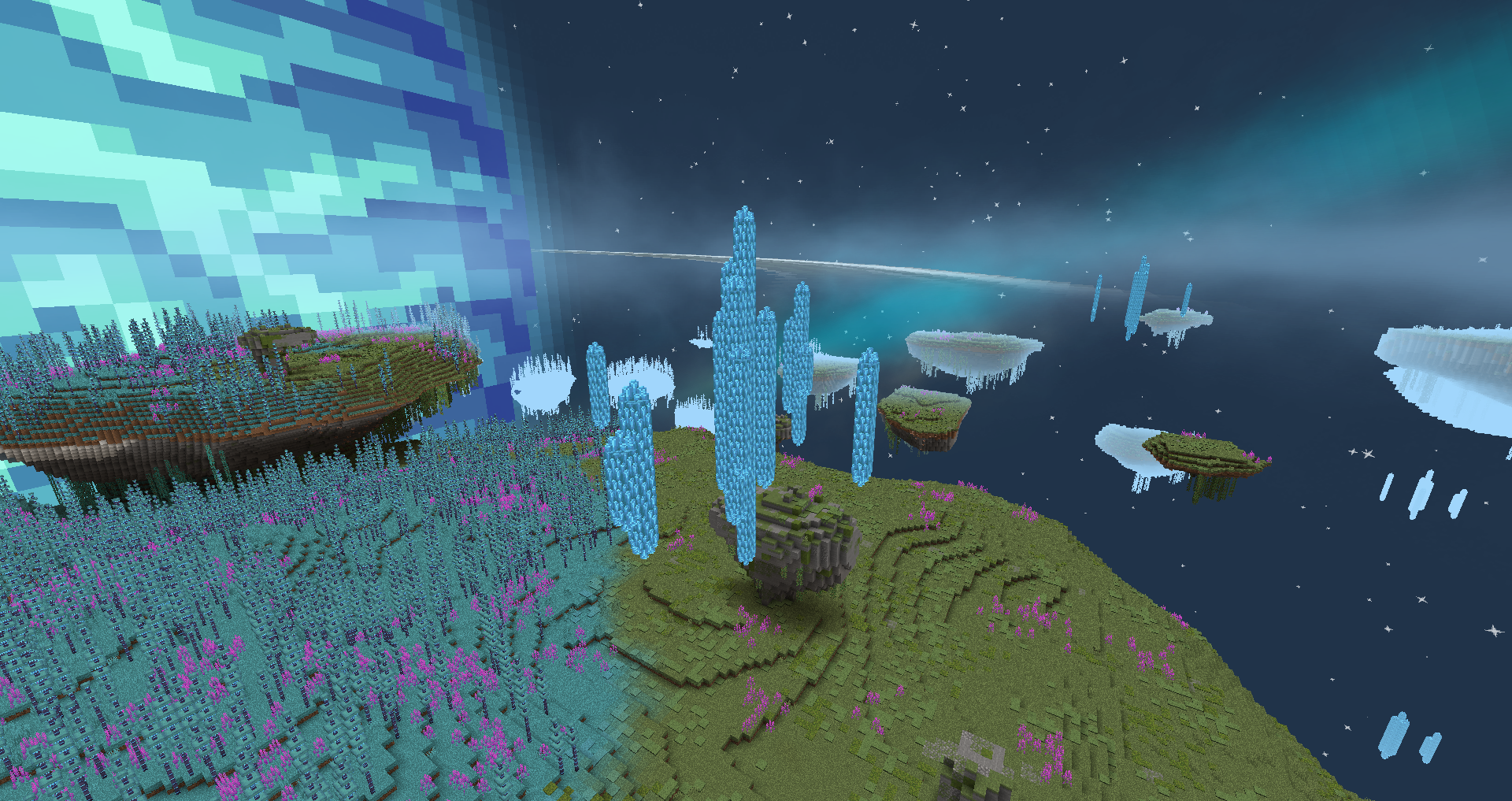
Ceci est un petit mod à propos d'une dimension au thème de science-fiction appelée Eden Ring. C'est un anneau gigantesque autour d'une géante gazeuse bleue dans la zone habitable de son étoile. Cet anneau possède sa propre atmosphère en raison de certaines anomalies gravitationnelles étranges et semble pouvoir abriter une forme de vie. Que pouvez-vous trouver dans ce nouveau monde ?
Si vous avez des questions ou souhaitez de l'aide, n'hésitez pas à rejoindre notre serveur Discord
Fonctionnalités :
- Dimension personnalisée avec portail personnalisé ;
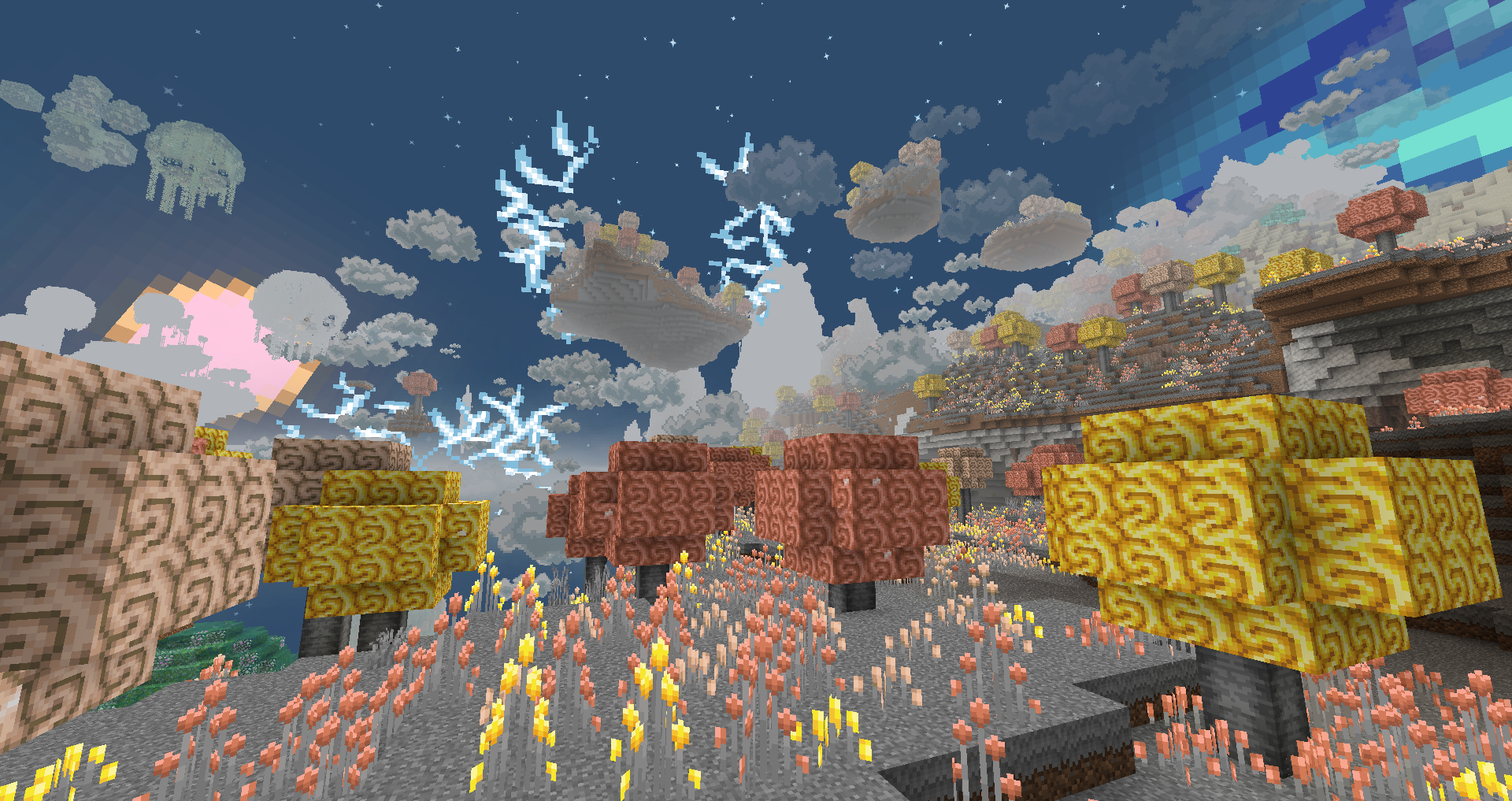
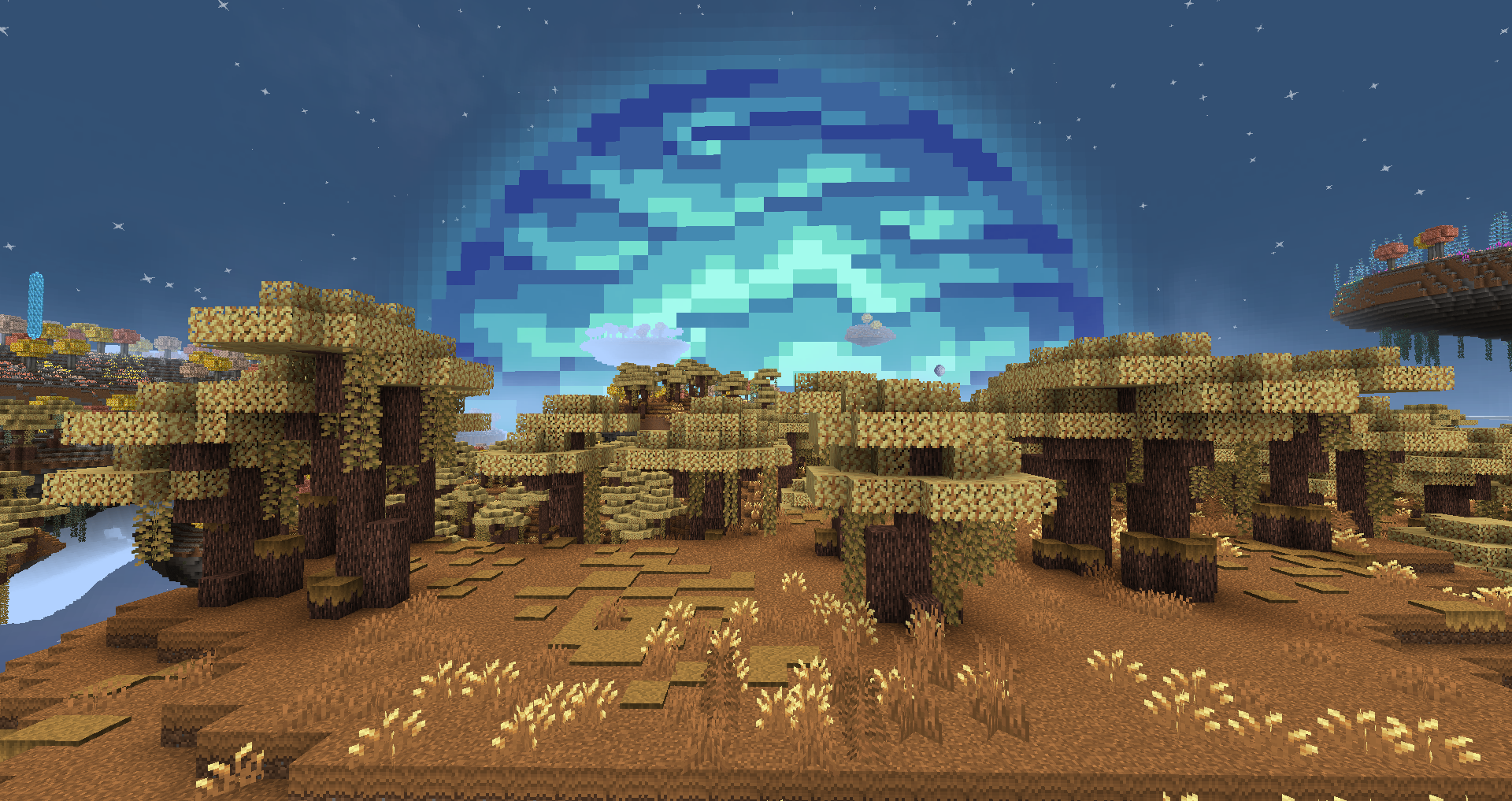
- 12 nouveaux biomes ;
- 4 nouveaux types de bois ;
- 1 nouveau mob (d'autres sont prévus) ;
- Mécaniques de contrôle de la gravité ;
- Rendu personnalisé du ciel et de la météo.
Prévu :
- Animaux et mobs ;
- Systèmes de grottes ;
- Vie sous les îles ;
- Plus de biomes et de mécaniques uniques ;
- Livre de guilde en jeu.
Construction du portail :
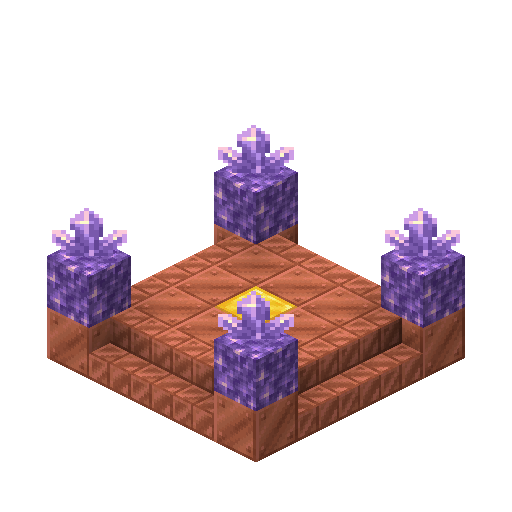
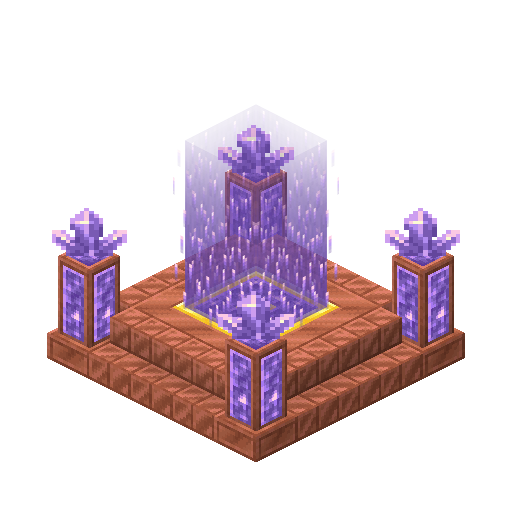
Pour construire le portail, vous avez besoin de 12 blocs de cuivre ciré, 12 escaliers en cuivre coupé ciré, 4 blocs d'améthyste, 4 amas d'améthyste, 1 bloc d'or et 1 briquet. Pour créer le portail, vous devez reproduire la structure de l'image ci-dessous, et pour l'activer, vous devez enflammer le bloc d'or central avec le briquet.
Captures d'écran :
Nos autres mods :


Comment installer Eden Ring
With Millida Launcher
Install Millida Launcher
The launcher is free: download it at millida.net/launcher and sign in with any nickname.
Click “Install” on this page
The launcher opens and installs the mod for Minecraft 1.18.2–1.19.2 on Fabric automatically.
Launch the game
A profile with it appears in the launcher: click “Play”.
Manually
Install Fabric
The loader must match the game version of the mod file, for example Minecraft 1.19.2. After installing it, a separate profile appears in your launcher.
Download the file for your version
In the version list above, pick the file eden-ring-0.6.4.jar (19 MB) for your game version.
Put it in the mods folder
The folder is inside .minecraft (Windows: %appdata%\.minecraft\mods). If it does not exist, create it.
Launch the loader profile
Open “Mods” in the main menu: Eden Ring should be in the list.
Minecraft 1.19.2 runs on Java 17: with a different Java version the game may close right after launch.
Versions
Avec dépendances
| Minecraft | Loader | Fichier | Date | Actions |
|---|---|---|---|---|
| 1.19.2 | Fabric | eden-ring-0.6.4-1.19.x19.4 Mo | ||
| 1.18.2 | Fabric | eden-ring-0.4.0-1.18.217.8 Mo |
FAQ
Which Minecraft versions does Eden Ring work on?
There are files for 1.19.2, 1.19.1, 1.19, 1.18.2. The newest is 1.19.2.
Is Eden Ring for Forge or Fabric?
Only for Fabric: 1.18.2–1.19.2. There are no files for Forge or NeoForge: a mod for another loader will not start.
Does Eden Ring need other mods?
The author lists no required dependencies: the Fabric loader is enough.
Which Java does Eden Ring need?
Minecraft 1.19.2 runs on Java 17. If the game closes right after launch, the usual cause is the wrong Java version in the profile settings.
Where can I download Eden Ring safely?
On this page: the file eden-ring-0.6.4.jar (19 MB) is stored on Millida’s server, with no link shorteners. SHA-1 checksum: aeaf64c7357039b84911760d68fb56c81f488513.
Avis
Soyez le premier à noter Eden Ring


