

Diggus Maximus Mod pour Minecraft 1.20.1
Minage de filon léger pour Fabric 1.14+
- téléchargements
- 14 téléchargements
- vues
- 38 vues
- Mis à jour
- Mis à jour 28.10.2026
- 1.14.4 — 1.20.1
 Fabric
À propos du mod Diggus Maximus
Diggus Maximus is a mod for Fabric bringing quick and easy "Vein Mining".
Please be sure to check out all the mods that this mod has been inspired by, EasyExcavate, Ore Excavation, VeinMiner.
A mod created to make mining veins of the same blocks significantly easier. Simply hold the "excavate" key(bound to ~ by default,configurable) while mining a block and all the connected blocks will be mined as well, saving you the time from mining each individually.
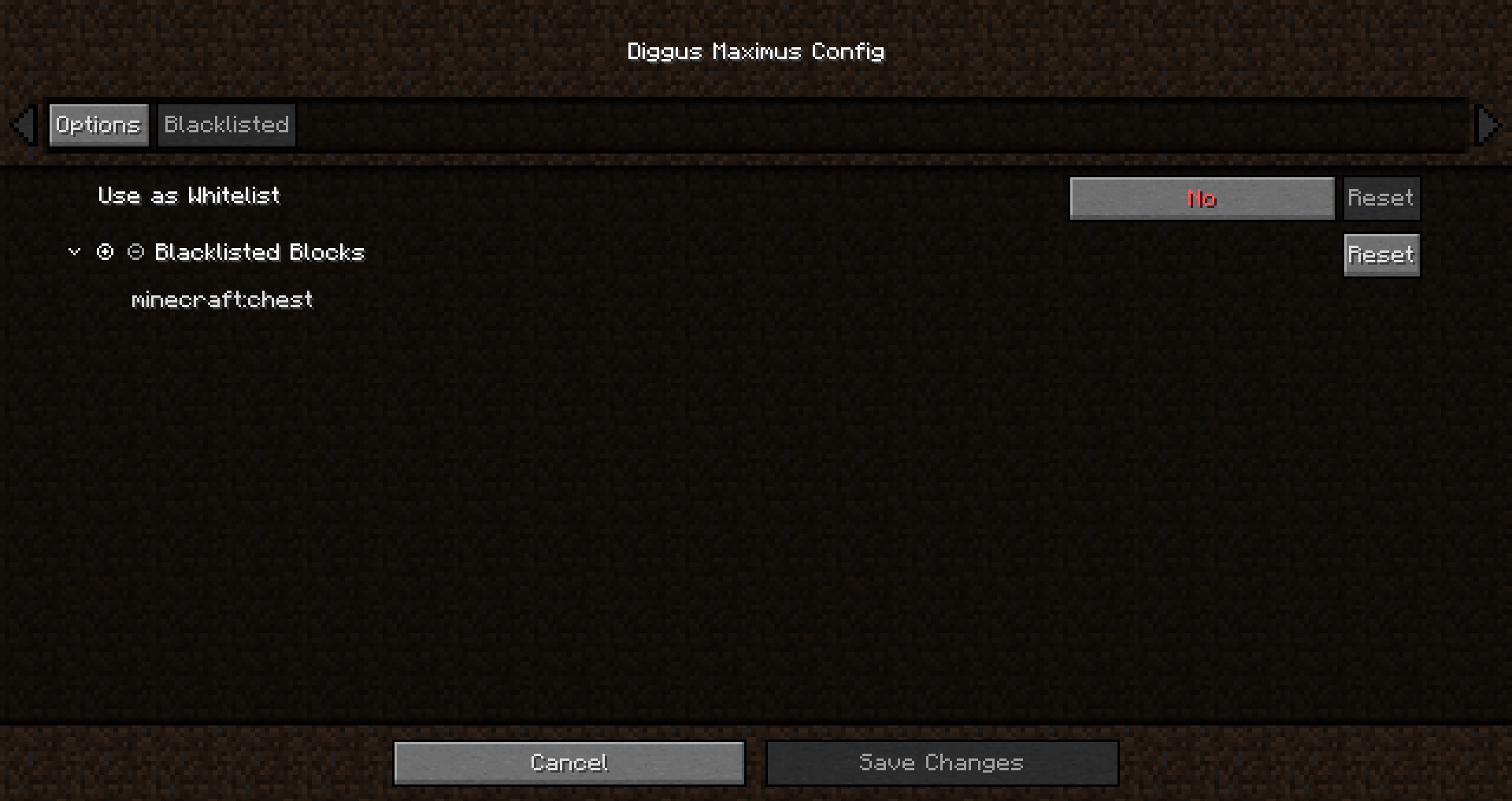
Diggus Maximus is highly configurable, featuring:
- Automatically picking up the mined blocks
- maximum number of blocks to mine
- max distance from start block to spread
- the ability to excavate with your hand
- Tool durability
- Player exhaustion
- A blacklist/whitelist
- Auto stopping before tool breaks
- Support for mining BlockTags
Diggus Maximus is required to be installed on both the client, and the server. While playing on a server, the server config will override the clients
Comment installer Diggus Maximus
With Millida Launcher
Install Millida Launcher
The launcher is free: download it at millida.net/launcher and sign in with any nickname.
Click “Install” on this page
The launcher opens and installs the mod for Minecraft 1.14.4–1.20.1 on Fabric automatically.
Launch the game
A profile with it appears in the launcher: click “Play”.
Manually
Install Fabric
The loader must match the game version of the mod file, for example Minecraft 1.20.1. After installing it, a separate profile appears in your launcher.
Download the file for your version
In the version list above, pick the file diggusmaximus-1.5.9-1.20.jar (222 KB) for your game version.
Put it in the mods folder
The folder is inside .minecraft (Windows: %appdata%\.minecraft\mods). If it does not exist, create it.
Launch the loader profile
Open “Mods” in the main menu: Diggus Maximus should be in the list.
Minecraft 1.20.1 runs on Java 17: with a different Java version the game may close right after launch.
Versions
Avec dépendances
| Minecraft | Loader | Fichier | Date | Actions |
|---|---|---|---|---|
| 1.20.1 | Fabric | diggusmaximus-1.5.9-1.20.jar222 Ko 4 | ||
| — | Fabric | diggusmaximus-1.1.0.jar371 Ko 10 | ||
| 1.14.4 | — | diggusmaximus-1.0.0.jar304 Ko |
FAQ
Which Minecraft versions does Diggus Maximus work on?
There are files for 1.20.1, 1.20, 1.14.4. The newest is 1.20.1.
Is Diggus Maximus for Forge or Fabric?
Only for Fabric: 1.20–1.20.1. There are no files for Forge or NeoForge: a mod for another loader will not start.
Does Diggus Maximus need other mods?
The author lists no required dependencies: the Fabric loader is enough.
Which Java does Diggus Maximus need?
Minecraft 1.20.1 runs on Java 17. If the game closes right after launch, the usual cause is the wrong Java version in the profile settings.
Where can I download Diggus Maximus safely?
On this page: the file diggusmaximus-1.5.9-1.20.jar (222 KB) is stored on Millida’s server, with no link shorteners. SHA-1 checksum: 7b36c55155d6320287007491818a23bd1c23b2b3.
Avis
Soyez le premier à noter Diggus Maximus


