

Dark Loading Screen Mod pour Minecraft 26.3
Rend l'écran de chargement plus sombre
 Fabric
 Quilt
QuiltÀ propos du mod Dark Loading Screen
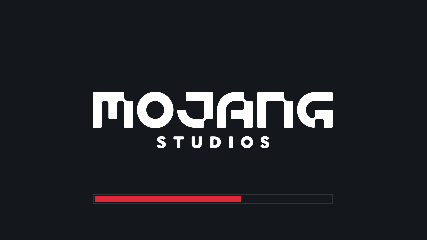
A simple Fabric mod to make the loading screen darker.
A changelog is available here.
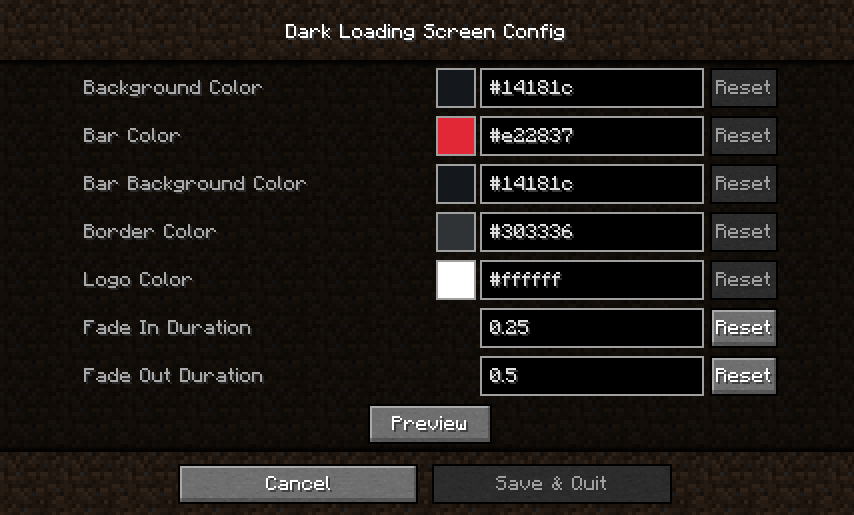
Color configuration
Colors can be modified in-game if both Mod Menu and Cloth Config are installed.
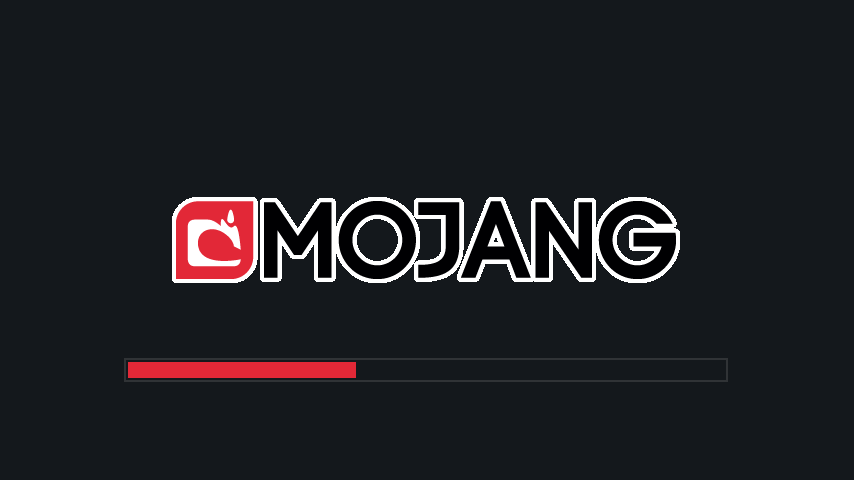
Manual configuration
Create or edit .minecraft/config/dark-loading-screen.json, the default config is
{ "background": "14181c", "bar": "e22837", "barBackground": "14181c", "border": "303336", "logo": "ffffff", "fadeIn": 1.0, "fadeOut": 2.0 }
Manual changes are only visible after restarting the game.
Credits
- Config screen made using shedaniel's Cloth Config
- Logo coloring suggested by Minenash
- Bar background coloring suggested by Chrisblox
- bg_bg translation by natee22
- de_de translation by Der_Anderl and moritz-htk
- es_xx translations by Haseck
- it_it translations by Ocizuko
- ko_kr translation by gyular
- pl_pl translation by DarkKnightComes and goodideagiver
- pt_br translation by FITFC
- ru_ru translation by Felix14-v2
- sv_se translation by Luracasmus
- tr_tr translation by Mid0aria
- uk_ua translation by BurrConnie
- zh_cn translation by GodGun968, Hambaka, w5860363, Q2297045667
Links: CurseForge · GitHub · Modrinth
Comment installer Dark Loading Screen
With Millida Launcher
Install Millida Launcher
The launcher is free: download it at millida.net/launcher and sign in with any nickname.
Click “Install” on this page
The launcher opens and installs the mod for Minecraft 1.17–26.3 on Fabric or Quilt automatically.
Launch the game
A profile with it appears in the launcher: click “Play”.
Manually
Install Fabric or Quilt
The loader must match the game version of the mod file, for example Minecraft 26.3. After installing it, a separate profile appears in your launcher.
Download the file for your version
In the version list above, pick the file dark-loading-screen-1.6.20.jar (46 KB) for your game version and loader.
Put it in the mods folder
The folder is inside .minecraft (Windows: %appdata%\.minecraft\mods). If it does not exist, create it.
Launch the loader profile
Open “Mods” in the main menu: Dark Loading Screen should be in the list.
Versions
Avec dépendances
| Minecraft | Loader | Fichier | Date | Actions |
|---|---|---|---|---|
| 26.3 | Fabric, Quilt | v1.6.2045.9 Ko 36 | ||
| 1.17.1 | — | v1.6.9 [Fabric 1.17+]38.5 Ko |
FAQ
Which Minecraft versions does Dark Loading Screen work on?
There are files for 26.3, 1.17.1, 1.17. The newest is 26.3.
Is Dark Loading Screen for Forge or Fabric?
There are files for Fabric: 26.3 and for Quilt: 26.3. There are no files for Forge or NeoForge: a mod for another loader will not start.
Does Dark Loading Screen need other mods?
The author lists no required dependencies: the Fabric or Quilt loader is enough.
Where can I download Dark Loading Screen safely?
On this page: the file dark-loading-screen-1.6.20.jar (46 KB) is stored on Millida’s server, with no link shorteners. SHA-1 checksum: 713ad165047e153fe85a8a20d59c133eec966da2.
Avis
Soyez le premier à noter Dark Loading Screen


