
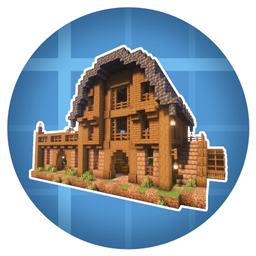
Create: Rustic Structures Mod pour Minecraft 1.20.1, 1.21.1
Ce mod ajoute des structures fonctionnelles et décoratives à l'aide des blocs de Create.
 NeoForge
 Fabric
 Quilt
Quilt Forge
ForgeAbout
This mod is an addon for Create that adds rustic and medieval-style structures using Create blocks.
Current structures
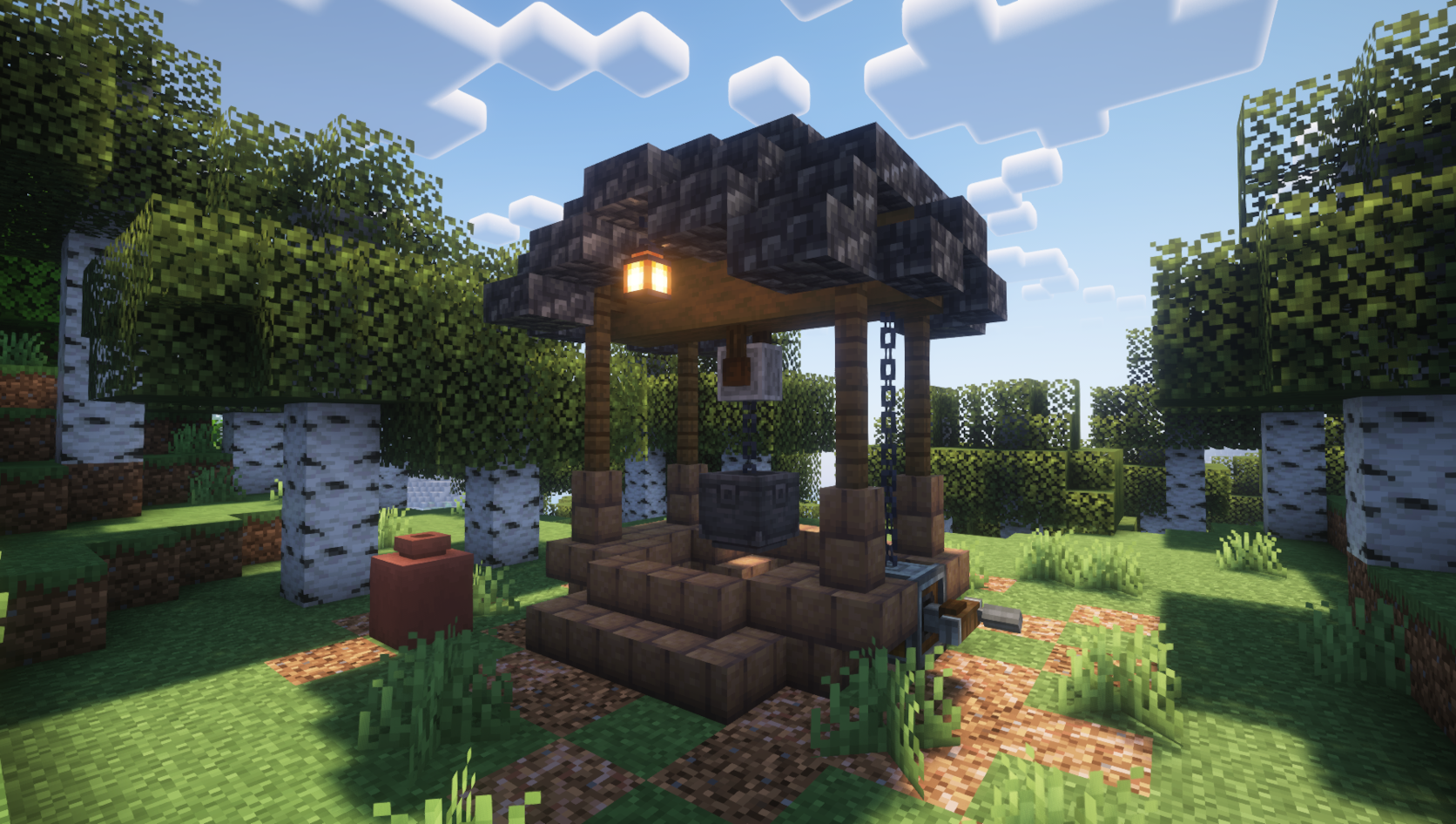
Rustic Well [common]
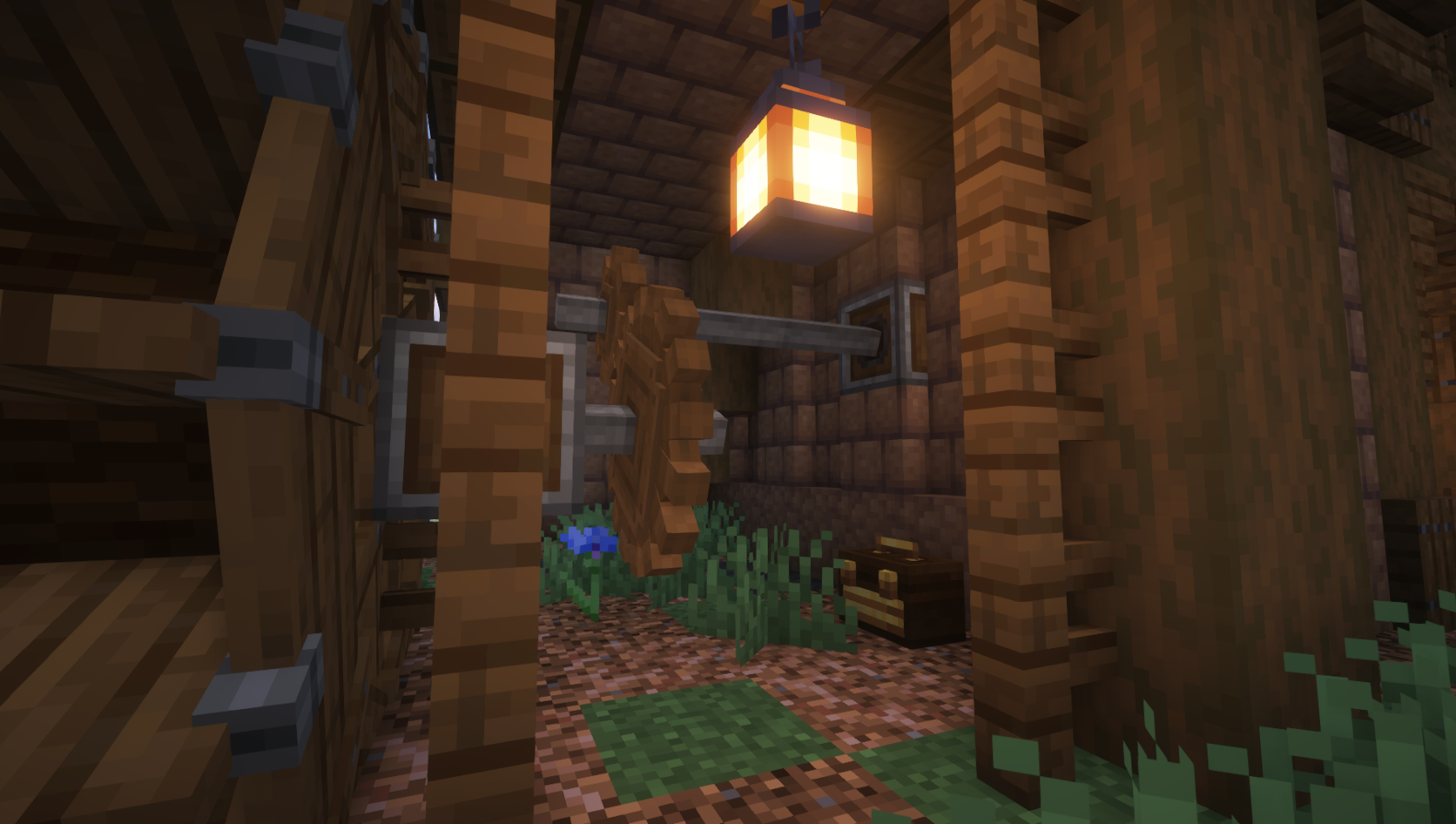
Rustic Windmill [uncommon]
Rustic Smithy [uncommon]
Rustic Barn [rare]
Rustic Well and Rustic Smithy can be found in forest-type biomes, while Rustic Windmill and Rustic Barn generate in meadow and plains-type biomes.
Screenshots
Compatibility
✅ Biomes O' Plenty ✅ Oh The Biomes We've Gone ✅ Terralith ✅ Tectonic
Other world generation mods should also be compatible but require further testing.
Disclaimer: This mod uses exclusively vanilla, data-based world gen features. I am not responsible for occasional Minecraft world generation glitches. Please report any issues to Mojang instead.
Dependencies
This mod requires Create.
Installation
Add the .jar mod file into your mods folder.
Alternatively, you can browse the CurseForge launcher for the mod (if it doesn't show up, try typing the autor's name). Once found, click "Install" to add it to your modpack.
Permissions
You are free to include this mod in any modpack, public or private.
Support my work
Download my projects on CurseForge
Download my projects on Modrinth
Donate on Paypal
Comment installer Create: Rustic Structures
With Millida Launcher
Install Millida Launcher
The launcher is free: download it at millida.net/launcher and sign in with any nickname.
Click “Install” on this page
The launcher opens and installs the mod for Minecraft 1.20–1.21.1 on Fabric, Forge, NeoForge or Quilt automatically.
Launch the game
A profile with it appears in the launcher: click “Play”.
Manually
Install Fabric, Forge, NeoForge or Quilt
The loader must match the game version of the mod file, for example Minecraft 1.21.1. After installing it, a separate profile appears in your launcher.
Download the file for your version
In the version list above, pick the file create_rustic_structures-1.0.1-neoforge-1.21.1.jar (741 KB) for your game version and loader.
Put it in the mods folder
The folder is inside .minecraft (Windows: %appdata%\.minecraft\mods). If it does not exist, create it.
Launch the loader profile
Open “Mods” in the main menu: Create: Rustic Structures should be in the list.
Minecraft 1.21.1 runs on Java 21: with a different Java version the game may close right after launch.
Versions
Avec dépendances
| Minecraft | Loader | Fichier | Date | Actions |
|---|---|---|---|---|
| 1.21 | NeoForge | create_rustic_structures-1.0.1-neoforge-1.21.1.jar741 Ko 76 | ||
| 1.21 | NeoForge | create_rustic_structures-1.0.0-neoforge-1.21.1.jar694 Ko | ||
| 1.20.1 | Fabric, Quilt | create_rustic_structures-1.0.0-fabric-1.20.1.jar692 Ko 7 | ||
| 1.20.1 | NeoForge, Forge | create_rustic_structures-1.0.0-forge-1.20.1.jar693 Ko 25 |
FAQ
Which Minecraft versions does Create: Rustic Structures work on?
There are files for 1.21.1, 1.21, 1.20.1, 1.20. The newest is 1.21.1.
Is Create: Rustic Structures for Forge or Fabric?
There are files for Fabric: 1.20–1.20.1, for Forge: 1.20–1.20.1, for NeoForge: 1.20–1.21.1 and for Quilt: 1.20–1.20.1.
Does Create: Rustic Structures need other mods?
The author lists no required dependencies: the Fabric, Forge, NeoForge or Quilt loader is enough.
Which Java does Create: Rustic Structures need?
Minecraft 1.21.1 runs on Java 21. If the game closes right after launch, the usual cause is the wrong Java version in the profile settings.
Where can I download Create: Rustic Structures safely?
On this page: the file create_rustic_structures-1.0.1-neoforge-1.21.1.jar (741 KB) is stored on Millida’s server, with no link shorteners. SHA-1 checksum: f8f8dea6a23f697c3f27196627bdf77d9147b8e4.
Avis
Soyez le premier à noter Create: Rustic Structures


