

Create: Extra Gauges Mod pour Minecraft 1.20.1, 1.21.1
Ajoute de nouveaux jauges pour gérer des logiques complexes !
 NeoForge
 Forge
ForgeCreate: Extra Gauges
Create: Extra Gauges is an addon for the Create mod that expands automation with new types of gauges and smart logic tools.
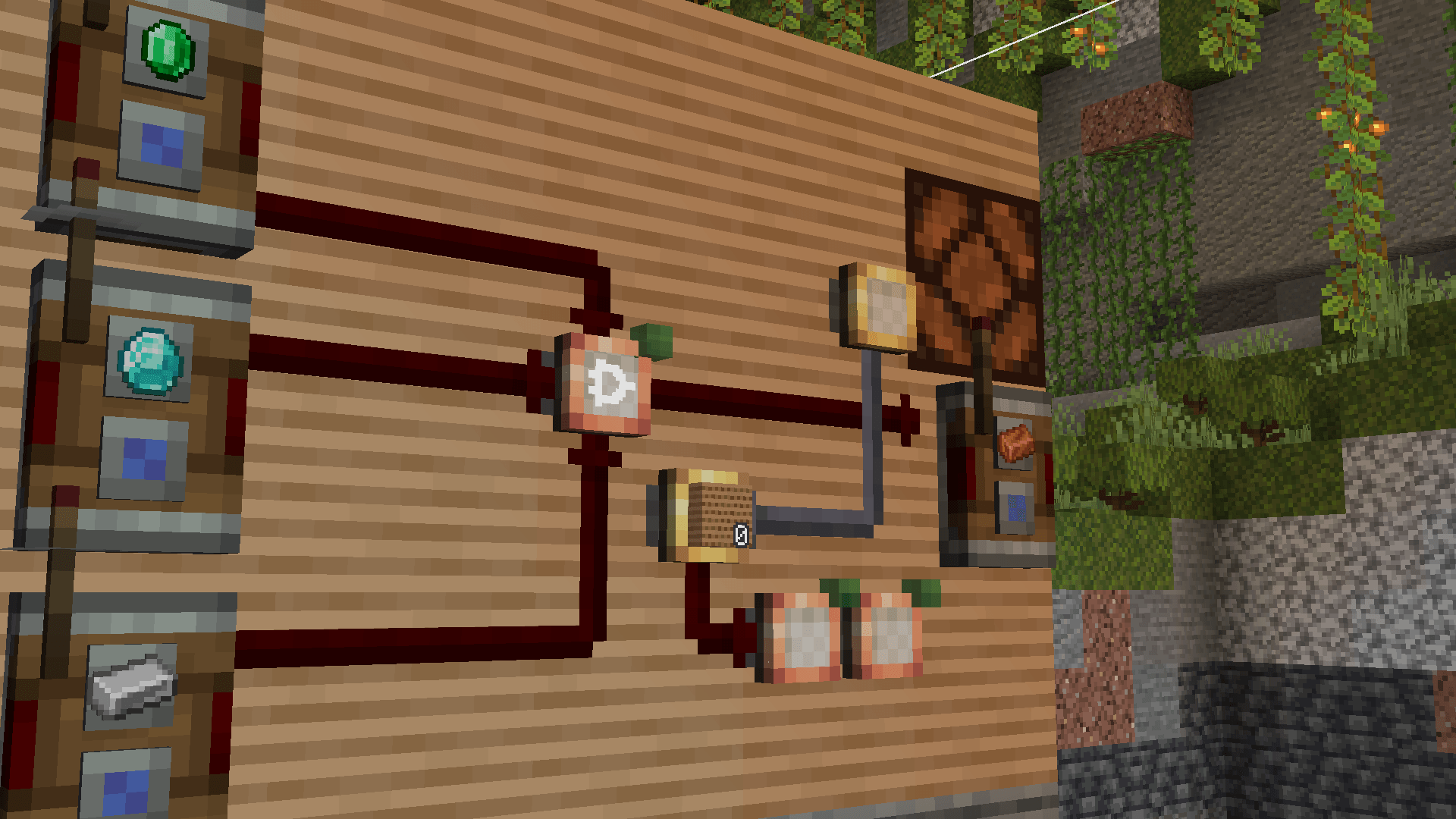
✨ Key Feature
- Factory Gauges can now craft larger autocrafter recipes (2.0)
Example: Crushing Wheels can be crafted with andesite alloy, andesite, and spruce planks. A new ponder has been added at the end of factory gauge to understand further
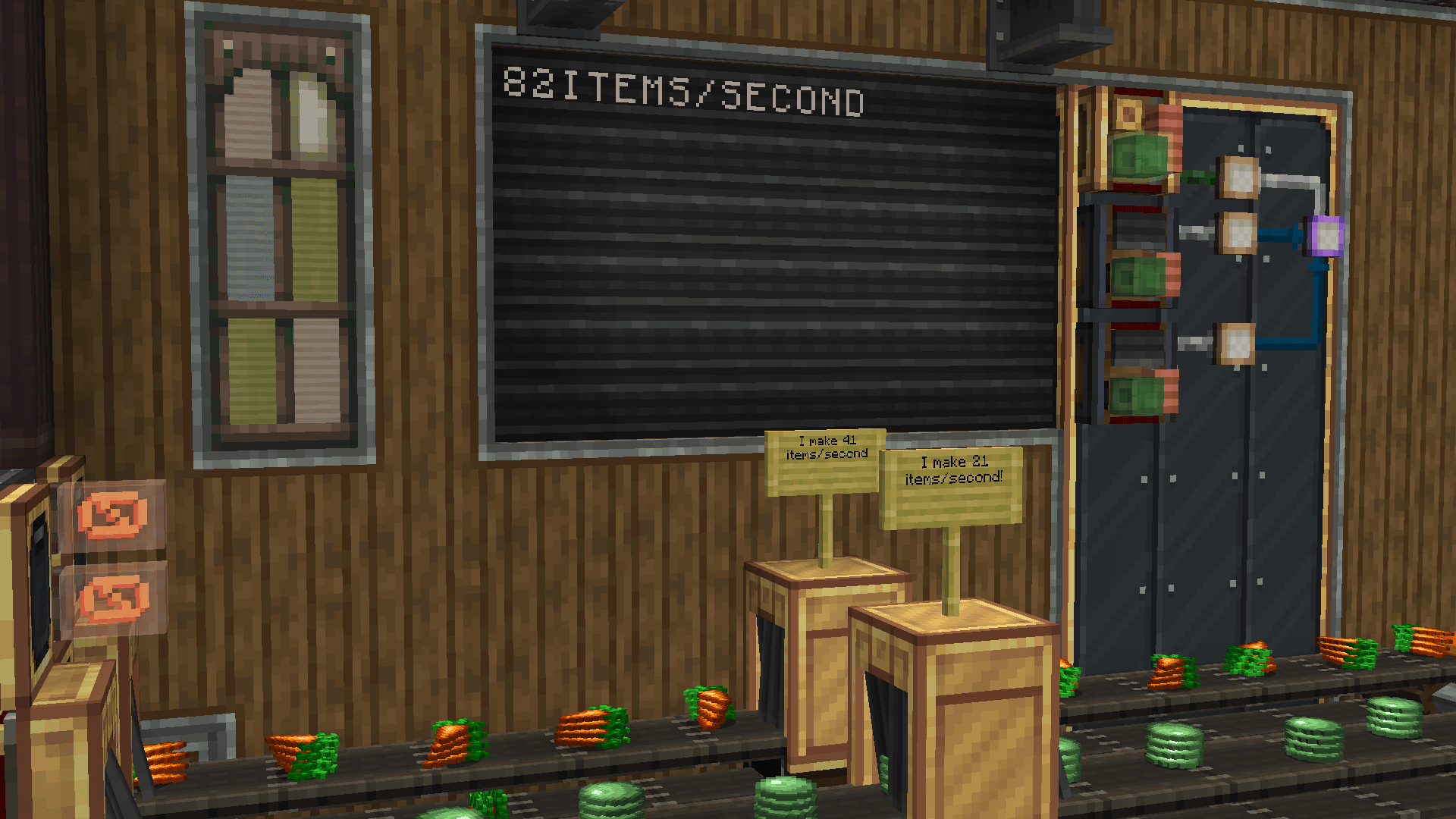
🛠 Features
- Logic Gauge – apply logical operators (AND, OR, NAND, NOR, XOR, XNOR) to redstone signals.
- Integer Gauge – perform arithmetic with numeric values (addition, subtraction, multiplication).
- Comparator Gauge – compare numeric input with a stored value using conditions (=, ≠, >, <, ≥, ≤).
- Counter Gauge – count redstone pulses and output once a threshold is reached.
- String Gauge (2.0) – transfer and modify text; integrates with Display Links.
- Passive Gauge (2.0, idea by @Spark) – reacts to inputs without constant power needs.
- Integer Selector (2.0) – provides configurable integer input for Integer Gauges.
- Panel improvements (2.0) – instant updates with configurable limits per tick.
- Levers & analog levers (2.0) – directly connect to gauges without redstone links.
- Cache system (2.0) – visual feedback (yellow lines) when updates are pending.
- Refined gauge textures (2.0) to better match the Create aesthetic.
🙌 Credits
- Original idea: Propants05
- Supporter: swzo
Bring logic, math, text, and advanced recipes into your Create contraptions — Extra Gauges = extra power for your factory!
Comment installer Create: Extra Gauges
With Millida Launcher
Install Millida Launcher
The launcher is free: download it at millida.net/launcher and sign in with any nickname.
Click “Install” on this page
The launcher opens and installs the mod for Minecraft 1.20.1–1.21.1 on Forge or NeoForge automatically.
Launch the game
A profile with it appears in the launcher: click “Play”.
Manually
Install Forge or NeoForge
The loader must match the game version of the mod file, for example Minecraft 1.21.1. After installing it, a separate profile appears in your launcher.
Download the file for your version
In the version list above, pick the file extra_gauges-2.1.3.jar (1.0 MB) for your game version and loader.
Put it in the mods folder
The folder is inside .minecraft (Windows: %appdata%\.minecraft\mods). If it does not exist, create it.
Launch the loader profile
Open “Mods” in the main menu: Create: Extra Gauges should be in the list.
Minecraft 1.21.1 runs on Java 21: with a different Java version the game may close right after launch.
Versions
Avec dépendances
| Minecraft | Loader | Fichier | Date | Actions |
|---|---|---|---|---|
| 1.21.1 | NeoForge | Create: Extra Gauges [2.1.3]1 Mo 12 | ||
| 1.20.1 | Forge | Extra Gauges 2.0.7 [1.20.1]1005 Ko 8 | ||
| 1.20.1 | Forge | Extra Gauges 2.0.5-rc2 [1.20.1]994 Ko | ||
| 1.21.1 | NeoForge | Extra Gauges 2.0.2 [1.21.1]981 Ko |
Avis
Soyez le premier à noter Create: Extra Gauges


