

Chest Tracker Mod pour Minecraft 1.20.1, 1.20.2
Souvenez-vous de l'endroit où vous avez rangé vos objets.
 Fabric
 Quilt
QuiltChest Tracker
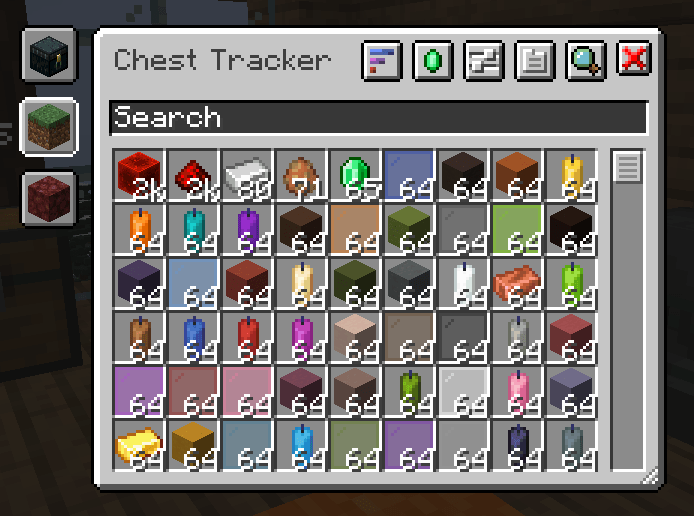
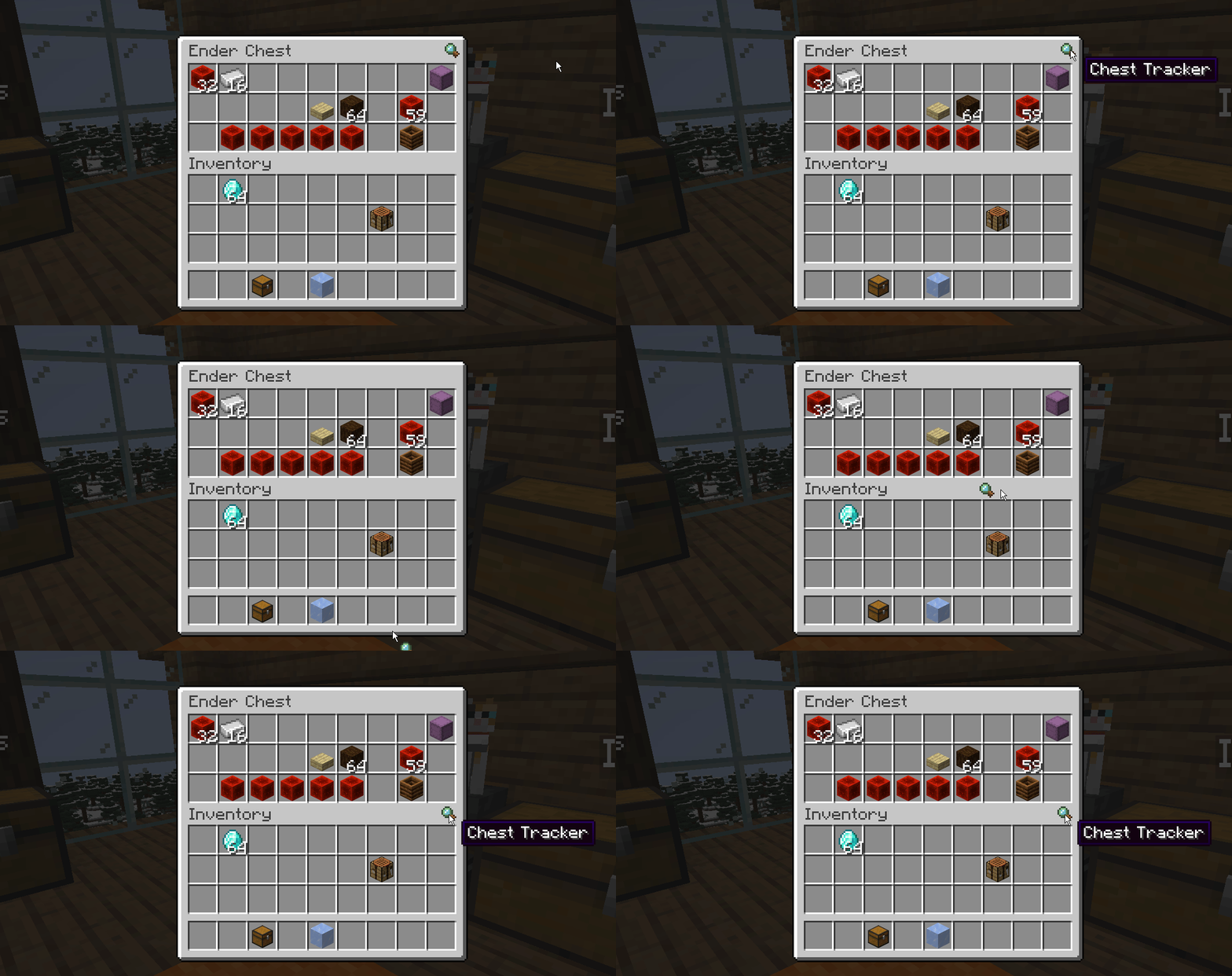
An client-sided mod to remember where you've put items. Press Y to search for items, and the GRAVE key [ ` ] to open the GUI.
Other Images
📥 Requirements (2.x) (≥ 1.20.1)
- Fabric API
- YACL
Chest Tracker embeds Where Is It, JackFredLib and Searchables.
🚧 Requirements (1.x) (< 1.20.1)
Note: 1.x won't be recieving any new updates.
- Fabric API
- Cloth Config
⭐ Features
- Saving of items on the client, allowing it to work on Realms and multiplayer servers.
- Displays custom names of containers in the world (can be disabled under the Memory Bank Settings).
- Integration with:
- REI, JEI, and EMI via Where Is It; see it's usage section
- Shulker Box Tooltip - Show Ender Chest contents on the client
- WTHIT - Show contents of container you're looking at. Contains it's own plugin settings.
- Litematica - Quick search buttons, and adding Ender Chest and nearby containers to the material list.
- Custom handling for servers:
- Hypixel Skyblock (private island + ender chest).
- Hypixel SMP (remember to make a new profile for each SMP!).
📖 Usage
Press Y to search by an Item Stack; this uses Where Is It's keybind.
Press GRAVE [ ` ] to open the main GUI. In the GUI, click an item to search for it in your current dimension. Use the search bar and it's various filters to narrow down your search.
For more details on using the mod, see the wiki.
🌍 Translations
Chest Tracker 2.0 is available on Crowdin. All languages are accepted; DM me on Crowdin to add yours if needed.
Comment installer Chest Tracker
With Millida Launcher
Install Millida Launcher
The launcher is free: download it at millida.net/launcher and sign in with any nickname.
Click “Install” on this page
The launcher opens and installs the mod for Minecraft 1.20–1.20.2 on Fabric or Quilt automatically.
Launch the game
A profile with it appears in the launcher: click “Play”.
Manually
Install Fabric or Quilt
The loader must match the game version of the mod file, for example Minecraft 1.20.2. After installing it, a separate profile appears in your launcher.
Download the file for your version
In the version list above, pick the file chesttracker-2.2.0+1.20.2.jar (935 KB) for your game version and loader.
Put it in the mods folder
The folder is inside .minecraft (Windows: %appdata%\.minecraft\mods). If it does not exist, create it.
Launch the loader profile
Open “Mods” in the main menu: Chest Tracker should be in the list.
Minecraft 1.20.2 runs on Java 17: with a different Java version the game may close right after launch.
Versions
Avec dépendances
| Minecraft | Loader | Fichier | Date | Actions |
|---|---|---|---|---|
| 1.20.1 | Fabric, Quilt | [1.20/.1] Chest Tracker 2.6.7+1.20.11.2 Mo 6 | ||
| 1.20.2 | Fabric, Quilt | [1.20.2] Chest Tracker 2.2.0+1.20.2935 Ko | ||
| 1.20.1 | Fabric | [1.20.1] chesttracker-1.20.1-1.1.23.jar552 Ko |
Avis
Soyez le premier à noter Chest Tracker


