

- téléchargements
- 12 téléchargements
- vues
- 30 vues
- Mis à jour
- Mis à jour 24.10.2026
- 1.16.4 — 26.3
 Fabric
À propos du mod Blockus
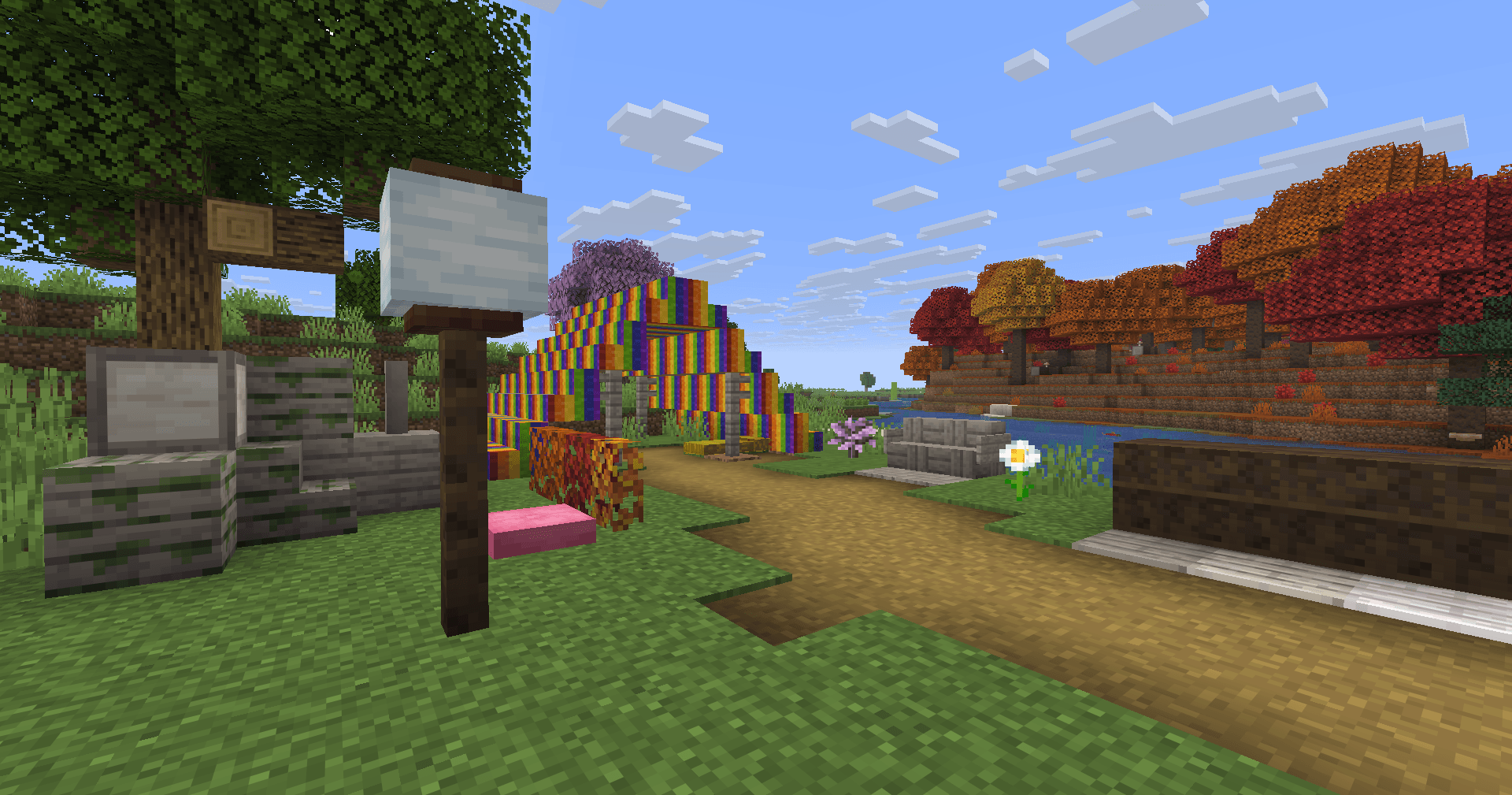
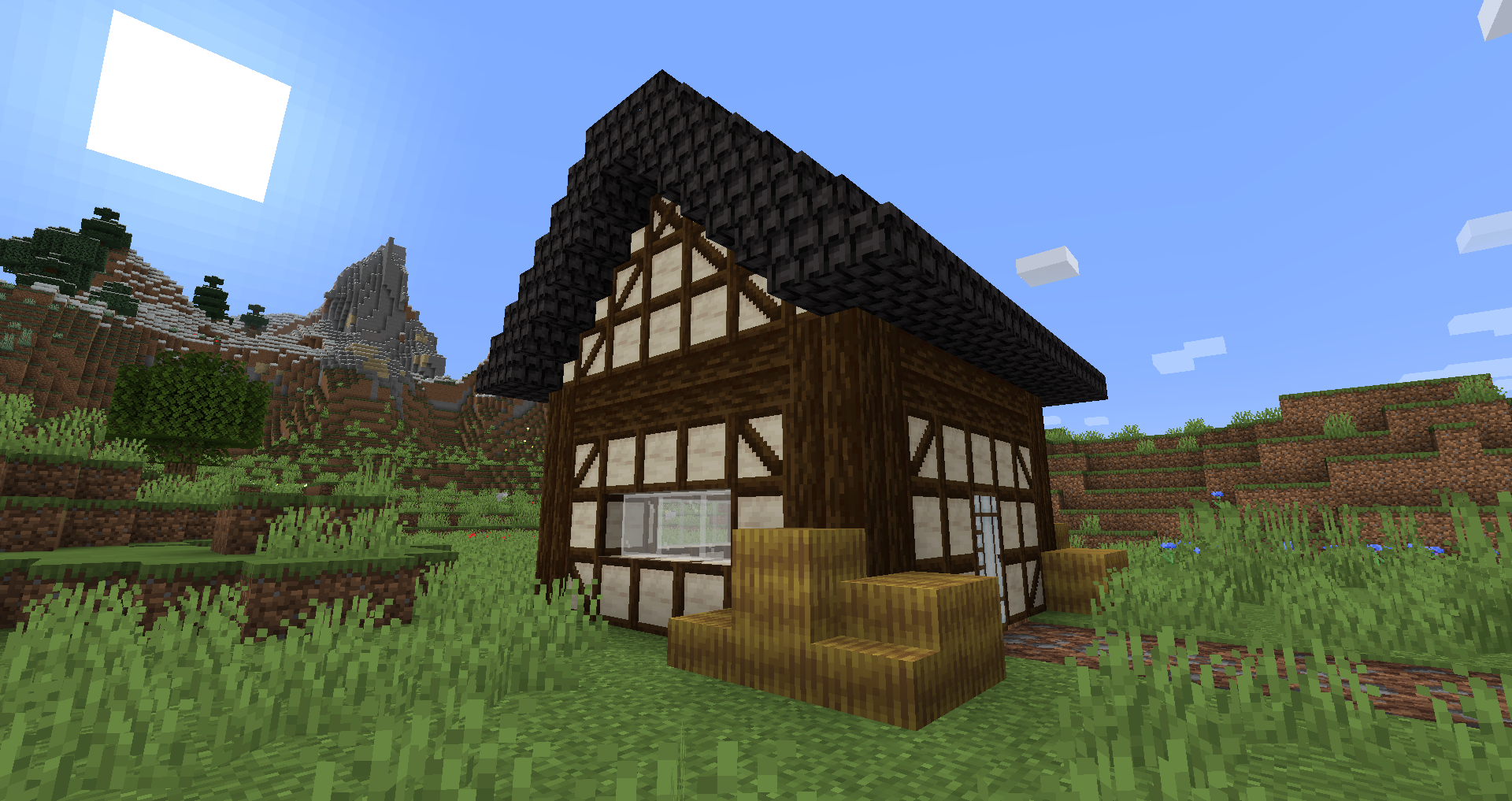
Blockus est un mod réalisé avec l'API Fabric. Il ajoute des blocs de plusieurs types.
La plupart des blocs nécessitent un tailleur de pierre pour être fabriqués. Je recommande l'utilisation d'un mod comme Roughly Enough Items (REI) pour toutes les recettes.
Le support de NeoForge n'est actuellement pas prévu. Vous pouvez utiliser Sinytra Connector pour le support de NeoForge.
Quelques blocs ajoutés :
- Marble, Limestone, Bluestone & Viridite
- White Oak, Raw Bamboo & Charred Planks
- Grands pots de fleurs
- Lava, Magma, Water, Blaze, Soaked Bricks & plus
- Soul Sandstone
- Teal & Charred Nether Bricks
- Colored Tiles
- Stained Stone Bricks
- Colored Redstone Lamps
- Beveled Glass
- Patterned Wools
- Futurneo Blocks
- Asphalt qui vous fait aller vite
- Redstone Sand
- Paper Block, Wall et Lamp
- Hedges
- Rainbow Blocks
- Food Crates
- Legacy Blocks
- Intégration de Columns (< 1.19)
Éléments générés naturellement
- Limestone est généré entre y = 0 & y = 128 mais beaucoup moins entre y = 64 & y = 128
- Marble est généré entre y = 0 & y = 64
- Bluestone est généré en dessous de y = 0
- Viridite est généré en dessous de y = -16 & plus fréquemment dans le Deep Dark.
- White Oak est généré dans Forest, Dark Forest, Flower Forest, Cherry Groves & Plains.
- Fallen White Oak est généré dans Forest, Flower Forest & Plains.
- Rainbow Roses apparaissent dans les Flower Forests & Meadows
Merci à :
- Futurenp : Textures
- SynthRose : Teal Nether Bricks et Lantern Blocks (avec l'ancienne texture)
- shedaniel/TelepathicGrunt : nouvelle génération du monde 1.16.2+
- YanisBft : correction des Wooden Barrels
Inspirations des mods :
- "Quark" par Vazkii
- "Chisel" par tterrag1098, Drullkus & Minecreatr
- "Ceramics" par KnightMiner (Rainbow Bricks)
Description française/Description française : https://www.minecraft-france.fr/mod-blockus/
Comment installer Blockus
With Millida Launcher
Install Millida Launcher
The launcher is free: download it at millida.net/launcher and sign in with any nickname.
Click “Install” on this page
The launcher opens and installs the mod for Minecraft 1.16.4–26.3 on Fabric automatically.
Launch the game
A profile with it appears in the launcher: click “Play”.
Manually
Install Fabric
The loader must match the game version of the mod file, for example Minecraft 26.3. After installing it, a separate profile appears in your launcher.
Download the file for your version
In the version list above, pick the file blockus-2.18.1+26.3.jar (7.0 MB) for your game version.
Put it in the mods folder
The folder is inside .minecraft (Windows: %appdata%\.minecraft\mods). If it does not exist, create it.
Launch the loader profile
Open “Mods” in the main menu: Blockus should be in the list.
Versions
Avec dépendances
| Minecraft | Loader | Fichier | Date | Actions |
|---|---|---|---|---|
| 26.3 | Fabric | (26.3) Blockus 2.18.1+26.37 Mo 11 | ||
| — | Fabric | (1.18-pre5) blockus-2.3.1+1.18-pre53.9 Mo 1 | ||
| 1.16.4 | — | (1.16.4) blockus - 2.0.1+1.16.42.6 Mo | ||
| — | — | (1.14-pre4) blockus - 1.1.61 Mo |
FAQ
Which Minecraft versions does Blockus work on?
There are files for 26.3, 1.16.4. The newest is 26.3.
Is Blockus for Forge or Fabric?
Only for Fabric: 26.3. There are no files for Forge or NeoForge: a mod for another loader will not start.
Does Blockus need other mods?
The author lists no required dependencies: the Fabric loader is enough.
Where can I download Blockus safely?
On this page: the file blockus-2.18.1+26.3.jar (7.0 MB) is stored on Millida’s server, with no link shorteners. SHA-1 checksum: c1224f3cf99055107d695f6690b0871cc9f6dd47.
Avis
Soyez le premier à noter Blockus


