
Back to Bed Mod pour Minecraft 1.21.1, 1.21
Rend vos aventures plus confortables et sûres en offrant un moyen simple de retourner à votre lit.
 Fabric
 NeoForge
 Forge
Forge Quilt
QuiltÀ propos du mod Back to Bed
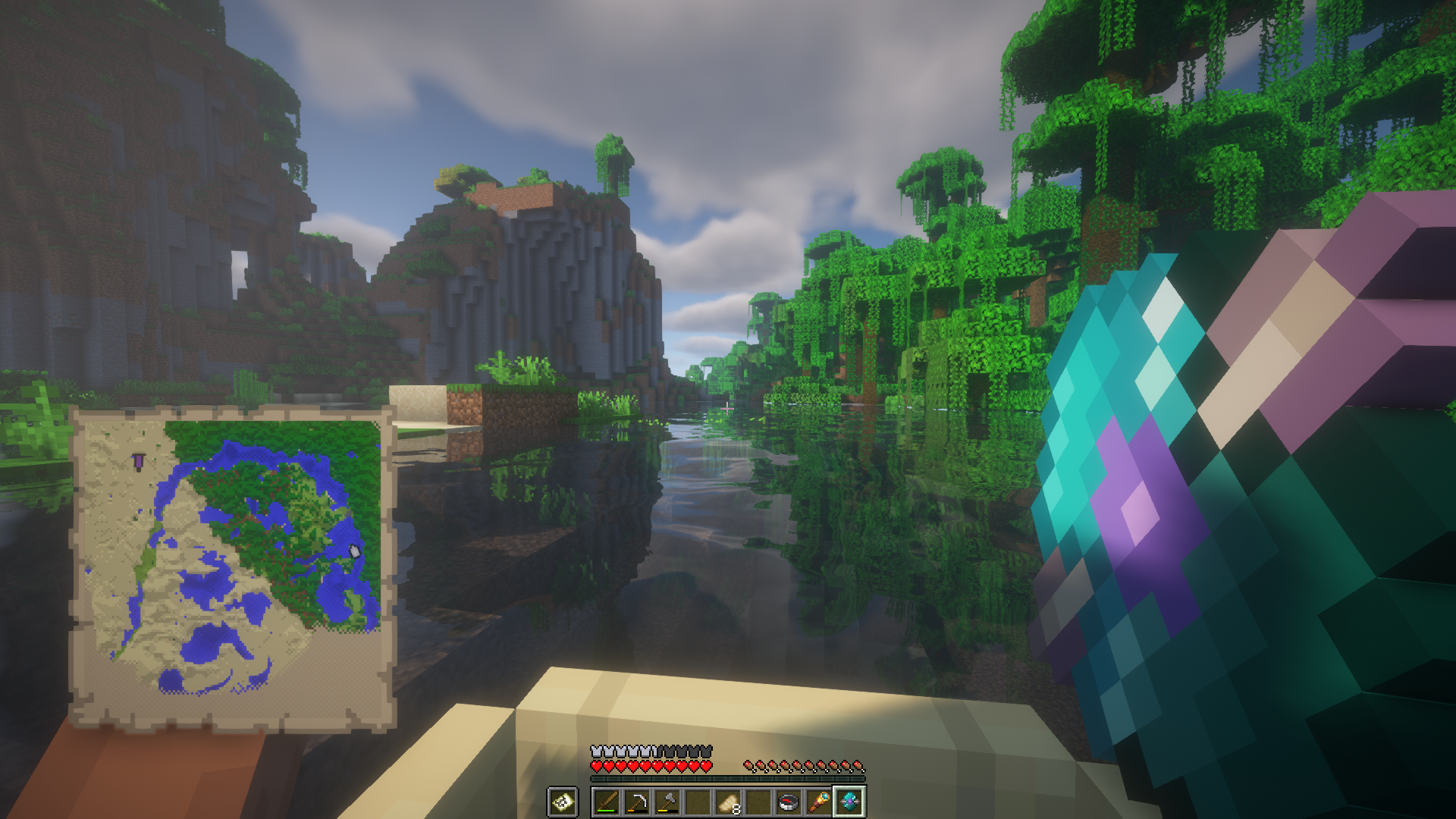
Introduces Returners - magical items that let you teleport back to your bed with ease. Whether you're lost in the Overworld, stranded in the Nether, or stuck in the End, these tools help you return home safely.
📘 Wiki
- Want more details about Returner items, configuration tips, or mod mechanics?
Visit the Back To Bed Wiki for complete documentation.
🛠️ Configuration
As of v1.2+, all Returners can be customized individually or globally.
Config file location:
- Fabric: config/backtobed.json
- Forge / NeoForge: config/backtobed-common.toml
- 📦 Requires MidnightLib v1.5.6+ on Fabric
🌍 Supported Languages
- Czech 🇨🇿
- English 🇺🇸
- French 🇫🇷
- German 🇩🇪
- Italian 🇮🇹
- Polish 🇵🇱
- Russian 🇷🇺
- Spanish 🇪🇸
- Ukrainian 🇺🇦
💬 Contributing
- Found a bug? Want to help translate or suggest a feature?
Open an issue on GitHub - contributions are welcome!
📜 License
- Released under the MIT License.
🔗 Also Available On
- You can also get Back To Bed on Modrinth.
Comment installer Back to Bed
With Millida Launcher
Install Millida Launcher
The launcher is free: download it at millida.net/launcher and sign in with any nickname.
Click “Install” on this page
The launcher opens and installs the mod for Minecraft 1.19.3–1.21.1 on Fabric, Forge, NeoForge or Quilt automatically.
Launch the game
A profile with it appears in the launcher: click “Play”.
Manually
Install Fabric, Forge, NeoForge or Quilt
The loader must match the game version of the mod file, for example Minecraft 1.21.1. After installing it, a separate profile appears in your launcher.
Download the file for your version
In the version list above, pick the file backtobed-fabric-1.21-1.2.0.jar (86 KB) for your game version and loader.
Put it in the mods folder
The folder is inside .minecraft (Windows: %appdata%\.minecraft\mods). If it does not exist, create it.
Launch the loader profile
Open “Mods” in the main menu: Back to Bed should be in the list.
Minecraft 1.21.1 runs on Java 21: with a different Java version the game may close right after launch.
Versions
Avec dépendances
| Minecraft | Loader | Fichier | Date | Actions |
|---|---|---|---|---|
| 1.21 | Fabric | [1.21 - 1.21.1] B2B (1.2.0, Fabric)85.6 Ko | ||
| 1.21 | NeoForge | [1.21 - 1.21.1] B2B (1.2.0, NeoForge)87.7 Ko | ||
| 1.21 | Forge | [1.21 - 1.21.1] B2B (1.2.0, Forge)87.7 Ko | ||
| 1.20.5 | NeoForge | [1.20.5 - 1.20.6] B2B (1.1.1, NeoForge)20.7 Ko | ||
| 1.19.3 | Fabric, Quilt | [1.19.3 - 1.19.4] B2B (1.1.0, Fabric)23.5 Ko |
FAQ
Which Minecraft versions does Back to Bed work on?
There are files for 1.21.1, 1.21, 1.20.6, 1.20.5, 1.19.4, 1.19.3. The newest is 1.21.1.
Is Back to Bed for Forge or Fabric?
There are files for Fabric: 1.19.3–1.21.1, for Forge: 1.21–1.21.1, for NeoForge: 1.20.5–1.21.1 and for Quilt: 1.19.3–1.19.4.
Does Back to Bed need other mods?
The author lists no required dependencies: the Fabric, Forge, NeoForge or Quilt loader is enough.
Which Java does Back to Bed need?
Minecraft 1.21.1 runs on Java 21. If the game closes right after launch, the usual cause is the wrong Java version in the profile settings.
Where can I download Back to Bed safely?
On this page: the file backtobed-fabric-1.21-1.2.0.jar (86 KB) is stored on Millida’s server, with no link shorteners. SHA-1 checksum: bae25b4d5647ee08ba53a2b7573d3dd05ec2a343.
Avis
Soyez le premier à noter Back to Bed


