
Almost Bedtime Mod pour Minecraft 1.19.2
Le joueur bâille peu avant l'heure du coucher.
 Fabric
 Quilt
QuiltAlmost Bedtime
Have you ever been surprised by a baddie because you didn't realize it was nighttime again already? Maybe while building your dream base... or leaving a cave after a long expedition with a huge haul of ores... possibly even just while having been indoors crafting and enchanting your gear for the next adventure...
With Almost Bedtime your player will YAWN shortly before you are allowed to sleep, giving you a subtle heads up that it will soon be night, and the baddies will be out...
No more getting surprised by the darkness!
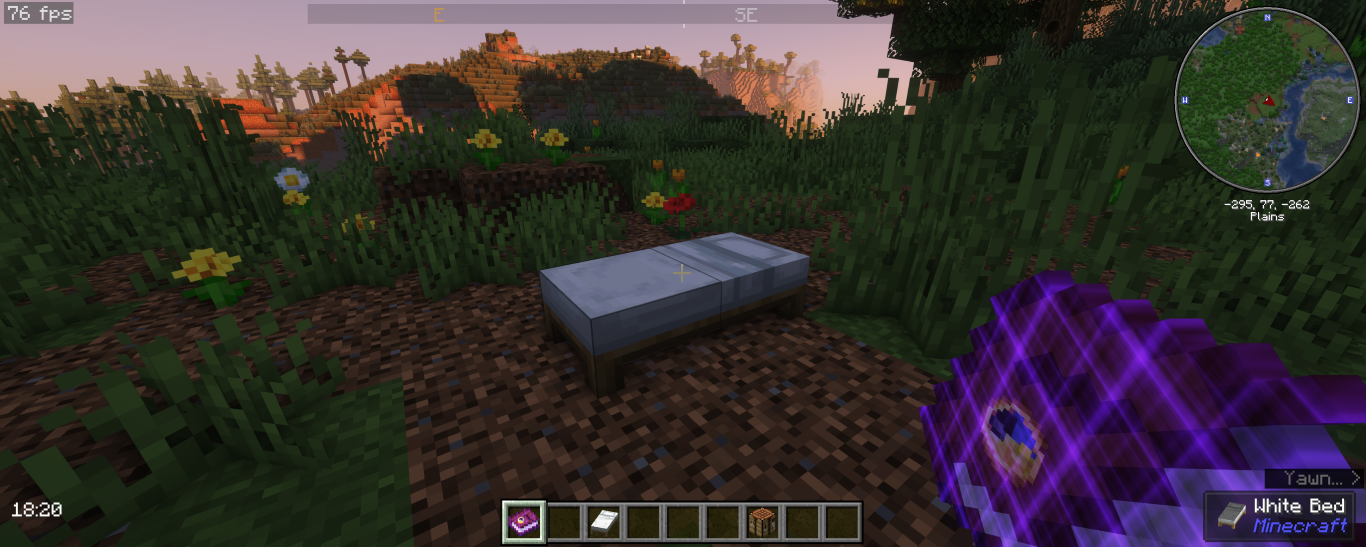
Yawning
There are currently two "yawn styles" available... Steve and Alex, choose which you prefer and change anytime. Both will have a couple yawns that will be used randomly, I'll look to add more in the future...
Upon loading into a world for the first time with Almost Bedtime installed your "yawn style" will be set to Steve and you will be given a Written Book titled Almost Bedtime... This book will allow you to change your "yawn style" in two ways... Opening the book will present you with a simple menu so you can choose your preferred "yawn style"... However, if you don't have cheats enabled you can simply click the Almost Bedtime book on your bed to toggle between the Steve and Alex styles... This book can also be crafted by combining a Book and a Clock in the Crafting Table...
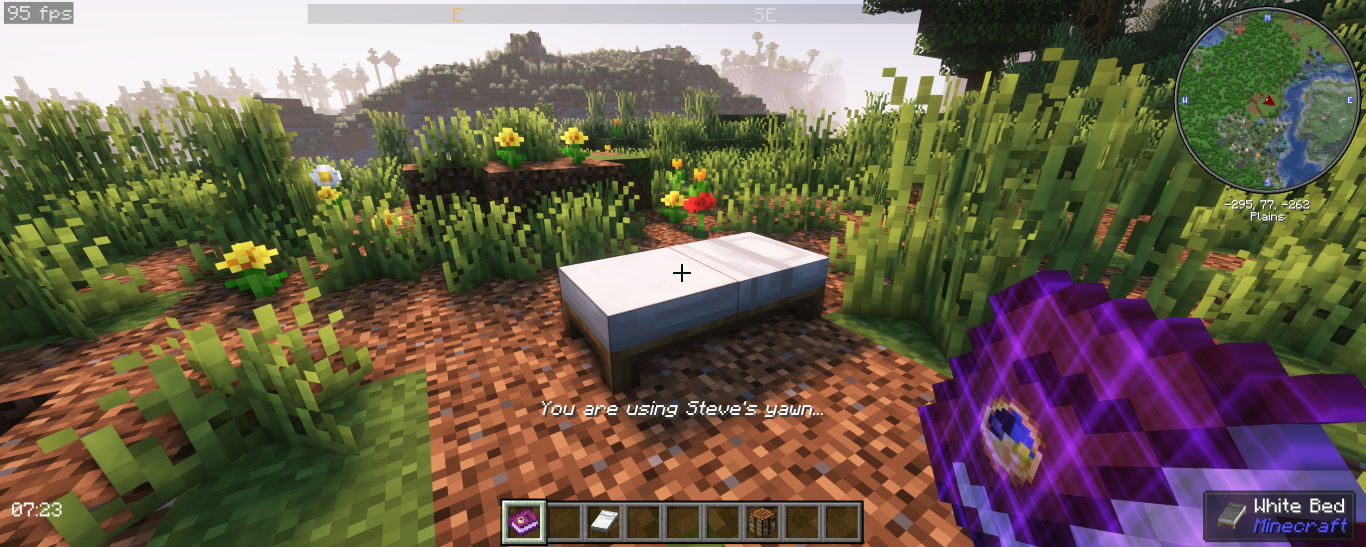
In Development
- More random yawns
- Past Bedtime
- A proper configuration setup (Mod Menu Support)
- Varied yawn times
Comment installer Almost Bedtime
With Millida Launcher
Install Millida Launcher
The launcher is free: download it at millida.net/launcher and sign in with any nickname.
Click “Install” on this page
The launcher opens and installs the mod for Minecraft 1.19.2 on Fabric or Quilt automatically.
Launch the game
A profile with it appears in the launcher: click “Play”.
Manually
Install Fabric or Quilt
The loader must match the game version of the mod file, for example Minecraft 1.19.2. After installing it, a separate profile appears in your launcher.
Download the file for your version
In the version list above, pick the file AlmostBedtime_v2.2-1.19.2.jar (401 KB) for your game version and loader.
Put it in the mods folder
The folder is inside .minecraft (Windows: %appdata%\.minecraft\mods). If it does not exist, create it.
Launch the loader profile
Open “Mods” in the main menu: Almost Bedtime should be in the list.
Minecraft 1.19.2 runs on Java 17: with a different Java version the game may close right after launch.
Versions
Avec dépendances
| Minecraft | Loader | Fichier | Date | Actions |
|---|---|---|---|---|
| 1.19.2 | Fabric, Quilt | Almost Bedtime v2.2 for 1.19.2401 Ko |
Avis
Soyez le premier à noter Almost Bedtime


