

 Fabric
À propos du modpack TRUE RTX
In this modpack you get to have the full experience. From the perfect animations and the stuning graphics, you will feel as if playing Minecraft for the first time once again. The shadows and detail are all just breath taking. And I would like to share this with all of you! Thanks for your time enjoy!
How do I turn on RTX?
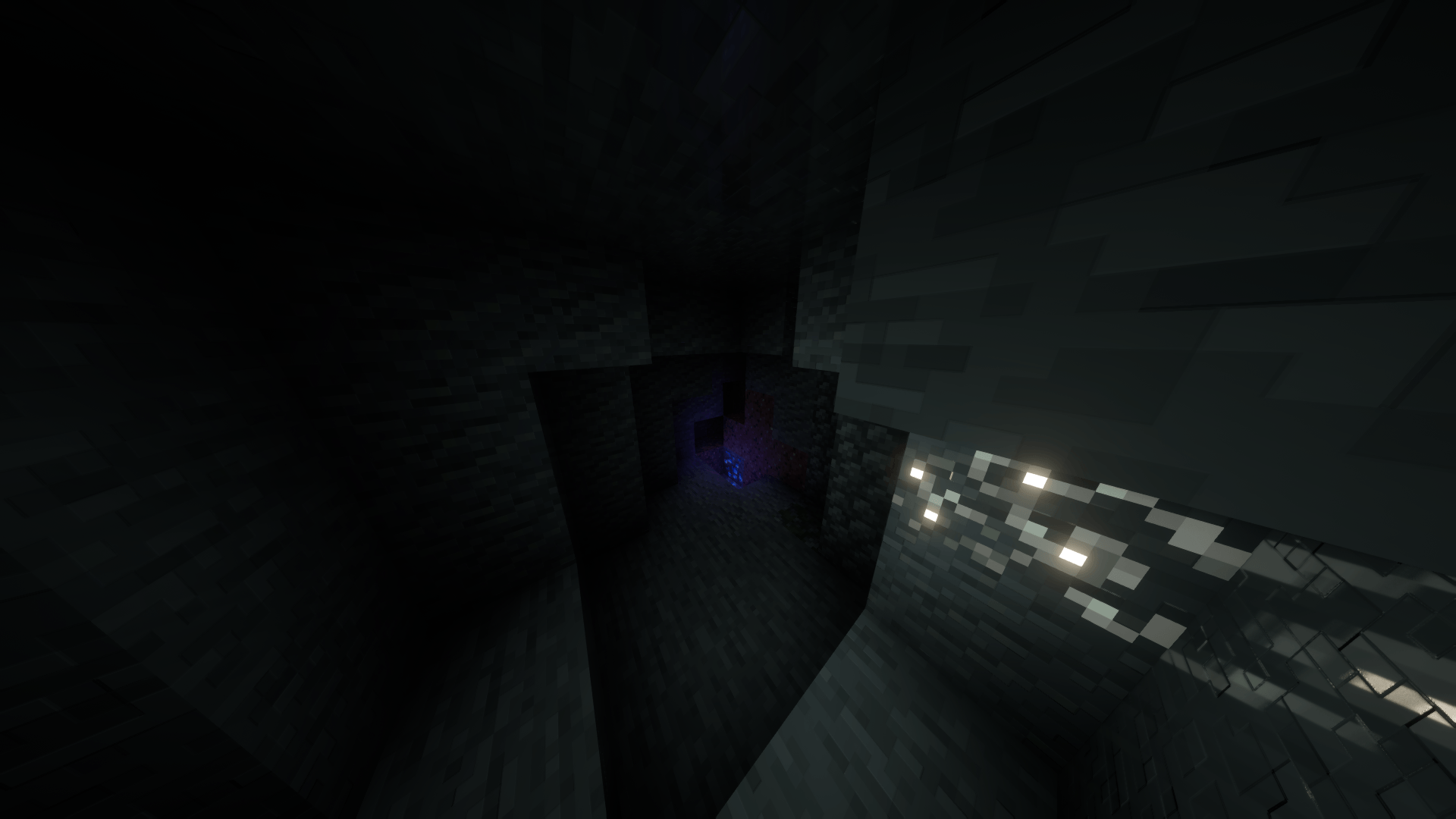
- Go to video settings
- Navigate your way to shader packs
- Click on Complementary Unblound (Euphoria Patches)
- Go to shader pack settings
- Then click on profile until it says "SpacEagle17's Settings"
That should do it!
Comment installer TRUE RTX
With Millida Launcher
Install Millida Launcher
The launcher is free: download it at millida.net/launcher and sign in with any nickname.
Click “Install” on this page
The launcher opens and installs the modpack for Minecraft 1.20.1 on Fabric automatically.
Launch the game
A profile with it appears in the launcher: click “Play”.
Manually
Download the modpack archive
In the version list above, pick the file TRUE RTX.zip (858 KB).
Import it into a launcher
A launcher that supports modpacks (Millida Launcher, Prism) takes the archive via “Add modpack”, then “From file”. No need to unpack it yourself.
Allocate memory
Modpacks need more memory than the plain game: set 4–6 GB in the profile settings.
On a server
Use the “To server” button
On Millida Hosting, the button at the top of the page uploads the file to your server and restarts it for you.
Invite friends: they install the same modpack
To join the server, every player needs the same modpack version.
Minecraft 1.20.1 runs on Java 17: with a different Java version the game may close right after launch.
Versions
Avec dépendances
| Minecraft | Loader | Fichier | Date | Actions |
|---|---|---|---|---|
| 1.20.1 | Fabric | TRUE RTX (Improved).zip858 Ko 1 |
FAQ
Which Minecraft versions does TRUE RTX work on?
Only Minecraft 1.20.1: there are no files for other versions.
Is TRUE RTX for Forge or Fabric?
Only for Fabric: 1.20.1.
Which Java does TRUE RTX need?
Minecraft 1.20.1 runs on Java 17. If the game closes right after launch, the usual cause is the wrong Java version in the profile settings.
Where can I download TRUE RTX safely?
On this page: the file TRUE RTX.zip (858 KB) is stored on Millida’s server, with no link shorteners. SHA-1 checksum: 62ac965482af35f369258467fe5ddc6d1711f5b3.
Avis
Soyez le premier à noter TRUE RTX


