

Star Technology Build pour Minecraft 1.20.1, 1.19.2
L'un des premiers packs GregTech CEu Modern ! C'est un skyblock, au fait.
- téléchargements
- 14 téléchargements
- vues
- 77 vues
- Mis à jour
- Mis à jour 26.10.2026
- 1.19.2 — 1.20.1
 Forge
Forge
À propos du modpack Star Technology
🚀 Minecraft 1.20.1 | ⚙️ GregTech CEu Modern | 🛠️ Work in Progress
Minimum RAM: 4GB | Recommended: 6GB+
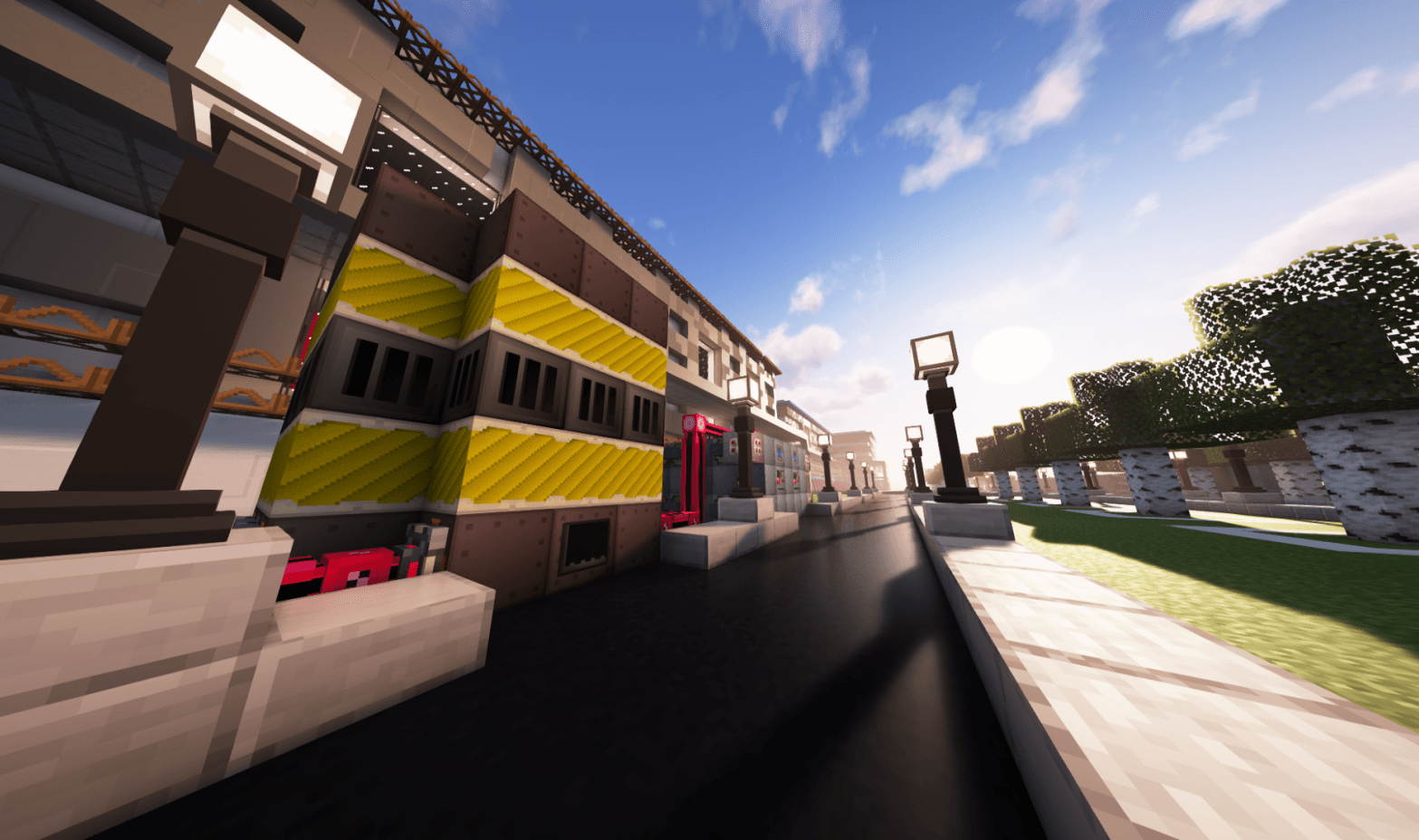
What is Star Technology?
Star Technology is one of the first GregTech CEu Modern modpacks for Minecraft 1.19.2, now fully updated to 1.20.1! While still under development, the pack is fully playable up to Draconic Stargate (UIV), with Post-UHV content actively being worked on!
This is not a beginner-friendly modpack, but we are constantly improving accessibility to make it more approachable for new players.
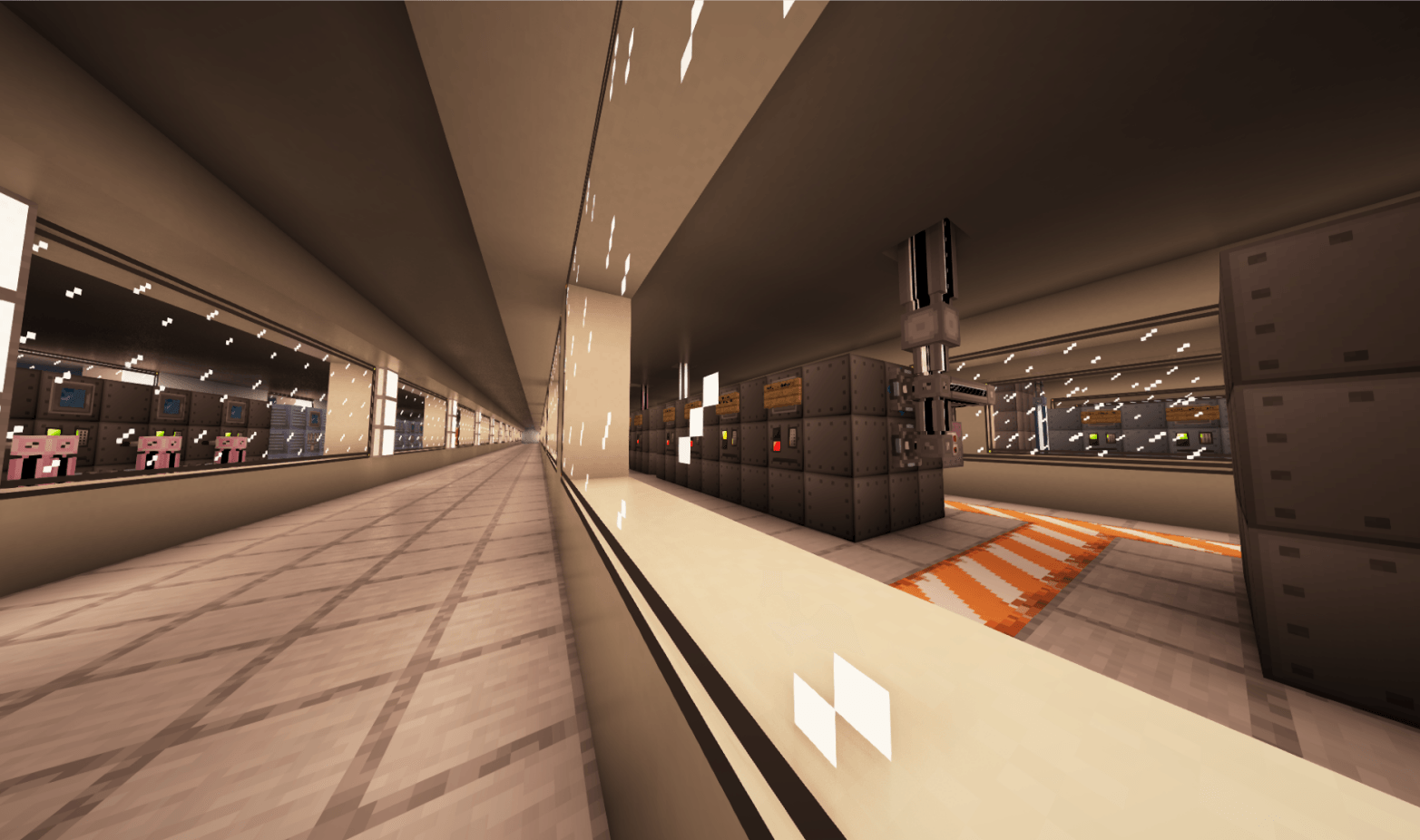
Key Features
✨ Deep & Extensive Progression - Built on GregTech CEu Modern's foundation, with custom additions to spice up the gameplay and introduce progression beyond UHV! 🌌 Unique Resource Gathering - Start with Ex Nihilo, then advance into void miners, and complex but rewarding processing lines. 🌀 Dimensional Travel - Explore the universe via stargates! 📖 Comprehensive Quest Book - Updated with every release to guide your journey. 🐱 Komaru - Your loyal feline companion, here to emotionally support you through the grind!
Inspired by legendary GregTech modpacks like Nomifactory, Gregtech: New Horizons, and Technological Journey, Star Technology brings their best ideas into a skyblock setting. Huge respect to their creators-check them out too!
Join the Community!
💬 [Discord Server] - Share your progress, get support, and chat with fellow players and devs! 🐞 [Issue Tracker] - Report bugs & help us improve the modpack!
Comment installer Star Technology
With Millida Launcher
Install Millida Launcher
The launcher is free: download it at millida.net/launcher and sign in with any nickname.
Click “Install” on this page
The launcher opens and installs the modpack for Minecraft 1.19.2–1.20.1 on Forge automatically.
Launch the game
A profile with it appears in the launcher: click “Play”.
Manually
Download the modpack archive
In the version list above, pick the file Star Technology-1.20.1-THETA-2-HOTFIX-3.zip (121 MB).
Import it into a launcher
A launcher that supports modpacks (Millida Launcher, Prism) takes the archive via “Add modpack”, then “From file”. No need to unpack it yourself.
Allocate memory
Modpacks need more memory than the plain game: set 4–6 GB in the profile settings.
On a server
Use the “To server” button
On Millida Hosting, the button at the top of the page uploads the file to your server and restarts it for you.
Invite friends: they install the same modpack
To join the server, every player needs the same modpack version.
Minecraft 1.20.1 runs on Java 17: with a different Java version the game may close right after launch.
Versions
Avec dépendances
| Minecraft | Loader | Fichier | Date | Actions |
|---|---|---|---|---|
| 1.20.1 | Forge | 1.20.1 THETA 2 HOTFIX 3121 Mo 14 | ||
| 1.19.2 | Forge | ALPHA 3 HOTFIX 225.9 Mo |
Avis
Soyez le premier à noter Star Technology


