

Project Equivalence Build pour Minecraft 1.12.2
Modpack axé sur Project e
- téléchargements
- 1 téléchargements
- vues
- 17 vues
- Mis à jour
- Mis à jour 18.10.2026
- 1.12.2
 Forge
Forge
À propos du modpack Project Equivalence
Project Equivalence is an expert modpack revolving around the ProjectE mod. It’s conception was inspired by TheLimePixel’s pack, Equivalent Skies, in which you are started with a Transmutation Tablet and Tome of Knowledge. The goal of this pack, however, is to craft the Final Star from ProjectEX (an add-on to ProjectE). This will not be an easy task, as most of the recipes and EMC values for items have been changed. the Quest line was remade via Ftb Quests and should be better for showing the progression line. This modpack contains 200+ mods, and will need at least 6 GB of allocated RAM to run well.
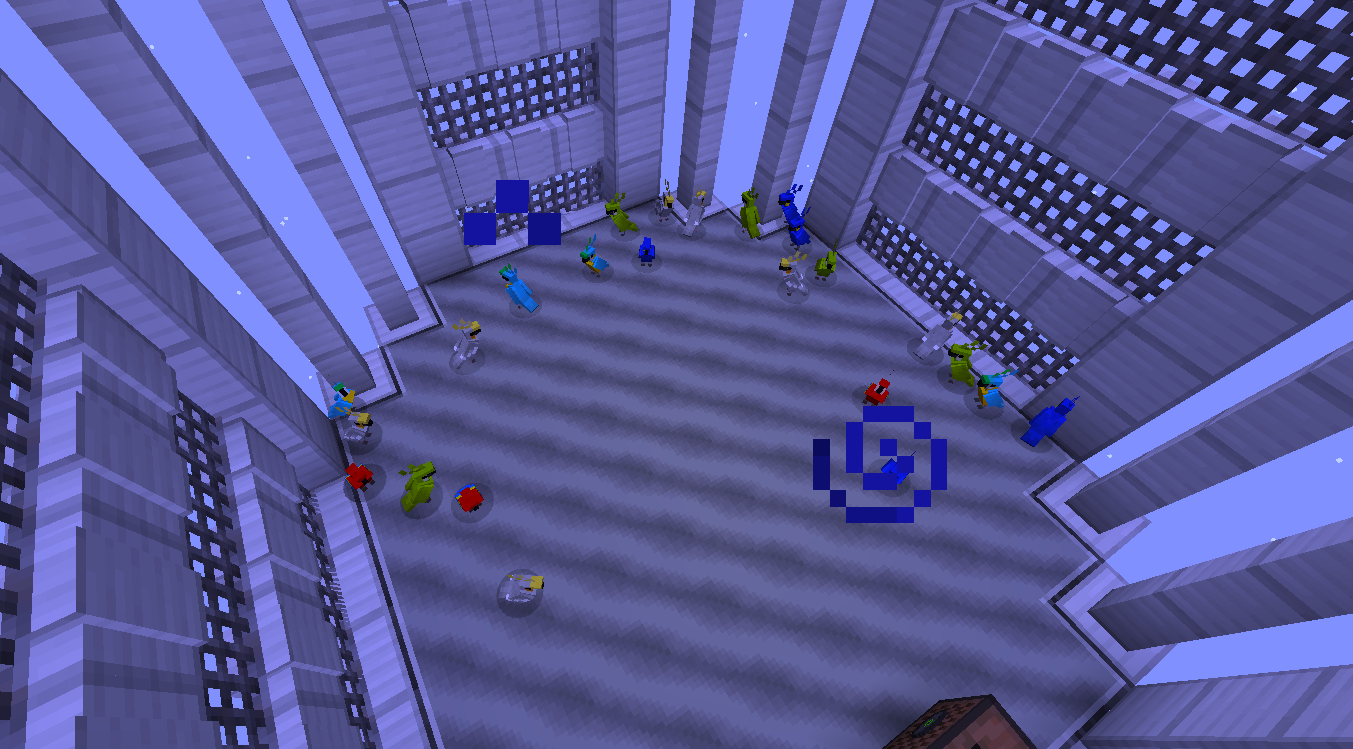
Preview of the custom worlds you can choose!
undefined
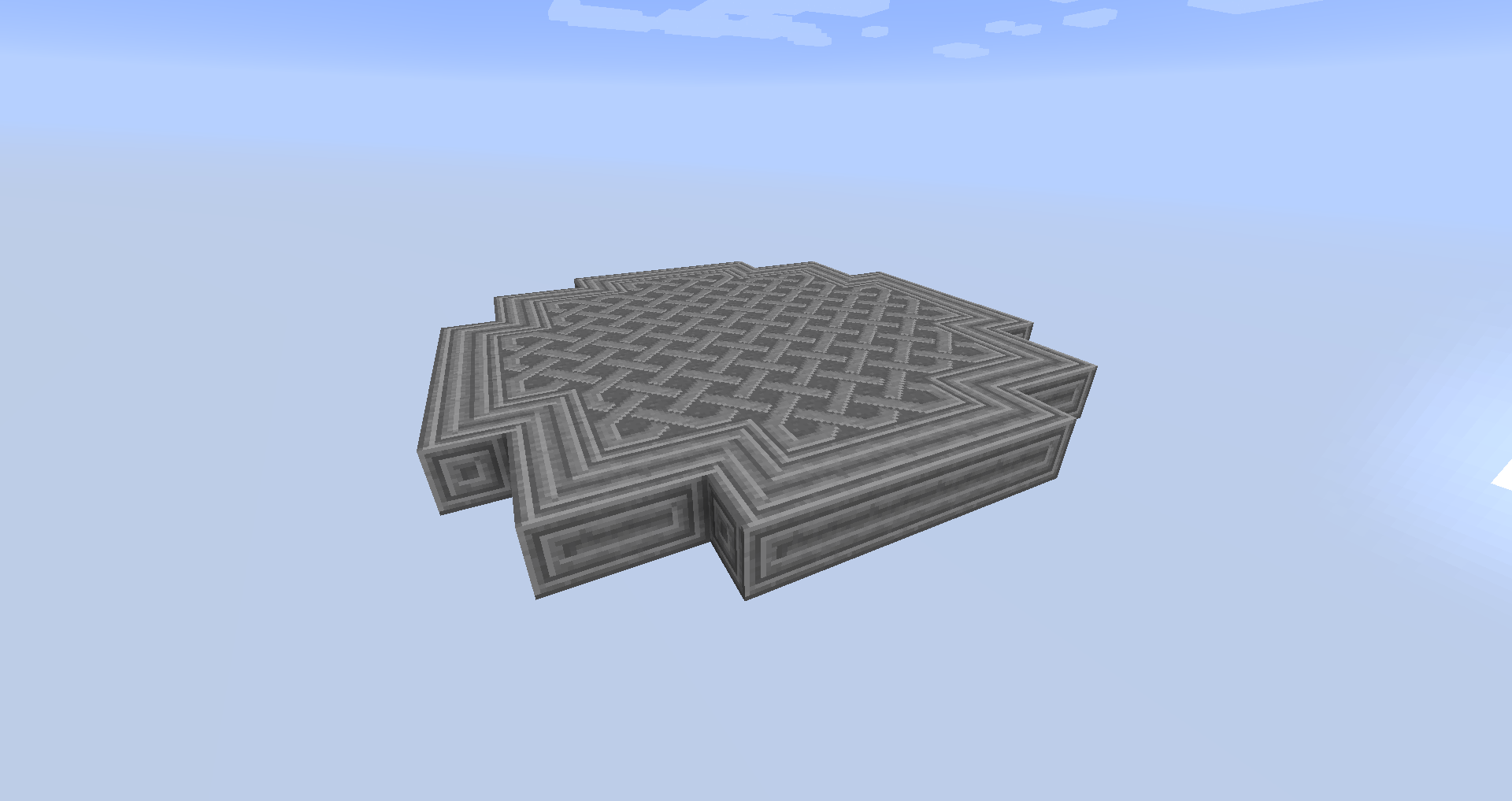
The Youtuber HunterX Playing My Modpack on the Bedrock box world!
The Youtuber Nurik Sakura Playing My Modpack on default world!
The Youuber Sirlanz Playing the modpack on the platform world!
\ !\[\\](https://www.patreon.com/NinjaTheNimble)
\!\[\\](https://discord.gg/X8awZpwzSC)
if you have completed the modpack and have proof contact me on discord and i will add a custom item into the pack!
Comment installer Project Equivalence
With Millida Launcher
Install Millida Launcher
The launcher is free: download it at millida.net/launcher and sign in with any nickname.
Click “Install” on this page
The launcher opens and installs the modpack for Minecraft 1.12.2 on Forge automatically.
Launch the game
A profile with it appears in the launcher: click “Play”.
Manually
Download the modpack archive
In the version list above, pick the file Project Equivalence -6.34.zip (43 MB).
Import it into a launcher
A launcher that supports modpacks (Millida Launcher, Prism) takes the archive via “Add modpack”, then “From file”. No need to unpack it yourself.
Allocate memory
Modpacks need more memory than the plain game: set 4–6 GB in the profile settings.
On a server
Use the “To server” button
On Millida Hosting, the button at the top of the page uploads the file to your server and restarts it for you.
Invite friends: they install the same modpack
To join the server, every player needs the same modpack version.
Minecraft 1.12.2 runs on Java 8: with a different Java version the game may close right after launch.
Versions
Avec dépendances
| Minecraft | Loader | Fichier | Date | Actions |
|---|---|---|---|---|
| 1.12.2 | Forge | Project Equivalence -6.34.zip43 Mo 1 | ||
| 1.12.2 | — | Project Equivalence 5.17.838.6 Mo | ||
| 1.12.2 | — | Project Equivlance-Beta 5.1.zip32.4 Mo | ||
| 1.12.2 | — | Project Equivalence-alpha 1.75.zip5.4 Mo |
FAQ
Which Minecraft versions does Project Equivalence work on?
Only Minecraft 1.12.2: there are no files for other versions.
Is Project Equivalence for Forge or Fabric?
Only for Forge: 1.12.2.
Which Java does Project Equivalence need?
Minecraft 1.12.2 runs on Java 8. If the game closes right after launch, the usual cause is the wrong Java version in the profile settings.
Where can I download Project Equivalence safely?
On this page: the file Project Equivalence -6.34.zip (43 MB) is stored on Millida’s server, with no link shorteners. SHA-1 checksum: 6366f48d013e58b9b3baa774a4ed57bcf34c04b0.
Avis
Soyez le premier à noter Project Equivalence


