

Modded Oneblock Skyblock Build pour Minecraft 1.16.5
Modpack Kitchen Sink avec plus de 700 mods, centré sur le gameplay "One Block". Les joueurs commencent sur un seul bloc dans le ciel, qu'ils agrandissent et font progresser en le cassant. Le pack offre un mélange d'automatisation, d'exploration et de progression à travers divers mods.
- vues
- 28 vues
- Mis à jour
- Mis à jour 18.10.2026
- 1.16 — 1.16.5
 Forge
Forge
🌟 Modded OneBlock Skyblock 🌟
A void world with infinite automation and exploration.
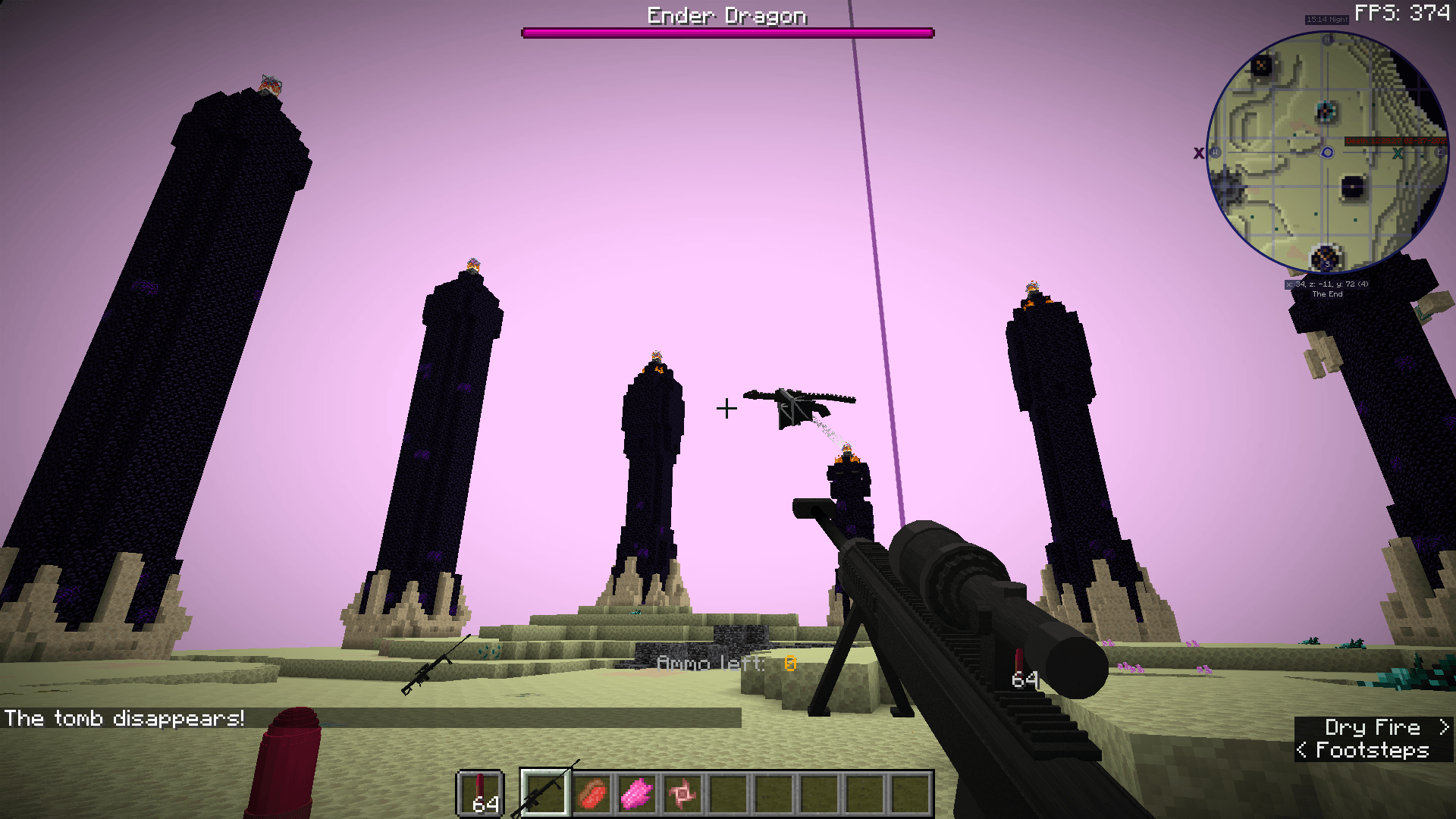
🧱 Overview
A void world with only one block to break, new dimensions to explore, and machines to automate your progress. Fight powerful bosses, uncover hidden challenges, and build your world block by block.
Grind for materials, food, weapons, and armor — then automate everything.
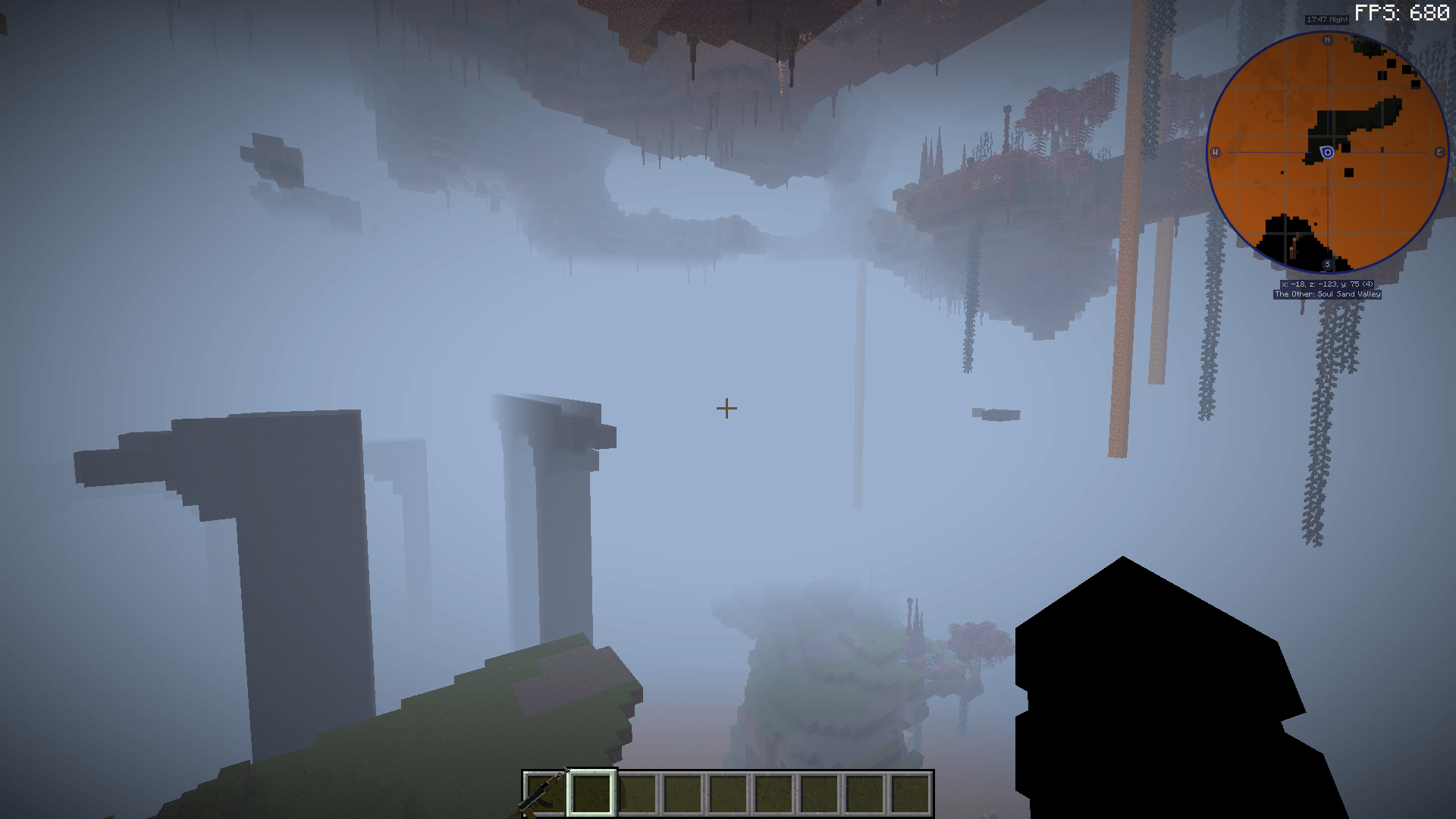
🧩 Final Update (1.16.5 Legacy)
This is the final major update for Modded OneBlock Skyblock (1.16.5). No new content will be added going forward — only critical bug fixes may be released.
⚙️ System Requirements
Component Recommended Minimum
CPU Ryzen 5 5600X / i5-12600K Ryzen 3 3600 / i5-10400F
GPU RTX 3060 Ti / RX 6700 XT (8–16 GB VRAM) GTX 1070 / RX 580 (8 GB VRAM)
RAM 12 GB allocated (system 16 GB total) 8 GB allocated (system 12 GB total)
Java Java 8 – 11 (Forge 1.16.5 compatible) JDK 16 also supported
⚠️ Do not allocate more than 12 GB of RAM — Minecraft performance may worsen above that.
🧭 Getting Started
- Create a Void World → More World Options → World Type → Void
- Open your Quest Book immediately after spawning
- Claim your starter generator and begin your island journey
- Progress through quests to unlock automation, magic, and exploration
❓ FAQ & Troubleshooting
Q: My game won't launch. A: Make sure you’ve allocated at least 8 GB of RAM in CurseForge launcher settings.
Q: I can’t mine or break blocks. A: Run this command in chat to remove the invisible boss effect: /kill @e[type=elder_guardian]
Q: Can I use Essential or LAN/Local hosting mods for multiplayer? A: ❌ No! Do not use Essential, LAN open, or any self-hosting multiplayer mods — they cause severe instability and world corruption with large modpacks.
Q: My game crashes randomly. A: Try switching to windowed mode and ensure you’re using Java 8–11 or JDK 16.
🆘 Help
🎥 Video Showcase
💎 Sponsor
Need a server for your OneBlock world? Host easily with Bisect Hosting and use code DARKLEE for a discount: 👉 https://bisecthosting.com/Darklee
Comment installer Modded Oneblock Skyblock
With Millida Launcher
Install Millida Launcher
The launcher is free: download it at millida.net/launcher and sign in with any nickname.
Click “Install” on this page
The launcher opens and installs the modpack for Minecraft 1.16–1.16.5 on Forge automatically.
Launch the game
A profile with it appears in the launcher: click “Play”.
On a server
Use the “To server” button
On Millida Hosting, the button at the top of the page uploads the file to your server and restarts it for you.
Invite friends: they install the same modpack
To join the server, every player needs the same modpack version.
Minecraft 1.16.5 runs on Java 8: with a different Java version the game may close right after launch.
Versions
Avec dépendances
| Minecraft | Loader | Fichier | Date | Actions |
|---|---|---|---|---|
| 1.16 | Forge | Modded OneBlock Skyblock Final3.8 Mo | ||
| 1.16 | — | Modded Oneblock Skyblock 4.41 Mo |
Avis
Soyez le premier à noter Modded Oneblock Skyblock


