

À propos du modpack Mercury
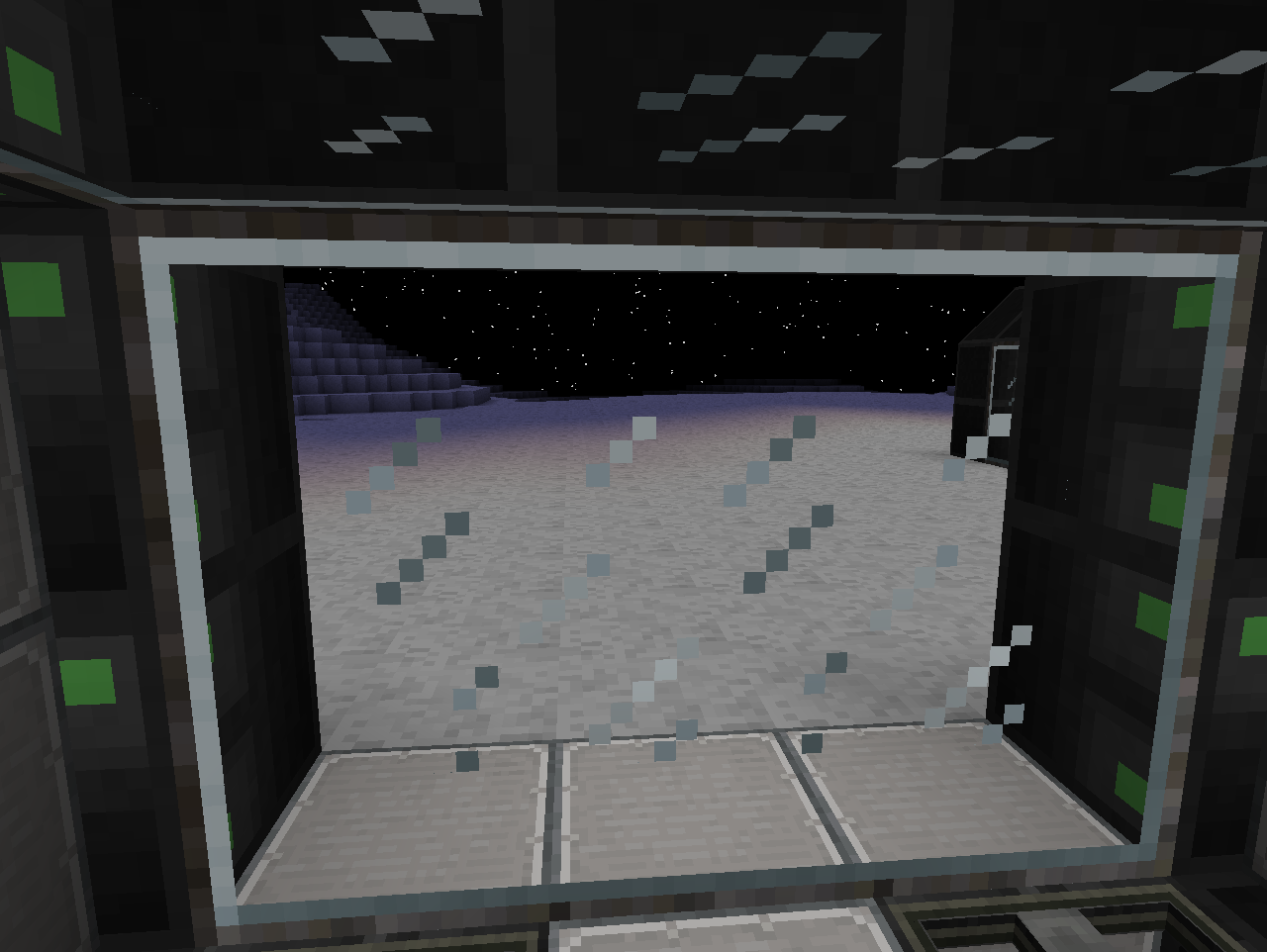
The assembly is based on such mods as GalactiCraft and Ex Nihillo In this assembly you will have to survive on a lonely planet Mercury, go through the entire quest line and go back to earth. In this assembly, the craft of the Nasa is banned, and you will receive the rocket after passing the quest line.
In this assembly you are waiting for the best technological fashion that exists at the moment, as well as global fashion for agro-industry. And this is just the beginning of development.
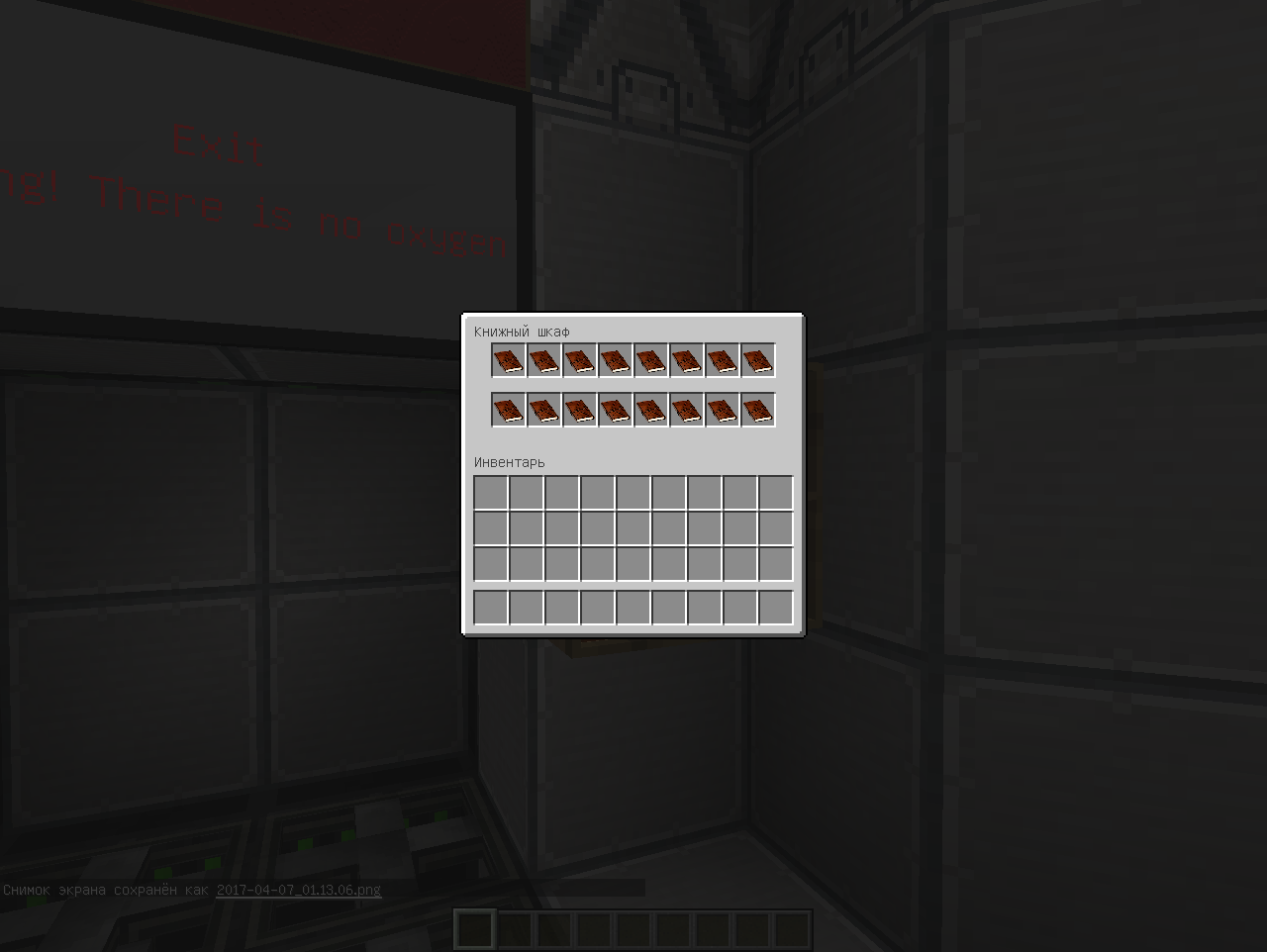
It was 2024 year. The international space agency sends the world's first manned expedition to Mercury. Descent 8 months of flight on the ship "Mercury-3" there was a failure of the navigation system and the ship began to rapidly fall to the surface of the planet. After the crash, only you survived. There is no connection with the Earth, there are almost no supplies left. From the remnants of the ship you have equipped yourself with a small environment, but this is not enough. Can you handle this test?
About all found defects please indicate in the comments, we will correct. In the meantime, I wish you a pleasant game.
Build version: Beta
Comment installer Mercury
With Millida Launcher
Install Millida Launcher
The launcher is free: download it at millida.net/launcher and sign in with any nickname.
Click “Install” on this page
The launcher opens and installs the modpack for Minecraft 1.7.10 automatically.
Launch the game
A profile with it appears in the launcher: click “Play”.
Manually
Download the modpack archive
In the version list above, pick the file Mercury -1.2.zip (43 MB).
Import it into a launcher
A launcher that supports modpacks (Millida Launcher, Prism) takes the archive via “Add modpack”, then “From file”. No need to unpack it yourself.
Allocate memory
Modpacks need more memory than the plain game: set 4–6 GB in the profile settings.
On a server
Use the “To server” button
On Millida Hosting, the button at the top of the page uploads the file to your server and restarts it for you.
Invite friends: they install the same modpack
To join the server, every player needs the same modpack version.
Minecraft 1.7.10 runs on Java 8: with a different Java version the game may close right after launch.
Versions
Avec dépendances
| Minecraft | Loader | Fichier | Date | Actions |
|---|---|---|---|---|
| 1.7.10 | — | Mercury 1.242.8 Mo |
FAQ
Which Minecraft versions does Mercury work on?
Only Minecraft 1.7.10: there are no files for other versions.
Which Java does Mercury need?
Minecraft 1.7.10 runs on Java 8. If the game closes right after launch, the usual cause is the wrong Java version in the profile settings.
Where can I download Mercury safely?
On this page: the file Mercury -1.2.zip (43 MB) is stored on Millida’s server, with no link shorteners. SHA-1 checksum: 8500841d3242a6de63abc069823392b01058c579.
Avis
Soyez le premier à noter Mercury


