

Create Stellar Build pour Minecraft 1.19.2
Automatisez tout, explorez l'espace et maîtrisez Create à travers 5 étapes de progression et plus de 600 quêtes.
- vues
- 16 vues
- Mis à jour
- Mis à jour 18.10.2026
- 1.19.2
 Forge
Forge
À propos du modpack Create Stellar
Need a server?
Create 0.5.1 is here!! Enjoy the new Clipboards, Elevators, more contraption control, and much much more!!
Your adventure starts here!
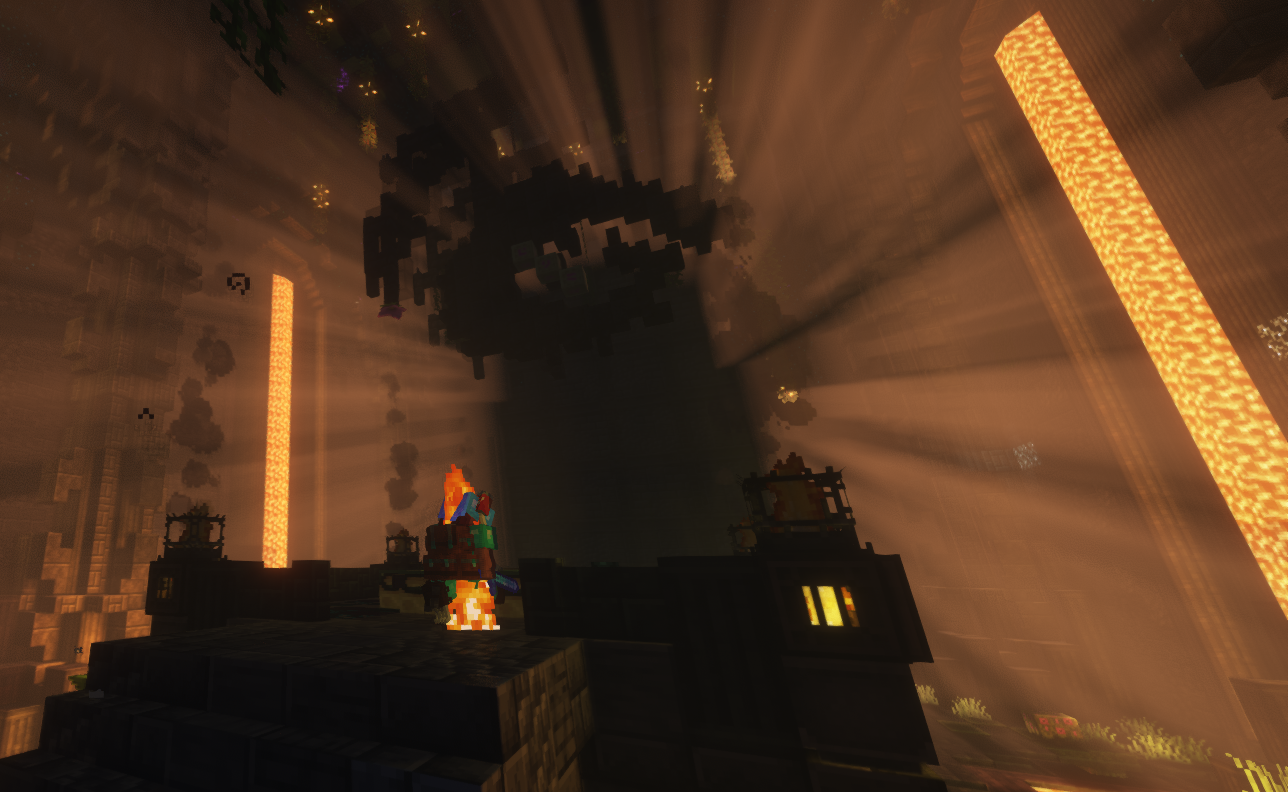
Create Stellar is a modpack all about automation, exploring space, and more.
One of the main features of this pack is it's progression system.
The game consists of 5 main stages, and some sub-stages, which will
change how you progress through the game.
These stages will help you get through all the different mods and
once you're done you will have mastered almost every mod in the pack.
Especially create!
This modpack is perfect for both experts and people who have never played
with the Create mod before!
It has a very well explained introduction to the mods at the start,
then as you progress everything becomes harder.
There is also an official server for the pack, both in game and on discord!
JOIN DISCORD HERE!
Credits for textures used:
Mandala's GUI - Dark mode - Resource Packs - Minecraft - CurseForge
Eclectic Trove (Legendary T... - Resource Packs - Minecraft - CurseForge
Create - Immersive Aircrafts - Resource Packs - Minecraft - CurseForge
ComputerCreate - Resource Packs - Minecraft - CurseForge
Created Pretty Pipes - Resource Packs - Minecraft - CurseForge
Refined Storage Jappafied - Resource Packs - Minecraft - CurseForge
Tom's Create Storage - Resource Packs - Minecraft - CurseForge
Tom's Better Create Storage - Resource Packs - Minecraft - CurseForge
Comment installer Create Stellar
With Millida Launcher
Install Millida Launcher
The launcher is free: download it at millida.net/launcher and sign in with any nickname.
Click “Install” on this page
The launcher opens and installs the modpack for Minecraft 1.19.2 on Forge automatically.
Launch the game
A profile with it appears in the launcher: click “Play”.
Manually
Download the modpack archive
In the version list above, pick the file Create Stellar-Create Stellar-v1.2.3.zip (2.3 MB).
Import it into a launcher
A launcher that supports modpacks (Millida Launcher, Prism) takes the archive via “Add modpack”, then “From file”. No need to unpack it yourself.
Allocate memory
Modpacks need more memory than the plain game: set 4–6 GB in the profile settings.
On a server
Use the “To server” button
On Millida Hosting, the button at the top of the page uploads the file to your server and restarts it for you.
Invite friends: they install the same modpack
To join the server, every player needs the same modpack version.
Minecraft 1.19.2 runs on Java 17: with a different Java version the game may close right after launch.
Versions
Avec dépendances
| Minecraft | Loader | Fichier | Date | Actions |
|---|---|---|---|---|
| 1.19.2 | Forge | Create Stellar-v1.2.32.3 Mo |
FAQ
Which Minecraft versions does Create Stellar work on?
Only Minecraft 1.19.2: there are no files for other versions.
Is Create Stellar for Forge or Fabric?
Only for Forge: 1.19.2.
Which Java does Create Stellar need?
Minecraft 1.19.2 runs on Java 17. If the game closes right after launch, the usual cause is the wrong Java version in the profile settings.
Where can I download Create Stellar safely?
On this page: the file Create Stellar-Create Stellar-v1.2.3.zip (2.3 MB) is stored on Millida’s server, with no link shorteners. SHA-1 checksum: 5114a7a81bdf52232953166012c99af665a038bc.
Avis
Soyez le premier à noter Create Stellar


