

Create: Factory Builder Build pour Minecraft 1.20.1
Achetez, transformez et vendez des ressources.
- téléchargements
- 1 téléchargements
- vues
- 19 vues
- Mis à jour
- Mis à jour 18.10.2026
- 1.20.1
 Forge
Forge
À propos du modpack Create: Factory Builder

Build your factory.
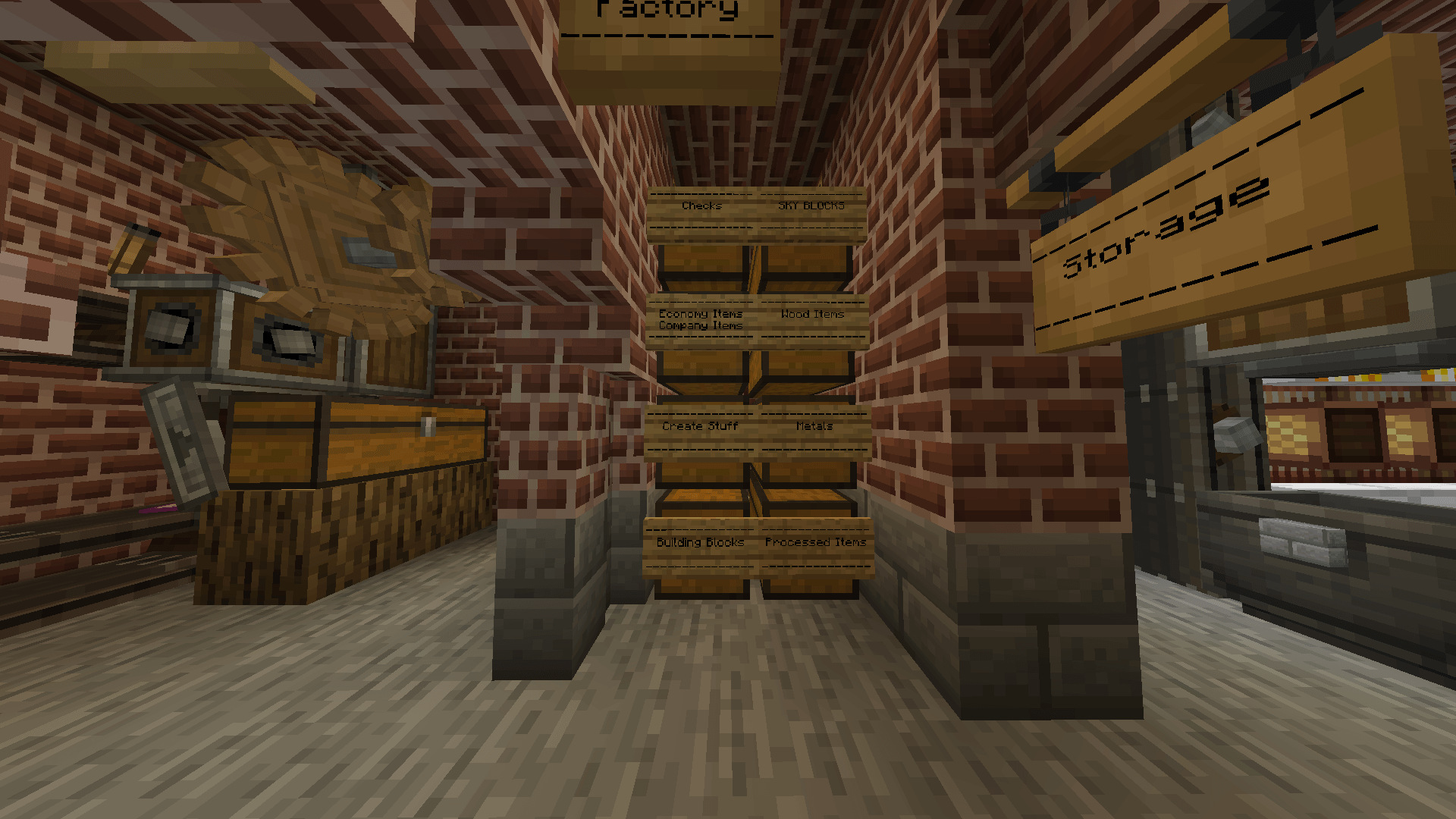
Buy resources in the shop, process them in different ways such as crushing, pressing, mixing and washing.
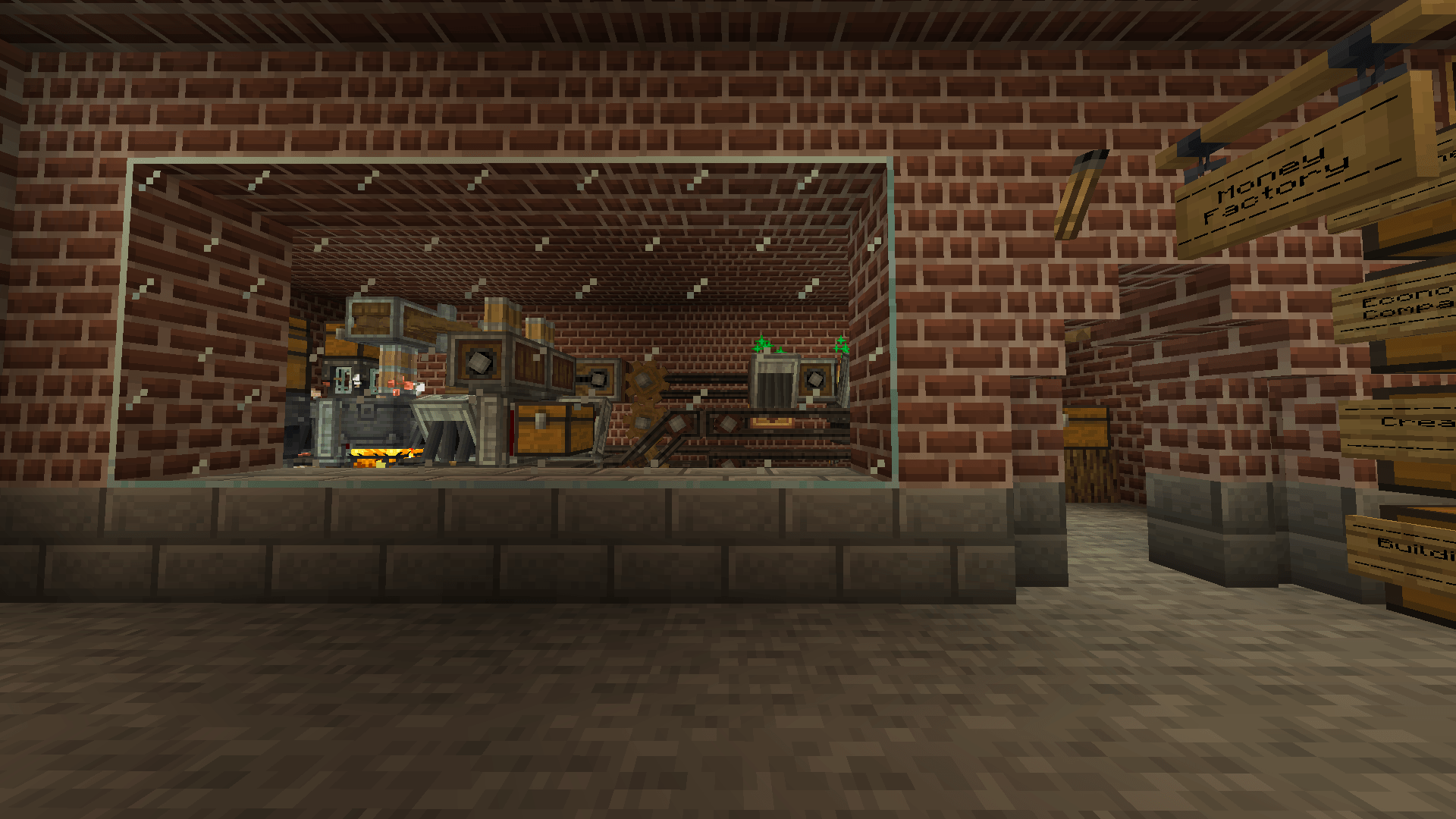
Sell your products to buy more machines, add more automation and of course expand your factory!
Complete quests to unlock more items in the shop and to get more opportunities to expand your factory.
Your goal, make as much money as possible.
Main Features:
- Create Mod
- Jack's Economy
- Patchouli
- Quests
- CFB (Official Create: Factory Builder Mod)

Check out the official discord!
https://discord.gg/pyCsGPGd6M

Are you looking for a server host with powerful hardware, 24/7 support and an easy-to-use admin panel? Then Kinetic Hosting is the right choice for you. Kinetic Hosting offers high-quality hosting services for gamers and server administrators.
To take advantage of a great deal when purchasing a server from Kinetic Hosting, you can use our discount code "CFB". Simply enter the code "CFB" during the purchase process and enjoy 15% off the first month. Click here to get your server today or click the banner below!


WARNING
If you are using the FTB App please make sure to disable Legendary Tooltips for the best experience.
Having Legendary Tooltips enabled can cause your game to freeze / crash.
Comment installer Create: Factory Builder
With Millida Launcher
Install Millida Launcher
The launcher is free: download it at millida.net/launcher and sign in with any nickname.
Click “Install” on this page
The launcher opens and installs the modpack for Minecraft 1.20.1 on Forge automatically.
Launch the game
A profile with it appears in the launcher: click “Play”.
Manually
Download the modpack archive
In the version list above, pick the file Create Factory Builder-0.5.0.zip (9.9 MB).
Import it into a launcher
A launcher that supports modpacks (Millida Launcher, Prism) takes the archive via “Add modpack”, then “From file”. No need to unpack it yourself.
Allocate memory
Modpacks need more memory than the plain game: set 4–6 GB in the profile settings.
On a server
Use the “To server” button
On Millida Hosting, the button at the top of the page uploads the file to your server and restarts it for you.
Invite friends: they install the same modpack
To join the server, every player needs the same modpack version.
Minecraft 1.20.1 runs on Java 17: with a different Java version the game may close right after launch.
Versions
Avec dépendances
| Minecraft | Loader | Fichier | Date | Actions |
|---|---|---|---|---|
| 1.20.1 | Forge | 0.5.09.9 Mo 1 |
FAQ
Which Minecraft versions does Create: Factory Builder work on?
Only Minecraft 1.20.1: there are no files for other versions.
Is Create: Factory Builder for Forge or Fabric?
Only for Forge: 1.20.1.
Which Java does Create: Factory Builder need?
Minecraft 1.20.1 runs on Java 17. If the game closes right after launch, the usual cause is the wrong Java version in the profile settings.
Where can I download Create: Factory Builder safely?
On this page: the file Create Factory Builder-0.5.0.zip (9.9 MB) is stored on Millida’s server, with no link shorteners. SHA-1 checksum: 1955c783e35f7b49da2e6e1f1902bb0477523d44.
Avis
Soyez le premier à noter Create: Factory Builder


