

Avalon Forge Build pour Minecraft 1.16.5
Royaume des aventures fantastiques intemporelles
- téléchargements
- 4 téléchargements
- vues
- 31 vues
- Mis à jour
- Mis à jour 27.10.2026
- 1.16.5
 Forge
Forge
À propos du modpack Avalon Forge
Welcome to Avalon, a modpack that transports you to a realm of timeless fantasy adventures. Nestled within the enchanting 1.16.5 Minecraft version, this modpack harks back to the golden era of fantasy mods, bringing forth a captivating journey filled with magic, epic adventures, and endless possibilities.
Venture into uncharted territories as you enter new dimensions, each more wondrous and enigmatic than the last. Traverse mystical portals, explore the dunes of Atum, and unlock the secrets of otherworldly realms. Each dimension is a unique experience, promising new challenges, and extraordinary landscapes to explore.
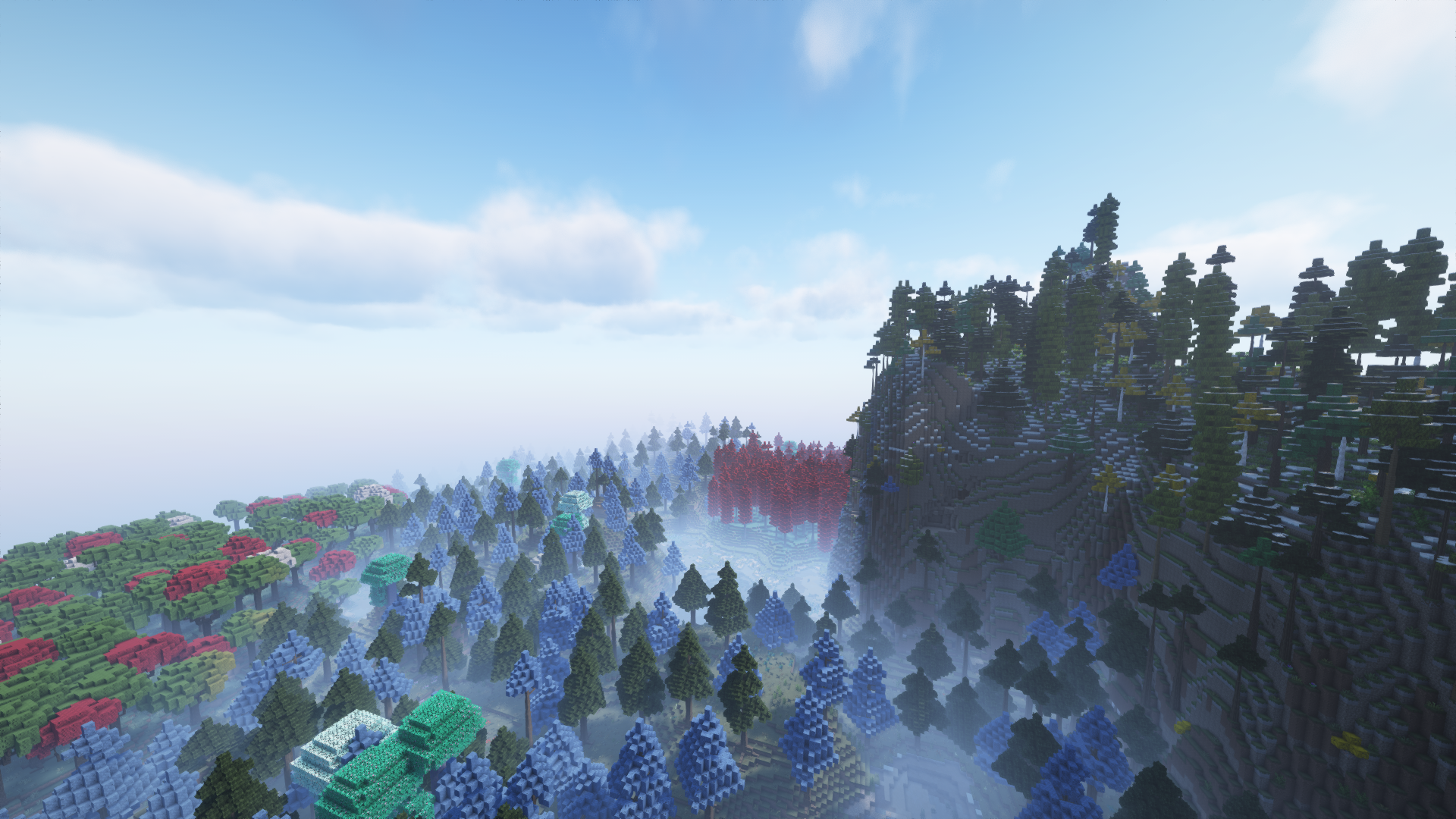
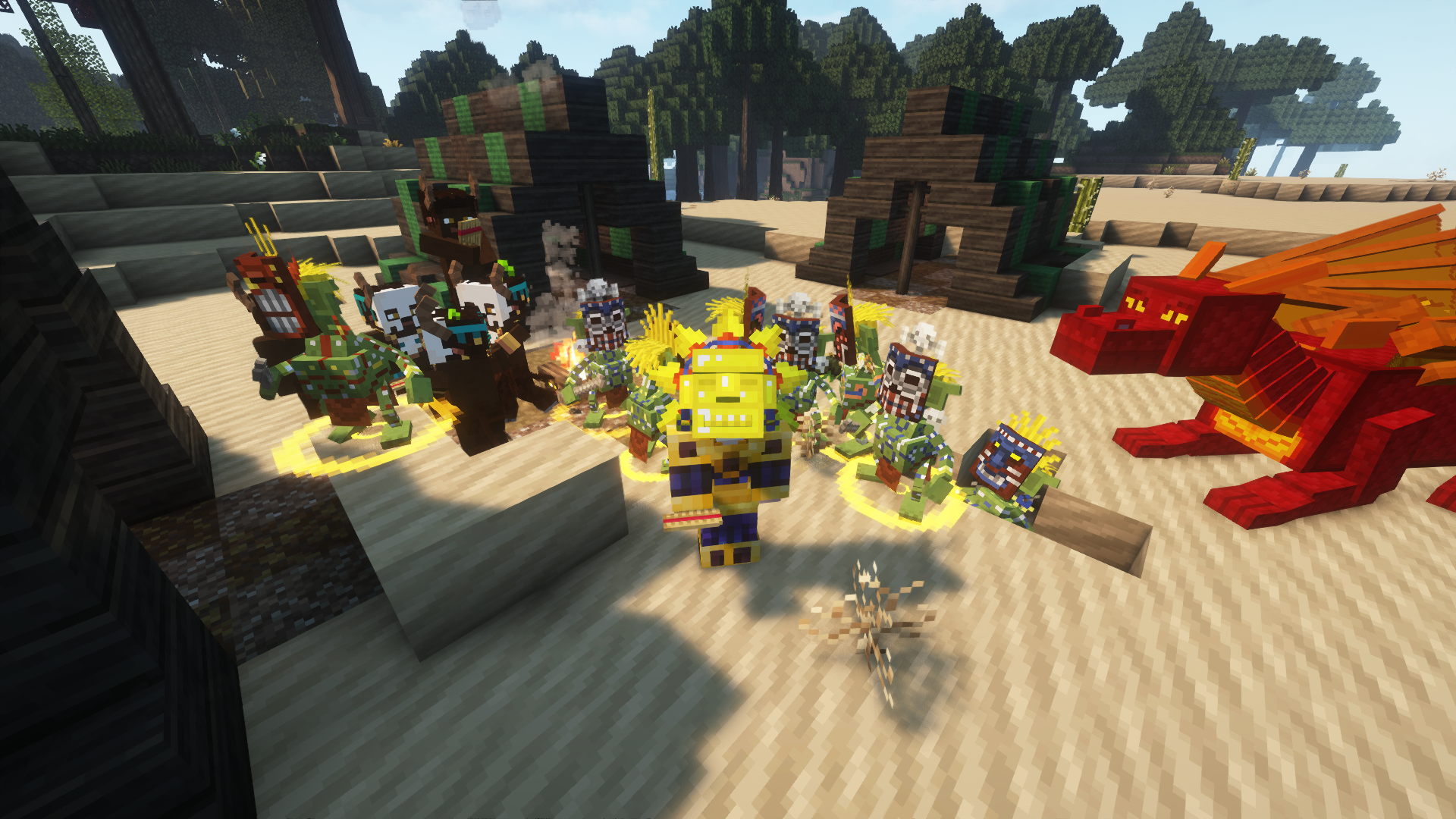
Avalon offers you the chance to interact with and tame mighty dragons, creatures of immense power and majesty. Forge a bond with these magnificent beings as you embark on perilous quests to conquer them, unlocking their incredible abilities to aid you in your adventures. Ride them through the skies, engage in epic battles, and defend your realm against the forces of darkness.
Forge powerful gear, imbued with magical properties, to ensure you are well-equipped to face any challenge. Seek out legendary materials and create armor and weaponry that grants you supernatural abilities. Enhance your items with unique enchantments, ensuring you are always ready for the next battle.
Comment installer Avalon Forge
With Millida Launcher
Install Millida Launcher
The launcher is free: download it at millida.net/launcher and sign in with any nickname.
Click “Install” on this page
The launcher opens and installs the modpack for Minecraft 1.16.5 on Forge automatically.
Launch the game
A profile with it appears in the launcher: click “Play”.
Manually
Download the modpack archive
In the version list above, pick the file Avalon Forge-2.10.6.zip (32 MB).
Import it into a launcher
A launcher that supports modpacks (Millida Launcher, Prism) takes the archive via “Add modpack”, then “From file”. No need to unpack it yourself.
Allocate memory
Modpacks need more memory than the plain game: set 4–6 GB in the profile settings.
On a server
Use the “To server” button
On Millida Hosting, the button at the top of the page uploads the file to your server and restarts it for you.
Invite friends: they install the same modpack
To join the server, every player needs the same modpack version.
Minecraft 1.16.5 runs on Java 8: with a different Java version the game may close right after launch.
Versions
Avec dépendances
| Minecraft | Loader | Fichier | Date | Actions |
|---|---|---|---|---|
| 1.16.5 | Forge | Avalon-2.10.632 Mo 4 |
FAQ
Which Minecraft versions does Avalon Forge work on?
Only Minecraft 1.16.5: there are no files for other versions.
Is Avalon Forge for Forge or Fabric?
Only for Forge: 1.16.5.
Which Java does Avalon Forge need?
Minecraft 1.16.5 runs on Java 8. If the game closes right after launch, the usual cause is the wrong Java version in the profile settings.
Where can I download Avalon Forge safely?
On this page: the file Avalon Forge-2.10.6.zip (32 MB) is stored on Millida’s server, with no link shorteners. SHA-1 checksum: 8040cf3f3f14797dd980596a7ec4dc0f43864089.
Avis
Soyez le premier à noter Avalon Forge


